 Live Chat
 Contact
 Shopping Cart
 Rashid Malla
Best Free AI Tools for Developers have quickly shifted from being a luxury to a requirement. AI-driven free developer tools can cut your time in half when developing back-end APIs, troubleshooting React components, documenting codebases, and more. In this guide, we’ve pulled together our favourite free AI tools that every developer from Kashmir to California should have in their toolkit by 2026.
If you’re a developer looking to accelerate your development process while saving costs, you’re in luck! This list contains all types of AI-based tools from intelligent code completion to AI research assistants, so you can find the appropriate tool for the task at hand.
1. Why Developers Need Free AI Tools in 2026
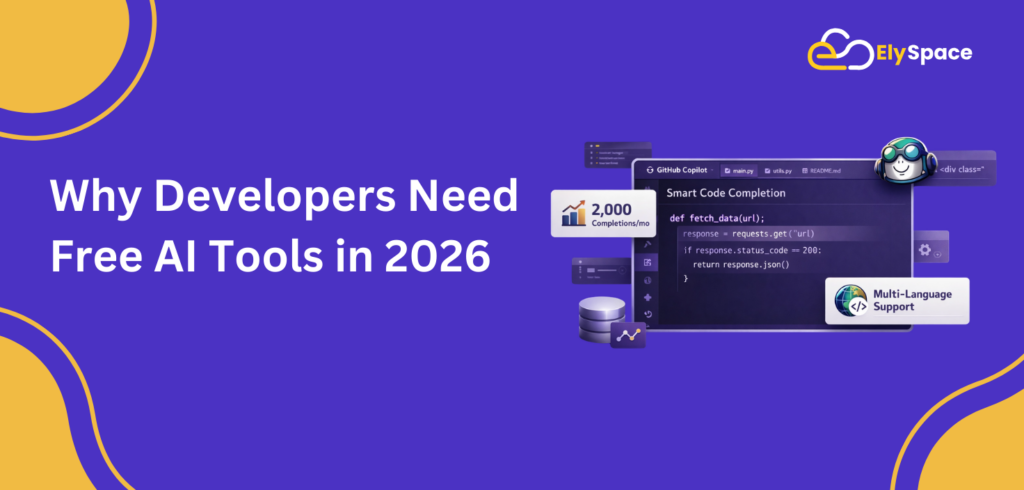
The software development environment in 2026 is increasingly fast-paced and highly competitive. Entrepreneurs who operate independently and develop software for businesses throughout the world face the same challenge of producing exactly what their employers want with as little time as possible. This is where developer tools that are free, powered by Artificial Intelligence, will be an absolute game-changer.
Free, modern-day developer tools that use artificial intelligence can now perform repetitive tasks such as generating boilerplate code, creating documentation, and identifying bugs that previously consumed hours of our time on a weekly basis. When you can take these processes off your plate, you are able to focus on the areas of software development that require your true skillset: architecture, logic, and user experience.
According to a GitHub Developer Survey 2024, over 92% of developers are already using AI tools in their workflow. If you are not, you are already behind.
2. Best Free AI Tools for Developers: Top Picks at a Glance
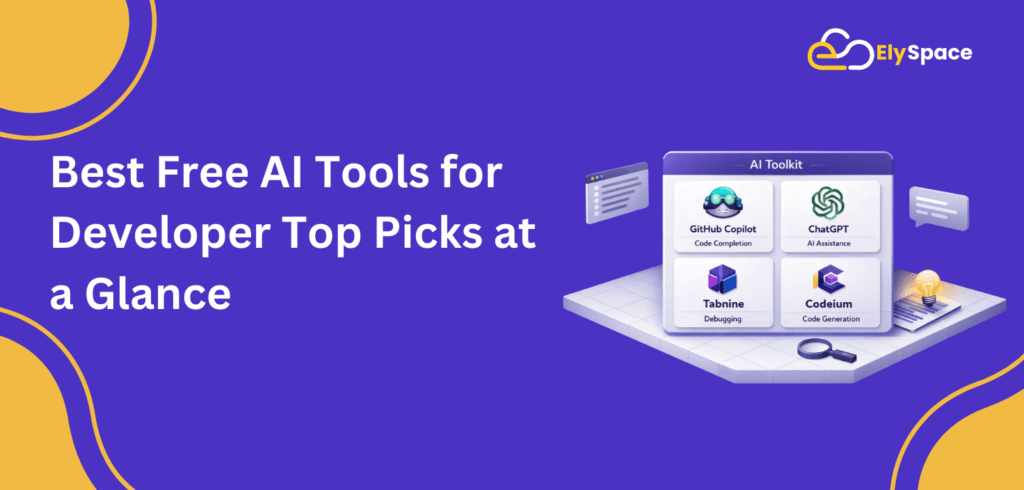
Before we dive into the details, here is a quick overview of all the best free AI tools for developers covered in this article:
| Tool | Best For | Free Tier |
| GitHub Copilot | Code completion & suggestions | Yes (limited) |
| ChatGPT | Debugging, Q&A, documentation | Yes (GPT-3.5/4o mini) |
| Tabnine | AI autocomplete in your IDE | Yes |
| Codeium | Full AI coding assistant | Yes (unlimited) |
| Google Gemini | Research & writing | Yes |
| Perplexity AI | Real-time developer research | Yes |
| Blackbox AI | Code search & generation | Yes |
3. GitHub Copilot (Free Tier) AI Code Completion
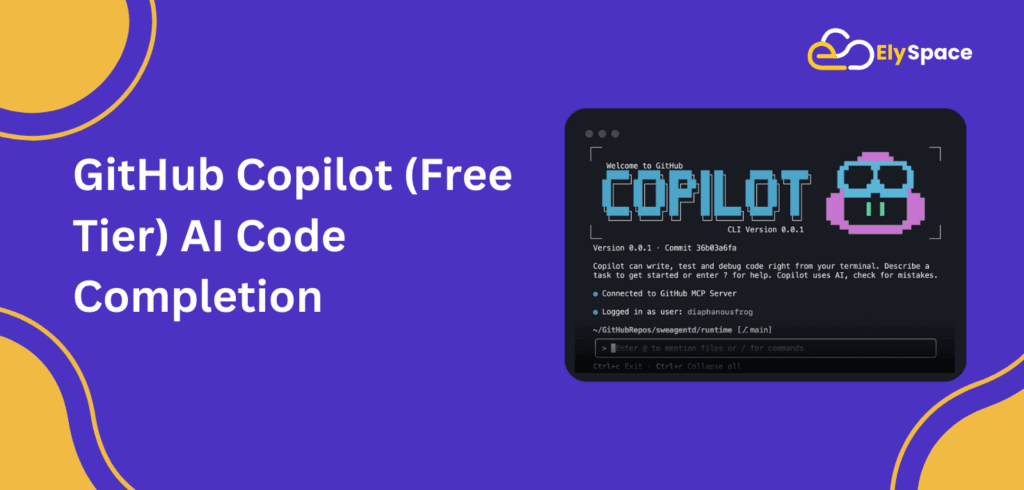
One of the best free AI tools for developers is GitHub Copilot because it utilizes the OpenAI Codex model and integrates directly into popular IDEs like VS Code, JetBrains, and Neovim, suggesting entire lines and blocks of code while learning from your coding styles over time.
Key Features of the (“Free” / GitHub Copilot) plan:
• 2,000 per month (completions of code) on plan
• 50 chat messages with Copilot Chat per month
• Multi-language support: Python, JavaScript, TypeScript, Go, Ruby, and more
• Working inside of both IDE(s) (VS Code & JetBrains)
Who is it for?
Developers who work on a smaller, regular basis (a single developer or student) will find that the free GitHub Copilot Tier gives them enough help to increase their overall productivity and also helps with repetitive boilerplate (CRUD operations, API routing, test case generation, etc.).
Learn more: GitHub Copilot Free Plan →
4. ChatGPT: Best Free AI Tool for Debugging & Ideation
There is no need for ChatGPT to be introduced. ChatGPT is one of the most flexible and best free AI tools for developers available. It allows you to debug difficult errors, explain complicated algorithms, produce documentation, and even evaluate code for security issues. The free tier (which is supported by GPT-4o mini) offers many suitable capabilities for most usage scenarios.
Key Features of Free Tier
• Ability to access GPT-4o mini (very powerful, and very fast)
• Unlimited number of conversations (but there may be limitations on the number of conversations that can be run during busy times).
• Code Interpreter, which can run and analyze Python scripts.
• The ability to explain error messages and/or stack traces well!
Development Strategy for Developers
Copy and paste your error message plus the relevant code context into ChatGPT, and ask ChatGPT to help you find the error and to explain how it occurred. This activity will help you build your understanding, which is significantly more valuable than just quickly finding the error.
Try it free: ChatGPT by OpenAI →
5. Tabnine Smart AI Autocomplete for Your IDE
Tabnine is an AI coding assistant that is focused on user privacy. You can access Tabnine through both the Cloud and installed locally on your PC. There is a Free plan available, unlike GitHub Copilot, which has an expiration date after a time period; thus making it a reliable developer tool that you do not have to pay for over long periods (indefinite time). Tabnine supports more than 30 different programming languages, as well as integrating with many of the most popular IDEs.
Features of Tabnine in the Free Tier:
* Unlimited basic code completions (forever free)
* Local model for projects where Privacy is a significant concern
* Supports all major IDEs, such as VS-Code, IntelliJ, PyCharm, WebStorm, Sublime Text, and more.
* Over time, you will learn the patterns of your codebase.
Why People Like Tabnine
Tabnine has a large developer following, especially in the Enterprise/Government markets. Since Tabnine can be run completely offline using a local model, developers can be assured that their proprietary code will not leave their PC. This is especially beneficial to developers working in Kashmir or other geographic areas that have significant project requirements.
Get started: Tabnine Free Plan →
6. Codeium Best Free AI Code Assistant (Truly Unlimited)
For developers looking for unlimited AI code completion at no cost, Codeium is arguably the best free AI tool for developers available today. Contrary to GitHub Copilot’s free tier, which offers limited usage, Codeium provides an unrestricted number of completions under its free plan. In addition to this, the Codeium platform features an in-editor chat that enables you to get answers to your questions, ask for refactoring, and even search through code snippets with natural language code conversion functionality.
Free Tier Key Functionality
• Unlimited completion of AI code (single-user), no limit on monthly usage.
• In-editor chat functionality for AI-assisted responses to your questions and for refactoring.
• Availability for more than 70 programming languages.
• Available as an extension for several IDEs, including VS Code, JetBrains, Vim, Emacs, etc.
• Provides context-aware recommendations based upon the items you have open in your IDE.
Codeium vs. GitHub Copilot
When presented with the option of using Codeium or GitHub Copilot based on the offer from both companies for free tiers, Codeium outperforms GitHub Copilot when the volume of use is compared. Codeium has unlimited completion as opposed to GitHub Copilot’s 2,000 per month limitation. However, GitHub Copilot has a deeper integration with GitHub than Codeium does. Therefore, for outright productivity at zero cost to the user (i.e., free development tools), Codeium is the best free developer’s tool available as an alternative in 2026 for developers working on a budget.
Try Codeium free: Codeium →
7. Google Gemini Free AI for Research & Documentation

What is Google Gemini (Bard) and how can it help you?
Google Gemini (previously called Bard) provides developers with an advanced resource to assist with research, documentation, and technical writing, all for no cost. And it is one of the best free AI tools for developer Although Codeium and Copilot are dedicated to being code assistants, Gemini focuses more on using and synthesizing complex information into useful formats like README documentation, technical blogs, and providing clear explanations of technical subjects.
Google Gemini is Free (weekly access to Gemini 1.5 Flash)
• Free version offers you access to the newest and fastest form of Gemini
• Allows you to create excellent technical documentation and README files
• Works within all of Google Workspace products (Docs, sheets and Drive)
• Can analyze (use pictures, diagrams, and code screenshots) a variety of inputs.
Access Gemini: Google Gemini →
8. Perplexity AI Free Developer Research Tool

Perplexity AI is an AI web-based assistant that has search capabilities and generates cited, up-to-date responses. This is a great tool for developers when they want to look up new frameworks to use, compare various libraries, or get a better understanding of any security holes that are currently being exposed to the public. Unlike ChatGPT’s free version, Perplexity uses live data from the web to generate counterexample results instead of providing outdated examples of what it can do.
Features of the Free Plan
– Search for real-time data and generate AI Summary Workups.
– Cited data to ensure you have the correct information regarding where it came from.
– Unlimited free searches on the free tier.
– Developer-oriented examples (i.e., ‘best node.js ORM 2026’) provide developer-related comparisons (i.e., speed vs. size).
Use Perplexity: Perplexity AI →
9. Blackbox AI Free AI Tool for Code Search & Generation
Developer Blackbox AI is an invaluable, little-known yet best free AI tool for developers alike. Blackbox specializes in searching source code, allowing you to conduct a code search through millions of repositories in natural language. Additionally, they provide an AI-based code generation feature, real-time chat for coding, and a browser extension that enables you to copy and understand any code on the internet.
Free Key Features
• Natural Language-based Code Search Over the Internet
• AI Chat to Generate & Explain Code
• Browser Extension to Extract & Understand Code from any Webpage
• Extension for Use in Visual Studio Code
Try Blackbox: Blackbox AI →
10. How to Choose the Right Free AI Tool for Your Needs

When choosing the best free AI tools for developers, it can sometimes be confusing because of the number of available choices. Use the guide below to narrow it down:
Select Your Tools Based on What You Wish to Accomplish
Writing code more efficiently → Codeium or GitHub Copilot
Fixing programming errors → ChatGPT or Codeium Chat • Finding information about
programming languages, frameworks, or libraries → Perplexity AI
Creating documentation → Google Gemini
Working on projects involving private or sensitive information → Tabnine (local model)
Finding code examples → Blackbox AI
Examine Your IDE and Workflow
Each of the tools previously mentioned has an IDE plugin; however, not all IDEs support the tools equally. For anyone using Visual Studio Code, you should have a good experience with all of the tools. Anyone using JetBrains IDE should first check Tabnine or Codeium, as both of these tools have highly functional JetBrains plug-ins. For those who utilize Vim and Emacs as their IDEs, Codeium will provide the best support in the realm of free tools for developers.
Evaluate Your Internet Connection Capabilities
Internet connectivity can sometimes be a concern for developers, so utilizing developer tools that offer offline capabilities or local models (such as Tabnine) is a great option. Codeium and GitHub Copilot both require stable internet connections, so plan accordingly.
Final Thoughts: The Best Free AI Tools Are the Ones You Actually Use
In 2026, the best free AI tools for developers aren’t necessarily those that offer the greatest number of features; rather, developers benefit most from tools integrated into their workflows. Developers would be best served by beginning with one tool, fully assimilating it into their habits, and then adding more tools based on their growth.
Our recommended starter tools for developers are Codeium (for unlimited coding intake) and ChatGPT (for everything else). As developers scale out their Codeium and ChatGPT projects, they can then explore Tabnine (for privacy), Perplexity (for reference tools), and Gemini (for all daily use utility tools to keep their routines flowing).
Did we miss any of your favorite free developer tools? If so, please add your thoughts below. We regularly update this list with new tools as they are released.