 Live Chat
 Contact
 Shopping Cart
 Furqan Akbar
The ability to develop a website using AI tools has completely transformed how businesses and individuals build their online presence in 2026. Creating a website was a long process in the past – it involved weeks of hard work, spending thousands of rupees, and trying to get in touch with a developer to help you out over WhatsApp.
Everything has changed now with the advancement of AI technology. Now, anyone can create their own website within hours with no previous programming experience and without needing to hire anyone to help them out. In January 2026, JetBrains conducted a survey stating that 93% of developers now integrate AI tools into their workflows regularly; even those who are just starting can create fully functional professional websites in just a few hours.
This guide contains everything to get you started on the right track; it describes which tools are available, the procedures necessary to utilise AI-powered professionals in developing the website, and outlines mistakes that may cause your project to fail even before it has been launched.
What Is AI Website Development?
In simple terms, to develop a website using AI tools means letting artificial intelligence handle the heavy lifting – design, content, SEO, and structure – automatically.
The term “AI website development” refers to the process of creating websites using artificial intelligence rather than manual coding or hiring an agency.
All you have to do is tell an AI what you want your site to look like, and it will automatically generate your layout, write your content, optimise for mobile devices, and do basic SEO for you.
This produces a fully functional, professional website in minutes, not months!
Why AI Website Development Is Dominating in 2026
This move goes beyond just convenience; it’s about who builds on the web.
Develop a website using AI tools can now complete tasks that were once done by large teams:
- Create responsive page designs simply by entering text
- Write structured SEO-optimised web pages
- Generate all necessary meta titles, descriptions and alt tags without any manual entry
- Debug and fix code while you’re building
- Improve site speed and mobile design by default
For entrepreneurs, small businesses and startups, this makes it easy to create websites professionally without any of the usual obstacles.
Two Types of AI Website Tools: Know the Difference
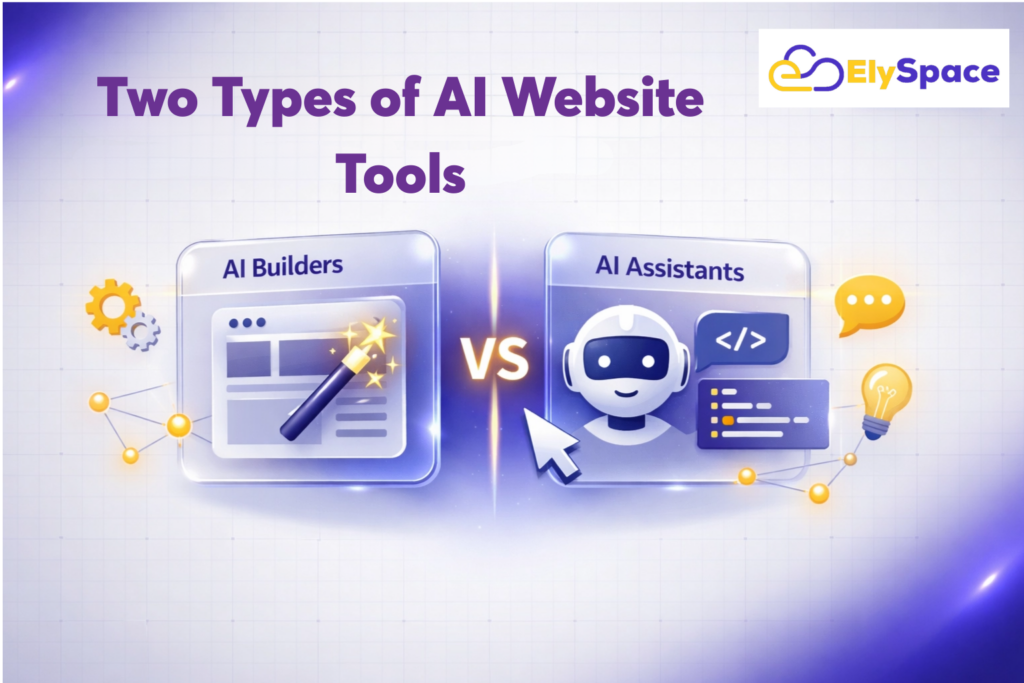
Before diving into the steps, you need to realise that there are two distinct categories of AI tools used for website development. Selecting the wrong type will squander your time and energy.
Category 1 – No Code AI Website Generators: These tools are designed for someone who has no technical skills and is not comfortable with coding. In this case, you simply describe your website to the AI, and it generates the site for you. You can then edit and customise the website using a simple page-building program where you drag and drop objects into place. These tools require no previous experience with coding.
Category 2 – Professional AI Code Assistant: These tools have been built for those people who have some experience with coding (and would like to use AI to improve/accelerate how quickly they write code). Examples of Professional AI Code Assistants include: Cursor, GitHub Copilot, Windsurf, etc. Each of these programs exists within your code editor and helps you create a completely custom, production-ready website in a fraction of the time it would take to write by hand.
Most people who are new to web design would use Category 1 tools as their primary means to develop websites. After you develop your coding ability and gain experience, using Category 2 tools will give you a competitive advantage over those individuals who only use Category 1 tools.
Step-by-Step Guide to Developing a Website Using AI Tools
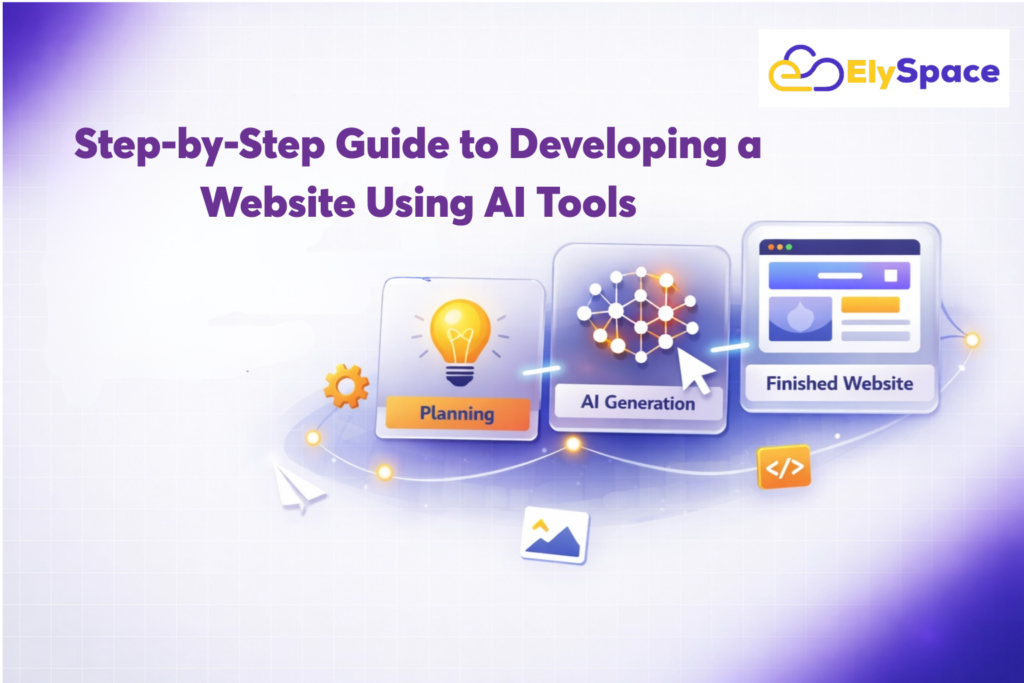
Step 1: Define Your Website Goal With Precision
Document what exactly your site will do before using any tools to help you build it.
So ask yourself whether you’re going to build a service business webpage, portfolio, eCommerce site, blog, or SaaS landing page.
Why is this step important? Using a well-defined and specific prompt for your AI-generated output will get you more value from the resulting material. For example, prompting, “create a clean and modern website with the UX designer from Hyderabad, who does app design and brand identity services to cater to B2B startup clients”, will yield a better outcome than using a vague prompt, like “give me a design website.”
Before opening any web development tool, write down your end goal, your target audience, plus the 4–5 pages you need to create for your website. This will take 10 minutes of your time, but it has the potential to save you hours of time spent editing later.
Step 2: Choose Your AI Tool Based on Your Skill Level
For complete beginners — No-Code AI Generators:
With these tools, you can write a description for your website using only the information described above, then create a fully structured, design-ready site in less than 2 minutes. Also included are hosting, domain connection, and visual editors to customise the final look of the website.
Search for those tools that provide a free trial period before deciding on purchasing a subscription-based plan. The best of the available choices will begin at about $3-$20/month in 2026, and have built-in SEO features, mobile optimisation, and eCommerce functionality if you need them.
For developers and technical users — Professional AI Coding Assistants:
| Tool | Type | Best For | Free Plan | Paid From |
| Cursor | AI-native IDE | Full custom web projects | Yes (limited) | $20/mo |
| GitHub Copilot | IDE plugin | Teams using VS Code & GitHub | Yes (2,000 completions/mo) | $10/mo |
| Windsurf | AI-native IDE | Autonomous multi-step coding | Yes (limited) | $15/mo |
| v0 by Vercel | UI generator | React & Tailwind frontend components | Yes (limited) | $20/mo |
| Bolt.new | Browser-based | Full-stack prototyping, no local setup | Yes (limited) | $20/mo |
| Replit Agent | Browser IDE | Beginners learning while building | Yes | $25/mo |
Testing throughout the coding tool space shows that Cursor is ranked best overall AI coding tool in 2026 due to its deep code base awareness, multi-file editing accuracy, and Agent mode. WordPress GitHub Copilot continues to be the most accessible first step with an excellent free tier.
Step 3: Write a Detailed Prompt to Generate Your Site
Good results are separated from great results by this step. Whether using a no-code generator (such as Cursor), the quality of your prompt affects the resulting quality of your website.
A strong prompt contains:
- Your business name and what it does
- Who your target customer(s) is/are
- What type of tone would you like to create? Professional, friendly, bold & minimal, etc.
- The type of pages required
- Any specific design elements you prefer (colour/s, style reference/s; layout ideas)
Example of Weak Prompt: “Make me a website for my bakery”
Example strong prompt: “Create a modern, warm website for Mehak’s Artisan Bakery located in Srinagar that sells artisanal sourdough loaves, custom-designed cakes and pastries; targeting the young professional and family market; home page; menu page; custom-order page; about-us page; contact page; the styling is intended to feel premium yet approachable, using earthy colours.”
The second prompt will yield a usable website, and the first will produce a generic product that you will need time to modify.
Step 4: Customise Design and Content
AI handles 80% of the work. The remaining 20% is where your website becomes yours.
Before considering your site finished, go through every page and adjust:
- Colors and fonts — align these with your existing brand identity
- Images — replace AI placeholders with real photos; use AI image tools like Adobe Firefly or Midjourney if you need professional visuals
- Text — personalize every page with your real business details, specific services, and genuine voice
- Page structure — add, remove, or reorder sections to match your actual user journey
Generic, unedited AI content is one of the primary reasons AI-built websites underperform in search results. Google’s helpful content guidelines specifically reward original, experience-based content over templated output. Take the time to make it yours.
Step 5: Optimize for SEO Before You Publish
Following the steps outlined below can help you get ranked and indexed by Google for your website and bring more visitors to your site from search engine results.
Before publishing any new site pages, assess each of these factors:
- Page Titles: Titles should contain your primary keywords naturally while remaining under 60 characters long.
- Meta Descriptions: Meta descriptions should provide a clear and compelling description of what each page is about and remain within 150 -160 characters in length.
- Image Alt Tags: Places that you are using images on your pages; include a descriptive alt tag for each image containing relevant keywords, where appropriate.
- Headings: Use an H1 heading for page titles; H2S for the main sections of the page; and use H3S for all of the subpoints.
- Internal Links: Include links to relevant pages on your site whenever possible so that when search engines crawl your website, they have a clearer idea of how everything relates together.
- Page Speed: Before uploading images, use image compression techniques to reduce the file size of images. Additionally, delete any scripts and/or plugins you are not actively using before uploading all of your images.
- Google Search Console: Submit your sitemap to Google Search Console on the date you launch your site; this way, Google will index all of your pages immediately upon launch.
Most AI website tools come equipped with an SEO checklist that has built-in features that will automatically help you complete each of the above steps as you create new pages for your site. Be sure to utilise it for every page you publish to your website, not just your home page.
Step 6: Connect Reliable Hosting and Launch
The hosting that you use for your website will have a significant impact on its performance, so selecting a host solely based on cost would be poor judgment. Using a slow host will lead to having slow loading pages. Having slow-loading pages will, in turn, lead to your site receiving lower Core Web Vitals scores. Lastly, lower Core Web Vitals scores will lead to your website being ranked lower by Google, regardless of the content on your website. Studies show that a website’s conversions can drop by an average of 7% for every 1 second delay in page loading time.
When looking for a hosting solution, here are some must-have factors you should keep in mind:
- 99.9% or greater uptime guarantee: Your website must be available for visitors 24/7/365.
Free SSL certificate: An SSL certificate is important to protect both your visitors and help you rank higher with Google in their search results.- Daily backups: Ensure that your host provides automatic data backups daily and without your need for intervention or technical effort.
- Fast server response times (TTFB under 200ms): Fast server response times are key to achieving a higher Core Web Vitals score.
- Easy-to-use cPanel or hosting management interface: You should be able to easily manage your hosting account without having any technical knowledge or expertise.
- 24/7/365 expert support: There should be someone available for you to contact if something goes wrong with your hosting account at any time.
Once you secure your new host’s service, you will want to connect your domain, do a final check of your mobile and load speed, submit your sitemap via Google Search Console, and publish your website. At this point, your new website is ready to begin showing up in web searches.
Professional AI Coding Tools Developers Are Using in 2026
For web developers creating new web apps or systems and others wanting advanced features beyond standardised apps should use these tools that are changing web development today:
Cursor: The AI-enabled IDE (Intelligent Development Environment) built off of VS Code, with the primary feature of total codebase awareness to allow changes to be made across multiple files via one natural language instruction thereby reducing team workflow interruptions and accelerating onboarding times. Mark Schaefer
GitHub Copilot: The world’s most widely used AI programming assistant (supports VS Code; JetBrains, Neovim, Visual Studio). It will provide junior developers (Engineers) with an option for 2000 monthly uses and can complete GitHub issues, make pull requests and review code from GitHub repository.
Windsurf: The autonomous agent, Cascade, within Windsurf will maintain context of your past actions (commands), output of the terminal, and changes to files; from there, it will suggest actions as opposed to waiting for you to tell it what you want to do. In the wrap-ups of the current round of 3 year warranty options (2019 – 2020), Windsurf consistently tests as one of the top competitors against Cursor because it is intended for more proactive use than autocompletion. HostAdvice
Vercel’s v0: This tool allows users to easily create modern website layouts and components using a simple text prompt.
Bolt.new: Bolt is an online platform that provides developers with everything they need to develop web apps on the backend and frontend, and deploy them to production.
Replit Agent: This is a service for early-stage developers to create apps by providing a description of what they would like to have created. Once an engineer has built the app, the developer has access to do further editing through their browser.
Benefits of Using AI for Website Development
The benefits of choosing to develop a website using AI tools go far beyond just saving time and money.
Here’s why the “fast” way to do business is the standard for businesses that do everything quickly:
- Speed: A functional and professional-looking website, in a matter of hours (not weeks).
- Cost: The cost of developing a website goes from thousands to pennies a month.
- Accessibility: You don’t need to know how to code, design or have any technical expertise, to use your website.
- Consistency: AI can maintain a consistent look and feel across all pages automatically.
- SEO Foundation: You have built-in optimisation tools to give your website a strong foundation when you launch.
- Scalability: You can add pages, features and integrations to your website as your business grows, without starting from scratch.
Common Mistakes That Will Hurt Your Results
Mistakes you can quietly ruin everything you create by using Ai for web development:
You provide AI with generic content without any personalization. This may create thin/unoriginal/template-like content which will not get indexed by Google due to their “Helpful Content Update”.
You create websites that do not consider mobile users. Approximately 63% of global web traffic comes from mobile devices (2026); when designing your website precursory you should view the WHOLE website on a mobile device before making any published content live.
You choose fast/unreliable hosting providers. The speed of your server can affect your Core Web Vitals Scores, which can negatively affect how you rank on Google.
You do not care about page speed. It is essential to ensure every image on your site is compressed, identified unneeded plugins and checked how quickly it loads with Google’s PageSpeed Insights tool before going live.
Have no analytics set up from the start. Set up accounts for Google Analytics and Google Search Console as soon as you can so that you can have insight into your site’s performance. Without data, there is no way to improve.
You never update your site content. Google prefers fresh content and will reward you by ranking higher if you add/update content at least every month.
The Future of AI in Web Development
The current tools available for developers are already remarkable, but what is about to happen will completely change everything we know once again.
Here are just a few examples of what you will be able to expect within the next 2-3 years:
- Voice-To-Website: You can speak an idea, and AI will create your website in real time.
- Real-Time Personalization: Websites will start to update themselves dynamically based on each individual visitor’s behavior and intent.
- Autonomous AI Agents: Tools will automatically perform tasks like security updates, performance optimization, content refreshes, and bug fixes without any human involvement whatsoever.
- GEO (Generative Engine Optimization): Content will be optimized for not only the world’s largest search engines, but also for the new generation of AI-powered answer engines — like Chat GPT Search, Perplexity, and Google AI Overviews.
The future of web development will NOT be about replacing creativity; it will be all about removing every single technical barrier from the process of building a website so that only creativity matters. Businesses that are embracing these tools now will have a compounding advantage year after year.
Related Resources
Check out what else ElySpace has to offer in terms of their innovative product portfolio:
- Website development services at ElySpace offer a large selection of user-customized websites that can be built by our professional team for any size business.
- Digital Marketing Services at ElySpace use data-based techniques to help you achieve new levels of visibility on the web (e.g., move from being invisible to the first page).
- AI digital marketing services at Elyspace enable many businesses to take full advantage of how AI can lead to actual results in increased numbers of website visitors and leads/generated by monthly reporting.
Frequently Asked Questions (FAQs)
Q: Is it possible for AI to create an entire website without requiring the assistance from a person?
Modern-day AI powered website generators can create a complete, structured, and aesthetically designed website from nothing more than a few sentences describing your intent with no coding experience necessary. When you use your own company brand details and authentic content with an actual voice, you will be able to create an effective website, not just a cookie-cutter site that Google will possibly ignore.
Q: Is AI website creation suitable for complete novices?
Definitely. No-code AI website creators exist to help non-technical individuals create websites easily by automating layout, content generation, mobile optimization, and basic SEO (search engine optimisation). They require no prior experience with coding or design and therefore make an ideal choice for someone building their first website in 2026.
Q: What is the difference between using a no-code AI website creator, versus using a product such as Cursor?
A no-code AI websites creator (like other types of drag-and-drop website generators) are designed for non-technical users that need to quickly have an already built website. Tools like Cursor and GitHub Copilot etc., are made for developers who already code, but want to use artificial intelligence to improve their workflow. Both tools are great, but which one you choose is all going to come down to your level of experience and how difficult your project is.
Q: Do AI systems replace web development professionals?
No, AI is very effective at automating repetitive tasks such as generating website layouts, producing boilerplate code for web applications, basic search engine optimization, and creating a website content structure. However, when it comes to building complex web applications, developing unique user experiences, developing customized web application integrations, and making strategic business decisions about what users should find when they visit a website, web development professionals still have a significant advantage. Therefore, AI tools are used to augment and enhance the efforts of web developers rather than completely replace them./
Q: How much does it cost to create a website with AI tools in 2026?
Typically, businesses will spend approximately either $3 to $30 per month using a no-code AI website generator (i.e., they will not have to create any code). Professional-level AI code writing tools (Cursor, GitHub, Copilot, etc.) will range from $10 to $20 per month depending on the features and functionality of those platforms. If the business registers a domain for between $10-$15 per year and uses quality hosting, many businesses can create a professional, high-quality website for well under ₹10,000 in the first year of operation.
Conclusion
AI tools have transformed the process of creating a website, making it accessible to many more people. It used to take months and an enormous budget to launch your professional website; now, you can launch it in an afternoon at a fraction of the cost.
The keys to a successful AI-built website are choosing the right tool for your skills, writing the appropriate prompts for the tool to use, personalising your content so it is favourably indexed by Google, and choosing the right hosting platform that will ensure that your site remains fast and dependable.
ElySpace provides the hosting infrastructure for AI-built and custom-built websites to perform at their best through; fast servers, free SSL, daily backups and outstanding support when you require it. The longevity of your site is dependent on the foundation it is built on.
Contact the ElySpace team to launch your website with the confidence that the technical foundation is in place.