 Live Chat
 Contact
 Shopping Cart
 Eshan Riyaz
Pull up your website right now. Not on your laptop but on your phone.
Does it load fast? Does it look clean? Can you find the contact number in under five seconds without squinting or zooming?
If that small test made you uncomfortable, you’re probably already seeing the signs your website is outdated, you just haven’t acted on them yet. And every week you wait, visitors are landing on your site, forming an impression in under a second, and quietly leaving.
The problem isn’t always visible. That’s what makes it expensive.
Sign #1: It Looks Broken on Mobile
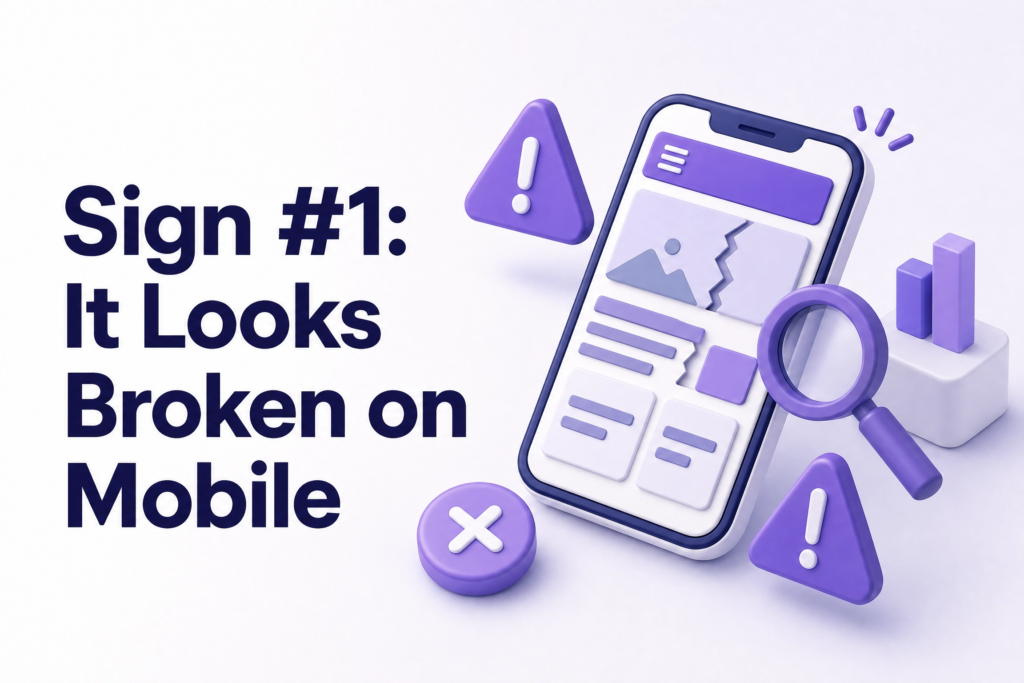
More than 60% of all Google searches now happen on mobile devices. If your website was built more than four or five years ago and hasn’t been updated, there’s a strong chance it still behaves like a shrunken desktop page on a phone: tiny text, buttons too small to tap, images that overflow off the screen.
Visitors don’t troubleshoot bad mobile experiences. They leave.
And it’s not just about user experience. Google uses mobile-first indexing, meaning it primarily evaluates your mobile version when deciding your ranking. A broken mobile experience quietly drags your SEO down every single day. You can verify this instantly using Google’s Mobile-Friendly Test.
Sign #2: It Takes More Than 3 Seconds to Load
Three seconds sounds generous. It isn’t.
Studies consistently show over half of mobile visitors abandon a page that hasn’t loaded within three seconds. For every extra second of delay, conversion rates drop by roughly 7%. That’s not a theory, that’s documented behaviour across thousands of websites.
Slow sites usually have the same culprits: massive uncompressed images, too many plugins running in the background, or cheap hosting with slow server response times.
You can check your current speed for free at Google PageSpeed Insights, it also tells you exactly what’s causing the slowdown.
Sign #3: Your Content Still Reflects the Old You
This one hurts more than people admit.
Your services have changed. Your prices have changed. Maybe your whole positioning has shifted. But your website still has that old team photo, that service you discontinued two years ago, and a “2021 copyright” sitting in the footer.
A prospect who finds you through a referral or Google review arrives with an expectation. If your website contradicts what they heard or just feels frozen in the past, that trust evaporates quickly. They don’t call to ask for clarification. They move on.
Your website should reflect where your business is right now, not where it was when you first launched.
Sign #4: There’s No SSL Certificate (No Padlock)

Look at your website address bar. Does it say https:// with a padlock icon, or just http://?
If there’s no padlock, Google Chrome already labels your site as “Not Secure”: visible to every visitor before they’ve even read a word. That label alone is enough to make people leave, especially if you’re asking them to fill in a contact form or make a payment.
SSL is also a confirmed Google ranking factor. A missing certificate isn’t just a trust issue, it’s actively hurting your search visibility. This is one of the cheapest, fastest fixes available, and there’s no excuse for skipping it.
Sign #5: Visitors Leave Without Doing Anything
Your website might be getting traffic. But if people arrive and nothing happens: no calls, no form submissions, no inquiries, the design is failing at its one real job.
This usually comes down to a few things: no clear call-to-action telling people what to do next, a confusing layout that makes it hard to find information, or a homepage that talks about the business instead of the customer’s problem.
Every page on your site should have one clear next step. “Call us.” “Get a free quote.” “Book a consultation.” Without it, you’re essentially showing someone a shop window with no door.
If your analytics show high traffic but almost zero conversions, that’s a sign your website is outdated in how it’s structured, not just how it looks.
Sign #6: You Can’t Update It Without Calling a Developer

Assume a business owner who hadn’t updated his website in two years because “it’s complicated.” He was paying hosting fees every month for a site showing wrong phone numbers, discontinued services, and a team page with people who had left the company.
If making a simple text change feels like a technical project, your website is built on an outdated system. A modern website, whether on WordPress, or another current CMS, should let you update content yourself in minutes, without needing any technical knowledge.
When your own website is too difficult for you to maintain, it stops evolving. And a website that stops evolving starts hurting you.
Sign #7: Your Competitors’ Websites Make Yours Look Amateur
Open three of your direct competitors’ websites. Compare them honestly with yours.
Do theirs feel cleaner, faster, more professional? Do their photos look current? Is their service list clear? Do they have recent blog posts or customer reviews visible?
You don’t need the most expensive website on the market. But if a potential customer compares you side by side with a competitor and your site looks noticeably older or harder to use, you’ve already lost that comparison. People make judgments about business credibility based on website quality, even when they don’t realise they’re doing it.
Common Mistakes Business Owners Make About Outdated Websites
“It still works, so it’s fine.” A site can function without performing. Getting visits isn’t the same as getting customers.
Waiting for a “perfect time” to redesign. There’s never a perfect time. Meanwhile, the site keeps costing you leads quietly every single month.
Fixing only the visuals. Design is one layer. Speed, structure, mobile performance, and content strategy all matter just as much, sometimes more.
Assuming a redesign will kill their SEO. Done correctly, a redesign with proper redirects and preserved meta data protects your rankings. Done carelessly, it can hurt. This is why choosing the right partner matters.
What You Can Do This Week
- Run your site through Google PageSpeed Insights and note the score
- Open your website on a phone and check the mobile experience yourself
- Read your homepage copy, does it still accurately describe your business?
- Check that your site has HTTPS (the padlock in the address bar)
- Ask a friend or colleague to find your contact form and time how long it takes
These five checks take under 30 minutes. What you find will tell you a lot.
If multiple signs above apply to your site, a redesign isn’t an expense, it’s the fix for a problem that’s already costing you. At ElySpace, we build fast, SEO-ready websites for small businesses that need their site to actually work, not just exist. Reach out and we’ll take a proper look at what your site needs: +91 9103853627
FAQs (Frequently Asked Questions)
How do I know if my website is truly outdated? Check four things: mobile experience, load speed, whether your content is current, and whether you have HTTPS. If two or more of these are problems, your site needs attention.
How often should a business website be updated or redesigned? Content should be reviewed every few months. A full design or structural refresh is typically worth doing every two to three years as technology and user expectations shift.
Will rebuilding my website hurt my Google rankings? Not if it’s done correctly. Proper 301 redirects, preserved meta titles, and a submitted sitemap protect your existing rankings during a redesign. Skipping these steps is what causes ranking drops.
Can I just update parts of my site instead of rebuilding the whole thing? Sometimes. If the structure and technology are sound, targeted updates to content, speed, and mobile experience can be enough. But if the platform itself is outdated or the site has fundamental layout problems, a full rebuild tends to be more cost-effective long term.
What’s the biggest sign a website needs immediate attention? A non-secure HTTP connection (no padlock) and a broken mobile experience are the two most urgent. Both actively damage your credibility and your Google rankings in real time.