 Live Chat
 Contact
 Shopping Cart
 Eshan Riyaz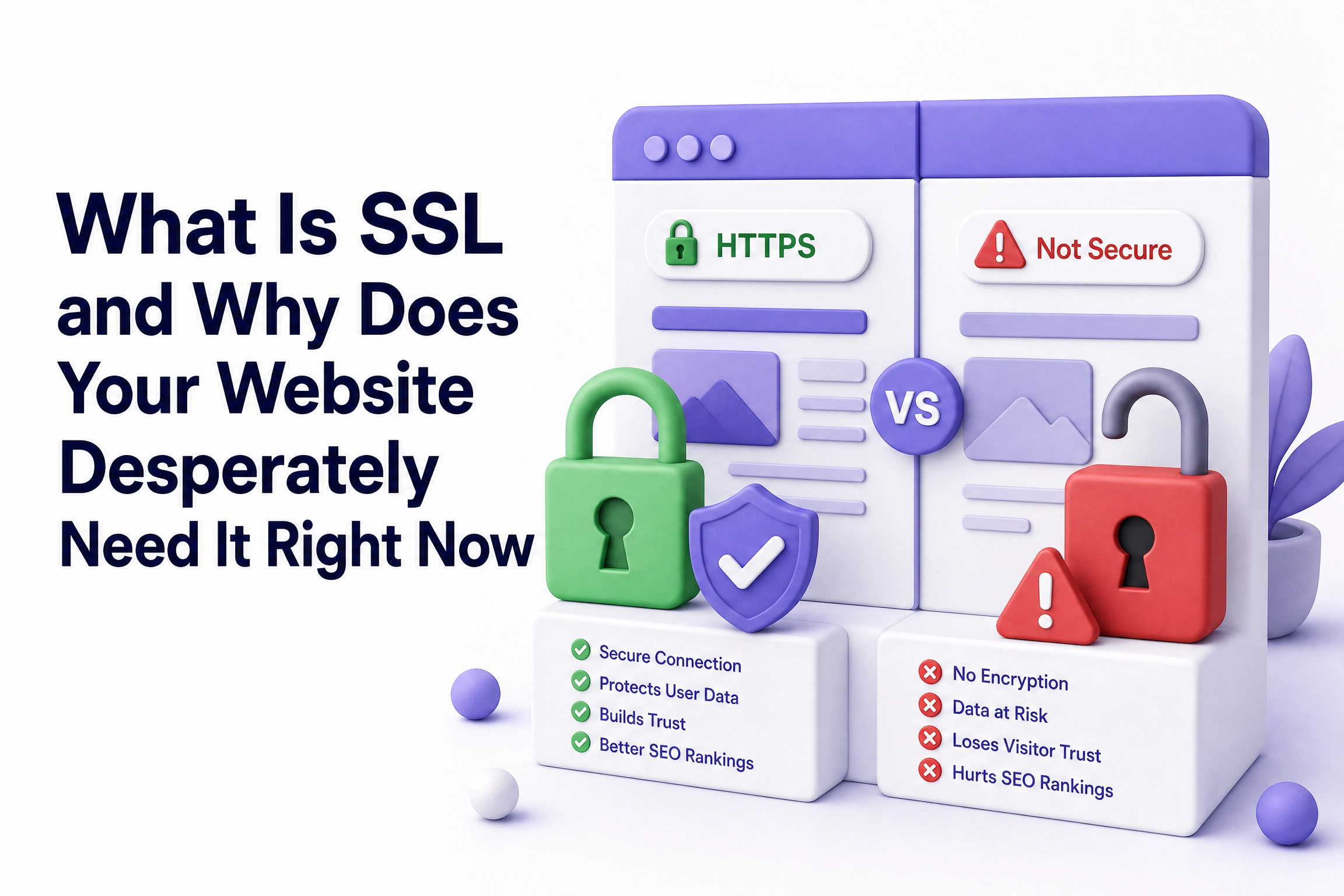
Open your website in Google Chrome. Look at the address bar. What do you see?
If there’s a padlock icon followed by https:// you’re fine. If it says “Not Secure” or shows just http:// without the padlock, your website is actively warning visitors away before they’ve even scrolled past your homepage.
That warning is not subtle. Chrome shows it clearly on every page. And studies show 85% of online shoppers avoid websites marked as “Not Secure.” For a business that worked hard to get visitors through SEO, referrals, or ads, that’s an enormous leak in the bucket.
Understanding what SSL is and getting it installed, is one of the most important, and honestly one of the easiest, things you can do for your website. Let’s cover exactly what it is and why it matters.
What Is SSL In Plain English
SSL stands for Secure Sockets Layer. The simple explanation: an SSL certificate encrypts the data transmitted between a visitor’s browser and your website’s server.
When someone fills in your contact form, their name, email address, and message travel from their device to your web server. Without SSL, that information moves in plain text, readable by anyone who intercepts it along the way. With SSL installed, that same data is scrambled into unreadable code before it leaves their device. Even if someone manages to intercept it, they see complete gibberish.
Today the technology is technically called TLS (Transport Layer Security), but SSL remains the commonly used term. You’ll see both used interchangeably, they mean the same thing in everyday conversation.
When SSL is properly installed, your website address changes from http:// to https:// and the padlock icon appears. That small padlock is what visitors look for, often without consciously realising they’re doing it.
How SSL Actually Works (Without the Tech Lecture)
Think of it like this.
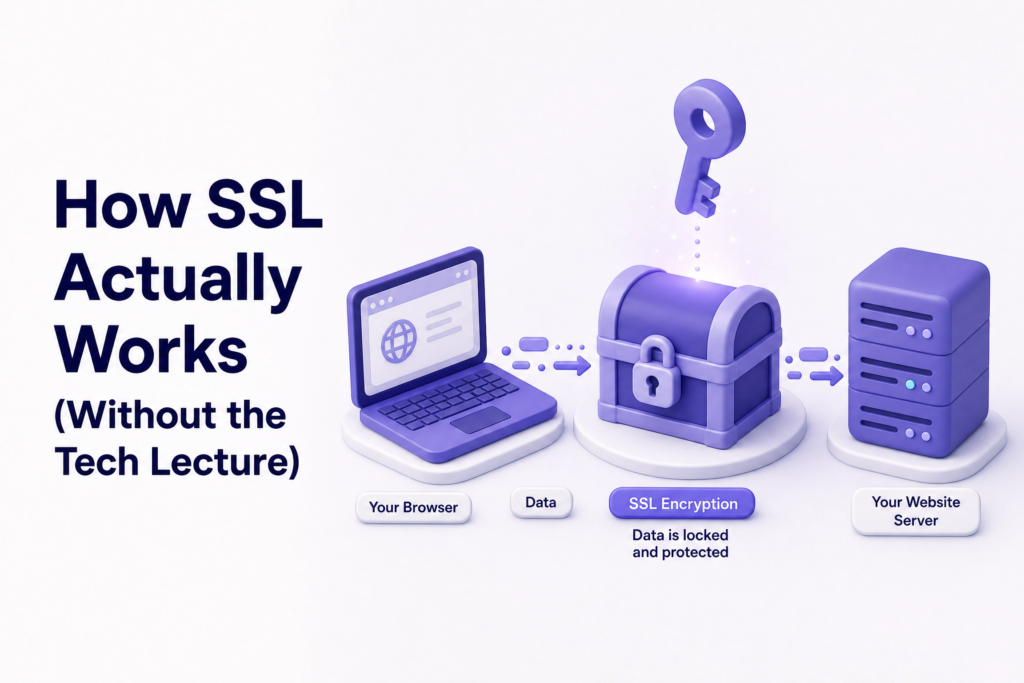
Imagine sending a letter in a transparent envelope. Anyone handling that letter, the postman, the courier, anyone along the route, can read what’s inside. Now imagine sending the same letter in a locked metal box that only the recipient has the key to open. Nobody along the route can read it, even if they try.
SSL is that locked box for your website data. It establishes an encrypted connection between your website and your visitors, and it also verifies your website’s identity, so people know they’re sharing information with the right business, not a malicious copy.
That second part matters more than most people realise. SSL doesn’t just protect data, it proves you are who you say you are.
Why Your Website Needs SSL: 6 Real Reasons
1. Browsers Actively Warn People Away From Non-SSL Sites
This is the most immediate problem. Most browsers tag HTTP sites as “not secure” in noticeable ways, attempting to provide incentive for switching to HTTPS.
When a visitor lands on your website and sees that warning, most of them leave. They don’t know what SSL is. They don’t understand the technical details. All they see is a message telling them this website might not be safe and they’re gone.
You’re losing customers who were already on your website. That’s the worst possible moment to lose someone.
2. SSL Is Now a Google Ranking Factor
Google has used HTTPS as a ranking signal since 2014. In 2026, it’s not a “boost”, it’s a baseline requirement.
A website without SSL is at a structural disadvantage in search rankings compared to every secured competitor. If two websites are otherwise equal in content and backlinks, the one with SSL ranks higher. Given how competitive search results are, removing any disadvantage matters.
3. Any Contact Form Collects Personal Data and SSL Protects It
You might think SSL is only for eCommerce stores taking credit card payments. That’s a common misconception.
If you collect personal information from customers, whether it’s credit card numbers or something as simple as an email address, your website needs an SSL certificate, even if you don’t sell anything.
A basic inquiry form asking for a name, phone number, and message is already collecting personal data. Without SSL, that data is unprotected in transit. That’s a liability, both legally and in terms of customer trust.
4. It Builds Customer Confidence Silently
Most visitors don’t consciously think about SSL. They don’t look for the padlock and think “good, this site is encrypted.” But they feel its absence.
When a site triggers a browser security warning, it creates a moment of doubt. That doubt, even if the visitor clicks through anyway, lingers. It affects whether they fill in your form, whether they call you, whether they share your website with others.
A secured website removes that moment entirely. It tells visitors they’re sharing information with the right business, not a malicious copy. That quiet assurance is part of what professional websites provide.
5. SSL Is Required for Certain Features to Work
Many modern browser features only work on HTTPS sites. This includes geolocation (essential if you want to show customers your location or nearby branches), payment processing, browser notifications, and some embedded tools.
If your website ever needs any of these, and growing businesses usually do, SSL isn’t optional. It’s a technical prerequisite.
6. It Protects Your Reputation, Not Just Your Data
Imagine a customer who visits your website without SSL, sees the “Not Secure” warning, and assumes your business is either negligent or just not legitimate. They don’t complain. They don’t email you about it. They simply don’t come back and they don’t refer to anyone.
You never know it happened. But it keeps happening, quietly, every day the site runs without SSL.
Does SSL Cost Money?
This is the question most small business owners want answered and the good news is straightforward.
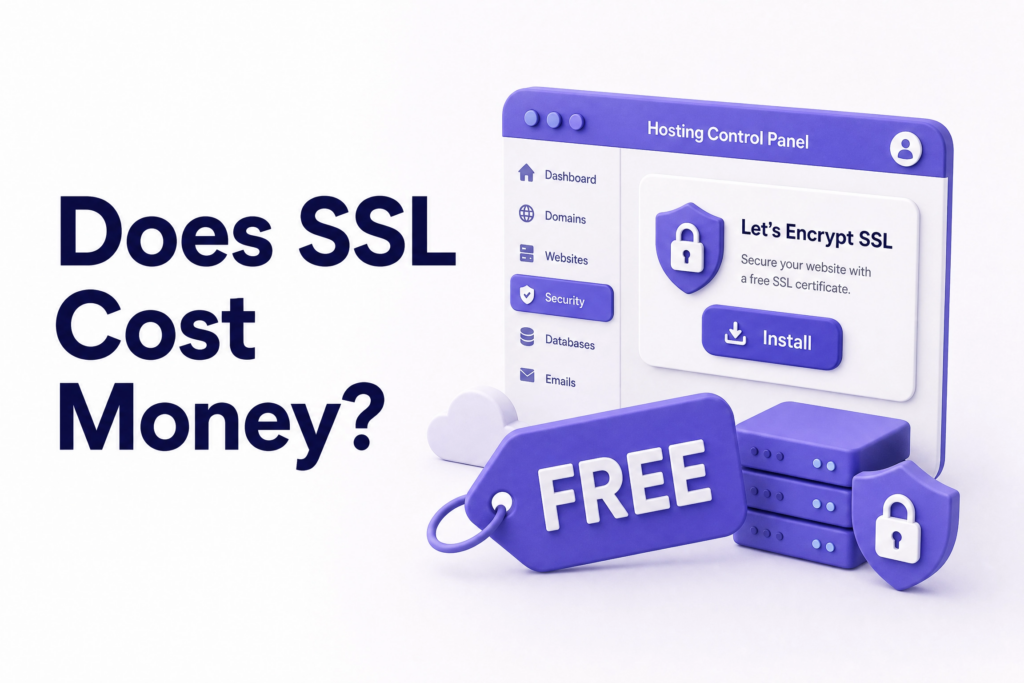
For most small websites, a free domain-validated SSL certificate included with hosting is enough. You usually do not need to pay for expensive certificates unless your business, compliance needs, or enterprise trust model clearly requires them.
Most reputable hosting providers today include free SSL through a service called Let’s Encrypt. These certificates provide strong encryption and are perfectly suitable for most business websites.
If your hosting plan doesn’t include free SSL, it’s worth switching to one that does. At ElySpace, every website we build or host comes with SSL properly configured from day one: no extra cost, and no chasing your hosting provider to set it up manually.
Types of SSL Certificates: Which One Do You Need?
There are three main types, but for most small businesses only one is relevant:
Domain Validation (DV): The standard option for blogs, business websites, and service providers. Proves you own the domain. Free through Let’s Encrypt. This is what the vast majority of small business websites use and is completely sufficient.
Organisation Validation (OV): Requires verification of your actual business details. Slightly more trust-building, used by established businesses that want to display their company name in certificate details.
Extended Validation (EV): The highest level, requires in-depth validation from legal ownership to physical location. Used by large eCommerce sites and financial institutions. Not necessary for most small businesses.
If you run a standard service business, a portfolio site, or a local business website: free DV SSL is all you need.
Common SSL Mistakes Small Business Owners Make
Installing SSL but not forcing HTTPS. You can have a valid SSL certificate and still have your website accessible on both http:// and https://. If HTTP isn’t redirected to HTTPS automatically, some visitors still land on the unsecured version. The fix is a simple redirect rule, but many sites skip it.
Mixed content warnings. This happens when your site switches to HTTPS but some images, scripts, or links still point to HTTP addresses. The browser flags this even though the page has SSL. Every internal link and media file needs updating to HTTPS after installation.
Letting the certificate expire. SSL certificates have expiry dates, typically around one year. An expired certificate triggers the same browser warning as having no SSL at all. Many hosting providers auto-renew, but it’s worth confirming yours does.
Thinking free SSL is less secure. Free SSL certificates from trusted certificate authorities can be safe when installed and renewed correctly. For most small websites, free DV SSL is enough. Paying more doesn’t automatically mean more security for a standard business website.
How to Check If Your Website Has SSL
Three ways to check right now:
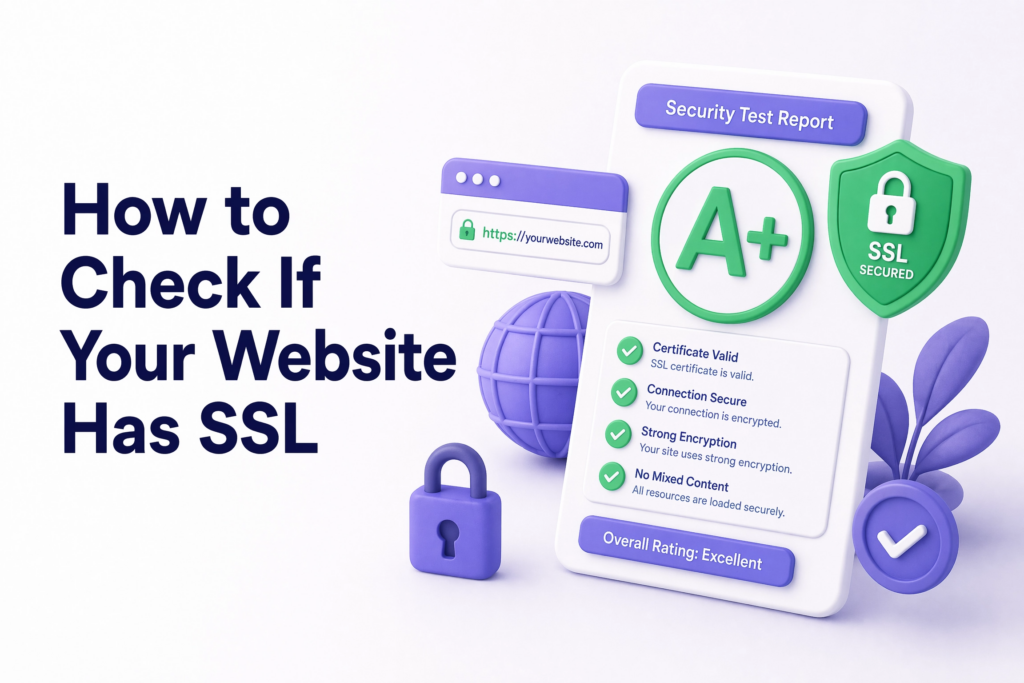
- Look at your URL: does it start with https:// or http://?
- Look for the padlock: present in the address bar of Chrome, Firefox, Safari, and Edge for secured sites
- Use a free checker: SSL Labs’ Server Test gives you a detailed grade on your SSL configuration and flags any issues
If your site fails any of these checks, it needs attention before another day passes.
What You Can Do Today
- Check your website address: https:// or http://?
- Log into your hosting control panel and look for an SSL or HTTPS section
- If your host offers free Let’s Encrypt SSL, enable it. Most panels make this a single click
- After enabling, confirm your site redirects all HTTP traffic to HTTPS
- Test your site at SSL Labs to make sure everything is configured correctly
If your website was built by someone else and you’re not sure how to check or fix any of this, that’s a completely normal situation. It’s a technical task that takes a developer under an hour to sort out properly.
If you need help getting SSL set up correctly or if you want a website that’s built securely from the ground up, ElySpace handles exactly this for small businesses. We make sure SSL is installed, forced, and configured properly so you never have to think about it again.
FAQ
What is SSL in simple terms? SSL is a security certificate that encrypts data between your website and your visitors. It’s what gives your site the https:// address and the padlock icon, and it protects information like contact form submissions from being intercepted.
Is SSL free? Yes, for most business websites. Free SSL through Let’s Encrypt is offered by most modern hosting providers and provides the same encryption strength as paid certificates. Paid certificates add business validation and warranty coverage, which most small businesses don’t need.
Do I need SSL if I don’t sell anything online? Yes. Even a simple contact form collects personal data like names, email addresses, phone numbers. That data should be protected. Additionally, not having SSL hurts your Google rankings and triggers browser security warnings that drive visitors away regardless of whether you sell products.
Will getting SSL improve my Google rankings? It removes a ranking disadvantage. Google treats HTTPS as a baseline requirement now, sites without it are at a structural disadvantage compared to secured competitors. Installing SSL won’t skyrocket your rankings overnight, but running without it is actively holding you back.
How long does SSL take to install? For most hosting setups, enabling a free SSL certificate takes minutes through the control panel. Properly configuring HTTPS redirects and fixing mixed content issues can take a developer an hour or two depending on the site’s complexity.
What happens if my SSL certificate expires? Your website triggers the same “Not Secure” browser warning as having no SSL at all. Visitors see the warning and most leave. Check whether your hosting provider auto-renews your certificate: most do, but it’s worth confirming.
Is there a difference between SSL and HTTPS? SSL is the certificate installed on your server. HTTPS is what you see in your web address as a result of having SSL installed. They’re related, you can’t have HTTPS without an SSL certificate.