 Live Chat
 Contact
 Shopping Cart
 Eshan Riyaz
Here’s a quick test. Open your website right now and ask yourself honestly, if a complete stranger landed on this page, would they know in five seconds what your business does, who it helps, and what to do next?
If the answer is anything less than a confident yes, your website is probably losing you customers without you realising it.
A website that just exists is not the same as a website that works. The difference comes down to specific features, things that are either there or not, and that directly affect whether a visitor becomes a customer or quietly leaves. These are the 10 features every business website must have and most small business sites are missing at least three of them.
Feature 1: Mobile-Responsive Design
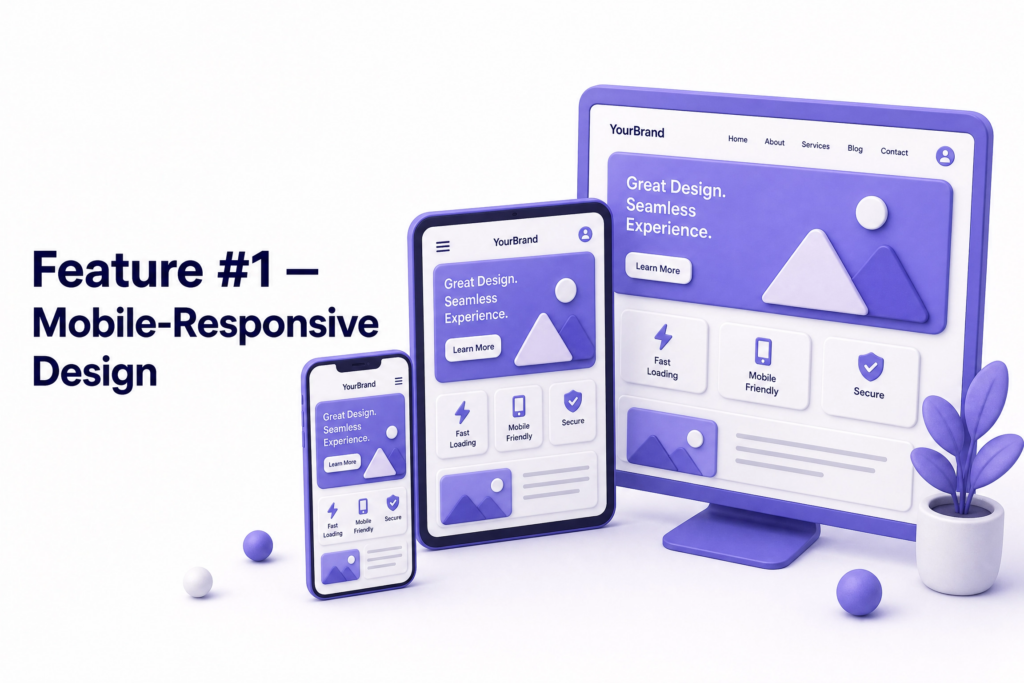
More than 60% of global web traffic now comes from mobile devices. For local businesses in Kashmir and across India, that number is even higher, most of your potential customers are finding you on a phone, usually while multitasking or on the go.
A mobile-responsive website adapts its layout automatically to whatever screen is viewing it. Text is readable without zooming. Buttons are big enough to tap. Images scale correctly. Navigation works with a thumb, not a mouse.
If your site wasn’t built with mobile in mind or was built more than four years ago and never updated, there’s a good chance it’s broken on phones right now. And Google evaluates your mobile version first when deciding your rankings, so a poor mobile experience hurts your SEO too.
What bad looks like: Your homepage requires horizontal scrolling on a phone. Your menu is a tiny horizontal bar. Your phone number is not clickable.
Feature 2: Fast Loading Speed
Every extra second your site takes to load costs you visitors. Studies show bounce rates increase by 32% when load time goes from one second to three seconds. Most people won’t wait beyond three seconds, especially on mobile.
Speed affects more than user experience. Google uses page speed as a direct ranking factor through its Core Web Vitals assessment. A slow site ranks lower than a fast one with similar content.
The most common causes are uncompressed images, too many plugins, and cheap shared hosting with slow server response times. All of these are fixable. Check your current speed for free at Google PageSpeed Insights.
What bad looks like: Your site takes five or more seconds to load on a phone. Images load one by one after the page appears. Visitors leave before anything even appears.
Feature 3: Clear and Simple Navigation
Visitors should be able to find what they need within three clicks. That sounds generous, but most poorly structured sites fail even this basic test.
Your main menu should have no more than five to seven items. Each item should be clearly labelled in plain language not creative names that require guessing. “Our Offerings” is confusing. “Services” is clear. Every page should have an obvious way back to the homepage and an obvious way to contact you.
Complex navigation is one of the top reasons visitors abandon websites. People don’t browse websites the way they browse shops, they’re looking for something specific, and if they can’t find it quickly, they leave.
What bad looks like: Your menu has ten items including submenus that are hard to open on mobile. Your services page is buried three clicks deep. There’s no link to contact you from the homepage.
Feature 4: SSL Certificate (HTTPS)
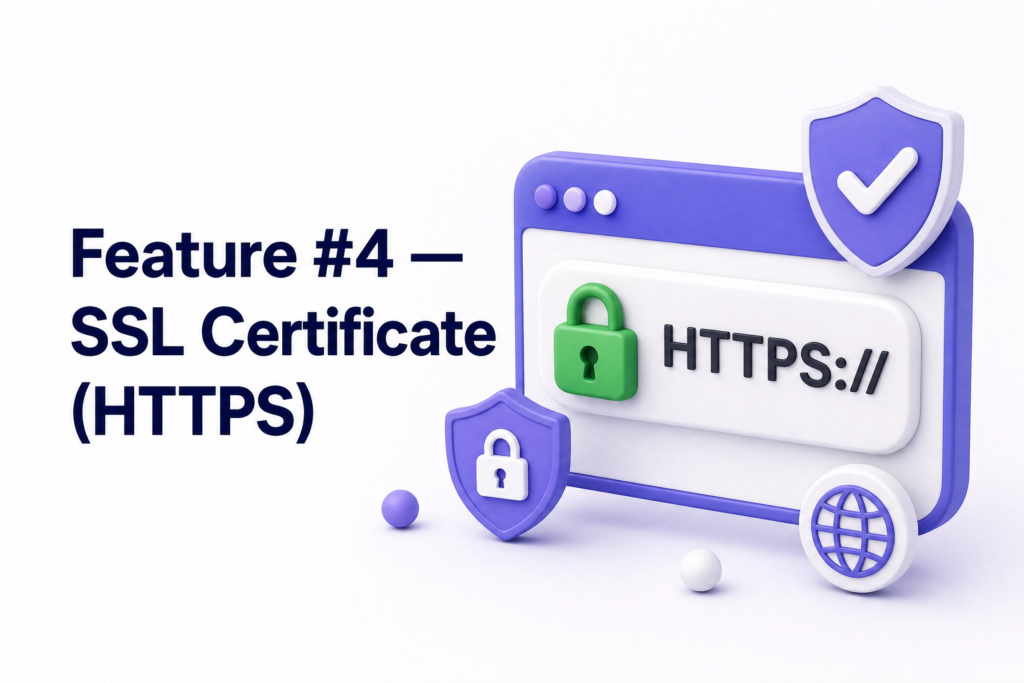
Look at your web address. Does it start with https:// and show a padlock icon? If not, Google Chrome is already labelling your site “Not Secure” to every visitor, before they’ve read a single word.
SSL encrypts data between your website and your visitors. It protects contact form submissions, login details, and any other information shared on your site. It also signals to Google that your site is trustworthy, making it a confirmed ranking factor.
The good news: for most small business websites, SSL is free through your hosting provider via Let’s Encrypt. There’s no reason any business website should be running without it.
What bad looks like: Visitors see a “Not Secure” warning in their browser. Your URL starts with http:// instead of https://. Contact form submissions travel unencrypted.
Feature 5: A Strong, Visible Call-to-Action
Every page on your website should have one clear thing it wants the visitor to do next. Call us. Book a consultation. Get a free quote. Send a message. That’s a call-to-action (CTA) and without it, visitors arrive, read a bit, and leave with no direction.
Most business websites either have no CTA at all, or have one buried at the bottom of the page that nobody sees. Your primary CTA should be visible without scrolling ideally in your header or in the first section of your homepage.
The phrasing matters too. “Submit” tells someone nothing. “Get Your Free Quote” tells them exactly what happens when they click. Specific, action-oriented CTAs consistently outperform vague ones.
What bad looks like: Your homepage has no button or clear next step above the fold. Your contact link is in the footer only. Your CTA button says “Click Here” or “Submit.”
Feature 6: Contact Information That’s Easy to Find
This sounds obvious. It isn’t. A surprising number of business websites make their contact information genuinely hard to locate, buried in a footer, on a page that requires two clicks, or missing entirely.
Your phone number should be in your header on every page. On mobile, it should be a tap-to-call link so visitors don’t have to copy and manually dial. Your email and physical address (if relevant) should be on your contact page, which should be one click away from anywhere on the site.
If a customer has to work to find how to contact you, many of them won’t bother. They’ll try the next result instead.
What bad looks like: Your phone number is an image, not clickable text. Your contact page is missing from the main navigation. Your WhatsApp number isn’t linked. Your address is only on a map embed that doesn’t load on all devices.
Feature 7: An About Page That Builds Trust
Research shows the About page is consistently one of the most visited pages on any business website. People want to know who they’re doing business with, especially for service-based businesses where trust matters before any money changes hands.
Your About page should explain who you are, how long you’ve been doing this, what drives your work, and why someone should choose you over the dozen other options they found on Google. It should include a real photo of you or your team not a stock image.
Authenticity builds trust faster than polish. A genuine, specific About page beats a generic “We are passionate about delivering excellence” paragraph every single time.
What bad looks like: Your About page is two sentences long. It uses stock photography. It describes your business in vague terms that could apply to any company in your industry.
Feature 8: SEO Basics Built Into Every Page
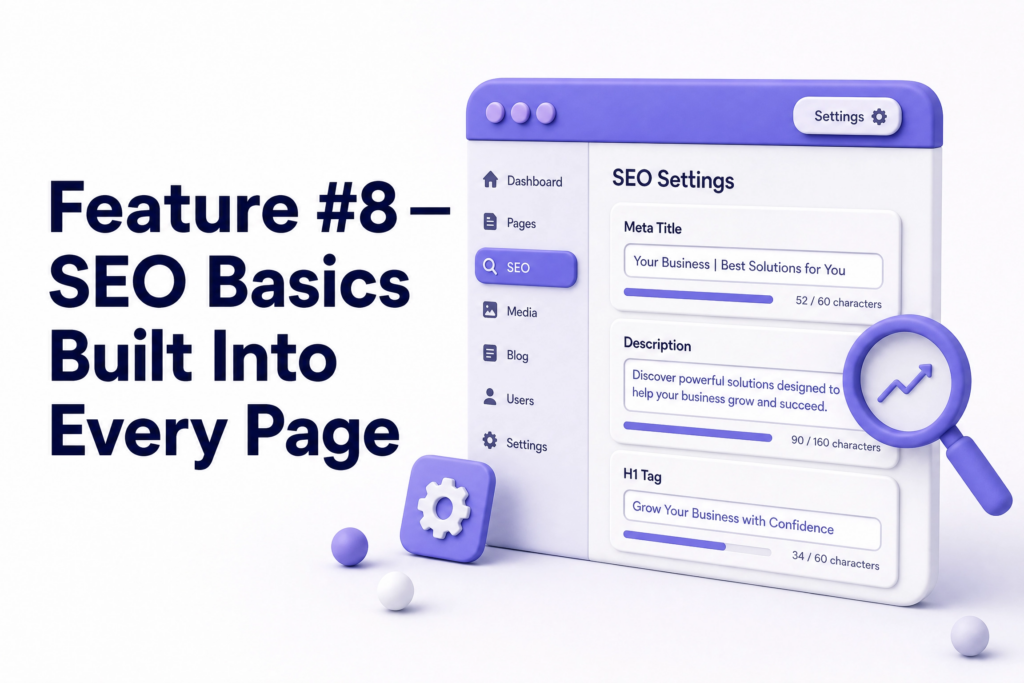
Having a website and having a website that Google can find and rank are two different things. Every page on your site should have the fundamentals in place, a clear page title that includes relevant keywords, a meta description that encourages clicks, proper heading structure (H1, H2, H3), and image alt text.
These aren’t advanced tactics. They’re the baseline that tells search engines what each page is about. Without them, your pages may exist but essentially be invisible to anyone who didn’t already know to look for you.
According to Google’s Search Essentials documentation, having a clear page structure and relevant, helpful content on each page is the foundation of everything else in SEO.
What bad looks like: Every page has the same generic title. Images have no alt text. Your homepage has no H1 heading. Meta descriptions are empty or auto-generated.
Feature 9: Social Proof
Before someone contacts you for the first time, they want to know that other people have done so and had a good experience. This is social proof and it’s one of the most powerful trust-building tools a business website can have.
This could be Google reviews embedded on your site, written testimonials from past clients with their name and photo, case studies showing a problem you solved, or a counter showing how many clients you’ve served.
The specificity matters. “Great service!” does nothing. “We booked our Kashmir honeymoon through these guys, they handled everything, and our itinerary was perfect down to the last detail” does a lot.
What bad looks like: No testimonials anywhere on the site. Generic quote boxes with no names or photos. No link to your Google Business Profile where you have 40 five-star reviews nobody sees.
Feature 10: A Blog or Content Section
A blog isn’t just for writers. It’s one of the most practical features every business website must have for long-term growth because every blog post is a new page Google can rank for a different search query.
A tour company that writes “Best time to visit Kashmir for families” is creating a page that can bring in organic visitors searching exactly that query, visitors who are ready to book and haven’t yet found a provider. A web agency that publishes “How much does a business website cost in India” is answering a question every potential client has, before they’ve even reached out.
The blog doesn’t have to be frequent. One well-written, genuinely useful post per week or even per month builds significant SEO value over time and gives you content to share across all your social channels.
What bad looks like: No blog at all. A blog that was last updated in 2021. Blog posts that are 200 words long and say nothing specific.
Quick Self-Check: How Does Your Site Score?
Go through this list right now. For each feature, give yourself a simple yes or no:
| Feature | On Your Site? |
| Mobile-responsive design | Yes / No |
| Loads in under 3 seconds on mobile | Yes / No |
| Clear navigation with 5-7 items | Yes / No |
| HTTPS with padlock (SSL) | Yes / No |
| Visible CTA above the fold | Yes / No |
| Phone number in header, tap-to-call | Yes / No |
| Real, specific About page | Yes / No |
| SEO basics on every page | Yes / No |
| Reviews or testimonials visible | Yes / No |
| Active blog or content section | Yes / No |
If you count more than three “No” answers, your website is actively holding your business back, quietly, every day.
The good news is that none of these are complicated to fix with the right support. At ElySpace, we build small business websites with every one of these features included from the start not as add-ons or afterthoughts, but as the baseline of what a working website should be. If your current site is falling short, we can audit it, tell you exactly what’s missing, and fix it properly.
FAQs (Frequently Asked Questions)
How do I know if my website is missing any of these features? Start with the self-check table above. For technical items like mobile responsiveness and page speed, use free tools: Google’s Mobile-Friendly Test and Google PageSpeed Insights give you clear answers in under a minute each.
Do I need all 10 features, or just some of them? All 10 are important, but some have more immediate impact than others. If you’re missing SSL, mobile responsiveness, or a visible CTA, fix those first, they affect every visitor your site gets right now. The blog and social proof features are more about long-term growth.
My website looks good, does it still need all these features? Looking good and performing well are different things. A visually attractive site can still be missing basic SEO structure, have no SSL, load slowly on mobile, and have no CTA. Aesthetics matter, but they don’t compensate for functional gaps.
How much does it cost to add these features to an existing website? It depends on what’s missing and what platform your site is built on. Some fixes like adding SSL or improving image compression, take an hour. Others like rebuilding for mobile responsiveness or adding a structured blog, require more involved work. A proper audit tells you exactly what needs doing and at what cost.
Which of these features matters most for SEO? Mobile responsiveness, page speed, SSL, and proper SEO basics on every page all directly affect your Google rankings. Social proof and a blog indirectly support SEO by improving time-on-site and creating more indexed pages. All of them contribute, but the technical ones affect rankings most immediately.
Can I add a blog to an existing website? Usually yes. If your site is on WordPress, a blog section can typically be added without rebuilding anything. If your site is built on a platform that doesn’t support a blog, that’s worth addressing, the long-term SEO value of consistent blogging is too significant to skip.