 Live Chat
 Contact
 Shopping Cart
 Eshan Riyaz
Someone searches for your service on Google. They find you. They click your link. And then they wait.
Two seconds. Three seconds. Four seconds. The page is still loading.
They press the back button. They click the next result. They book with your competitor.
You never know they were there. Your phone doesn’t ring. Your form doesn’t get submitted. The sale doesn’t happen. And that customer; who found you, chose you, and was ready to take the next step, is gone. Permanently.
This is what slow websites cost businesses every single day. Not in dramatic crashes or visible failures; in silent, invisible exits that never show up anywhere except in the gap between your traffic numbers and your actual enquiries.
How Fast Is Fast Enough?
Before anything else, let’s establish the benchmark that actually matters.
Nearly 47% of users expect a page to load in two seconds or less. That’s the expectation, not a wish, not a preference. An expectation. Meet it and you’re doing what customers assumed you’d do. Miss it and you’re already behind.
About 53% of visitors leave a mobile website if it takes more than three seconds to load. More than half. Gone before they’ve seen your homepage headline, read your services, or found your contact number.
The three-second mark is the line. Below it, you’re competitive. Above it, you’re haemorrhaging visitors, and most business owners have no idea it’s happening because their own browser loads the site from cache, making it appear faster than it actually is for new visitors.
Check your real load time right now using Google PageSpeed Insights , test in private/incognito mode for an accurate reading.
The Psychology Behind Why People Leave Slow Websites
The statistics are clear. The more interesting question is why people leave so fast, because understanding psychology means understanding what’s actually at stake beyond the numbers.
Slowness signals untrustworthiness. This is the part most articles miss entirely. If your page loads slowly, users may assume your business is outdated, unprofessional, or not credible. Nobody consciously thinks “this site is slow, therefore I don’t trust them.” But the feeling registers. A slow-loading page triggers a subtle sense of doubt before the visitor has read a single word about your business.
Attention is genuinely scarce. People browsing on their phones are multitasking, distracted, or in the middle of something else. They’re not sitting at a desk with nothing else to do. 46% of people say waiting for pages to load is what they dislike most about browsing the web on mobile. The moment a page doesn’t load quickly, it’s competing with everything else demanding their attention, and it usually loses.
Alternatives are one tap away. The back button is always visible. Google’s search results are right there. Your competitor is literally one tap behind the visitor. Unlike a physical shop where leaving requires walking out and finding another store, leaving a slow website costs nothing and takes a fraction of a second.
Bad experiences stick. Around 79% of online shoppers tend never to return if they experience a slow-loading website. This is the most damaging part of the slow website problem. It’s not just the immediate bounce, it’s the permanent loss of a customer who might have returned, referred others, or become a loyal regular. One bad loading experience closes that door for good.
What the Numbers Actually Say
The data on slow websites is some of the most consistent in all of digital marketing research. It doesn’t matter which study you look at; the direction is always the same.
When a page loads in 1–3 seconds, the bounce rate is around 7%. At 5 seconds, it jumps to 38%. That’s more than five times the abandonment rate from a two-second increase in load time.
A web page load time increase from 1 to 5 seconds increases the bounce rate probability by 90%. From 1 to 6 seconds, it increases by 106%. These aren’t marginal differences. They’re the difference between a website that works and one that quietly fails every visitor it receives.
Sites loading in 1 second achieve 39% conversion rates, while this drops to 1.9% at 2.4 seconds and plummets to 0.6% at 5.7 seconds. Let that sink in. The same website, the same product, the same price, but at 5.7 seconds instead of 1 second, conversion drops by over 98%.
A one-second delay can reduce conversions by up to 20% and page views by 11%.
And for mobile specifically, where the majority of your visitors are coming from, the average website load time on mobile is 8.6 seconds. Most business websites are losing more than half their mobile visitors before the page even finishes loading.
How Slow Websites Hurt You Beyond the Bounce
Most people understand that a slow site loses visitors. Fewer understand the second-order effects, the ways slowness compounds into larger, less obvious problems.
It Actively Damages Your Google Rankings
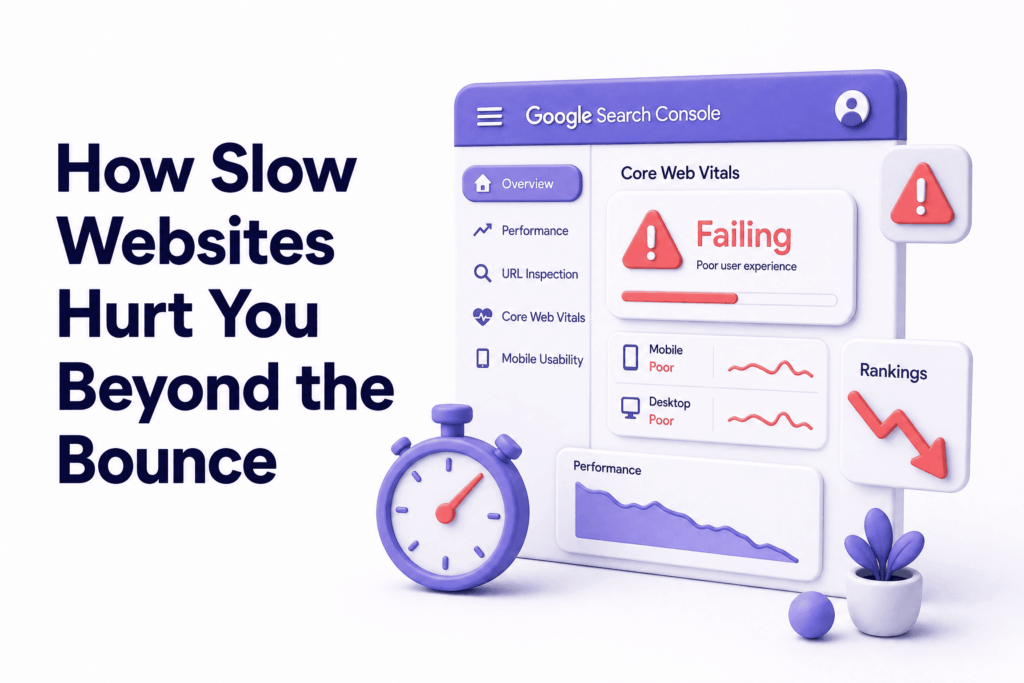
A slow-loading website can hurt your search engine rankings. Google includes page speed as a ranking factor, so sluggish performance can make it harder for potential visitors to even find your site.
Google measures your site’s performance through Core Web Vitals, specific metrics that assess loading speed, visual stability, and interactivity. Poor scores on these metrics push your rankings down. This means slow websites don’t just lose visitors who find them, they also appear lower in search results, so fewer people find them in the first place.
It’s a compounding problem: slow site → worse rankings → less traffic → fewer customers. All from something most owners aren’t even aware of.
It Raises Your Bounce Rate; Which Hurts Rankings Further
When your website has high bounce rates, search engines determine that it has low value to online users. That’s when the rankings of your website plummet.
When visitors arrive and immediately leave, which is exactly what happens on slow websites; that high bounce rate signals to Google that your site didn’t satisfy the searcher. Google responds by showing your site less. The slow site doesn’t just frustrate visitors, it trains Google to send fewer of them.
It Wastes Your Ad Spend
If you’re running paid ads; Google Ads, Meta Ads, any paid traffic, and sending that traffic to a slow website, you’re paying for clicks that convert at a fraction of what they should.
Improving load time by just 0.1 seconds can increase conversions by 8.4% for retail and 10.1% for travel websites. The inverse is also true: keeping a slow site means every rupee spent on advertising returns less than it should. You’re filling a leaky bucket.
It Creates a Brand Impression That Follows You
First impressions online are permanent in a way that physical first impressions aren’t. A slow website creates an association, ‘however subconscious’, between your brand and frustration, difficulty, and low quality. 95% of mobile users say they’d return to a fast site, compared to just a fraction who’d return to a slow one. Speed isn’t just a technical metric, it’s part of how customers feel about doing business with you.
The Real Business Cost of a Slow Website
Let’s make this concrete with an example.
Say your website gets 1,000 visitors per month. Your current load time is 5 seconds. Based on the data, around 38% of those visitors leave before the page fully loads, that’s 380 people gone before they’ve seen anything.
Of the 620 who stay, your slow site’s poor user experience means lower engagement and fewer conversions. If a faster site converts at 3% and your slow site converts at 1.5%, you’re getting 9 enquiries instead of 19, from the same traffic, the same content, the same offer.
That’s 10 missed enquiries per month. Over a year, that’s 120 potential customers who found you but couldn’t reach you because your website got in the way.
Slow websites cost retailers an estimated $2.6 billion in lost sales each year. For a small local business, the number is smaller, but the proportion of total revenue lost can be just as devastating.
What Makes a Website Slow in the First Place
Understanding the cause matters because different causes have different fixes:
Unoptimised images: the most common culprit. Photos uploaded directly from a camera or phone are often 3–10MB files. Every image that size adds seconds to your load time. Compressed images of the same visual quality can be under 200KB.
Too many plugins: every WordPress plugin adds code that needs to load. A site with 30 active plugins carries 30 sets of scripts and stylesheets loading simultaneously. Many plugins do things that could be handled more efficiently by better theme code.
Slow server or cheap hosting: your server’s response time is the foundation of your page speed. Before anything else on the page loads, the browser has to receive the first byte of data from your server. On cheap overcrowded shared hosting, this alone can take over a second. According to Google’s Core Web Vitals documentation, Time to First Byte is a foundational performance metric, and it’s entirely determined by your hosting infrastructure.
No caching: without caching, your server rebuilds your page from scratch for every single visitor. With caching enabled, it serves a pre-built version that loads dramatically faster.
Render-blocking scripts: JavaScript and CSS files that load before your page content can appear. Properly structured sites load content first and scripts after, so visitors see something immediately rather than waiting for background processes to complete.
No Content Delivery Network (CDN): a CDN stores copies of your site on servers around the world. A visitor in Delhi accessing a site whose server is in the US gets the content from a nearby CDN server instead, cutting load time significantly.
Common Mistakes Business Owners Make About Site Speed
Checking speed from their own device. Your browser caches your site, making it load faster for you than for a new visitor. Always test speed in a private/incognito window, or better, use an external tool.
Assuming a nice-looking site is a fast site. Visual quality and performance are completely separate. A beautifully designed website can be devastatingly slow if built carelessly. Some of the slowest sites online are visually impressive.
Fixing images but ignoring hosting. Compressing images helps. But if your server response time is over 600ms, image compression alone won’t get you to a competitive load speed. The hosting infrastructure is often the bigger bottleneck.
Not testing on mobile. The performance inequality gap between mobile and desktop is critical; 2.5 seconds on desktop versus 8.6 seconds on mobile average. A site that loads acceptably on a laptop may be critically slow on a phone. Test both.
Running a speed test once and considering the problem solved. Site speed degrades over time as you add content, plugins, and media. A quarterly speed check keeps you aware of whether performance is slipping.
Not connecting speed to revenue. Speed is treated as a technical concern when it’s actually a business concern. Every second matters because every second is costing you conversions.
What You Can Do Right Now
- Test your site speed at Google PageSpeed Insights in a private browser window; note both your mobile and desktop scores separately
- Compress every image on your site, use a free tool and aim for under 200KB per image without visible quality loss
- Check your hosting: if your Time to First Byte (shown in PageSpeed diagnostics) is above 600ms, your server is the bottleneck
- Enable caching: if you’re on WordPress, a caching plugin can dramatically reduce load time in under an hour
- Audit your plugins: deactivate and delete anything you’re not actively using
If your PageSpeed mobile score is below 60, the issue is likely deeper than a quick fix; unoptimised hosting, bloated theme code, or architectural problems that require proper development work to resolve properly.
At ElySpace, we build websites with performance baked in from the start; fast servers, compressed assets, clean code, and caching configured properly. If your current site is slow and you’re not sure why, we can run a proper speed audit and tell you exactly what’s causing it and what it would take to fix it.
FAQs (Frequently Asked Questions)
How slow is too slow for a website? Nearly 47% of users expect a page to load in two seconds or less. Three seconds is where the majority of mobile visitors start leaving. Anything beyond five seconds is critically damaging to both conversions and SEO rankings. Aim for under two seconds on mobile.
Does website speed affect SEO? Directly. Google uses Core Web Vitals, which measure loading speed, interactivity, and visual stability; as ranking factors. A slow site ranks lower than a faster competitor with similar content. Speed also affects bounce rate, which indirectly signals to Google whether your site is useful to searchers.
Can I improve my site speed without a developer? For some improvements, yes. Compressing images, enabling a caching plugin, and removing unused plugins are things most WordPress site owners can do themselves. For deeper issues, slow server response time, render-blocking scripts, theme code problems; professional help produces better and more lasting results.
Why does my site feel fast when I load it but slow for customers? Your browser stores a cached version of your site, so returning visits load faster. New visitors load everything fresh from your server. Always test speed in a private/incognito browser window, or use an external tool like Google PageSpeed Insights, for an accurate reading of what new customers actually experience.
Is a slow website losing me customers right now? If your mobile PageSpeed score is below 70 or your load time exceeds three seconds, almost certainly yes. The losses are invisible, you don’t get a notification when someone bounces, but they’re happening consistently with every visitor your site receives.
Does better hosting actually improve site speed? Significantly. Server response time is the foundation of page speed. Cheap shared hosting with hundreds of sites on one server produces slow response times regardless of how well your site is built. Better hosting; managed hosting on quality infrastructure, often improves PageSpeed scores noticeably without changing anything else on the site.