 Live Chat
 Contact
 Shopping Cart
 Irfan Bhat
You built your website, launched it, and then… walked away. Sound familiar? A lot of business owners treat their site like a business card. Print it once, hand it out for years, done. But a website isn’t a business card. It’s more like a storefront window. Leave it untouched long enough and dust starts to show, even if the products inside are still good.
So here’s the question everyone eventually asks: how often should you update your website? The short answer is that website maintenance isn’t a once-a-year chore. It’s an ongoing habit, with different tasks running on different clocks. Some things need attention weekly. Others can wait months. Getting that rhythm right is what separates sites that keep growing from ones that quietly fade out of search results.
Let’s break down exactly what that rhythm looks like.
Why Website Maintenance Actually Matters
Here’s a fact most agencies won’t say out loud: Google doesn’t just judge your content. It judges your site’s pulse. Is it alive? Is someone actually behind the wheel? Regular website maintenance signals exactly that, and search engines reward it.
We’ve worked with site owners who assumed their website was “finished” after launch. Six months later, broken links piled up, plugins went stale, and their rankings dropped without warning. Nothing dramatic happened. No hack, no penalty. Just slow neglect, and Google noticed before the client did. If any of that sounds familiar, it’s worth starting with a quick website health check before diving into a full maintenance routine.
Website updates aren’t only about SEO, either. They’re about trust. A visitor who lands on a page with a 2019 copyright notice and a broken contact form doesn’t think “quaint.” They think, “Is this business even open?” That’s a conversion lost before you ever got the chance to make your pitch.
There’s a technical side too, and it matters more than most people realize. Search engines crawl your site constantly, checking load speed, mobile usability, and security signals like your SSL certificate. Google’s own Core Web Vitals guidance makes it clear that page experience factors, speed, stability, and responsiveness feed directly into how your pages get ranked. A site that hasn’t been touched in a year is almost guaranteed to be losing points somewhere on that scorecard, even if nothing looks “broken” to the naked eye.
And here’s the part business owners underestimate the most: your competitors are updating. If two businesses offer roughly the same service, and one publishes fresh content, fixes its broken links, and keeps its site fast while the other hasn’t logged into its CMS since launch day, guess which one climbs the rankings? It’s rarely about who has the “better” business. It’s about who shows up consistently.
Weekly Website Maintenance Tasks
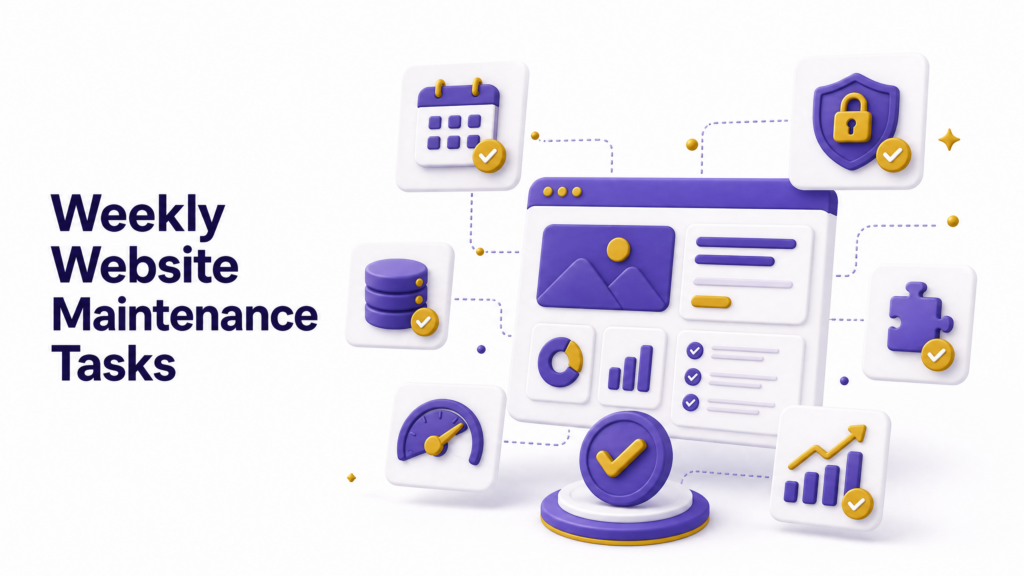
Some jobs simply can’t wait a month. Do these every single week:
- Check site uptime and speed. A slow or down site bleeds visitors fast.
- Scan for security threats. Malware and spam comments creep in quietly if you’re not watching.
- Review contact form submissions. Broken forms mean lost leads, and you won’t know unless you test.
- Back up your site. Non-negotiable. If something breaks, you need a clean version to restore.
None of this takes long. Fifteen minutes, tops, if you’ve got the right tools running in the background.
Monthly Website Maintenance Tasks
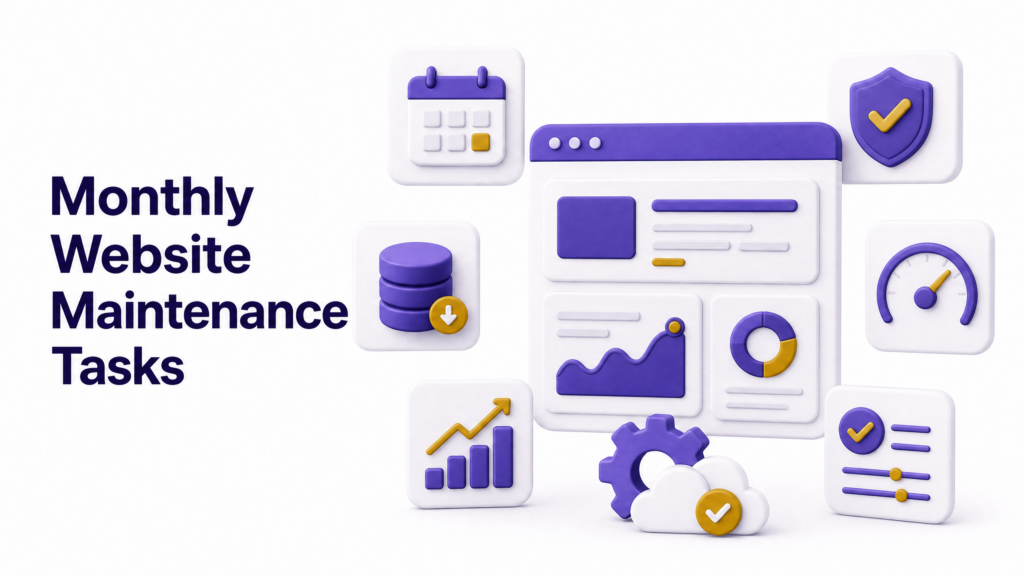
Once a month, go a layer deeper:
- Update plugins, themes, and your CMS. Outdated software is the number one door hackers walk through.
- Check for broken links. Both internal links and outbound links tend to rot over time as other sites shuffle their URLs.
- Review page load speed. Images and scripts pile up fast, and speed is still a ranking factor.
- Look at analytics. Which pages are climbing? Which ones dropped off a cliff? Monthly is often enough to catch a trend before it becomes a crisis.
This is also a smart moment to freshen up older blog posts. Google’s own guidance on creating helpful, reliable content makes it clear that content quality and relevance matter more than sheer publishing volume, and stale posts with outdated stats are an easy fix (Google Search Central, Creating helpful, reliable, people-first content).
Run your key pages through a tool like Google PageSpeed Insights once a month, too. It only takes a minute, and it flags exactly which images, scripts, or fonts are dragging your load time down. If you’d rather have someone else run this check on a schedule, that’s the kind of thing we handle for clients through Ely Space’s website maintenance plans.
Quarterly Website Maintenance Tasks
Every three months, zoom out further:
- Audit your SEO performance. Keywords shift. What ranked in January might slip by June.
- Test the mobile experience. Google indexes mobile-first, so if your site feels clunky on a phone, that’s a problem worth fixing now, not later.
- Review your site’s design against competitors. Not a full redesign, just a gut check. Does it still feel current?
- Test all forms, checkout flows, and CTAs. Small breakages here cost real revenue.
Quarterly is also a good checkpoint to ask a bigger question: Is the site still doing what the business needs it to do? Sometimes the answer is no, and that’s useful information. If your quarterly review keeps turning up the same design complaints, that’s usually a sign it’s time to talk through a website redesign rather than patching the same issue every three months.
Yearly Website Maintenance Tasks
Once a year, do the deep clean:
- Full security audit, including SSL certificates, hosting settings, and user permissions.
- Content audit. Cut or consolidate thin, outdated, or duplicate pages.
- Design refresh, if the site is starting to look dated compared to competitors.
- Legal and compliance check. Privacy policies, cookie notices, accessibility standards. Laws change, and your site needs to keep up.
This yearly pass is where most businesses find the biggest wins hiding in plain sight. Old pages that quietly rank for nothing. Images that never got compressed. A checkout button that’s technically still there but easy to miss on mobile.
If it’s been over a year since anyone looked closely at your site’s accessibility, it’s worth checking it against the Web Content Accessibility Guidelines (WCAG). Beyond being the right thing to do for visitors using screen readers or keyboard navigation, accessibility issues are increasingly showing up in legal complaints against small businesses. Better to catch it during a routine yearly audit than after a demand letter.
Does Your Type of Website Change the Schedule?
Not every website carries the same risk if it goes quiet for a while. Here’s a rough guide for how the maintenance clock shifts depending on what you’re running:
- E-commerce sites. These need weekly attention at a minimum. Broken checkout flows, out-of-stock listings, and payment gateway issues cost real money every single day they go unnoticed.
- Blogs and content sites. Content freshness matters more here than technical fixes. Revisit your top-performing posts every couple of months, update stats, and fix outdated advice.
- Service and local business sites. Monthly checks are usually enough, but keep a close eye on your contact forms, business hours, and location details. These change more often than owners remember to update them.
- Portfolio and personal sites. You can stretch checks out to quarterly, but don’t skip security updates. A hacked portfolio site is still a bad look, even if traffic is low.
The underlying principle stays the same across all of them: the more money or trust that flows directly through your website, the tighter your maintenance schedule needs to be. Not sure which category your site falls into, or whether your current setup can even support that pace of updates? Our team can walk through it with you; just get in touch, and we’ll point you in the right direction.
DIY Maintenance vs. Hiring a Team
Some of this you can absolutely handle yourself, especially the weekly checklist. Uptime monitors and backup tools are cheap, sometimes free, and take almost no time to set up.
Where it gets tricky is the monthly and quarterly work. Auditing SEO performance, interpreting analytics correctly, and knowing which plugin update might break your checkout flow take a bit of experience. Get it wrong, and you can do more damage than the neglect you were trying to fix.
This is usually where businesses either burn out trying to DIY everything or hand it off entirely. If you’d rather not be the one refreshing plugins at 11 p.m. because you finally found a free hour, Ely Space’s maintenance plans are built to take that off your plate, with weekly monitoring, monthly reports, and a real person to call when something breaks.
How Often Should You Update Your Website? A Simple Rule
If you want one sentence to remember, here it is: small tasks weekly, deeper checks monthly, strategic reviews quarterly, and a full overhaul yearly. Website maintenance isn’t a single event. It’s layered, like an onion, except each layer actually makes things better instead of making you cry.
Businesses in fast-moving industries, e-commerce especially, often need to tighten that schedule. A site selling seasonal products can’t wait a full quarter to check its checkout flow before a big sales weekend. Meanwhile, a simple portfolio site for a freelance consultant can stretch some of these checks a little further apart.
The point isn’t to follow a rigid calendar no matter what. It’s to build a habit so maintenance stops being a scramble and starts being routine.
Signs Your Site Is Overdue for Maintenance
Not sure where you stand? Watch for these red flags:
Your traffic dropped, and you have no idea why. Your contact form hasn’t received a real inquiry in weeks, and you suspect it’s broken, not just quiet. Plugins show update warnings you’ve been ignoring for months. Your site takes more than three seconds to load. Visitors bounce fast, and your analytics confirm it.
Any one of these is a nudge. Two or three together? That’s not a nudge anymore; that’s a warning light on the dashboard.
What Happens When You Skip Website Maintenance
Neglect doesn’t announce itself. It’s not a switch that flips overnight. Your rankings slide a little each month. Your bounce rate creeps up. Your site becomes an easier target for security threats because you’re three plugin versions behind.
Eventually, what should’ve been a quick monthly fix turns into an expensive emergency rebuild. That’s the real cost of skipping website maintenance. It’s not one big disaster. It’s a hundred small ones, compounding quietly until the bill comes due.
If you’re working with a team like Ely Space, this is exactly the kind of workload maintenance plans exist to absorb. Someone’s watching the dashboard, so you don’t have to remember it’s there.
There’s data behind this too. Security firm Sucuri has reported for years that the vast majority of hacked websites they clean up were running outdated software (Sucuri, Website Hacked Report). That’s not a coincidence. Outdated plugins and unpatched CMS versions are the easiest doors for bad actors to walk through, and they know exactly which sites to look for.
Frequently Asked Questions
How often should a small business website be updated? For most small businesses, weekly checks on uptime and security, monthly plugin and content updates, and a full quarterly review are a solid baseline. E-commerce sites should lean toward weekly reviews across the board.
Is website maintenance really an SEO ranking factor? Not as a single, direct signal, but indirectly, absolutely. Site speed, mobile usability, broken links, and content freshness all factor into how Google evaluates your pages, and all of them depend on regular maintenance.
How much does website maintenance usually cost? It varies widely depending on site size and complexity, but most small business plans range from a modest monthly fee for basic monitoring up to a few hundred dollars a month for full-service plans that include content updates, security monitoring, and reporting.
Can I just update my website once a year and be fine? Technically, your site won’t collapse overnight, but you’ll likely see slow, steady declines in speed, security, and search visibility. Annual-only updates work best for very simple, low-traffic sites with little riding on them.
What’s the difference between a website redesign and website maintenance? Maintenance is ongoing upkeep, updates, fixes, and monitoring. A redesign is a bigger, less frequent overhaul of the site’s look and structure. You need consistent maintenance regardless of how recently you redesigned.
Final Thought
Your website works for you around the clock, even when you’re not thinking about it. It deserves the same in return. Set a weekly reminder, a monthly checklist, a quarterly review, and a yearly deep clean, and website maintenance stops being a mystery task you dread. It becomes background noise, quiet, steady, and genuinely pays off in rankings and trust you can actually measure.
Stop treating your site like it’s finished. It never was.
Start with a quick look at where your site stands right now over at Ely Space, and take it from there.