 Live Chat
 Contact
 Shopping Cart
 Eshan Riyaz
A potential client finds your website. They spend about eight seconds on it; scanning, absorbing, forming an impression, and then they either stay or they leave.
They don’t consciously audit your site. They don’t run through a checklist. They just feel whether they trust you or they don’t.
That feeling isn’t random. It’s triggered by specific website features that increase customer trust, things that are either present on your site or noticeably absent. The goal of this article is to make those features concrete so you know exactly what to look for, what to add, and what’s currently costing you customers you never even knew were considering you.
Trust Is Built Before Anyone Calls You
In just a few seconds, visitors decide whether to trust you, call you, or click the back button and visit a competitor instead.
Most of that decision happens before they’ve read your services page. Before they’ve seen your prices. Before they’ve had any real interaction with your business at all. It’s based entirely on what your website communicates, visually, technically, and structurally; in those first few seconds.
76% of consumers visit a website before visiting the business. Your website isn’t a supporting channel, for most potential customers, it’s the primary channel. What it communicates in those early seconds determines whether they stay long enough to become a customer.
Feature 1: SSL Certificate and HTTPS

The padlock in your browser address bar is the most basic trust signal on the internet, and the one most visitors notice without knowing they’re noticing it.
When someone lands on your website and Chrome shows “Not Secure” before they’ve even scrolled, a warning has been issued before a single word of your content has been read. Most people leave immediately. Those who stay carry a seed of doubt.
Security indicators such as SSL certificates, secure payment badges, and transparent privacy policies build confidence.
An SSL certificate changes your address from http:// to https:// and shows the padlock. It encrypts data between your visitor’s browser and your server. And it signals, instantly and passively, that your website is safe to interact with.
This is the most foundational of all website features that increase customer trust. Without it, every other feature on this list is undermined.
Check yours: Look at your URL bar right now. Padlock present? You’re fine. “Not Secure” visible? This is your most urgent fix.
Feature 2: Professional Design That Feels Current
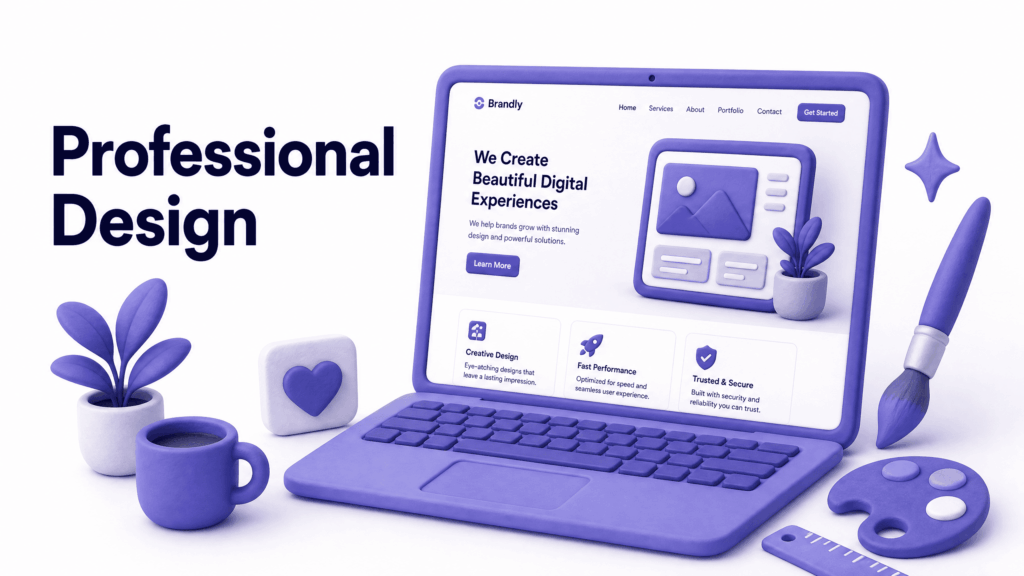
Design communicates credibility before logic does. A visitor’s brain processes visual information faster than text, which means your layout, typography, colour choices, and image quality are all forming an impression before the reader has absorbed a single sentence.
Customers expect fast, professional, mobile-friendly experiences. A website that was considered modern just a few years ago may now feel outdated, slow, or untrustworthy.
This doesn’t mean you need an award-winning design. It means your site needs to feel intentional, like someone who cares about their business built it. Consistent fonts, adequate spacing, a coherent colour scheme, and images that load crisply communicate that the business behind the site takes itself seriously.
A dated design; mismatched fonts, cluttered layouts, blurry images, 2015-era aesthetics, communicates the opposite. Visitors associate the quality of your website with the quality of your service, whether or not that’s fair.
Feature 3: Real Testimonials With Names and Details
“Great service!” does almost nothing for trust. Nobody believes an anonymous, vague quote; because anyone could have written it.
Real testimonials, with a customer’s full name, their location or profession, and a specific detail about what your business did for them, are among the most powerful website features that increase customer trust.
Real customer feedback with specific outcomes carries more weight than generic praise. Testimonials, case studies, client logos, certifications, and review integrations reinforce credibility.
The specificity is what makes it believable. “We booked a 7-day Kashmir tour through ElySpace and every detail was arranged perfectly, from the houseboat in Srinagar to the permits for Sonamarg. I highly recommend it.” That’s a testimonial that builds trust because it’s specific enough to be real.
Where possible, add a photo of the customer, their city, and the date. The more verifiable it feels, the harder it works.
Feature 4: A Human About Page
Your About page is one of the most visited pages on your website, yet most small business About pages read like a corporate brochure written by no one in particular.
Visitors go to your About page because they want to know who they’re dealing with. They’re trying to decide if they trust you; as a person, not just as a brand. Generic language like “we are committed to excellence and customer satisfaction” tells them nothing and convinces nobody.
What actually builds trust: a real story about why you started the business, who’s behind it, what drives the work, and what makes you different from the other options they’re considering. A real photo of the team or founder, not a stock image of a smiling group that could be anyone.
Authentic photographs of your team or premises create relatability. Without visible trust signals, even well-designed websites struggle to convert.
The About page is where visitors decide if they like you. Give them something real to connect with.
Feature 5: Clear and Visible Contact Information
If a potential customer has to search for a way to contact you, most of them won’t bother. They’ll assume you’re either difficult to reach or not actively running the business, and they’ll leave.
Your phone number should be in your website header, visible on every single page without scrolling. On mobile, it should be a tap-to-call link. Your email address should be real and domain-based, not a free Gmail account. Your location, if relevant, should be clearly listed on your contact page with a map embed.
Your website should have clear, complete information that establishes trust immediately.
Multiple visible contact options; phone, email, WhatsApp, a contact form, tell visitors that you’re accessible and that real people are behind the business. A website with no phone number, a hidden contact page, and a generic form as the only option communicates the opposite.
The simple rule: a potential customer should be able to find a way to contact you within five seconds of landing on any page.
Feature 6: Fast Loading Speed
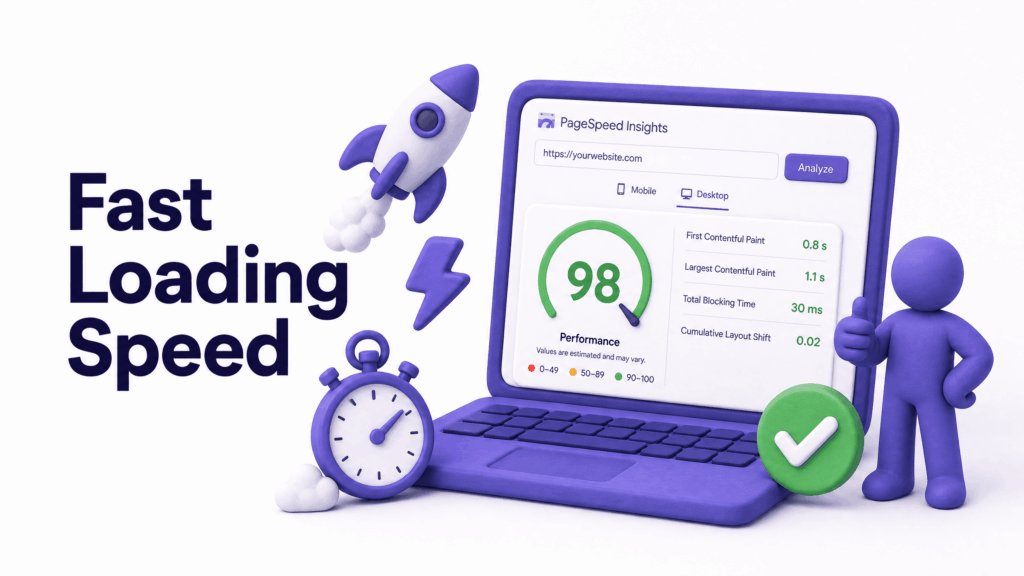
Speed is a trust signal, and most business owners don’t realise it.
A load time increase from 1 to 3 seconds can raise bounce rates by 32%. 53% of mobile users leave pages that take longer than 3 seconds to load.
But beyond the bounce rate, slowness communicates something to the visitors who do wait. It raises subconscious questions about the professionalism of the business. A slow website, like a disorganised shop floor, makes people wonder if everything else is equally neglected.
A fast website, by contrast, communicates efficiency and professionalism before the visitor has consciously processed anything. It’s one of those features that works entirely below the level of rational thought, but its effect on trust and conversion is real and measurable.
Check your current speed for free at Google PageSpeed Insights and pay specific attention to your mobile score.
Feature 7: A Consistent, Active Blog
A blog that was last updated in 2022 doesn’t just fail to attract new visitors, it actively undermines trust. It signals to anyone who notices the date that the business may no longer be active, engaged, or invested in its online presence.
An active blog does the opposite. Recent, well-written posts on topics relevant to your industry signal that your business is current, knowledgeable, and genuinely engaged with the problems your customers face.
As AI-powered search experiences continue to grow, websites with well-organised, informative, and trustworthy content are becoming increasingly valuable.
You don’t need to post weekly. Even one well-written post per month, consistently published, keeps your blog from feeling abandoned and gives Google fresh content to index. The content itself; helpful, specific, experience-driven, is one of the most durable website features that increase customer trust over time.
Feature 8: Privacy Policy and Terms Pages
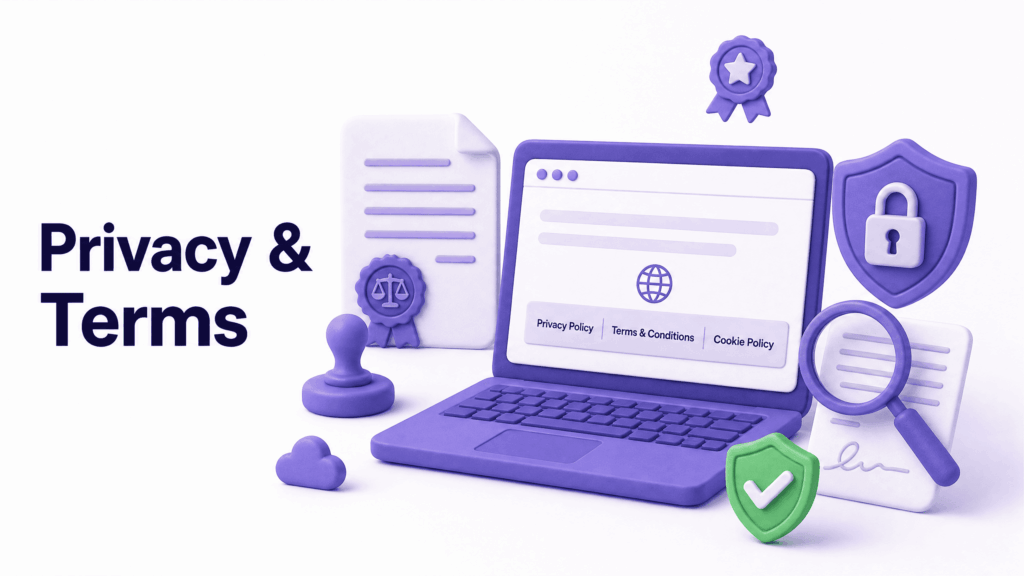
These pages feel boring, which is exactly why most small business websites either skip them or copy a generic template and forget about them.
But visitors notice. Corporate clients in particular, and anyone making a purchase decision, often look for a privacy policy as a basic check that the business is operating legitimately. Today, cyber threats are sharper, users are savvier, and regulators are stricter. A website with no privacy policy feels like it’s hiding something, even when it isn’t.
According to Google’s Privacy Policy guidance, websites collecting any user data, including contact forms, should have a privacy policy explaining how that data is used.
These pages also help your SEO. Google’s quality guidelines specifically reference the presence of clear policies as part of what makes a site trustworthy. A footer link to your Privacy Policy and Terms takes minutes to add and removes a quiet objection many visitors have without articulating it.
Feature 9: Real Photos, Not Stock Images
Stock photos are everywhere, and visitors have become remarkably good at recognising them without consciously trying. The perfectly diverse team at a glass-walled conference table. The generic handshake. The laptop on a café table with no identifiable location.
These images don’t just fail to build trust. They actively erode it, because they signal that the website is presenting a curated fiction rather than a real business.
Real photos, of your actual office, your actual team, your actual products or work, do the opposite. They show that a real business exists behind the URL. Authentic photographs of your team or premises create relatability.
Even low-budget photography, good natural light, a clean background, an honest shot of your actual space, outperforms stock imagery for trust building every time. This is one of those website features that costs very little to implement but creates a meaningful shift in how visitors perceive your business.
Feature 10: Mobile Experience That Actually Works
Mobile devices accounted for 52.27% of global website traffic, today. More than half of every person who visits your website is on a phone. If your mobile experience is broken, confusing, or slow, you’re failing more than half your audience.
But mobile isn’t just about functionality. It’s about trust. A site that looks polished on desktop but breaks on mobile signals that the business hasn’t paid attention to where its customers actually are. Buttons too small to tap, text that requires zooming, forms that don’t work on a touch screen — these aren’t just inconveniences, they’re trust signals in reverse.
Strong UX can improve average conversion rates by up to 400%. A mobile experience that works smoothly, loads quickly, and makes it easy to find information and get in touch is one of the most impactful website features that increase customer trust, because it’s where most of your customers are actually experiencing your business.
The Trust Gap: What It Costs You
Every missing trust feature on your website creates what could be called a trust gap, the distance between how credible your business actually is and how credible your website makes it appear.
The cost of that gap is invisible. You don’t get a notification when someone leaves because they couldn’t find your phone number, or because your site felt dated, or because there were no reviews visible. You just don’t get the call.
But it’s consistent. Every visitor who lands on a site missing these features makes a micro-judgment, and for a meaningful percentage of them, that judgment goes against you. Multiply that across months and years of traffic, and the trust gap becomes a significant and compounding revenue gap.
The good news: most of these features are fixable. Not all of them require a full rebuild. Some can be added or improved within days.
At ElySpace, we build websites with every one of these trust features included from the start, because a website that doesn’t convert visitors into customers isn’t doing its job, no matter how good it looks.
Common Trust Mistakes Small Business Websites Make
Generic or missing testimonials. Vague praise without names, photos, or specifics convinces nobody. If you have happy customers, ask for a detailed, named review and display it prominently.
An About page that reads like a corporate pamphlet. “We are dedicated to providing world-class solutions” is filler. Tell your actual story. It’s more convincing and more memorable.
Contact information buried in the footer. Your phone number should be in the header. Every additional click required to reach you is a percentage of visitors who don’t bother.
No privacy policy visible. One missing page can make a sophisticated buyer question your legitimacy. Add it, a basic privacy policy for a small business takes under 30 minutes to create properly.
Stock photos throughout. Replace at least your homepage hero and About page images with real photos. The impact on visitor trust is immediate and significant.
A blog section that hasn’t been updated in over a year. Either update it regularly or remove the dates from old posts while you work on new content. Stale dates raise doubts about whether you’re still active.
What You Can Do This Week
- Check your SSL: padlock in the address bar or fix it immediately
- Open your site on your phone and assess the experience honestly as a stranger would
- Count your testimonials: are there any? Are they specific and named? If not, reach out to three satisfied customers this week
- Read your About page: does it sound like a real person wrote it about a real business?
- Find your phone number: can you see it without scrolling on your homepage?
- Run a speed test at Google PageSpeed Insights and note your mobile score
If you find three or more things on this list that your site is currently missing, the trust gap on your website is costing you customers right now; quietly, consistently, every day.
FAQs (Frequently Asked Questions)
Which website feature builds customer trust the fastest? SSL and HTTPS are the most immediate, a “Not Secure” warning actively drives visitors away before they’ve read anything. After that, specific named testimonials and real photos tend to have the fastest visible impact on trust and conversions.
Do I need all 10 features to build trust? The more you have, the stronger the cumulative effect. But some are more urgent than others. SSL, mobile experience, contact visibility, and speed affect every visitor. Start with those if you’re prioritising.
Can a small budget website still build customer trust? Absolutely. Most of these features aren’t about spending more money, they’re about making the right decisions. Real photos over stock images cost nothing. A specific testimonial costs nothing. An honest About page costs nothing. A well-optimised small site consistently outperforms a large, expensive site that gets these fundamentals wrong.
How do testimonials affect trust differently from reviews? Reviews on external platforms like Google are seen as more independently verified, visitors know the business can’t fully control them. Testimonials on your website are curated by you, which is why specificity and authenticity matter so much. Both work better together than either does alone.
Why does page speed affect trust? Slow loading triggers subconscious doubt about the professionalism of the business. It also directly causes visitors to leave before forming any impression at all. Speed affects both the quality of the trust signal and the number of visitors who stick around long enough to receive it.
Does a privacy policy really matter for a small business website? More than most owners realise. Sophisticated buyers, corporate clients, and any visitor who takes data privacy seriously check for it. Its absence raises quiet questions about legitimacy. Adding one takes minimal effort and removes an objection many visitors have without expressing it.
How often should I update my blog to maintain trust? Consistency matters more than frequency. One well-written post per month, published reliably, is far better than six posts in one week followed by six months of silence. The goal is to signal that the business is active, engaged, and knowledgeable; not to hit an arbitrary post count.