 Live Chat
 Contact
 Shopping Cart
 Rashid Malla
Every week, thousands of small business owners open their inbox to a message they never wanted to see: “Your website has been flagged for malware.” Most of them never saw it coming. They built a site, launched it, and moved on, assuming security was something they’d deal with “later.” Later usually never comes, and hackers know it.
If you’re reading this, you already know that learning how to create a secure site isn’t optional anymore. It’s the difference between a business that runs smoothly and one that loses customer trust, search rankings, and sometimes years of work in a single breach. This guide walks through the exact process our team at Ely Space uses when hardening client websites — without the jargon or filler you’ll find on most security blogs.
What “Secure” Actually Means for a Website
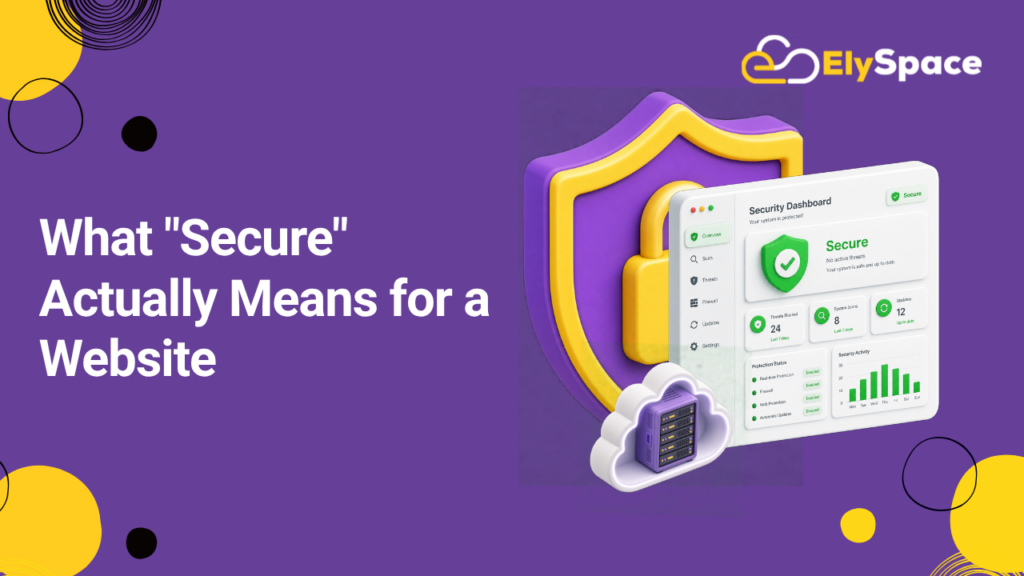
A secure site isn’t just a padlock icon next to your domain name. That’s one piece of it, not the whole picture. A genuinely protected website guards three things at once: the data it collects, the server it runs on, and the trust of the people using it.
Think of it like a house. A lock on the front door helps, but it doesn’t matter much if a back window is left open, the foundation is cracked, or you’ve handed out spare keys to people you don’t know. Website security works the same way. HTTPS encryption is your front door lock. Your hosting environment is the foundation. Your plugins, themes, and third-party scripts are the windows — and they’re usually where attackers get in.
Understanding this bigger picture is the first real step in learning how to create a secure site. Everything below builds on it.
Why Website Security Can’t Wait
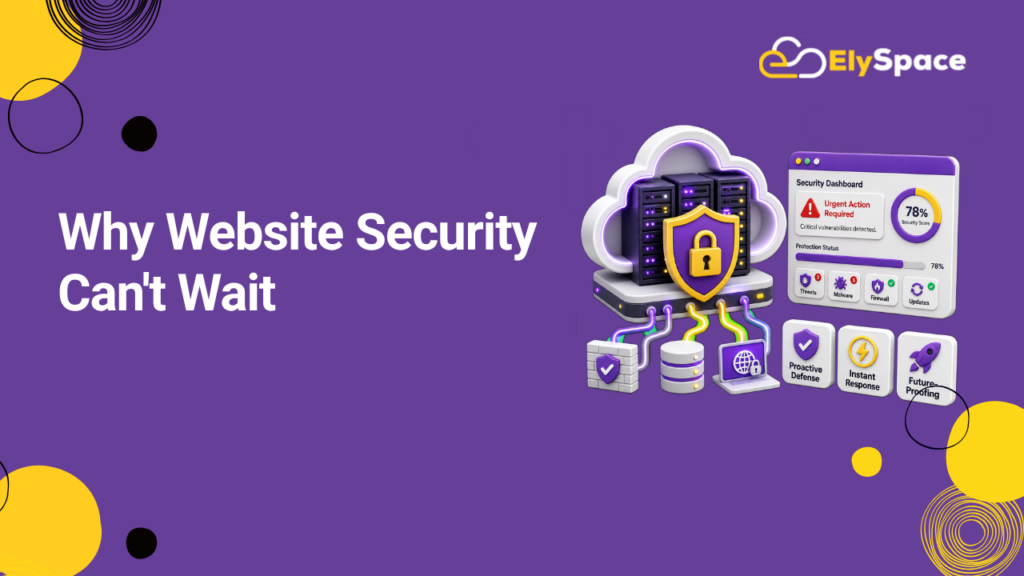
Search engines and users have both gotten less forgiving about insecure websites. Google flags unsecured sites directly in Chrome, and browsers now warn visitors before they even load a page without HTTPS. That warning alone can quietly kill your conversion rate.
There’s also the automated side of the threat. Most attacks on small-business websites aren’t from a person sitting there typing commands. They’re bots, scanning millions of domains a day for outdated plugins, weak passwords, and unpatched software. Your site doesn’t need to be famous to get hit; it just needs to be unprotected.
This is why learning how to create a secure site matters just as much for a five-page portfolio as it does for a large ecommerce store. The bots don’t check your traffic numbers before they knock.
How to Create a Secure Site: The Full Process
This is the part that matters most. Below is the exact sequence we recommend, in the order it should actually be done — not just a random list of tips.
1. Start With Secure, Reputable Hosting
Your host is the foundation everything else sits on. Before you build anything, confirm your hosting provider offers server-level firewalls, regular malware scanning, automatic backups, and isolated user accounts if you’re on shared hosting. If your current host doesn’t offer these basics, no amount of plugin security will fully make up for it.
2. Install an SSL Certificate and Force HTTPS
This is the most visible step in how to create a secure site, and thankfully the easiest. Services like Let’s Encrypt offer free SSL certificates, and most hosts now install them automatically. Once it’s active, make sure your site forces HTTPS on every page, not just the login or checkout screens — mixed content is a common gap attackers look for.
3. Keep Every Piece of Software Updated
Outdated CMS versions, plugins, and themes are the single biggest cause of website breaches. If you’re running WordPress, Joomla, or any similar platform, set updates to install automatically wherever possible, and remove any plugin you’re no longer actively using. An inactive plugin is still a door left unlocked.
4. Use Strong Authentication Everywhere
Weak passwords and reused logins are how most admin panels get compromised. Require strong, unique passwords for every account with access to your site, and turn on two-factor authentication for your CMS, hosting dashboard, and domain registrar. This single habit blocks a huge share of automated attacks before they start.
5. Lock Down Your CMS and Third-Party Scripts
If your site uses a content management system, restrict admin access by IP address where possible, disable file editing from within the dashboard, and audit installed plugins every few months. Every script you add — chat widgets, analytics tools, ad tags — is a potential entry point, so only install what you actually use.
6. Set Up Automated, Offsite Backups
Backups won’t stop an attack, but they decide how bad the aftermath is. Store backups offsite, automate them daily or weekly depending on how often your content changes, and actually test a restore at least once. A backup you’ve never restored from is a backup you can’t fully trust.
7. Add a Web Application Firewall (WAF)
A WAF filters malicious traffic before it ever reaches your server. Tools like Cloudflare offer this at no cost for smaller sites and can block common attack patterns like SQL injection and cross-site scripting automatically.
8. Monitor and Scan Continuously
Security isn’t a one-time setup; it’s ongoing. Use uptime monitoring and malware scanning tools that alert you the moment something looks off, rather than finding out from a customer complaint or a Google Search Console warning weeks later.
Follow these eight steps in order, and you’ve covered the core of how to create a secure site the right way, not just the surface-level parts most guides stop at.
Common Mistakes That Undo Good Security
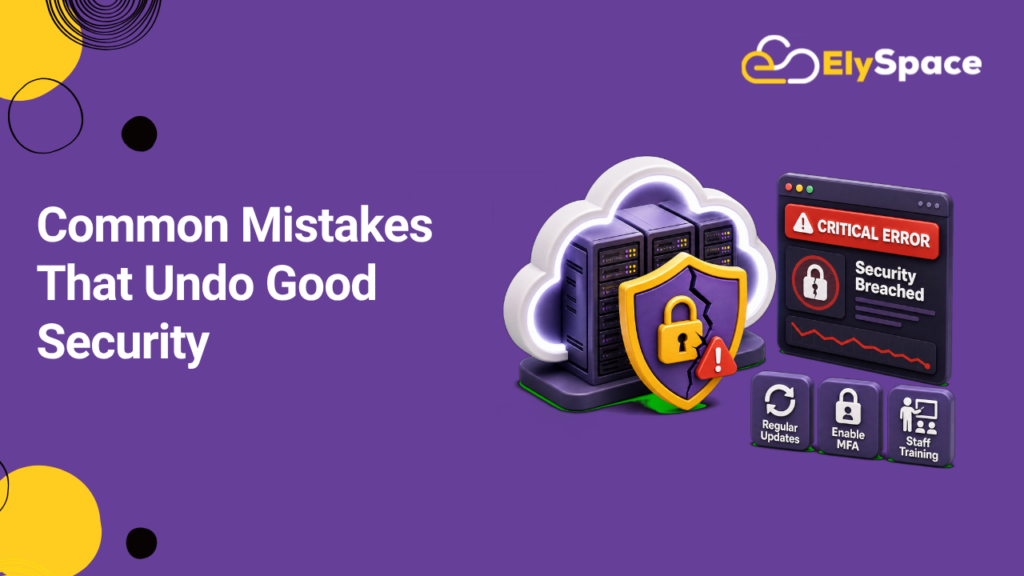
Even careful site owners make a few repeat mistakes. The most common is treating security as a launch-day task instead of an ongoing habit — plugins get updated once and then ignored for a year. Another is relying entirely on a security plugin while skipping server-level protections, which leaves the foundation exposed even if the surface looks fine.
Reusing the same admin password across multiple tools is another frequent issue, along with ignoring backup restore tests until it’s too late to matter. According to guidance from the Open Web Application Security Project (OWASP), the majority of website breaches trace back to a small, predictable set of preventable weaknesses — not sophisticated, unstoppable attacks.
How Ely Space Approaches Site Security
At Ely Space, every project starts with security baked into the build, not bolted on afterward. That means secure hosting recommendations from day one, forced HTTPS across every environment, and a maintenance plan that keeps software current without waiting for a client to ask. We’ve seen firsthand how a single overlooked plugin can undo months of good design work, which is why our process treats security as part of the design itself.
If you’re planning a new site or auditing an existing one, our website design and development services and website maintenance plans are built around this same checklist. It’s the same standard we hold every client project to, and it’s the same one outlined in this guide.
A Quick Security Checklist
Before you consider a site finished, run through this list:
- SSL certificate installed and HTTPS forced on every page
- Hosting provider offers firewalls, scanning, and backups
- CMS, plugins, and themes fully updated
- Two-factor authentication enabled on all admin accounts
- Unused plugins and scripts removed
- Automated offsite backups running and tested
- Web application firewall active
- Ongoing monitoring and malware scanning in place
If you can check every box, you’ve done the real work involved in creating a secure site not just the parts that show up in a padlock icon.