 Live Chat
 Contact
 Shopping Cart
 Eshan Riyaz
You spend money on a website. You put thought into your logo. You make sure your WhatsApp profile looks presentable. And then you send your first business proposal from [email protected].
In that one moment, a lot of the trust you worked to build quietly disappears.
A professional email address, one that uses your own domain, like [email protected], is one of the smallest investments a business can make and one of the most consistently underestimated. It’s not a vanity upgrade. It directly affects whether people open your emails, trust your proposals, and take your business seriously before you’ve even had a conversation.
75% of consumers say a domain-based email address is a key factor in trusting a small business. That’s not a marginal preference, it’s three out of every four potential customers making a judgment about your credibility based purely on what comes after the @ symbol.
What a Professional Email Address Actually Is
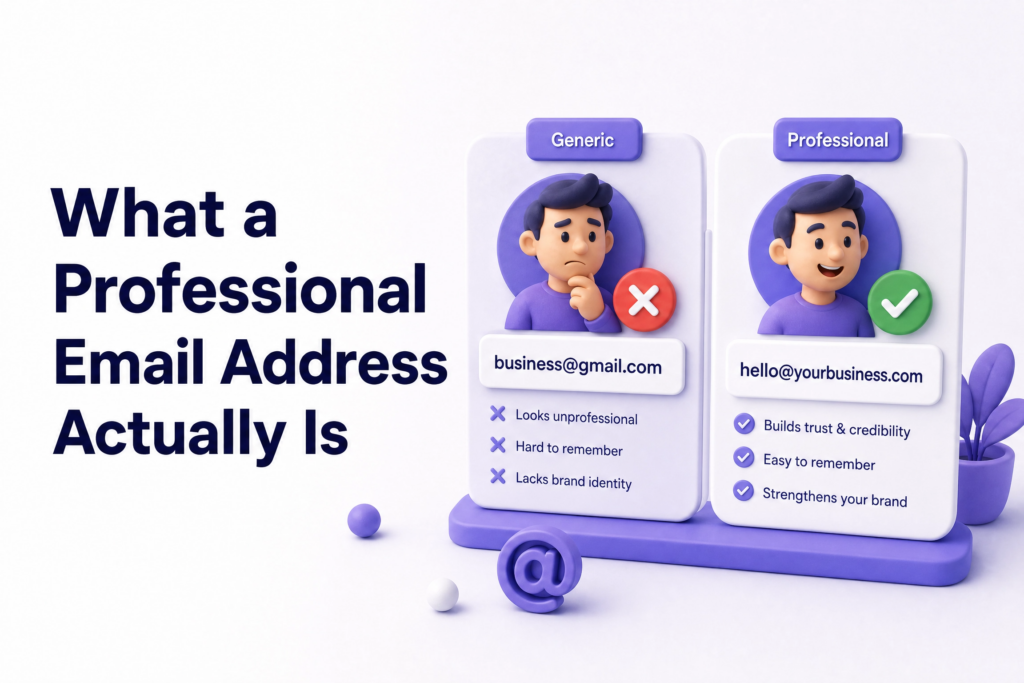
A professional email address uses your business’s own domain name rather than a free public provider.
The difference looks like this:
| Not Professional | Professional |
| [email protected] | [email protected] |
| [email protected] | [email protected] |
| [email protected] | [email protected] |
The format is simple: [email protected]. Your name or role on the left, your business domain on the right. That’s it. The setup behind it requires a domain name and an email hosting service, but the result is something that immediately communicates you’re running a real, intentional business.
Why Free Email Domains Hurt More Than You Think
Most small business owners use Gmail or a similar free service when they’re starting out, and then never switch, because everything seems to be working fine.
What they don’t see is what’s happening on the other side of that email.
Emails sent from free domains are up to 35% more likely to be ignored compared to messages sent from a branded business email address. Nearly 1 in 5 business emails from non-branded domains never even reach the inbox, they land in spam before the recipient ever sees them.
Think about your own inbox. When you see an email from [email protected] versus [email protected], which one do you open with more confidence? Which one makes you wonder, even briefly, if it’s a scam?
That instinct your customers have is the problem.
Free email domains like Gmail or Yahoo are commonly associated with personal use, side gigs, or worse: spam and scams. Businesses relying on these domains can come across as less credible, less established, or not even legitimate. After all, anyone can create a free email account with a company name.
The professional email doesn’t guarantee trust. But the free email actively undermines it, quietly, on every single message you send.
7 Powerful Ways a Professional Email Address Builds Business Trust
1. It Creates a Credible First Impression Before You’ve Said a Word
For many potential customers, your email address acts as the very first branded touchpoint they encounter, whether you’re sending a cold outreach message, responding to an inquiry, or submitting a formal quote. That address sits right at the top of the screen. Its impact on first impressions is both immediate and lasting.
Before a potential client reads your subject line, your name, or a single word of your message, they see your email address. In a fraction of a second, it either signals “this is a real business” or introduces doubt.
That doubt, even when the recipient decides to read on anyway, lingers. It affects how seriously they take your proposal. It affects whether they negotiate harder. It affects whether they refer you to others.
2. It Directly Improves Your Email Open Rates
Businesses that use branded email addresses see up to 35% higher response rates from customers and partners.
Higher open rates mean more of your proposals are read. More of your follow-ups get replies. More of your invoices get paid on time. The email address isn’t just a cosmetic detail, it affects the functional effectiveness of every communication you send.
If you’re spending time crafting well-written emails that nobody opens because your sender address looks suspicious, you’re losing before you start.
3. It Keeps Your Emails Out of the Spam Folder
A professional email address built on your own domain builds instant trust, protects your brand from spoofing, and keeps your messages out of the spam folder.
Free email services used for business communication are increasingly flagged by spam filters, especially when you’re emailing people who haven’t explicitly added you to their contacts. A properly configured business email with the right technical settings (SPF, DKIM, DMARC) tells receiving mail servers that your messages are legitimate.
According to Google’s Email Sender Guidelines, properly authenticated business emails with SPF, DKIM, and DMARC records are significantly more likely to reach inboxes consistently.
The practical result: your emails arrive in inboxes instead of vanishing into spam folders your recipients never check.
4. It Makes Your Business Look Established and Permanent
When you use an address that matches your business name, you instantly communicate that you run a serious, credible operation.
A Gmail address, despite being used by billions of people, implicitly suggests impermanence. Anyone can set one up and abandon it. A domain-based email address signals that you’ve invested in a business identity, one you’re committed to maintaining.
For clients considering a significant purchase, a tour package, a website, a catering contract, the feeling that they’re dealing with a real, established business matters. A professional email address removes the doubt that often comes with generic addresses and makes your outreach feel more legitimate.
5. It Reinforces Your Brand on Every Single Email
Every email you send is a touchpoint with your brand. When that email comes from @traveladventures.com, every message subtly reinforces your business name, in the sender field, in the reply-to field, in forwarded emails, in email signatures.
Wherever possible, keep the name and domain of your email address aligned with your professional presence on other platforms, your website, LinkedIn, and social media networks. Consistency helps build a cohesive brand, making it easier for people to connect with you across multiple channels.
The alternative; different names, different domains, free services, creates fragmentation. People can’t connect the dots between your email, your website, and your social presence. Consistency makes you more memorable and more trustworthy.
6. It Protects Your Business From Impersonation
Over 90% of cyberattacks begin with email. Businesses using unmanaged or personal inboxes are significantly more exposed to phishing, impersonation, and data leaks.
When you own a domain and control your business email through it, you can implement security protocols that make it much harder for someone to impersonate you, sending fake emails to your clients pretending to be you. This kind of impersonation attack has directly damaged small businesses by tricking clients into sending payments to fraudulent accounts.
A professional email with proper authentication in place reduces this risk significantly. A Gmail address gives you no control over this at all.
7. It Makes Role-Based Communication Cleaner
As your business grows, a professional email setup allows you to create role-based addresses; info@, support@, bookings@, accounts@, that route different types of communication to the right person or team.
A professional email connects your name to your company, reinforcing trust and brand visibility with every message. It’s a simple detail that speaks volumes about your professionalism and brand.
Even if you’re a solo business owner right now, starting with [email protected] rather than your personal name means you can hand that inbox to a team member later without creating any confusion for existing contacts.
What Your Email Address Says Before You Say Anything
Here’s a scenario that plays out in real business every day.
A potential client receives two quotes for a tour package. Both companies have good reviews. Similar prices. Similar itineraries. One quote arrives from [email protected]. The other arrives from [email protected].
Everything else being equal, which one feels more established? Which one feels less risky to pay a deposit to?
The answer is obvious, and it’s not a fair judgment on the business with the Gmail address. They might be more experienced and more professional in every real sense. But the email address plants a seed of doubt that the other company doesn’t have to overcome.
That seed is what a professional email address eliminates.
Professional Email Formats: Which One Should You Use?
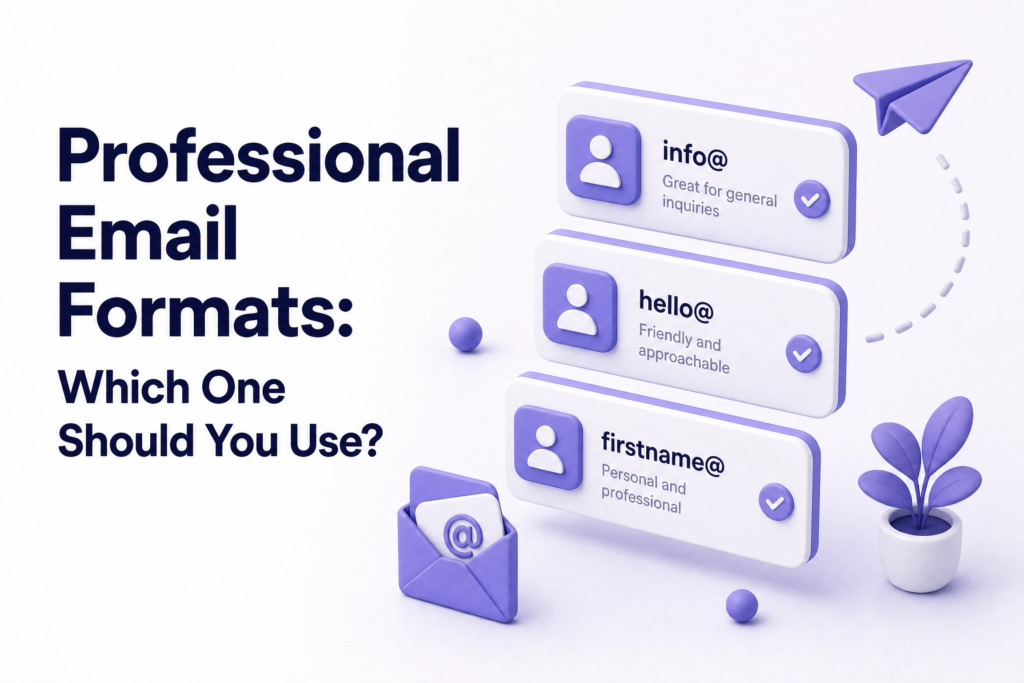
There’s no single correct format, but some work better than others depending on your situation:
[email protected]: The most common general inbox. Works well as the primary address for most small businesses. Feels accessible and professional without being too personal.
[email protected]: Best for service businesses where a personal relationship matters, consultants, freelancers, advisors. Puts a human face on the communication.
[email protected]: A warm, approachable variation. Works well for creative businesses, tourism, or any industry where friendliness is part of the brand.
[email protected] or [email protected]: Role-specific addresses that tell the recipient exactly what this inbox handles. Good for businesses with clear operational divisions.
Avoid long or complex formats; [email protected], is harder to remember and type correctly than simply [email protected]. Shorter is almost always better.
Common Email Mistakes Small Business Owners Make
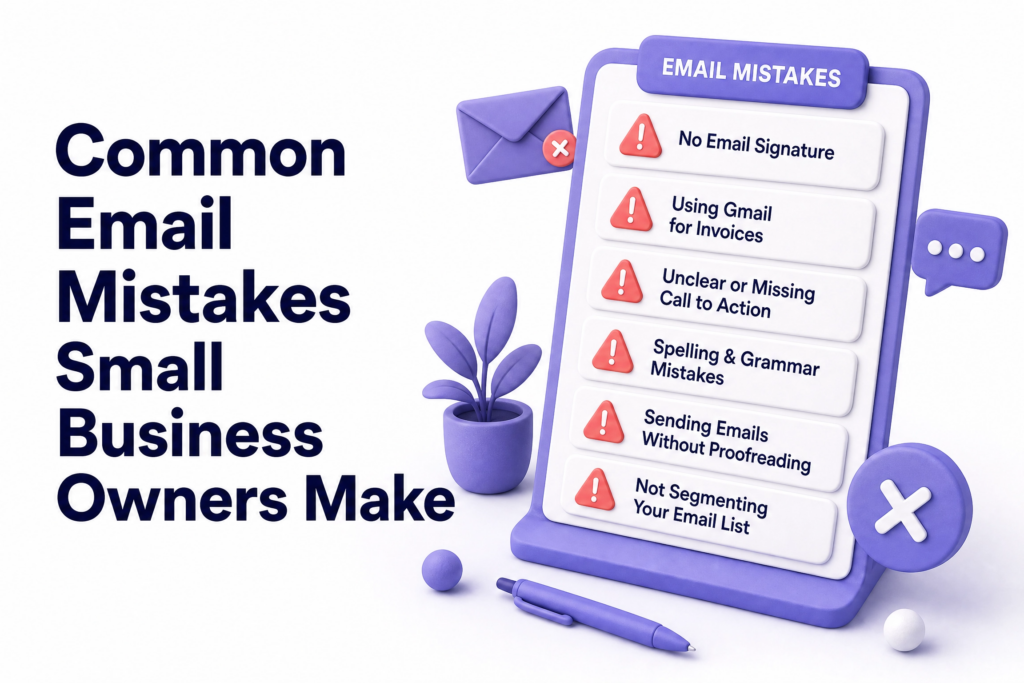
Keeping a personal Gmail address for years after launching. The longer this continues, the more your professional image costs you. Every email sent from a free address is a missed branding opportunity and a small trust deficit.
Using different email addresses for different purposes inconsistently. Using your domain email for some clients and Gmail for others creates confusion and signals disorganisation.
Never setting up an email signature. A professional email with no signature wastes the opportunity to include your name, title, phone number, website link, and a simple visual reminder of your brand. Every email is a touchpoint, use it.
Treating the email address as separate from the website. Your domain is the foundation. Your website and your professional email both live on it. When someone visits adventuretours.com and then receives an email from [email protected], the consistency confirms they’re dealing with the same real business. Fragmentation between the two undermines that.
Not setting up basic authentication. SPF, DKIM, and DMARC sound technical but most business email hosting providers configure these automatically or walk you through it. Without them, your emails are more likely to land in spam and your domain is more vulnerable to impersonation.
Using a free email for financial communications. Sending invoices, payment requests, or banking details from a Gmail address is a significant security and credibility risk. Clients are increasingly trained to distrust financial requests from non-branded email domains, for good reason.
How to Get a Professional Email Address
You need two things: a domain name and an email hosting service.
If you already have a website with a domain, which every serious business should, you’re halfway there. Most hosting providers include email hosting as part of their plans, allowing you to create addresses at your domain directly from your hosting control panel.
If your current hosting doesn’t include email, dedicated email hosting services like Google Workspace or Microsoft 365 connect to your existing domain and provide professional inboxes with full mobile support, calendar integration, shared drives, and better security. Both are worth the monthly cost for a business that relies on email communication.
The setup process, while it involves a few technical steps around DNS records, is well-documented by every major provider and typically takes under an hour. Your hosting provider’s support team can usually guide you through it if needed.
At ElySpace, every website we build comes with domain email setup included, so from day one, your business has a professional address that matches your website and your brand.
What You Can Do Today
- Check what email address is on your website and business cards: if it’s a free email, that’s the first thing to change
- Confirm you own a domain: if you don’t yet, this is the foundation everything else sits on
- Set up a business email through your hosting provider: most control panels make this straightforward
- Update your email signature: name, title, phone number, website link, and your new professional address
- Update your WhatsApp Business profile, Google Business Profile, and social media bios with your new address for consistency
This change takes a few hours to set up and then runs in the background indefinitely, improving every email interaction your business has from that point forward.
FAQs (Frequently Asked Questions)
What is a professional email address? A professional email address uses your business’s own domain name rather than a free public provider. Instead of [email protected], it looks like [email protected], where the domain matches your website and business identity.
Why can’t I just use Gmail for my business? You can, but it quietly costs you. Free email domains are associated with personal use, are more likely to be filtered as spam, and signal to potential clients that your business may not be fully established. Emails from free domains are up to 35% more likely to be ignored than those from branded business addresses.
How much does a professional email address cost? It depends on your setup. If your hosting plan includes email, the additional cost may be zero. Dedicated business email services like Google Workspace start from around ₹125–₹200 per user per month. For most small businesses, this is one of the highest-return investments available, the credibility gained far outweighs the monthly cost.
Can I use a professional email address on my phone? Yes. Business email addresses work on any email app; iPhone Mail, Android Gmail, Outlook, exactly like a regular email account. Google Workspace and Microsoft 365 have dedicated mobile apps that make the experience seamless.
Do I need a different email address for every person on my team? Not necessarily at first. Starting with one or two role-based addresses (info@, bookings@) covers most needs for a small team. As you grow, adding individual addresses ([email protected]) for team members adds a further layer of professionalism and accountability.
Will switching to a professional email affect my existing contacts? It won’t affect them directly, they’ll simply receive future emails from your new address. Notify regular contacts of the change, update your address anywhere it’s publicly listed, and set up an auto-forward on your old Gmail so you don’t miss any messages sent there during the transition.
Is a professional email address secure? More secure than a personal free email when set up correctly. With proper authentication protocols configured and a reputable email hosting provider, your business email is significantly harder to spoof, less vulnerable to phishing, and better protected than a standard free inbox.