 Live Chat
 Contact
 Shopping Cart
 Eshan Riyaz
Open your website right now on your phone. Count the seconds before it fully loads.
If you hit three seconds and it’s still loading, you just lost a visitor. Statistically, more than half of them won’t wait. They’ll hit the back button and open your competitor’s site instead.
Website speed isn’t a “nice to have” technical detail. It’s one of the most direct connections between your website and your revenue. And most small business owners have no idea this is happening to them.
What “Website Speed” Actually Means
Speed isn’t just about how fast your homepage appears. It covers:
- How quickly the first content shows on screen
- How fast users can actually click buttons and interact
- Whether the page shifts around while loading (that annoying jump effect)
Google measures this through something called Core Web Vitals: three specific metrics that grade your site’s loading experience. You don’t need to memorize them. What you do need to know is that Google uses them as a ranking factor. A slow site doesn’t just frustrate people, it actively gets pushed down in search results.
How a Slow Website Loses You Money
Let’s talk numbers, because they’re hard to ignore.
A one-second delay in load time can reduce conversions by around 7%. Doesn’t sound like much? For a business doing $10,000 a month online, that’s $8,400 lost per year, from one second.
Walmart saw a 2% increase in conversions for every one-second improvement in page speed. And a furniture ecommerce business that cut mobile load times from over 5 seconds to around 2 seconds saw an 81% increase in monthly revenue.
These aren’t outliers. This is how speed works at every level.
For a local business: a tour company, a salon, a clothing store, the math is smaller but the principle is identical. Every person who leaves your slow website is someone who came looking for exactly what you sell. You just handed them to a competitor.
Website Speed and Google Rankings
Here’s where it gets worse for slow sites.
Website speed is a critical ranking factor in Google’s algorithm, particularly with Core Web Vitals as part of the Page Experience update. Google prioritizes fast websites, slow pages lead to poor user experience, and Google aims to serve only the best-performing sites.
So the slowness creates a double problem. First, the people who do find your website leave quickly. That high bounce rate signals to Google that your site isn’t useful. Then Google gradually pushes your rankings down. Fewer people find you. Fewer people buy from you.
It’s a quiet downward spiral most business owners don’t notice until it’s already done damage.
If you’re running Google Ads on top of this, a slow landing page lowers your Quality Score, which means you pay more per click and get worse ad placement. You’re essentially paying to send people to a page that drives them away.
What a Fast Website Actually Feels Like (For Your Customers)
Think about the last time you used an app or website that just worked: instantly, smoothly, no waiting. You probably didn’t even think about it. You just kept going.
That’s the experience a fast website creates. Users who experience fast, responsive sites develop stronger brand affinity and return more frequently than those frustrated by slow performance.
Speed builds trust without anyone realising it. A slow website, on the other hand, makes people question everything. Is this business reliable? Is it even still active? Should I trust my payment details here?
Nobody thinks those thoughts consciously. But they feel them. And they leave.
Why Most Business Websites Are Slow
If speed matters so much, why are so many business websites slow? Usually it comes down to a few things:
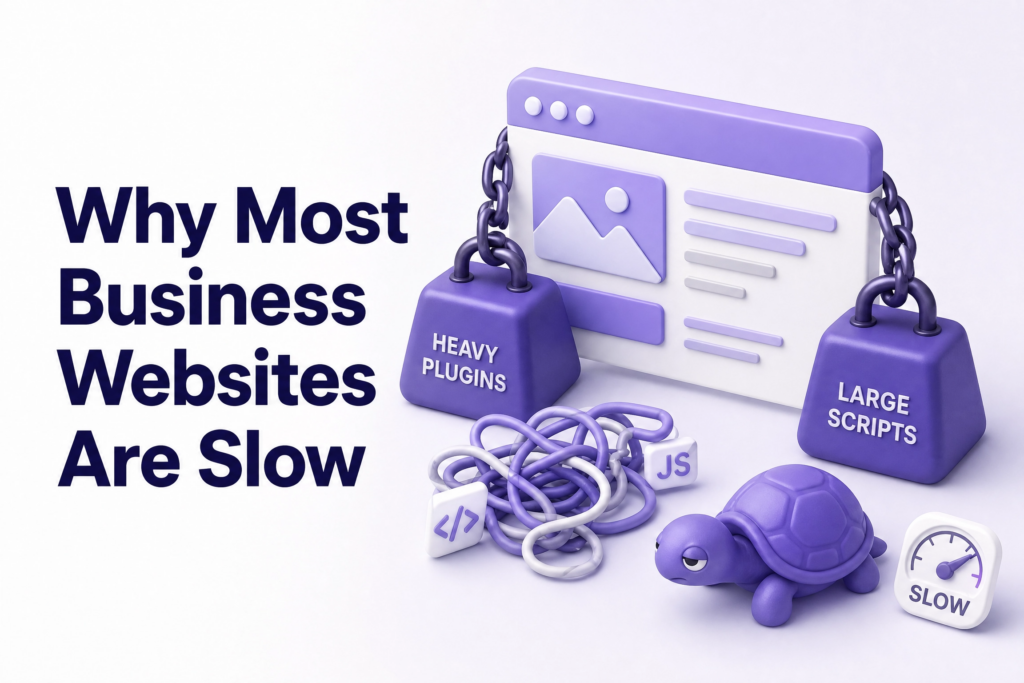
Unoptimized images. Photos straight from a camera or phone are massive files. Uploading them directly to your website without compressing them is one of the most common speed killers.
Too many plugins. WordPress websites especially tend to accumulate plugins over time, every one of them adds weight to your pages.
Cheap hosting. Shared hosting plans that cost very little also tend to have very slow server response times. Your host is the foundation, a weak foundation slows everything built on top of it.
No caching. Without caching, your server rebuilds your page from scratch every time someone visits. With caching, it serves a ready-made version. The difference in load time can be dramatic.
Bloated page builders. Some drag-and-drop builders load a lot of unnecessary code. A beautifully designed page can still be secretly heavy.
The good news: all of these are fixable. Tools like Google PageSpeed Insights give you a free speed score and tell you exactly what’s slowing your site down.
What You Can Do Right Now
You don’t need a developer on call to start improving your site speed today:
- Test your speed at PageSpeed Insights or GTmetrix, both are free.
- Compress your images before uploading. Tools like TinyPNG or Squoosh are free and take 30 seconds per image.
- Enable caching: if you’re on WordPress, a plugin like WP Rocket or LiteSpeed Cache handles this without any technical knowledge.
- Check your hosting plan: if you’re on very cheap shared hosting and your site is slow, the server is likely the bottleneck.
- Remove unused plugins: go through your WordPress dashboard and deactivate anything you’re not actively using.
These steps won’t take your site from 6 seconds to 1 second overnight, but they’ll make a real difference. And if your site needs deeper work: a proper speed audit, better hosting infrastructure, or a rebuild with performance in mind, that’s worth investing in.
At ElySpace, we build websites with speed baked in from the start, not patched on afterwards. If your site feels slow and you’re not sure why, we can take a look.
FAQ
What is a good website load time? Under 2-3 seconds is the general benchmark. Under 2 seconds is ideal. Anything beyond 3 seconds starts hurting your bounce rate significantly, especially on mobile.
Does website speed affect SEO? Yes, directly. Google uses Core Web Vitals as a ranking signal. A consistently slow site will rank lower than a faster competitor with similar content quality.
My website looks fine on desktop. Does mobile speed matter? More than ever. Google uses mobile-first indexing, which means it primarily looks at your mobile version to decide your rankings. A site that loads well on desktop but slowly on phone is still a problem.
Is speed optimization a one-time fix? Not really. As you add new content, images, and plugins over time, speed can degrade. It’s worth checking your scores every few months and staying on top of image compression as you upload new content.
What’s the fastest type of website? Generally, custom-built websites or lightweight WordPress setups on quality hosting perform best. Heavy page builders on cheap hosting tend to be the slowest combination.
Ready to Speed Things Up?
A slow website is one of those problems that’s easy to ignore, until you realize how much it’s been costing you in lost customers and lower Google rankings.
The fix doesn’t have to be complicated. Sometimes a few small changes make a big difference. Sometimes a full rebuild is the right call.
Either way, ElySpace builds and optimizes websites for small businesses that need to perform, not just look good. If you want a site that loads fast, ranks well, and actually converts visitors into customers, let’s talk: +91 91038 53627