 Live Chat
 Contact
 Shopping Cart
 Eshan Riyaz
Imagine a website that has six different fonts, three auto-playing videos, and a homepage that takes 14 seconds to load. As an owner of this website will you be proud of it? Ofcourse not.
Because nobody will stay long enough to read a single word.
Building your first website is one of those things that feels straightforward until you’re doing it. The tools are easy. The templates are everywhere. But the mistakes people make aren’t technical, they’re about thinking. About what a website is actually supposed to do.
Here are the ten first website mistakes that show up again and again, and what to do instead.
Mistake 1: Building for Yourself Instead of Your Visitor
This is the root of most website problems.
You pick colors you love. You write a copy that explains your journey. You design the layout you find visually interesting. And then you wonder why visitors leave in 30 seconds.
Your visitor doesn’t care about your preferences. They showed up with a question: Can this business solve my problem? and they need to find that answer in about eight seconds before they leave.
Before you design a single page, ask: What does my visitor need to know, feel, and do when they land here? Build around that. Your personal taste comes second.
Mistake 2: Choosing the Wrong Platform for the Wrong Reasons
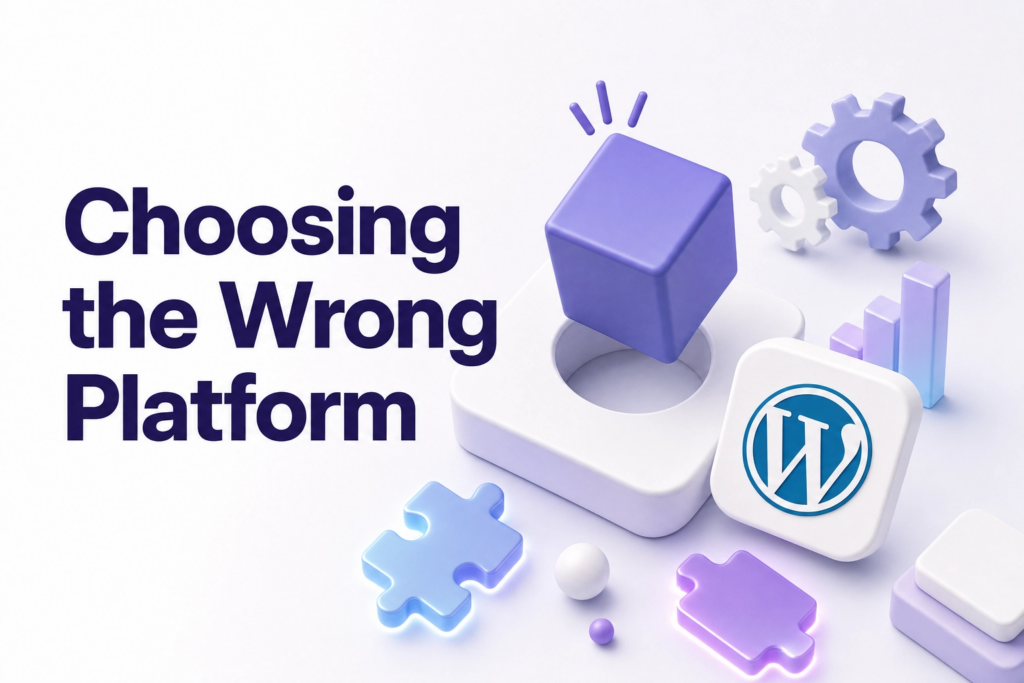
Most people choose a website platform because a friend recommended it, or because it was the first result they found on Google.
Then six months later they’re paying for features they don’t use, fighting a system that doesn’t suit their business, or stuck with something they can’t grow out of.
Quick guide:
- WordPress: Most flexible. Better if you want full control and have some patience to learn.
- Custom build: Best long-term investment if done right.
Choose based on what your business actually needs, not what looks easiest on day one.
Mistake 3: Launching Without a Clear Goal
What is your website supposed to do?
That sounds obvious. Most people answer with something vague, “tell people about my business” or “look professional.” That’s not a goal. That’s a description.
A goal is: Get visitors to book a consultation. Or: Convince them to call before they check a competitor. Or: Sell this one specific product.
Every page on your site should push toward that goal. If you don’t know what the goal is, your visitors won’t know what to do, so they’ll do nothing.
One page. One goal. Everything on that page either supports it or it shouldn’t be there.
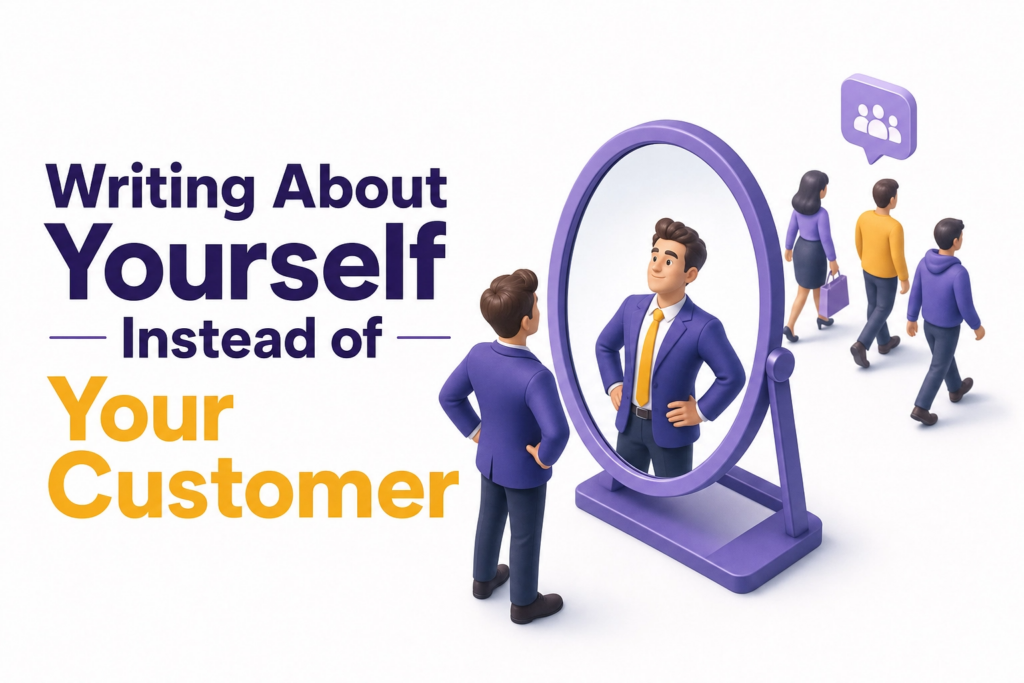
Mistake 4: Writing About Yourself Instead of Your Customer
The most common homepage opening line in the world: “Welcome to [Business Name]. We are a leading provider of…”
Nobody reads that. Because nobody cares yet.
People arrive at your site thinking about their own problem. They need to feel understood before they’ll trust you enough to read further. Lead with what you do for them, not who you are.
Compare these two:
Wrong: “We are a passionate team of web designers based in Jaipur with 10 years of experience.”
Right: “We build websites for small businesses that actually bring in customers not just look good.”
One is about you. One is about them. The second one makes people read the next line.
Mistake 5: Ignoring Mobile From the Start
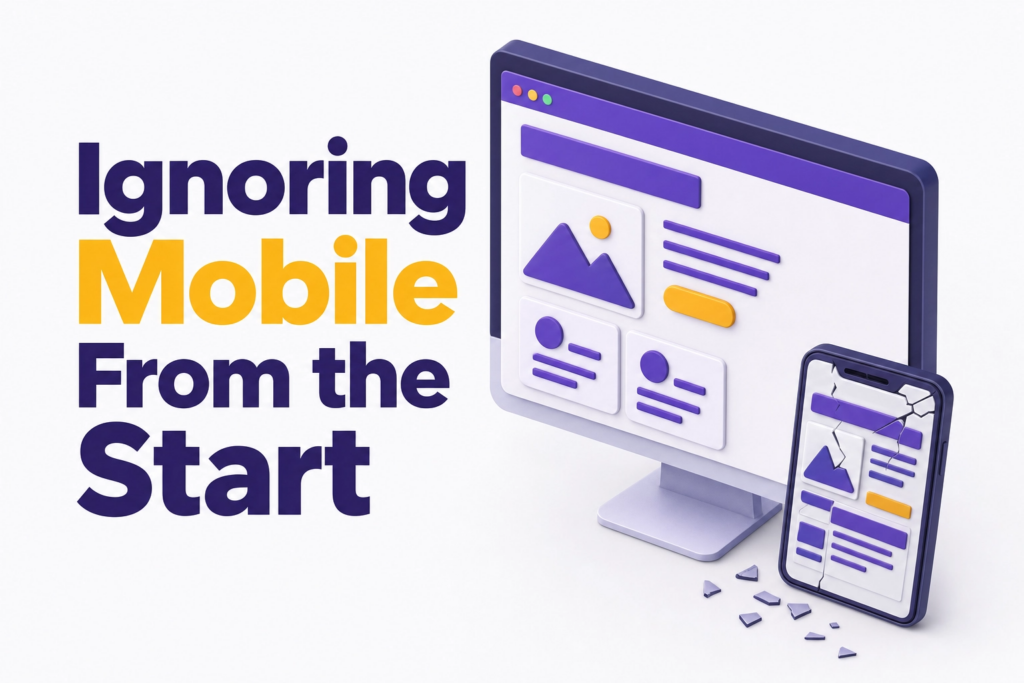
More than 60% of web traffic happens on mobile devices. If your website looks fine on your laptop but breaks on a phone, you’re turning away the majority of your visitors.
This isn’t about making a “mobile version.” It’s about designing with mobile in mind first, then checking desktop.
Check your site on your actual phone before you launch. Tap every button. Read every paragraph. If anything feels awkward or cramped, fix it before it goes live not after you’ve already lost visitors.
Mistake 6: Making It Impossible to Contact You
You’d be surprised how many websites bury the contact information on a page that requires three clicks to find. Or have a contact form that doesn’t actually send emails. Or list a phone number in tiny grey text at the very bottom of the footer.
Your contact details should be impossible to miss.
Phone number or email in the top navigation. A clear “Contact” or “Book a Call” button that stands out visually. And if you have a contact form, test it. Send yourself a message. Make sure it arrives.
This sounds so basic it shouldn’t need saying. And yet.
Mistake 7: Skipping the Basics of SEO
You don’t need to become an SEO expert. But ignoring it entirely means your site will never be found by anyone who doesn’t already know you exist.
The basics take less than an hour to set up and matter enormously:
- Write a proper page title for each page (not just “Home” or “Page 1”)
- Write a meta description that tells Google and the reader what that page is about
- Use your actual service and location in your content naturally, “web designer in Jaipur” not just “web designer”
- Set up Google Search Console from day one, it’s free and shows you exactly how Google sees your site
These aren’t advanced tactics. They’re the floor. Start here.
Mistake 8: Using Stock Photos That Feel Fake
The smiling businesspeople shaking hands. The team huddles with everyone looking at a laptop. The woman was laughing alone at a salad.
Everyone has seen these images on a hundred other websites. They don’t build trust, they quietly signal that the business behind this site isn’t confident enough to show its real face.
Use real photos of your actual space, your actual work, your actual team. Even taken on a decent phone, authentic photos outperform polished stock images every time.
If you truly can’t get real photos yet, choose stock images that feel natural and specific to your industry, not the generic “business people” shots that appear on every competitor’s site.
Mistake 9: Waiting for “Perfect” Before Launching
This one costs people months.
The homepage isn’t quite right. The about page needs more work. The colors feel slightly off. So nothing goes live. Meanwhile, competitors with simpler, imperfect websites are getting found on Google and booking clients.
A launched website that’s 80% ready will always beat an unlaunched website that’s 95% ready.
Customers don’t grade websites. They either find what they need or they don’t. Get it live, then improve it based on real feedback and real data, not your own second-guessing.
Mistake 10: Building It and Disappearing
A website isn’t a one-time project. It’s infrastructure that needs occasional maintenance.
People build their site, feel relieved it’s done, and then don’t touch it for two years. Old services are still listed. The phone number changed but the site still shows the old one. The testimonials are from 2021.
Set a reminder every three months to review your site. Update your services. Add new photos. Refresh testimonials. Check that contact forms still work. Make sure the site still loads quickly.
A neglected website tells visitors the business might be neglected too.
If you’d rather have someone build it right the first time, avoiding all of these pitfalls from the start, Elyspace builds websites for small businesses that are designed to perform, not just exist. No buried contact forms. No stock photo galleries. No pages that break on mobile.
For further reading on what makes websites actually work, Google’s Web Fundamentals guide is one of the most practical free resources available.
FAQ
What is the most common mistake when building a first website? Building for yourself instead of your visitor. Most first-time site owners design around their own preferences, colors, layout and content, instead of thinking about what the visitor needs to know and do when they arrive.
Do I need to know coding to build a website? No. Platforms like WordPress let you build without touching code. That said, for a site that performs well long-term, working with a professional pays off.
How long does it take to build a first website? A simple 4–5 page website can be ready in one to two weeks if you have your content and photos prepared. Most delays happen because people overthink the design or wait too long to write their copy.
Should I do SEO before or after launching my website? Both. Set up the basics before launch: page titles, meta descriptions and Google Search Console. Then continue improving SEO over time as your site gains traction.
How do I know if my website is working? Connect Google Analytics and Google Search Console from day one. These free tools show you how many people visit, where they come from, which pages they read, and where they leave.
Is it worth hiring someone to build my first website? Depends on your budget and your time. If your website is your primary source of leads or customers, yes. Getting it right from the start saves months of fixing avoidable mistakes later.