 Live Chat
 Contact
 Shopping Cart
 Rashid Malla
New developers using LLMs as a Coding Assistant often find it incredible how smoothly it works to use comments to generate complete functions or insert errors and receive clear definitions of the problems created, or clean up a complex class into something understandable. However, after a few days of developing with LLMs, it becomes clear they do not work as expected; for example, it will make suggestions for methods that do not exist to develop against; it’s going to produce code that is running correctly but provides incorrect results for edge cases; while it may generate functional test cases, those cases will be testing the wrong thing entirely. None of these factors indicates that LLMs can’t be useful resources; it illustrates that they must be used with the correct understanding of their capabilities. An LLM is not a senior-level engineer to whom you can turn over all of the work; it is a fast, knowledgeable, and occasionally over-confident “autocomplete” solution that is best utilized when there is an experienced human in a supervisory or quality assurance type role involved.
1. What Are LLMs and Why Developers Are Turning to Them
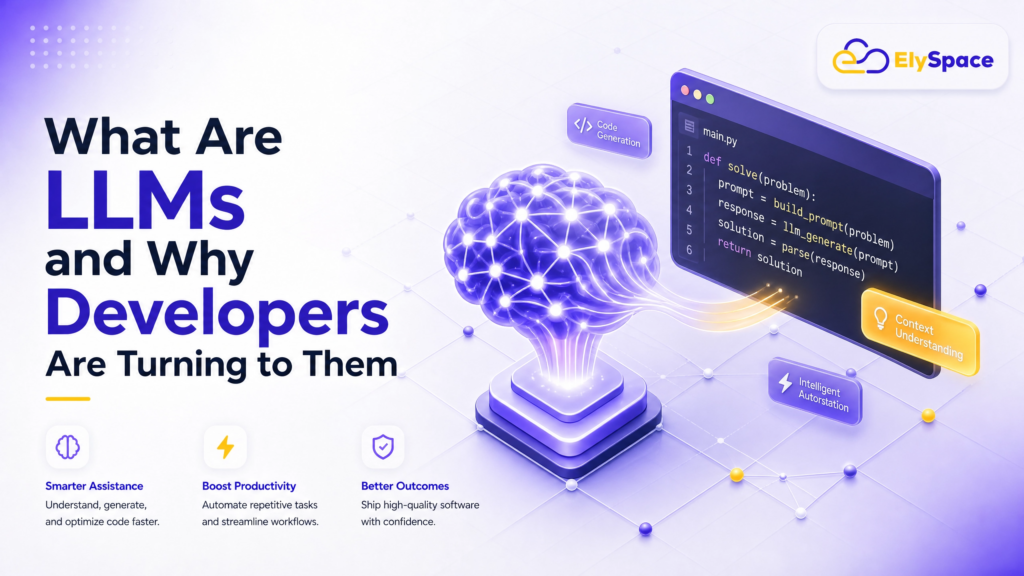
Over the past couple of years, you’ve probably heard the hype about how Large Language Models are radically changing the way developers build software. LLMs are powering tools (like GitHub Copilot, ChatGPT, Cursor, and Amazon CodeWhisperer) that are capable of reading, writing, and explaining code in a wide variety of programming languages. With billions of lines of publicly available code and documentation used to train on, LLMs are surprisingly good collaborators.
While LLMs are capable, they are not infallible before handing over your keyboard. Let’s take some time to discuss what they do well, where they regularly do not, and how to create a productive workflow that avoids creating a debugging mess later.
As you read through this guide, you will only see real developer experience and not gold-plated marketing material. You will learn about real-world scenarios, their limitations, and what will give you a productive workflow.
| Quick Fact | A 2024 GitHub survey found that 92% of U.S.-based developers were already using AI coding tools either at work or in personal projects — up from 70% the previous year. The shift is happening fast. |
2. Using LLMs as a Coding Assistant: The Real-World Picture
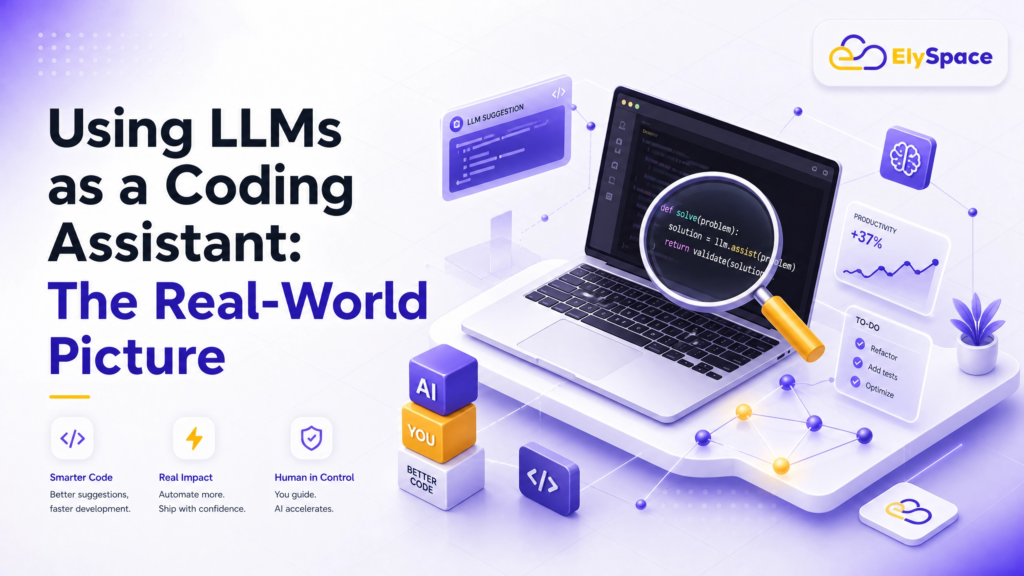
When newbies to the field of software development encounter an LLM as a coding partner, they are typically impressed by how well it can describe what they want in a comment and have the model generate an entire function for them. If you paste in a stack trace, it will describe what’s wrong with the code using plain English. If you want to refactor a messy class, it will generate cleaner code for you.
After the initial excitement wears off, however, many users learn the reality of working with LLMs. For example, when LLMs provide a function for use, it is possible that there is no such function available in the library version being used. Another example would be where the resulting code appears to be correct, but it has an off-by-one error. Additionally, tests might be generated that pass, but they erroneously validate an unrelated part of the code.
None of those reasons demonstrates that the use of an LLM should be abandoned; rather, they simply demonstrate that an LLM should be evaluated properly. An LLM is not a senior-level engineer with whom you can outsource your thought process; rather, it is a super-fast, super-knowledgeable autocomplete tool that requires an experienced human to provide context and to verify that the outputs generated by the LLM are valid.
3. What Works: Where LLMs as a Coding Assistant Genuinely Shine
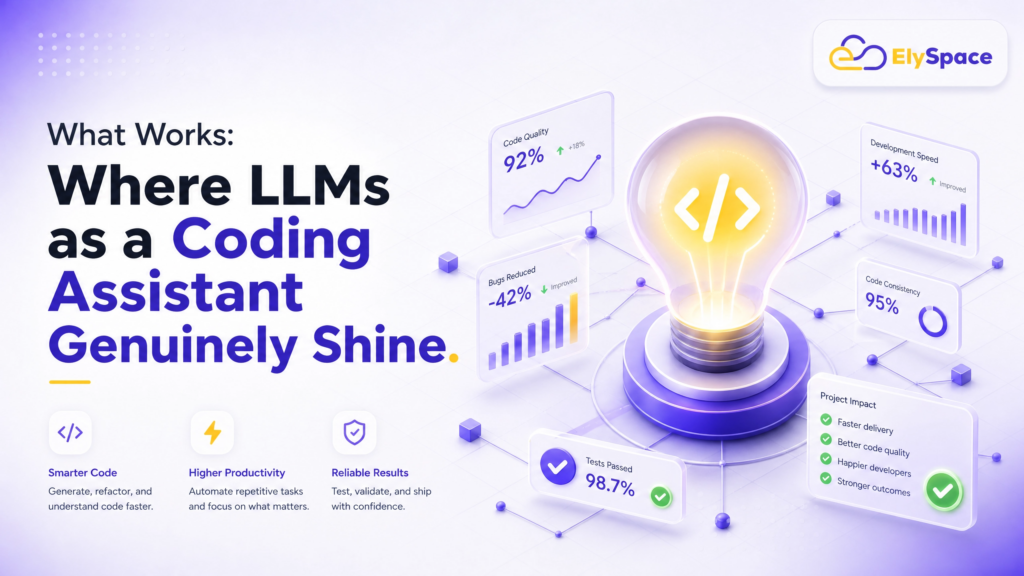
We will get more detailed on specifics now. Below are the tasks where LLMs have shown they will add much more value than without them being used as Coding Assistants. Each area listed below will also be provided with at least one specific example of the task:
Include lower-case letters at the beginning of the bullet points;
Without formatting this bullet and numbering list, what more can you add for detail?
boilerplate & repetitive code;
(example) Writing a REST api endpoint, creating a database migration, creating a form validator, etc., will always follow common & predictable patterns; therefore, LLMS can accomplish this quickly and typically correctly. What once took 20 minutes to copy/paste & modify, now takes 30 seconds of prompting.
explaining unknown/unfamiliar code;
Paste the function that is found in a code base that you have just inherited, and that does not have any documentation. Have an LLM explain each line of code individually, so you know what each line does; this use case is one of the best because the LLM is going to provide each explanation, patient and thorough, and usually/often finds something that you missed in your review.
fast access to syntax;
Wanting to know how to use the Python argparse module? How can I destructure a nested object in JavaScript? How can I create a regex that will validate an email address, etc.? LLMS is significantly faster than Stack Overflow for resolving these types of questions, and also gives you your answer in context.
Writing Unit Tests
An LLM can create unit tests for a function by providing it with both the function and the test cases. Typically, they will create tests that include a majority of standard tests, and will also cover the happy path, and will also test many edges, but you will still have to double-check the correctness of the generated tests because they frequently miss the majority of edge tests, which are also significant, but it makes significantly quicker work of providing coverage on new code.
Debugging Simple Errors
By just providing the LLM with the corresponding code and its error message, it will identify a wide variety of common problems with the code – missing imports, mismatched types, wrong API usage, and much more. For very simple bugs, this can save quite a substantial amount of time.
Creating Documentation and Comments
Having to write Docstrings and documentation via JSDoc and README can be quite cumbersome and time-consuming. LLMs do just as well with consistency, and they will convert poorly documented code into a readable version for a junior developer to read on their first day.
4. What Doesn’t Work: Honest Limitations You Need to Know

Many AI reviews fail to address this. Knowing what LLMs cannot accomplish is just as significant as knowing their advantages.
Complex, Multi-File Architecture
How LLM limitations affect complex, multi-file architectures – An LLM model will only be able to see a specific number of lines of code per prompt. A simple file structure with 10 lines of code in a single file is no problem for the LLM. However, a multi-file application (50+ files) in which modifications cascade across layers means the LLM can only ignore a large part of the code that affects the solution, which will lead to incorrect assumptions. The LLM likely provides an accurate ‘local’ fix to your problem, but could potentially break something else that the LLM cannot see.
Security-Critical Code
Do not trust LLM code generated for system authentication, payment system, or any other system that will potentially store sensitive user information without a thorough review by a subject matter expert. The LLMs were trained on public code, and many of those public code bases contain significant numbers of insecure coding patterns; the LLM will probably create vulnerabilities with high levels of confidence and conviction. However, for security-critical work, LLM output should be treated as a draft and still needs final validation from a security expert. Reference resources like the OWASP developer guide.
Keeping Up With Current API’s
It is important to realize that LLMs have an end date for the information on which they are trained. If you are working with a library and the LLM’s information cutoff is before the library made a significant change, plus the LLM will create code for you using the old version of the library, with 100% confidence! You need to verify with the current official documentation if you wish to use the latest functions available in the library.
System Design and Architecture Choices
When making architectural decisions such as whether to choose microservices or monolith, SQL or NoSQL, or event-driven or request/response: LLMs can discuss options and understand trade-offs, but can’t apply to specific team capabilities, traffic patterns, business constraints, or existing infrastructures of your company. Therefore, these architectural choices require human decision-making.
Logic Bugs in Code Written by LLM
Often, LLM-code appears to work flawlessly and run without error; however, it does not develop the proper output for some input parameters. For example, LLM could get 90% of the algorithm correct but miss on the 1% of all inputs that are on an edge case. Unit tests can identify some logic errors, but only if those unit tests are created correctly, which requires human reviewer involvement.
5. LLMs as a Coding Assistant Task Performance at a Glance
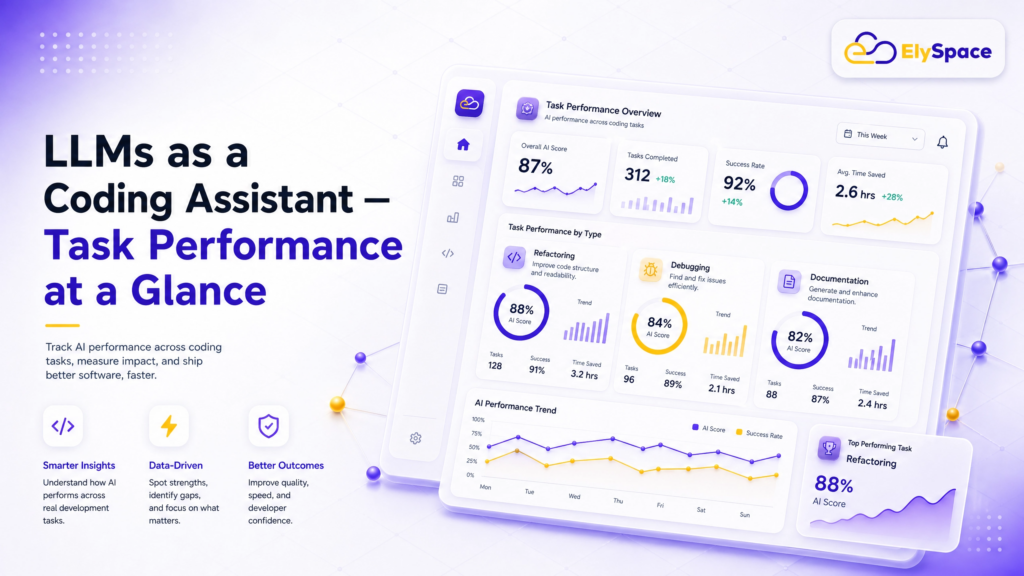
Use this reference table to quickly evaluate whether to reach for an LLM or handle something yourself:
| Task | LLM Performance | Human Still Needed? |
| Writing boilerplate code | Excellent | Rarely |
| Explaining unfamiliar code | Excellent | Sometimes |
| Debugging simple errors | Very Good | Sometimes |
| Writing complex algorithms | Moderate | Often |
| Security-critical code | Poor | Always |
| Architectural decisions | Poor | Always |
| Writing unit tests | Good | For edge cases |
| Code reviews | Moderate | Always |
6. LLMs as a Coding Assistant The Right Workflow
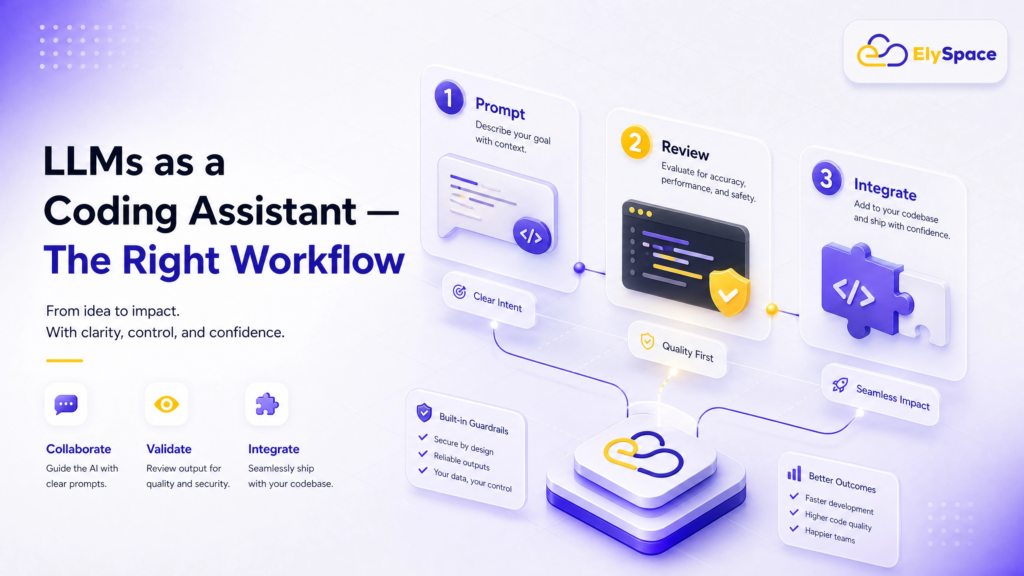
When using LLMs as coding assistants, the most effective developers follow these steps:
1: Have a Clear and Detailed Prompt
Using too little information in your prompt will produce too little information in your code. Instead of asking to “write a login function,” specify to “create in Python a function that verifies that a user’s entered email address and password match the stored email address and password in the PostgreSQL database, generate and return a JSON web token upon successful operation, or raise a custom AuthenticationError if the process was unsuccessful.” The more detail you include in your original prompt, the more intelligent and accurate your resulting code will be.
2: Read the Code Generated by the LLM
While this is an obvious action to take, many developers fail to thoroughly read the code generated by the LLM before copying and pasting it into their project. Instead of looking at the completion as code produced by the LLM, consider that every single line was composed by a junior developer that you will need to carefully analyze before using it in your project, regardless of whether you think the generated code is usable or has issues.
3: Test the Code before You Use It
Before using code generated by the LLM in your project, you must first execute it and test it. It is easy for a developer to assume that the code is accurate, as it does compile; however, there are often errors in code produced by LLMs. There are many edge cases, off-by-one errors, and incorrect assumptions about data types present in generated code. The only way to find out is to test the code before you use it.
4 – Iterate With Follow-Up Prompts
Rather than starting over if you don’t get it right with your first prompts, improve on that prompt based on specific reasons why what you got from the original prompt might not have been correct, for example: `function does not handle null values` or `this method is marked as deprecated, please recreate it for 3.x version`. LLM students receive directed, concrete feedback especially well.
5 – Validate LLM Results Against Official Documentation
Be sure to verify the specific library or method an LLM returns with the most recent updates to official documentation (i.e., for HTML, check https://developer.mozilla.org, for Python, check https://docs.python.org/en/stable/, or for packages/library, check documentation for the appropriate package/library). A quick 30-second review could save you hours of future debugging if the original was incorrect.
7. Top LLM Coding Tools Compared in 2025
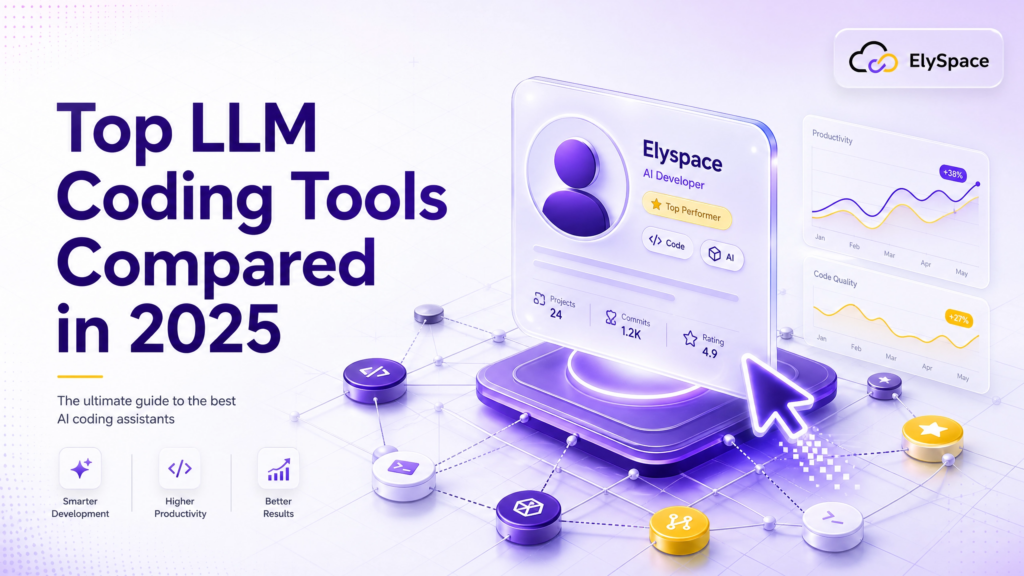
It is important to use the right tool. Below is a summary of the various options that are primarily available to developers when utilizing LLMs for assistance with coding tasks:
- GitHub Copilot – Integrates very well with IDEs (works natively with VS Code, JetBrains, & Neovim). Offers good support for inline completions as well as full codebase context at the Pro level.
- Cursor Is an AI-based text editor developed on top of VS Code, which offers excellent support for multi-file contexts and commands provided through natural language. Has become a very popular tool among full-stack developers by 2025.
- ChatGPT (GPT-4o) – Provides good conversational back-and-forth exchanges, explaining different complex concepts, and is a good resource for solving problems through iteration with expanded explanations.
- Claude (Anthropic) – Has a much larger context window than most other tools and demonstrates logic in a much more nuanced manner. It provides good assistance with larger file sizes and well explains the code it produces.
- Amazon CodeWhisperer – Good option when working in teams already using the AWS ecosystem. It also has an integrated security scanner that partially fulfills the security issue stated above.
- Gemini Code Assist – Google’s offering; integrates with Google Cloud; therefore, it would work well for teams using BigQuery, GCP, or Android development.
Most individual developers or very small teams use either Cursor or GitHub Copilot and utilize ChatGPT or Claude for complex explanations.
cases. You can read more about tool comparisons on The Verge’s AI tools coverage or Stack Overflow’s annual developer survey.
8. Common Mistakes Developers Make When Using LLMs for Coding
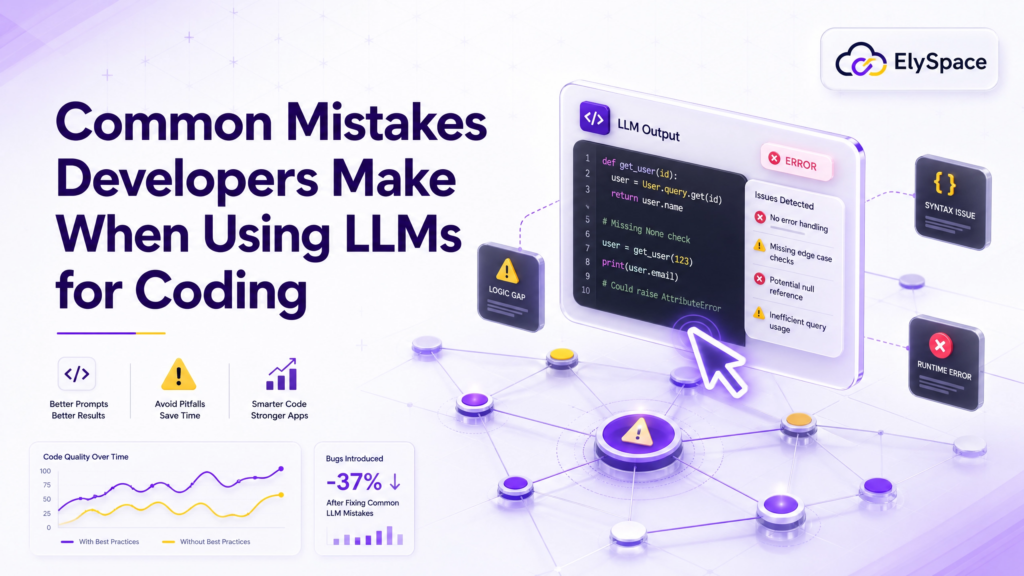
Developers sometimes make mistakes when coding with an AI model. To gain maximum efficiency when coding, you should avoid these mistakes:
Assuming that what the model outputs is correct. Always read every line of code output by the model.
- Using it to make decisions about how to architect the solution. The AI can help inform your decisions, but it cannot make decisions about architecture for you.
- Ignoring the limitations of the AI. Check the AI documentation any time you see a reference to an API or library, as it may not be valid any longer.
- Giving vague prompts. The more specific your prompt is, the better the code generated will be.
- Not testing code generated by the AI model. All code should undergo testing, whether developed by an engineer or an AI model. Arguably, code generated by AI requires even more testing than code written by engineers.
- Relying on one AI model for coding. Each AI model has different strengths, so you should choose the best AI for the task you are doing.
- Not iterating on code generated by the AI model. The first code generated will rarely be the final version of the code you want. You should always ask follow-up questions to refine your results.
9. Final Verdict: Should You Use LLMs as a Coding Assistant?

At this point in time, using language models (LLMs) as a coding assistant represents one of the highest-leverage habits a developer can cultivate– so long as developers are using these models as a reference and not as a replacement for their own knowledge. Developers who leverage LLMs successfully are those who have a solid understanding of the fundamentals that allow them to check for errors, critically evaluate the output they receive, and know when to set aside the model and solve their own problems. Developers who get “burned” from using an LLM are those who have been conditioned to think that the output generated by the LLM is “correct” by default.
An initial recommendation is to start out with very low-risk types of coding tasks (such as boilerplate, documentation, answering quick syntax questions for yourself, or writing tests) so that you build an understanding of the model’s output and how it behaves in different scenarios. After you get used to these types of tasks, you can begin to gradually expand the role of the LLM in your workflow as you develop an intuition for when you can rely on its output and when you need to double-check its output.
The technology is changing quickly, and what LLMs cannot do today, they will likely become reliable at doing over the course of the next 1-2 years. Thus, the best way to keep pace with the technology is to remain curious, critical, and well-informed through resources such as this blog, or from developer blogs on ElySpace, or by participating in online communities (i.e., Dev. to, Hacker News).
| Key Takeaway | LLMs as a coding assistant are powerful multipliers for experienced developers who use them with critical awareness. They are not shortcuts around understanding your craft — they are amplifiers of it. |