 Live Chat
 Contact
 Shopping Cart
 Rashid Malla
Most junior developers apply with the same five projects. A to-do list. A weather app pulling from some free API. A clone of Netflix’s homepage that doesn’t actually stream anything. Recruiters have seen these so many times they’ve started skimming past them without a second thought.
If you’re serious about landing interviews, your web development projects need to do more than prove you can follow a tutorial. They need to show judgment. They need to solve a problem that’s actually annoying, in a way that makes a hiring manager stop and think, “Okay, this person can build something.”
I’ve reviewed portfolios, sat in on hiring conversations, and watched what actually gets a callback versus what gets ignored. This guide walks through seven web development projects worth your time this year, why they work, and how to present them so they land.
Why Most Portfolio Projects Fail
Here’s the uncomfortable truth. A weather app doesn’t fail because it’s a weather app. It fails because a thousand other candidates built the same thing, following the same tutorial, with the same three features.
Recruiters aren’t grading you on whether the code runs. They’re trying to answer one question fast: can this person think through a real problem? A project copied line-for-line from a course doesn’t answer that. It just proves you can type.
That doesn’t mean you need something wildly original. It means you need ownership. Pick a problem you actually care about, even a small one, and solve it your way. That’s the mindset behind every project on this list of web development projects.
What Recruiters Are Actually Looking For
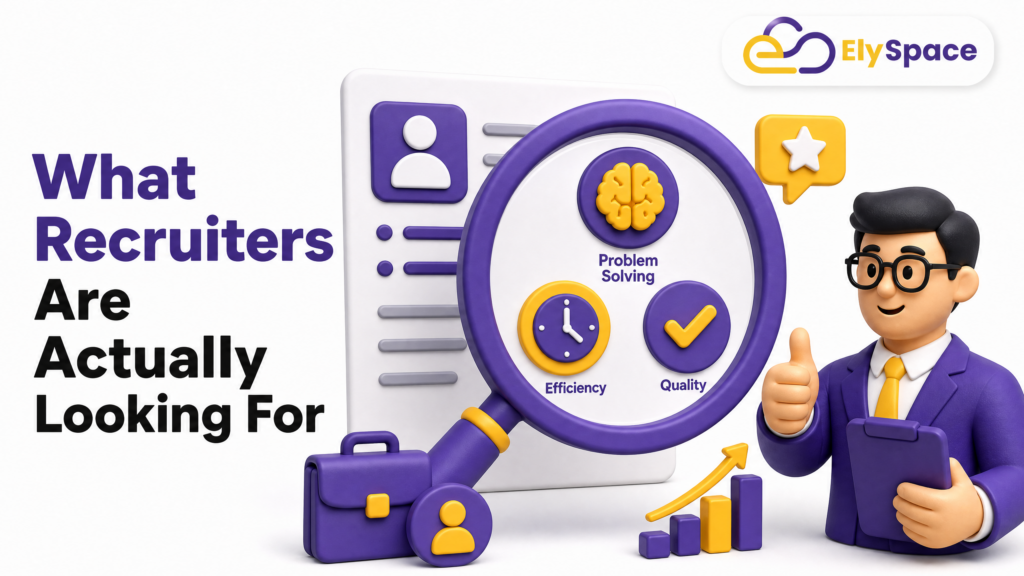
Talk to enough engineering managers and a pattern shows up. They’re scanning for three things, in this order.
Can you finish something? Half-built projects with broken links are a red flag. A smaller, complete project beats a sprawling, half-working one every time.
Do you understand what you built? If your README just lists technologies with no explanation of decisions, that’s a problem. Explain why you chose a database, or why you handled authentication a certain way. Google’s own guidance on helpful content makes a similar point for writing: depth and demonstrated experience beat surface-level coverage every time, and the same logic applies to how you present a project.
Can you communicate? Clean commit messages, a working demo link, a README that reads like a person wrote it, not a spec sheet. This matters more than people expect.
Keep those three filters in mind as you pick from the web development projects below. Every one of them is chosen because it lets you demonstrate at least two of the three.
Beginner-Friendly Web Development Projects That Still Stand Out
You don’t need five years of experience to build something worth showing. You need a slightly sharper angle on a familiar idea.
A Habit Tracker With Real Data Visualization
Skip the plain checklist. Build a habit tracker that shows streaks, weekly trends, and a simple chart of progress over time. Adding a charting library like Chart.js or Recharts pushes this past beginner territory and shows you can work with data, not just forms.
A Local Business Directory for Your City
Pick a niche, say coffee shops with good wifi, or dog-friendly restaurants, and build a searchable, filterable directory. Pull in a free maps API for location display. This is a small project with a real audience, and it’s easy to talk about in an interview because you can explain the actual users you had in mind.
A Markdown-Based Blog Engine
Build a simple blog where posts are written in Markdown and rendered dynamically. It’s a compact project, but it touches routing, file parsing, and content rendering, which are skills that show up constantly in real jobs. For the rendering piece, the MDN docs on the Fetch API are worth bookmarking, since you’ll likely lean on them for loading post content dynamically.
Intermediate Web Development Projects to Show Real Skill
Once you’re comfortable with the fundamentals, it’s time to build something with moving parts. Full authentication, a real database, and at least one feature that required you to look something up.
A Job Application Tracker
Recruiters love this one, honestly, because it’s meta. Build a tool where users log job applications, track status, set reminders, and see a dashboard of their search progress. This project naturally needs authentication, a database schema, and CRUD operations done properly, not just as a demo. If you want a deeper walkthrough of structuring the schema.
A Collaborative Note-Taking App
Add real-time syncing using WebSockets or a service like Firebase Realtime Database, so two users can edit the same note and see changes live. Real-time features are genuinely hard to get right, and pulling one off cleanly is a strong signal.
A Recipe Manager With Smart Search
Let users save recipes, tag ingredients, and search by what’s already in their fridge. This is a good excuse to practice more advanced query logic and think through UX decisions, like how to handle partial matches or dietary filters.
An E-Commerce Storefront With a Real Payment Flow
Not a fake “buy now” button. Integrate an actual payment sandbox, like Stripe’s test mode, and handle the full flow: cart, checkout, order confirmation, and basic inventory logic. This single project touches almost every skill a junior full-stack role expects, and it’s one of the web development projects that tends to come up most often in interview follow-up questions.
Advanced Web Development Projects That Get You Noticed
This tier is for candidates aiming at mid-level roles, or anyone who wants their portfolio to do the heavy lifting in an interview.
A SaaS Tool Solving One Specific Problem
Pick a narrow, real pain point- invoice generation for freelancers, or scheduling for small tutoring businesses- and build a working product around it. Add user accounts, subscription-style access tiers (even if payment is simulated), and a clean dashboard. This is the project that tends to get the most interview follow-up questions, because it looks like a product, not an exercise.
A Performance-Optimized E-Learning Platform
Build a course platform with video content, progress tracking, and quizzes. Then go further: optimize load times, add lazy loading, and document the before-and-after performance numbers. Google’s web.dev performance guides are the best free resource for learning how to actually measure this instead of guessing. Recruiters rarely see candidates who measure and improve performance, so this stands out fast.
An Open-Source Contribution Tool or Dashboard
Build something that helps developers, like a dashboard that tracks GitHub issues across multiple repos, or a tool that visualizes a project’s contributor activity. The GitHub REST API docs give you everything you need to pull issue and contributor data. Bonus points if you open-source it yourself and get even a handful of stars or a pull request from someone else.
A Full-Stack Analytics Dashboard
Take any data source- sales figures, fitness data, or public datasets- and build a dashboard with filtering, charts, and exportable reports. This project shows backend querying skill and frontend data presentation in one place, which is exactly the combination full-stack roles are hiring for. If you’re picking a stack for this, our comparison of backend frameworks for small projects breaks down the trade-offs.
How to Document and Present Your Projects
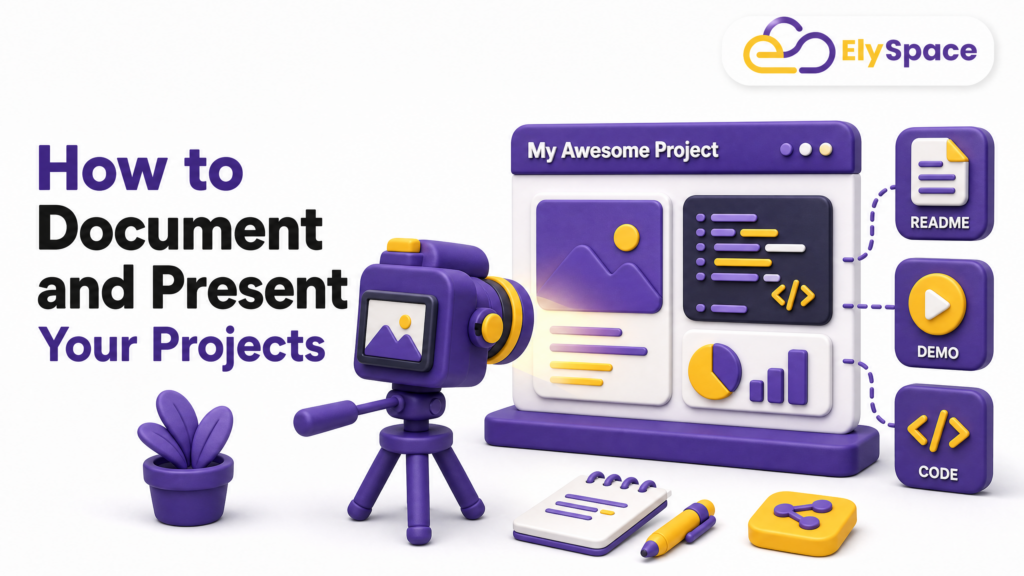
A great project with a bad README might as well not exist. Recruiters spend seconds, not minutes, deciding whether to look closer.
Write a short paragraph up top explaining what the project does and who it’s for. Include a live demo link if at all possible; a project that can’t be clicked and tested loses most of its impact. Add a few screenshots or a short screen recording. List the tech stack, but also explain one or two decisions you made and why, since that’s where the real signal is. Our portfolio site checklist covers exactly what to include on the page hosting all of this.
Keep your GitHub organized. Consistent commit messages and a clean folder structure tell a hiring manager more about your habits than any bullet point on a resume ever could.
Common Mistakes to Avoid
A few patterns show up again and again in weak portfolios, and they’re easy to fix once you know to look for them.
Building too many small, unfinished projects instead of two or three polished ones. Skipping the deploy step, so nothing is actually live. Copying a tutorial project without changing the core idea or adding a personal feature. Ignoring mobile responsiveness, which is one of the fastest ways to lose credibility with a reviewer testing on their phone. Google’s mobile-friendly testing guidance is a quick way to sanity-check this before you submit a link anywhere.
Fix these, and you’re already ahead of most applicants.
Final Thought
Nobody gets hired because they built a to-do app. They get hired because a project made someone pause, click through, and think about what else this person could build for their team. Pick two or three of these web development projects, finish them properly, and write about them like you actually built something you’re proud of.
That’s the whole game. Build less, but build it as it matters.