 Live Chat
 Contact
 Shopping Cart
 Mehran Majeed
A few months back, one of our clients at ElySpace called us in a panic. Someone had logged into her business Instagram account from a city she’d never been to, changed the recovery email, and started messaging her followers asking for money. Her password was strong. Twelve characters, symbols, the works. It didn’t matter. She hadn’t turned on two-factor authentication, and that one missing setting cost her three days of account recovery, a lot of stress, and a chunk of trust with her audience.
That story is the whole reason this article exists. If you’ve ever wondered what is Two-Factor Authentication (2FA) and whether it’s actually worth the extra tap on your phone every time you log in, the short answer is yes, every single time. The longer answer is below, and I’ll try to explain it the way I would to a client on a phone call, not the way a textbook would.
What Is Two-Factor Authentication (2FA), Exactly?
Two-Factor Authentication, usually shortened to 2FA, is a login process that asks you to prove your identity in two different ways instead of just one. The first proof is almost always your password. The second is something separate, like a code sent to your phone, a fingerprint scan, or a tap inside an authenticator app.
In India, most people already know this concept by its more common name: two-step verification. Your bank, your UPI app, and probably your email provider have been nudging you toward it for years, often without explaining what is actually happening behind the scenes. Two-factor authentication and two-step verification aren’t identical in the strictest technical sense, but in day-to-day use, especially on apps like Google, WhatsApp, and most Indian banking platforms, the terms are used interchangeably.
In simple terms: a password proves you know something. 2FA adds proof that you also have something, like your phone, or you are something, like your fingerprint. A hacker might steal your password, but stealing your unlocked phone at the same moment is a lot harder.
How Does Two-Factor Authentication Actually Work?
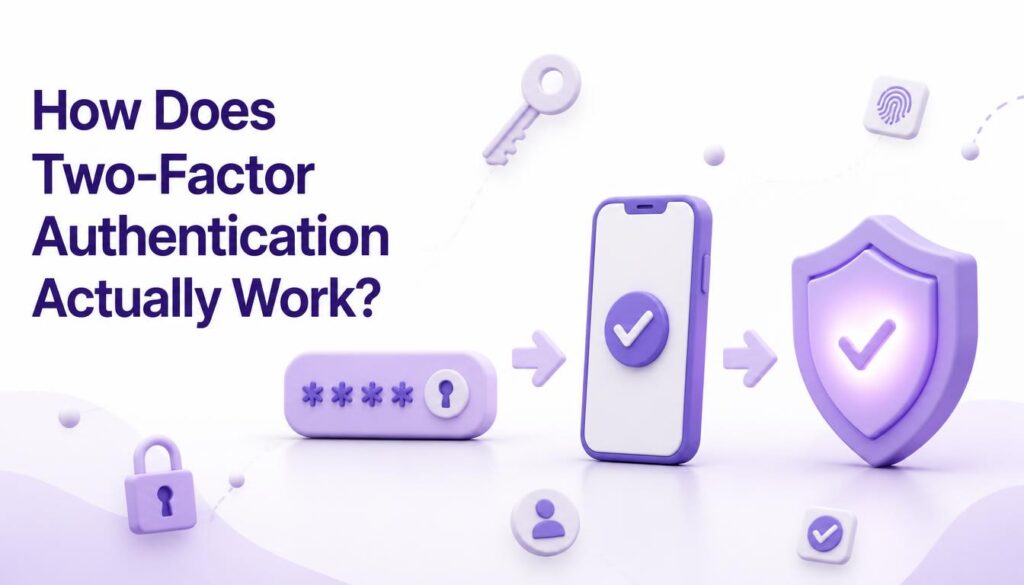
When 2FA is switched on, logging in becomes a two-step routine instead of a one-step guess.
- You enter your username and password like normal.
- The system then asks for a second factor before letting you in, usually a one-time code, a push notification you approve, or a physical security key.
That second factor typically falls into one of three categories, and knowing them helps explain why 2FA is so effective:
- Something you know: your password or a PIN.
- Something you have: your phone, a SIM card, a hardware token, or an authenticator app.
- Something you are: a fingerprint, face scan, or other biometric marker.
A regular password login only checks the first category. Two-factor authentication forces at least two of the three, which is exactly why it shuts down the vast majority of automated account takeovers before they get anywhere near your data.
Why Two-Factor Authentication Matters More in India Right Now
India has seen a sharp rise in phishing attempts, SIM-swap fraud, and fake banking apps over the last couple of years, and a lot of it targets exactly the accounts people assume are “too small to hack.” Freelancers, small shop owners, travel agents, students applying for jobs, nobody is too insignificant for a scammer running automated scripts against millions of email addresses at once.
Most of these attacks rely on one thing: a leaked or guessed password being enough on its own. Two-factor authentication breaks that assumption completely. Even if your password shows up in a data breach, which happens more often than most people realize, the attacker still hits a wall without your phone or authenticator app in hand.
I’ve also noticed a pattern working with ElySpace’s travel and hospitality clients here in Kashmir. Their WhatsApp Business numbers and Meta ad accounts are prime targets because losing access, even for a day, means missed leads and lost bookings during peak season. Two-step verification on WhatsApp and Meta Business accounts is one of the first things I now set up for every new client, because recovering a hijacked business account is far more painful than the ten seconds it takes to approve a login code.
Types of Two-Factor Authentication You’ll Actually Run Into
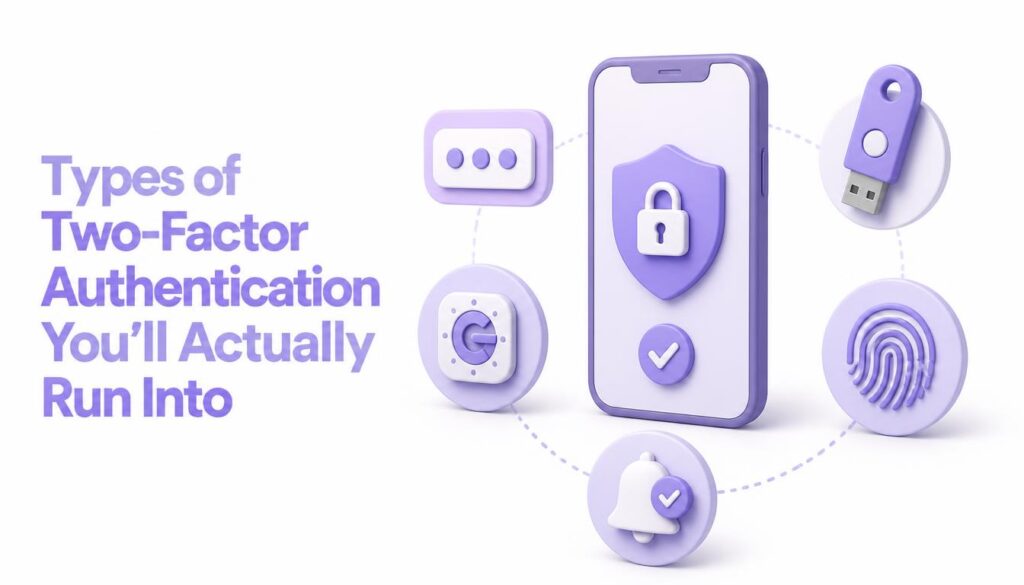
Not all two-factor authentication methods offer the same level of protection. Here’s a quick rundown of what you’ll come across, roughly ordered from most common to most secure.
SMS-based codes. A one-time password lands in your text messages. It’s the most familiar form of two-step verification in India, used by banks, UPI apps, and government portals. It’s convenient, but SIM-swap fraud has made it the weakest option, since a scammer who convinces your telecom operator to reissue your SIM can intercept these codes.
Authenticator apps. Apps like Google Authenticator or Microsoft Authenticator generate a fresh six-digit code every 30 seconds, and the code never travels over a network, so it can’t be intercepted the way an SMS can. This is the option we recommend most often to ElySpace clients managing WordPress admin panels and ad accounts.
Push notifications. Instead of typing a code, you get a prompt asking “Was this you?” and simply tap approve or deny. Fast, and still tied to a physical device you control.
Hardware security keys. A small USB or NFC device you physically plug in or tap. Extremely secure, though more common for enterprise accounts than everyday personal use.
Biometrics. Fingerprint or face recognition, usually paired with another factor rather than used entirely on its own.
For a deeper look at how these methods hold up against real attacks, Google’s own guide to 2-Step Verification walks through the setup process and explains why passkeys and authenticator apps are now considered stronger than SMS codes.
Two-Factor Authentication vs. Two-Step Verification: Is There a Real Difference?
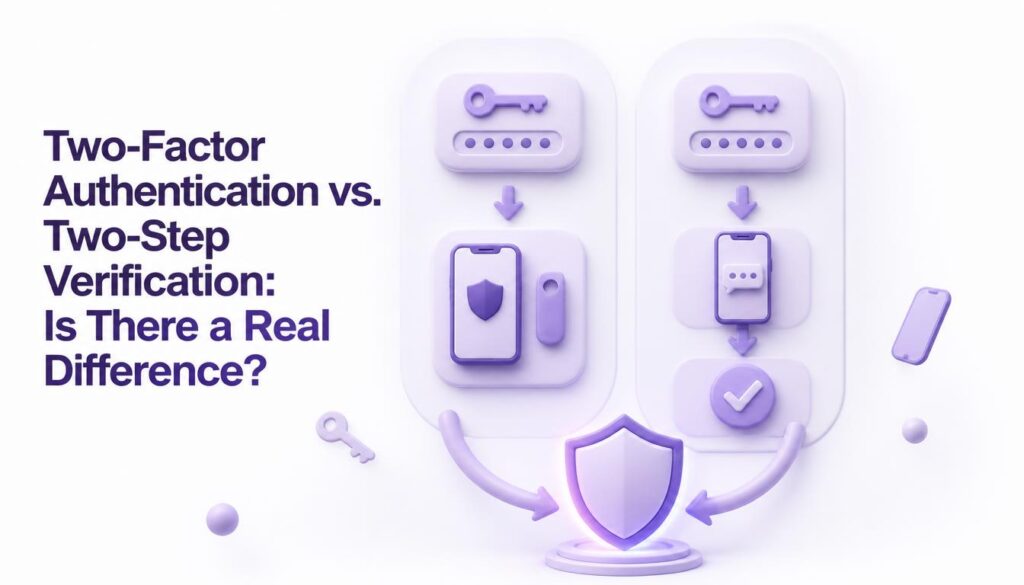
This trips up a lot of people, so let’s settle it quickly. Two-step verification technically describes any login that requires two sequential steps, and both steps could theoretically come from the same category, like two different passwords. Two-factor authentication specifically requires two different types of proof.
In practice, nearly every app that says “two-step verification,” including Google, WhatsApp, and Indian banking apps, is actually implementing true two-factor authentication under the hood. So while a purist might draw a line between the two terms, you can treat them as the same protective habit when you’re deciding whether to switch it on. And the answer to that decision should always be yes.
Common Featured Snippet Questions About 2FA
Is two-factor authentication free to use? Yes. Every major platform, from Gmail to Instagram to net banking apps, offers two-factor authentication at no extra cost. The only thing it asks of you is a few extra seconds at login.
Can two-factor authentication be hacked? It’s not impossible, but it’s dramatically harder than breaking a password alone. Sophisticated attacks like SIM-swapping or real-time phishing can bypass SMS-based 2FA, which is exactly why authenticator apps and hardware keys are considered the stronger choice.
Do I need two-factor authentication if I already have a strong password? Yes, and this is worth repeating. A strong password protects against guessing. It does nothing if that password leaks in a data breach, which happens to major companies regularly. Two-factor authentication is the backup plan for the day your password stops being a secret.
How to Turn On Two-Factor Authentication (Without the Headache)
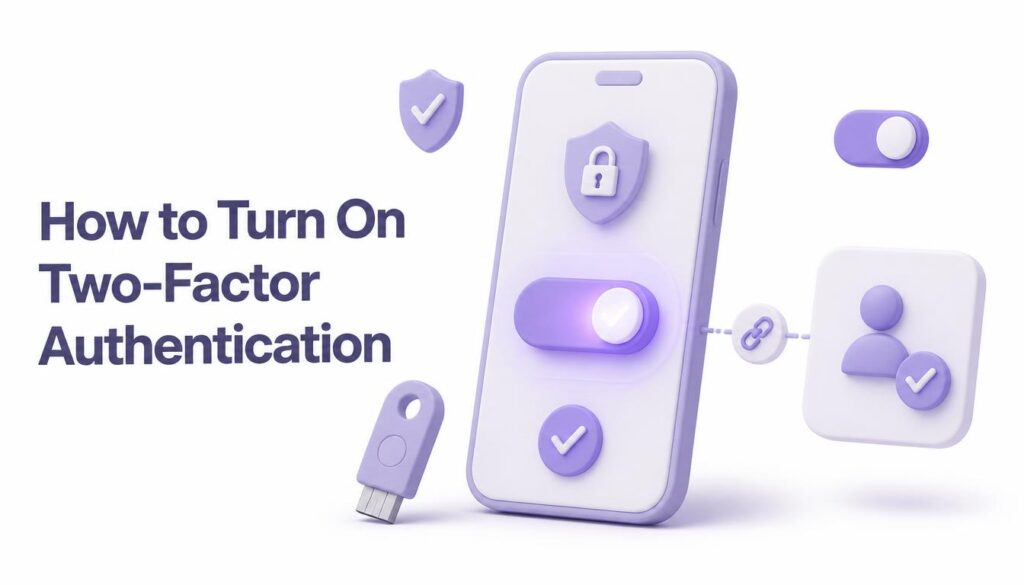
Setting it up usually takes less time than reading this section.
- Open the security or account settings of the app or website you’re using.
- Look for the setting labeled “Two-Factor Authentication” (sometimes shown as “2FA” or “Two-Step Verification”).
- Choose your second factor. An authenticator app is the best balance of security and convenience for most people.
- Save your backup codes somewhere offline. If you lose your phone, these are what get you back in.
- Repeat this for your email, banking apps, social media, and any WordPress or CMS login you manage. If you run a WordPress site and aren’t sure where to start, our team at ElySpace put together a step-by-step guide to boosting WordPress security that covers login hardening alongside 2FA setup.
If you manage websites or ad accounts for clients rather than just yourself, it’s worth building this into your onboarding checklist rather than adding it later. We do this for every account we manage at ElySpace, precisely because the client story I opened with isn’t rare. It’s Tuesday.
Conclusion
Two-Factor Authentication isn’t a technical nice-to-have reserved for IT departments. It’s the single easiest security habit you can adopt this week, and it directly answers the question of what is Two-Factor Authentication (2FA) actually protecting you from: the moment your password alone isn’t enough anymore. Whether you call it 2FA or two-step verification, the outcome is the same, a second lock on a door that scammers are trying every single day.
Go turn it on for your email first, then your banking apps, then anything tied to your business. It takes minutes now and can save you the exact kind of week our client spent trying to get her Instagram account back.