 Live Chat
 Contact
 Shopping Cart
 Mehran Majeed
A few weeks ago, a shop owner in Srinagar messaged us at ElySpace asking why his brand-new website showed a scary “Not Secure” warning in Chrome. His site looked fine. The products were listed, the prices were correct, the contact form worked. But visitors were leaving within seconds of landing on the page, and he couldn’t figure out why.
The answer was simple. His site was still running on plain HTTP, not HTTPS. That one missing “S” was quietly chasing away every customer who saw that warning label. This is exactly why HTTPS is important, and it’s a question I get asked more often than you’d think, from small shop owners to travel agencies to people building their first personal website.
If you’ve ever wondered why HTTPS is important, or you’ve seen that “Not Secure” tag and weren’t sure what it meant, this guide will walk you through it in plain words, no confusing tech talk.
What Is HTTPS, In Simple Words?
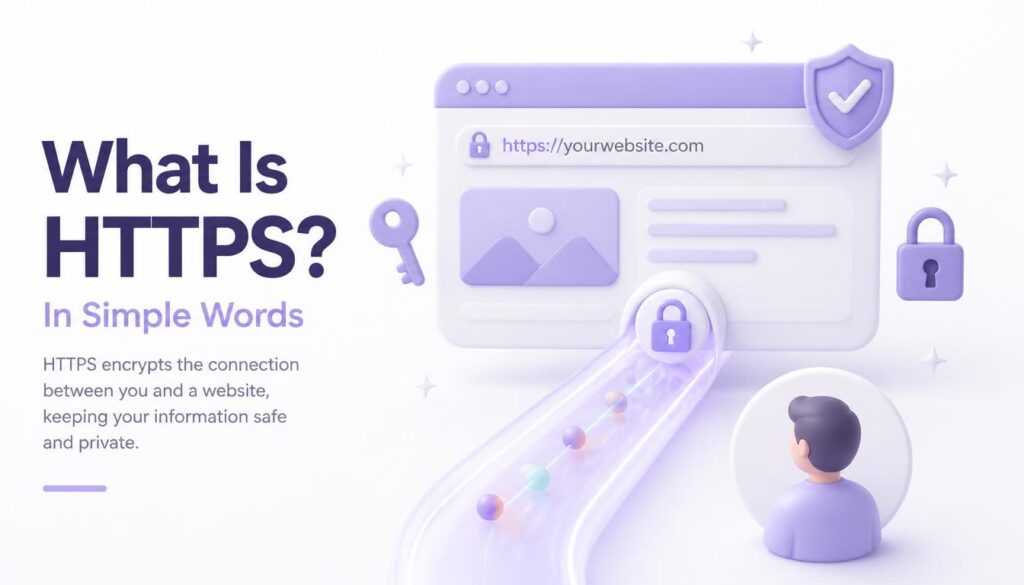
HTTPS stands for HyperText Transfer Protocol Secure. That’s a long name for something simple. It’s the system that locks up the information passing between your website and the person visiting it, so nobody in between can read or steal it.
Think of it like sending a letter. Plain HTTP is like mailing a postcard, anyone who handles it along the way can read what’s written on it. HTTPS is like sealing that same message inside a locked envelope that only the intended reader can open. That difference alone explains why HTTPS matters for anyone who collects even the smallest bit of visitor information, like a name, an email, or a phone number.
You can spot HTTPS by looking at your browser’s address bar. If you see a small padlock icon next to the web address, the connection is encrypted. If you see “Not Secure” written out in plain text, it isn’t, and that message is shown to every single visitor by default in Chrome and most other browsers. It’s worth being precise about what that padlock actually promises, though: it means the connection between your browser and the website is encrypted and verified to belong to that domain. It doesn’t mean the business behind the site is honest, or that the site is free of malware, or safe from every kind of attack. HTTPS secures the pipe, not everything flowing through it.
HTTPS vs SSL: What’s the Difference?
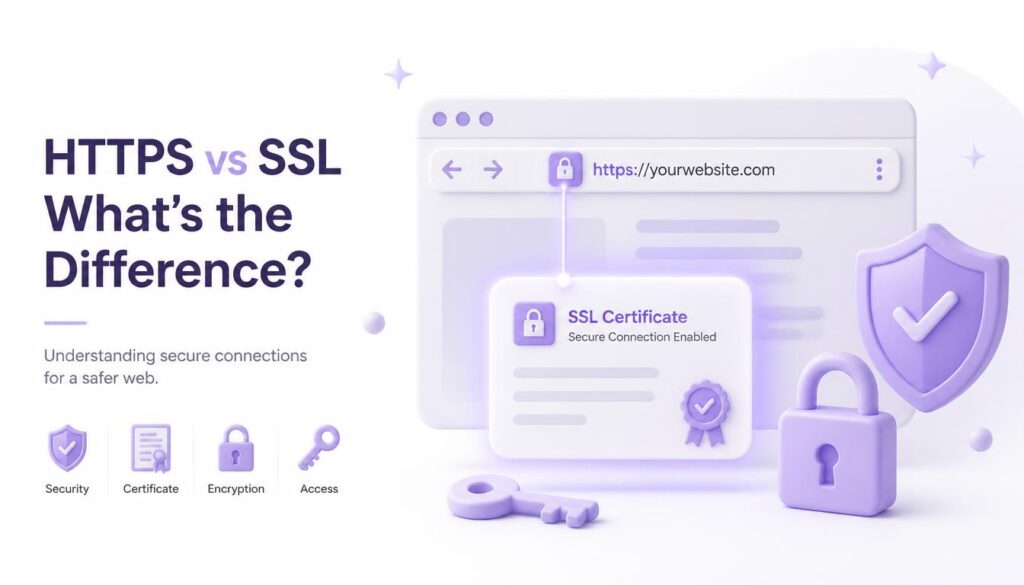
You’ll often hear people say “SSL certificate” when they really mean HTTPS, and the two terms get used almost interchangeably in everyday conversation. Technically, modern websites use TLS (Transport Layer Security), the successor to the older SSL protocol, to encrypt the connection. The certificate is what authenticates a website’s identity, while HTTPS is the secure version of HTTP that relies on that certificate and encryption to protect the connection. So when a hosting provider talks about installing an “SSL certificate,” they’re really setting up the certificate that makes HTTPS possible.
Why HTTPS Is Important for Visitor Trust
People notice small details, even when they don’t say it out loud. A “Not Secure” warning sitting right next to your web address quietly tells visitors that something might be wrong, even if the rest of your site looks perfectly professional.
This is where HTTPS matters most for small businesses in India. Most local shops, travel agencies, and clinics are now getting their first proper website, often after years of running purely on WhatsApp and word of mouth. A visitor comparing three websites will almost always trust the one with a padlock over the one flagged as unsafe, even if all three businesses are equally genuine.
For a business owner, even a small increase in trust can make a meaningful difference in whether someone actually completes an enquiry form instead of quietly closing the tab. It’s the kind of quiet, unglamorous fix that adds up over time, and it matters even for websites that don’t handle payments directly.
Why HTTPS Is Important for Your Google Rankings
Search engines want to send people to sites that feel safe. Google has openly said that a secure connection plays a role in how a website ranks in search results, and in its official announcement on HTTPS as a ranking signal, the company confirmed it started factoring encrypted connections into its search algorithm.
That signal alone won’t push a poorly written page to the top of the results, and it’s worth being clear-eyed about that. HTTPS is a lightweight ranking factor, not something that compensates for thin content, weak relevance, or poor SEO fundamentals elsewhere on the page. But when two websites are otherwise similar in quality, the one running on HTTPS gets a small, real advantage. This matters if you’re investing time into SEO content, blog posts, or any kind of organic search strategy, since there’s little point writing strong content for a website search engines are quietly ranking lower for being unsecured.
Why HTTPS Is Important for Data Security
This is probably the most direct reason of all. HTTPS security means any information typed into your website, a login password, a contact form entry, a payment detail, travels in an encrypted form that can’t easily be read or altered along the way.
Without HTTPS, data exchanged between the browser and the website isn’t protected by TLS encryption, which makes it much easier for someone else on the same network to intercept or tamper with it. Anyone with the right tools on the same public WiFi, at a café or an airport, could take advantage of that gap. It’s a real risk, not a rare one, especially as more people in India browse and shop from public networks on their phones.
For websites with logins, contact forms, payment gateways, or other sensitive information, HTTPS security should be considered essential rather than optional. And that’s a big part of why HTTPS matters for anyone running an online store, a booking system, or even a simple lead-generation form.
What Happens If a Website Skips HTTPS?
Modern browsers don’t stay quiet about it. Chrome, Firefox, and Safari all display clear warnings on any page still running on plain HTTP, especially if that page has a form asking for information.
Here’s a short, direct answer for anyone short on time: a website without HTTPS shows a “Not Secure” warning, ranks slightly lower on Google, and risks having visitor data exposed on public networks. That combination is exactly why HTTPS matters, even for a simple one-page portfolio or a blog that doesn’t sell anything.
There’s also a slower cost that’s easy to miss. Visitors who see that warning once often don’t come back to check if it’s fixed. They just leave and remember the site as untrustworthy, which is a hard reputation to undo.
How to Add HTTPS to Your Website
The good news is that setting this up is far easier than it used to be, and in most cases it costs nothing.
If you’re on a managed hosting platform or a fully hosted website builder, HTTPS is often switched on automatically the moment your domain is connected, so it’s worth checking your platform’s security or domain settings first before assuming you need to do anything manually. The steps below are for site owners managing their own hosting, most commonly through cPanel.
- Check if your hosting already includes a free SSL certificate. Most hosting providers, including ElySpace, offer this through Let’s Encrypt at no extra charge.
- Turn it on through your hosting control panel. If you’re on cPanel, this usually takes a few clicks in the SSL/TLS section, and our own cPanel WordPress security guide walks through exactly where to find it and how to confirm it’s active.
- Redirect all HTTP traffic to HTTPS. This makes sure nobody, including old links or bookmarks, ever lands on the unsecured version of your pages.
- Update any internal links or images still pointing to the old HTTP address, so you don’t end up with a mixed-content warning.
- Test the padlock. Open your site in a private browser window and confirm the padlock icon shows up cleanly with no warnings.
If any of this sounds unfamiliar, it’s worth asking your hosting provider directly rather than guessing. This single change is one of the easiest wins on a website, and it’s a sensible first step before spending money on ads or content marketing.
Frequently Asked Questions
Is HTTPS free to set up? Yes, in almost every case, which is worth knowing before assuming it’s expensive. Free SSL certificates through Let’s Encrypt cover the vast majority of small business and personal websites, and most hosting providers now activate this automatically or with one click.
Does HTTPS actually affect Google rankings, or is that a myth? It’s real, though it’s a small factor rather than a big one. Google has confirmed it as a ranking signal, and it matters more when comparing two similarly strong pages. This is one of the clearer, well-documented reasons why HTTPS is important for SEO specifically.
My website doesn’t collect any personal data. Do I still need HTTPS? Yes. Even a simple blog benefits from the trust signal and the small ranking boost. Browsers now flag any HTTP site as “Not Secure,” regardless of what the site actually does.
How long does it take to switch a website to HTTPS? For most small websites, the technical part takes under an hour once you have the certificate installed. The bigger task is checking your pages for old HTTP links and images afterward.
Can I lose website traffic when switching to HTTPS? If it’s done correctly with proper redirects, no. A short dip can happen if redirects are missing or set up incorrectly, which is why testing the switch carefully matters.
Conclusion
HTTPS isn’t a technical detail you can safely ignore anymore. It affects whether visitors trust your website at first glance, whether Google gives your pages a fair shot at ranking, and whether the information people type into your forms stays private. That’s the honest, complete answer to why HTTPS is important, and it applies whether you run a five-page portfolio site or a full online store.
If your website is still showing that “Not Secure” warning, it’s worth fixing this week rather than later. It usually takes far less time than people expect, and unlike most SEO fixes, the results show up almost immediately, in visitor trust, in search visibility, and in a website that finally looks as professional as the business behind it.