 Live Chat
 Contact
 Shopping Cart
 Rashid Malla
If you’ve ever submitted a vague prompt to an AI assistant and received back code that ultimately required a lot of rewriting anyway, then you have likely encountered the issue. The AI assistant code is not broken; the request you provided to it was broken. Improving your ability to write better prompts for AI code assistants is the single most important factor you can control when it comes to what you deliver as a developer using these types of tools, and this is completely independent of “luck” or “getting good output by chance”. Developing good prompt writing skills is just like any other skill; it can be learned and developed over a single afternoon and developed further through multiple months of actual practical use.
At ElySpace, we support developers who are utilizing AI on a day-to-day basis through quick debugging sessions and complete feature builds. The developers who write better prompts for AI are able to move much faster than those stuck rewriting AI-generated code do not typically have different models; they have just mastered how to effectively request the information they require to successfully complete their task. This guide will break that request process into clearly defined steps and will contain no excessive filler, nor recycled advice you have read on ten different occasions.
Why Most AI Coding Prompts Fail
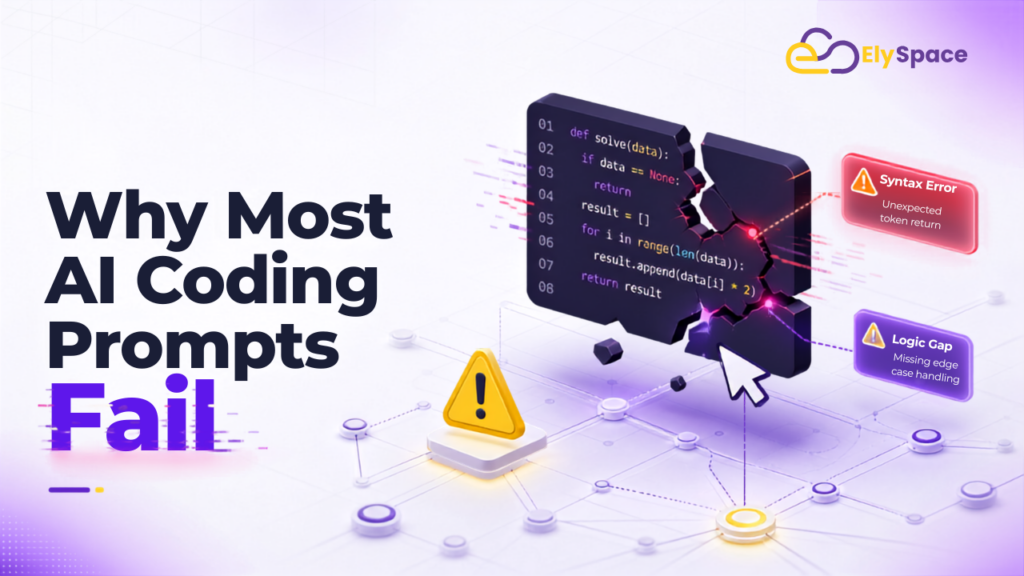
Many developers who write better prompts for AI view AI coding assistants similarly to a search engine – they type a casual, short question/statement into the assistant and expect a complete answer that’s ready for production use. That approach is generally fine for simple snippets of code, but it doesn’t work well for more complicated tasks where there are real constraints involved, such as a specific version of a framework, an existing application you’ll be working off of, or a performance requirement.
Research in the technology industry supports this; a study of developer workflows found that when developers make well-defined, explicit requests of AI coding assistants, they can reduce the number of back-and-forth revisions they have to make when getting code from them by more than 50% compared to when they make vague requests. The gap between a good and bad prompt is more than just a difference in the style of the two prompts; it’s also the difference between getting code you can immediately merge into your project and getting some code you’ll have to discard the following day.
It’s really quite simple – the amount of value you will ultimately derive from an AI model depends directly on the quality of context you provide it. Prompts for AI coding assistants are not magic incantations that will cause the assistant to spit out the perfect code for you; rather, they are specifications written the same way that you would write a specification to provide an initial briefing for a new engineer who has just joined your team.
What “Better Prompts for AI” Actually Means
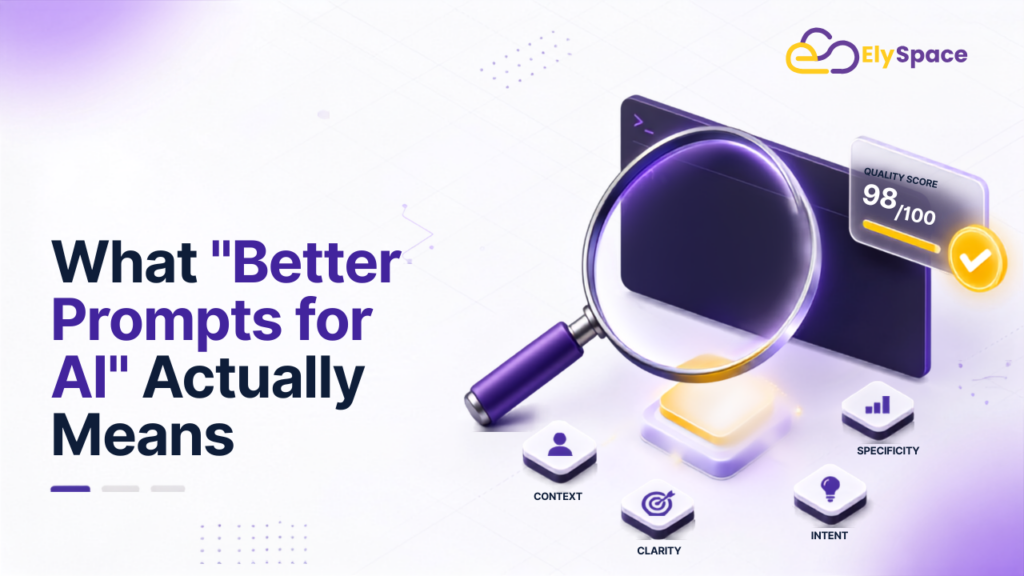
Write better prompts for AI doesn’t mean using more words. Most good coding prompts fall in the 150 to 300 range, and anything longer than that will have the model lose focus on anything after the first couple of lines of instructions. So it’s about the quality of the prompt, not the quantity.
Four characteristics of a great prompt:
- Clearly defines what you want the model to do (the task) rather than just giving it an overall category for scope (like “make a shopping cart”).
- State your technology environment (which version of each programming language, framework, and library is being used in the solution).
- Defines what “success” looks like (including how to handle failures or borderline cases) in relation to the original task request.
- Instruct the model what not to do in addition to telling it what you want it to do.
When you provide all four of these things, there is very little guessing done by the AI when executing your request. Guessing creates bad code.
The Core Framework for Writing Better Prompts
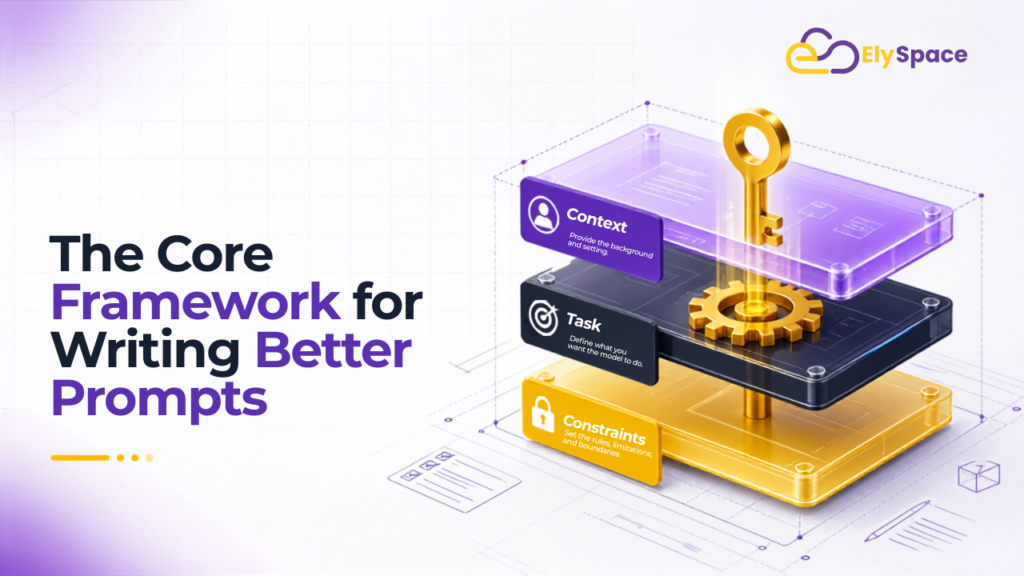
The three components to write better prompts for AI are the role, the task, and any constraints set upon the prompt. Setting the “role” will help define how AI should respond, i.e., if you were to ask an AI to act as a senior backend engineer, you would receive much different information than if you were to ask a more generic question. This is important as it impacts the level of information and degree of caution reflected in the response.
The “task” is defined as the specific request of the AI, written in the form of a clear instruction, rather than as a question. For example, “Write a function that will validate email addresses” is less clear than “Write a TypeScript function that will validate that an email is in the correct format, that an email is not disposable (such as temp mail), and return an object typed with the result of the validation.”
The “constraints,” defined as the guidelines/criteria/instructions (and will give you an idea of how to build your solution), will help define the overall parameters of your coding prompt (e.g., tech stack; will I need to use a certain framework by a certain time period). Most devs go too far out of their way to ignore the constraints section; however, this is the most important part in producing a quality work product.
Here is an example of each section included in a single coding prompt:
By acting as a quality senior Node.js developer, create an Express and TypeScript endpoint using the POST method at /api/users for authenticating users. Implement the system using Zod for validation input and Prisma for the database layer in combination with JWT for authentication, structured error handling, and stubbed unit testing functionalities. Avoid deprecated Express middleware patterns when creating your system.
.
That single prompt gives the model a role, a task, and constraints in under 60 words. It is short, but it leaves almost nothing to interpretation.
Give the AI Real Context, Not Just Instructions

While creative phrasing is nice, context can provide far more value overall. When you are working within an existing codebase, rather than trying to recall something from memory, paste the relevant function signature, error message, or other style convention as appropriate. The AI coding tools do not have access to your repository; they will only be able to find it if you show them or connect it through the editor.
This is especially true for debugging. If you enter a prompt such as “fix this bug,” the model has no basis on which to make a guess or try out a fix. By providing an exact error message along with contextual information such as surrounding code and things you have already tried, you give it concrete information to solve a real problem. The more rigidly you adhere to these guidelines for providing context, the less the model will have to guess about what the right solution is and the fewer the mistakes that will end up in your codebase.
If your project requires a specific environment reference, say so. By being explicit about the requirement (i.e., Python 3.11 vs. Python 2.7) or using React 19 with the new compiler) You are limiting the ability of the AI to use older syntax or features that it may have seen more often while training on those environments.
Break Big Tasks Into Smaller Prompts

If you want to write better prompts for AI, generating an entire feature from one large prompt is often ineffective. Rather than completing one large task using one long prompt, you can create multiple smaller, connected tasks that can be completed in shorter prompts. Each task builds on the previous tasks and allows you to verify that each prompt produced correct results (called prompts).
A typical series of prompts used to develop features would be as follows: First, ask for the architecture and file structure of the feature. Next, request the complete core logic code (in isolation from other features). Third, generate tests that will validate the core logic code you just generated (prompts three and four would likely be completed together). Finally, create a security checklist and a performance checklist for the feature you just created (prompts five and six would likely be completed together).
Using this approach allows issues to be caught early, rather than discovering an issue after an entire wall of code has already been generated. The other advantage to using this approach is that it allows you to stay on one task for an extended period, which is often when AI tools do their best job coding.
Use Negative Constraints to Cut Out Bad Output
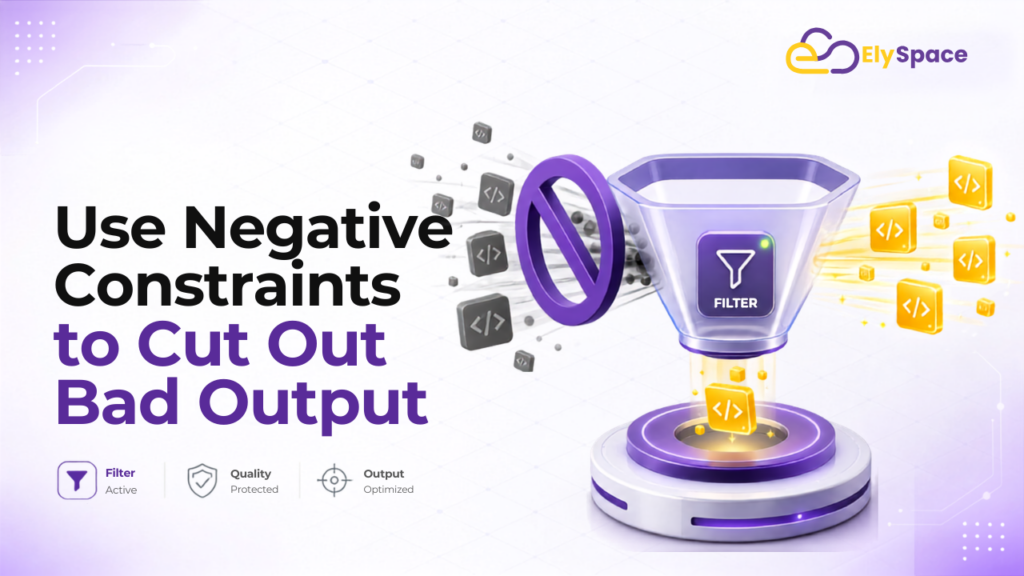
It can generally be better to provide a model with information about what it should not do than just what it is supposed to do. When you give a model positive instructions, there is an opportunity for the model to interpret the instructions in its own way. On the other hand, when you provide negative constraints, you take away any opportunity for the model to determine its own interpretation.
As an example, when you request the model provide you with “clean code,” instead, you could provide it with negative constraints such as “No nested ternary expressions,” “No magic numbers,” or “No inline styles.” When you provide the AI with a specific method to “handle errors properly,” you can specify that it should “catch and log any asynchronous errors,” “never fail silently,” and “provide typed error responses.” This type of negative constraint removes entire categories of unwanted output before the results are seen.
Prompt Examples for Common Coding Tasks
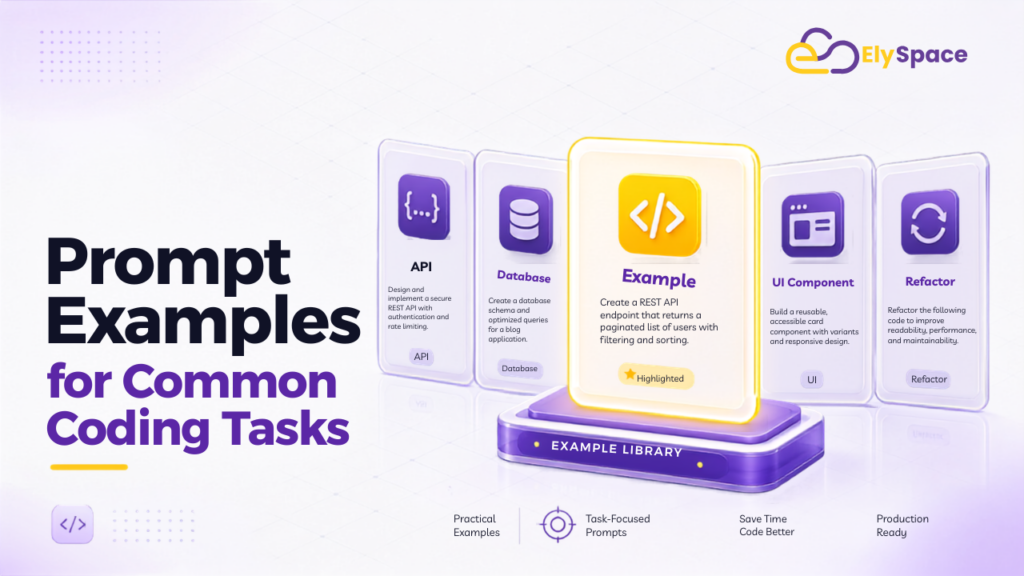
Code review prompt:
We need to review the code change as a senior engineer. The goal is to identify security vulnerabilities, performance issues, gaps in error handling, and any test coverage that may be missing. Each finding must be rated either P0 (critical), P1 (important), or P2 (minor), with a suggested fix provided for each issue identified.
Test generation prompt:
We also need to create unit tests for the function using Vitest. The tests should include happy path cases, edge cases (e.g., using null or empty input), and error conditions (e.g., network interruptions). The tests must follow the Arrange-Act-Assert pattern while achieving at least 90% branch coverage.
Refactoring prompt:
We need to improve the readability of the function through refactoring while maintaining existing functionality. In addition to preserving existing functionality and adding descriptive variable names to improve readability, we must comment briefly above each change to explain the reasoning behind it.
Migration prompt:
We need to migrate this code from JavaScript to TypeScript. When completing the migration, we will retain all existing functionality and utilize idiomatic TypeScript patterns rather than translate directly from JavaScript.
Each of these examples follows the same pattern: role or perspective, a specific task, and clear constraints. That consistency is what makes them reliable across different tools and different projects.
Common Mistakes Developers Make
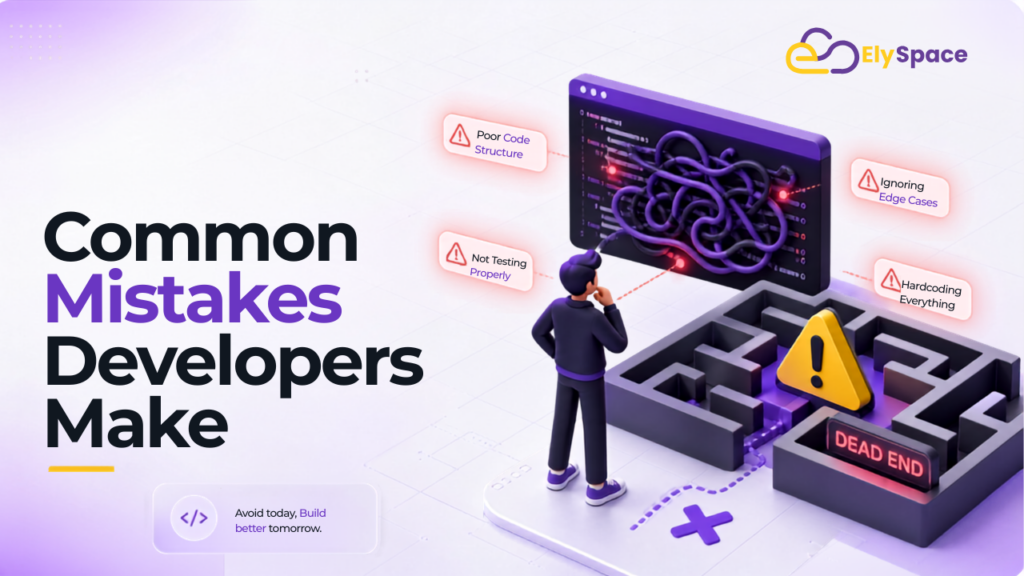
The two biggest errors you can make with AI are under-defining tasks (e.g., expecting an AI to guess what you actually want), and treating each follow-up as a completely new prompt (e.g., AI can have context through a conversation, so you should refer back to earlier output, correct errors as you see them, and build upon past progress instead of starting from scratch every time). Lastly, every code generated by AI should go through the same review process as human-generated code: Linting, static analysis, and a second review before merging. Good prompting helps eliminate errors but does not replace the need for human judgment.
Tools Worth Using Alongside Better Prompts
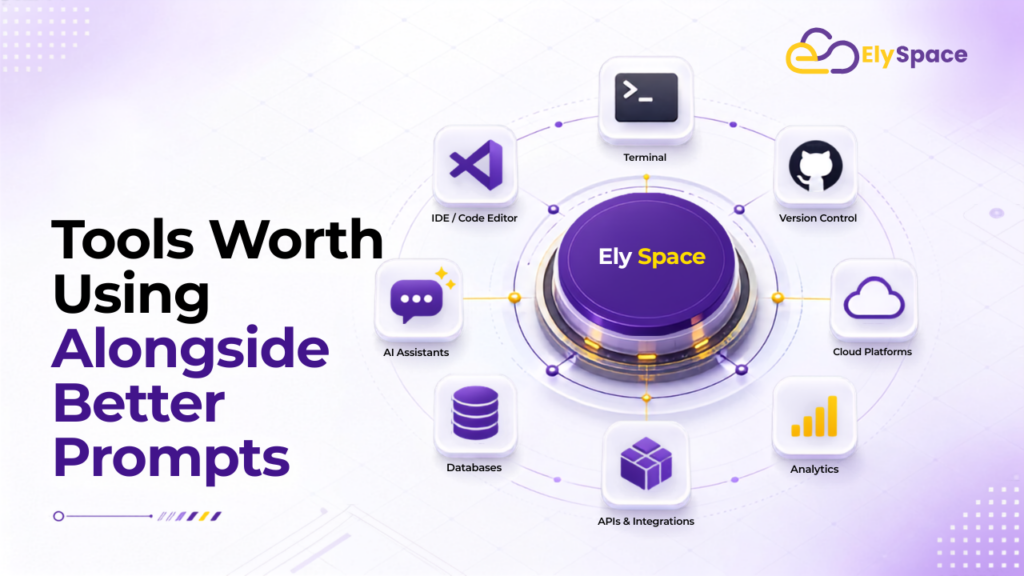
To create an efficient AI development process and write better prompts for AI, start by establishing strong prompt foundations. Leveraging the right tools with strong prompts can assist with AI-generated material and ensure your final product can be used for useful purposes.
Tools designed for reading your codebase or integrating into your editing program use the context of other code within your codebase when interacting with you instead of relying on you providing that context via pasting code from another conversation.
Tools designed to automatically review your code are helpful as they allow you to identify problems in code that would otherwise go undiscovered in a single chat session.
If you are part of an AI development group and want to write better prompts for AI that is putting together a general list of best practices, then using this resource along with ElySpace’s other resources may be very helpful, as they both encourage improvement of your prompting skills and your toolchain in a manner not associated with either one alone.
Both Anthropic’s prompt engineering documentation and Google’s developer prompting guide offer excellent starting point resources for gaining a better understanding of how your model(s) will respond to various structures and prompts.
Final Thoughts
Improving your AI code-writing prompt and wanting to write better prompts for AI is not just finding a cryptic phrase that produces better responses. It’s about telling the model precisely what you want it to do, how you want it to behave, and what you specifically do not want it to do. Developers who take the time to learn the skill of prompt creation treat prompting as a valuable development process and therefore get usable code in a much shorter period of time.
Try starting small. For example, pick one of the prompts from this guide and put it to use on your current project, then compare that result with what you would have asked for previously. Often, this will help you make a fundamental change in the way that you will continue to create prompts.