 Live Chat
 Contact
 Shopping Cart
 Ely Space
If you are searching for the best WordPress plugins, free and most useful plugins for WordPress, then you are on the right path.
The WordPress plugin directory is full of options, and it’s very easy to get lost in a sea of “meh.” But don’t worry—we’ve got you covered.
We’ve spent over 21 hours sifting through WordPress plugins and have compiled a list of 10 amazing free WordPress plugins that are 100% free!
These free WordPress plugins offer incredible value and will honestly level up your WordPress website. It’s also necessary to secure your WordPress website with free SSL certificates to avoid security warnings.
Whether you are looking to level up, convert, and improve your WordPress SEO, enhance your website design, or simply streamline your workflow, there’s a free WordPress plugin on this list for you.
Let’s start with simple steps!
1.Map Rank WordPress plugins

A map rank plugin is a tool that we use for SEO (Search Engine Optimization) in worpress. it helps our website to get that high rank in Google. here is how it works.
1. how it works : This plugin creates a special file called a sitemap for your website. That sitemap will cover your whole website, and it tells your search engine about all your website pages and posts and what content is on your website, and it also allows them to crawl and index your pages and optionally provides metadata like the last update.
2. why is it Very important : search engines may overlook your website or some of your content if you don’t have a sitemap. by making sure that all of your key pages are seen, a map rank map plugin boosts the visibility and giving of your website.
3. how it give us SEO benefits? It displays the content of your website for search engines. whenever you add any new content, the sitemap is fast updated. it helps fast and more effective site crawling by search engines.
2. All-In-One Security for WordPress

If you want to protect your website from viruses and malware, then you must know this plugin. your website is protected by this free WordPress plugin. It helps in keeping your website safe against viruses, hackers, and other internet dangers.
here is how it works.
Firewall : it prevents hacking attempts and blocks malicious traffic.
malware scanner: looks for malicious files or security holes on your website.
Login Security : Features like two-factor authentication and limits on unsuccessful login attempts make your login page safer.
Why it’s best:
It offers numerous security measures to protect your website.
It is simple to use and set up.
to remain effective against emerging threats, the plugin receives regular upgrades.
Things to remember:
Because there are so many alternatives, it could be a little overwhelming for beginners.
Only the premium edition has access to certain sophisticated functions, such as real-time traffic monitoring.
Cost:
There is a free version available.
The cost of the paid version is $69 annually.
3. LiteSpeed Cache WordPress Plugin
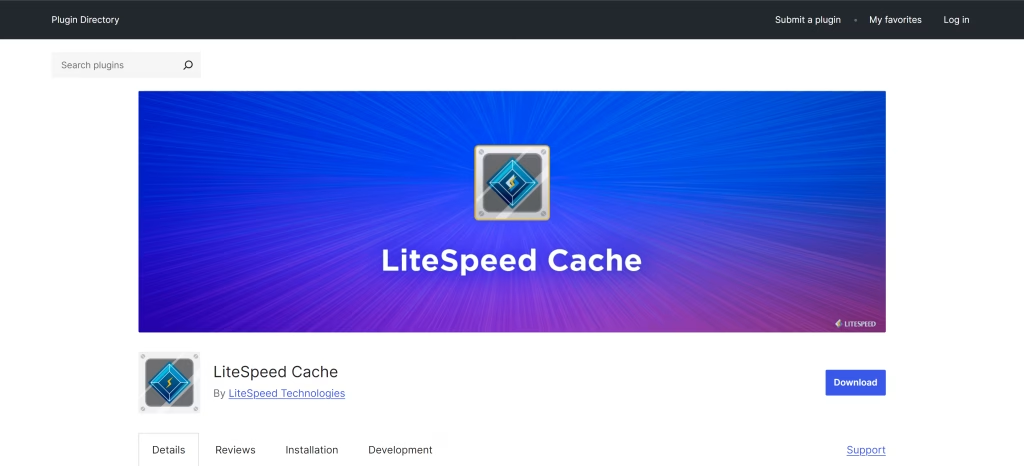
The LiteSpeed Cache (LSCache) plugin is an efficient plugin dedicated to the sites hosted on LiteSpeed web servers. It is one of the leading WordPress caching plugins that optimize website performance, reducing server load while greatly improving user experience. It provides useful tools to improve site speed, performance, and SEO by using advanced caching techniques and image optimization as well as additional features that improve performance.
1: How the LiteSpeed WordPress plugin works:
The LiteSpeed cache plugin runs at the server level, making it faster and more effective than other caching plugins that operate at the application level. It keeps cache pages on disk or in memory for easy access and uses ESI (Edge Side Include) to cache dynamic material, such as shopping carts or user-specific data, and serves cached content directly to users without running PHP or database queries.
2: Benefits of using the Litespeed Cache WordPress Plugin:
It boosts website speed, decreasing the time taken for pages to load. Reducing server load allows the server to handle more traffic. It provides a user-friendly interface with one-click optimization, and its website ranks faster in search engine results.
| Feature | LiteSpeed Cache | WP Rocket | W3 Total Cache | WP Super Cache |
|---|---|---|---|---|
| Server-Level Caching | Yes | No | No | No |
| Image Optimization | Yes | No | No | No |
| CDN Integration | Yes | Yes | Yes | Yes |
| Object Caching | Yes | No | Yes | No |
| Free Version | Yes | No | Yes | Yes |
| QUIC.cloud Integration | Yes | No | No | No |
LiteSpeed Cache is free with all of ElySpace’s hosting packages, guaranteeing improved website performance and speed without charging more.
4. Google Analytics WordPress plugin with Microsoft Clarity.
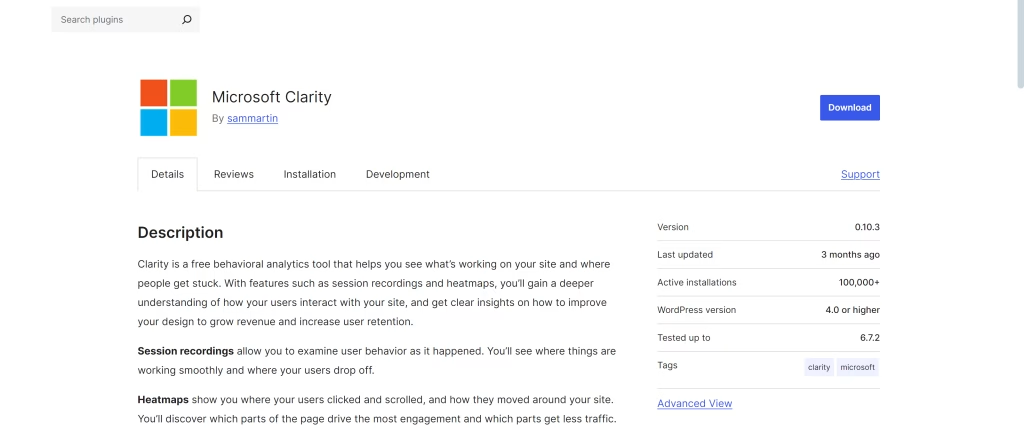
A Free WordPress Plugin Called Microsoft Clarity, it can help you learn how users interact with website. it’s similar to Google Analytics for free but with some awesome bonus features.
here what it does:
Session records: view recordings of actual users navigating your website to observe their movements.
Heatmaps: indicate which areas of your pages receive the most traffic and where users may be experiencing issues.
detailed reports on user actions such as where they click, scroll, or become irritated are provided by insights.
why it’s excellent:
you can use it for free.
it provides you with helpful information to make your website better. it is very simple to use and set up.
Things to Remember:
To completely comprehend the data, you might require some technical expertise.
Compared to some paid programs, it has fewer features.
Cost:
Free
5. Testing for Nelio AB WordPress Plugin
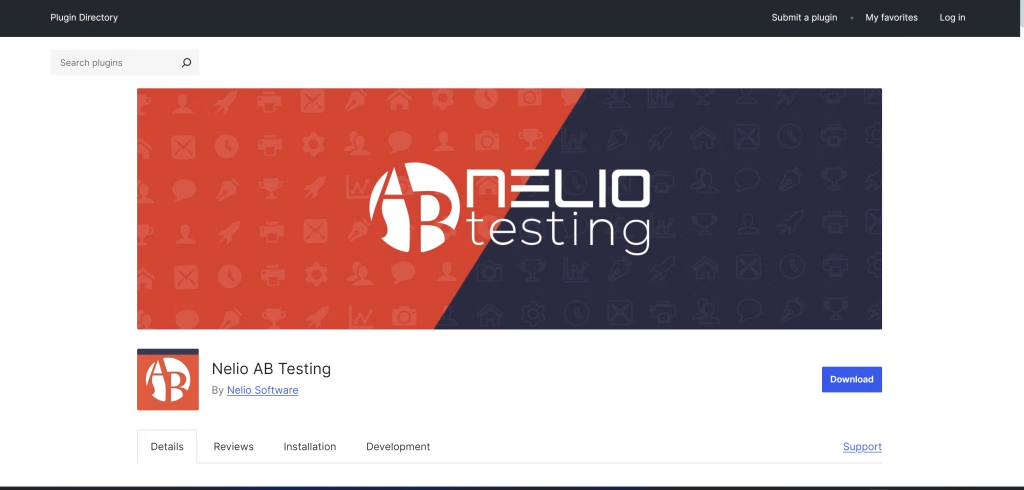
Do you wish to enhance your WordPress website by making wise choices? You may perform A/B tests on your pages, posts, and even theme with the aid of the free plugin Nelio AB Testing.
It does the following:
A/B testing involves producing multiple iterations of your content and comparing their performance.
Heatmaps: Display the areas of your sites where users click and scroll.
Conversion tracking: Assists in quantifying the impact of modifications on your objectives, such as increasing sales or sign-ups.
Why It’s Excellent:
Its user interface is straightforward and easy to use.
It offers robust testing capabilities to assist you in making your website better.
With WordPress, it functions flawlessly.
Things to Remember:
You can only conduct a certain number of tests with the free version.
The premium edition is the only way to access advanced features like testing numerous changes at once.
Cost:
There is a free plan available.
Monthly rates for paid plans start at $48.45.
6. SeedProd’s Website Builder
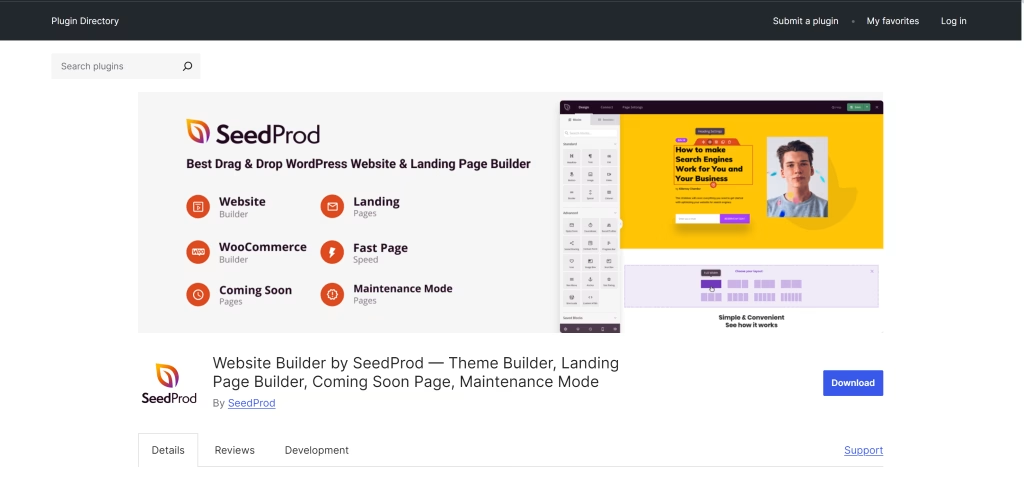
A drag-and-drop website builder called SeedProd makes it incredibly simple to create stunning pages. You may use it to create landing pages, coming soon pages, or even a whole WordPress website, even if you’re just starting out.
Here is how it works
Drag-and-Drop Builder: With an easy-to-use interface, create bespoke layouts with ease.
Pre-built Templates: Get started right away with expertly created templates.
Your pages will appear fantastic on computers, tablets, and phones if they are mobile responsive.
Coming Soon Mode: While you’re working on your website, put it in maintenance mode.
Why It’s Excellent:
Even for new users, it’s quite simple to use.
It provides numerous customization choices to give your website a distinctive appearance.
There are several helpful features in the free edition.
Things to Remember:
Only the premium version has access to certain sophisticated features, such as dynamic content and unique block patterns.
Cost:
There is a free plan available.
The annual cost of paid plans is $39.50.
7. Internal Link Juicer WordPress Plugin
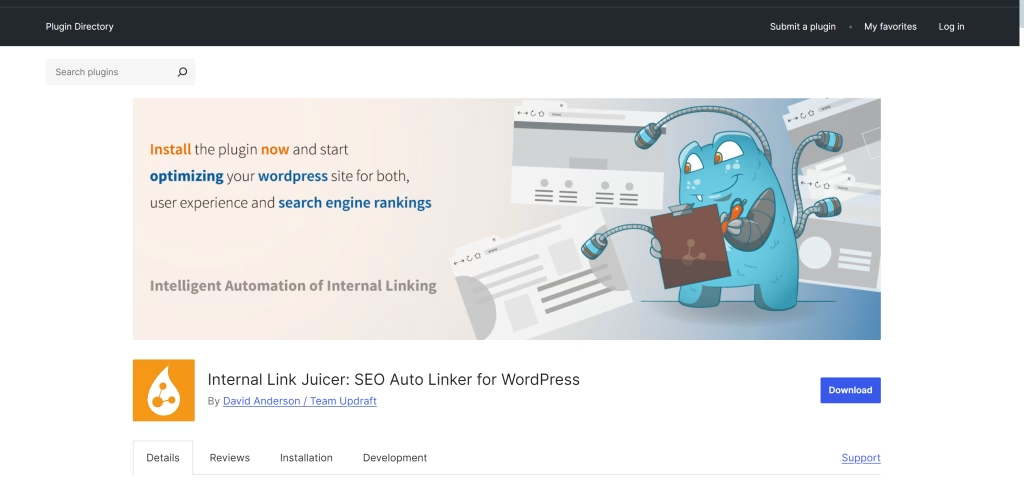
The Internal Link Juicer is a powerful WordPress plugin and automation tool that focuses on building internal links for your website. Internal linking is a type of SEO that improves ranking possibilities, improves user navigation through web pages, and helps search engines to crawl your website. By automatically creating internal links with your content and keywords, the plugin simplifies this process.
1: How the Internal Link Juicer WordPress Plugin Works:
This plugin analyzes the content of your website to find keywords and phrases and generate internal links based on the identified keywords. It can also be used to set rules for creating links, such as the number of links per page and anchor text.
2: Benefits of using the internal link juicer WordPress plugin:
Generating automatic internal links reduces valuable hours of manual work. It improves site structure, helps search engines to understand your content, and improves keyword rankings, which will therefore be ranked higher in the results pages.
8. Mailchimp for WordPress Plugin (MC4WP)
One of the most widely used platforms for email marketing, Mailchimp, can be connected to your WordPress website with the Mc4wp plugin. With the help of this plugin, users may quickly and simply build and manage email signup forms and automate email marketing campaigns from WordPress websites. By adding custom signup forms, pop-ups, and other features into your WordPress website, it simplifies the process of building your email list.
Key features of MC4WP wordpress plugin:
It uses widgets and short codes to add forms to your WordPress website and creates beautiful, responsive email registration forms with a drag-and-drop feature.
It supports lots of form types, including pop-ups and inline forms. Customize the form to fit the style of a WordPress website. It links your Mainchimps account to the WordPress website.
How MC4WP wordpress plugin works:
With the use of an API key, it connects your WordPress website to your Mailchimp account and gives a form builder for creating and customizing email signup forms. Additionally, it automatically syncs subscriber data with the Mailchimp list. Based on user activity, it created automatic email campaigns.
| Feature | Platform A | Platform B | Platform C |
|---|---|---|---|
| Customizable Forms | Yes | Limited | Yes |
| E-Commerce Integration | Yes (WooCommerce) | Yes | No |
| Automation | Yes | Yes | Limited |
| GDPR Compliance | Yes | Yes | Yes |
| Analytics | Yes | Limited | Yes |
| Free Version | Yes | Yes | Yes |