 Live Chat
 Contact
 Shopping Cart
 Ely Space
Introduction
In today’s digital era, having an online presence is crucial. Whether you’re running a small business, managing a blog, or pursuing entrepreneurial dreams, a professional and visually appealing website is indispensable. It serves as your virtual storefront, leaving a lasting impression on potential customers and visitors in the vast online marketplace.
With the rapid advancements in technology and the widespread use of mobile devices, users expect seamless and engaging online experiences. A poorly designed or outdated website not only fails to capture attention but also damages your brand’s credibility and professionalism. Conversely, a well-designed website builds trust, establishes authority, and drives visitor action, such as making purchases, subscribing to newsletters, or seeking further information.
This is where WordPress shines. Initially launched as a blogging platform in 2003, WordPress has evolved into a powerful and versatile content management system (CMS), powering millions of websites globally. Its intuitive interface, robust features, and extensive library of themes and plugins make it the preferred choice for bloggers, freelancers, and businesses alike.
WordPress stands out for its flexibility and scalability. Whether you’re creating a simple blog, showcasing a portfolio, setting up an e-commerce store, or establishing a corporate presence, WordPress can meet your needs and adapt to your requirements. With thousands of free and premium themes and a vast selection of plugins, you can customize your website to reflect your brand identity and achieve your specific goals.
In this article, we’ll explore tricks and guidance for designing an optimized WordPress website, even for beginners. Whether you’re starting from scratch or redesigning an existing site, we’ll cover everything you need to create a professional, visually appealing, and user-friendly website. From selecting the right theme and customizing its design to crafting compelling content, optimizing for search engines, and enhancing functionality with plugins, we’ll guide you through each step.
By the end of this article, you’ll have the knowledge, tools, and confidence to create an SEO-optimized WordPress website that not only meets but exceeds your expectations and helps you succeed in the competitive online landscape. Let’s harness the full potential of WordPress to craft a website that captivates visitors, drives engagement, and achieves your desired outcomes in the ever-evolving digital world.
Understanding What is WordPress?
WordPress is like a super tool for making websites. You don’t need to be a computer user to use it. It’s like building with blocks—you can put things together without knowing how to code. Plus, there are tons of cool things you can add to your website, like different designs, extra features, and helpful tools.
With WordPress, you’re not stuck with just one look or style. You can make your website look however you want. Whether you’re making a blog to share your thoughts, showing off your cool projects, or starting a business, WordPress has got you covered.
And the best part? You can do it all yourself. You don’t need to hire a fancy web designer or spend tons of money. With WordPress, you’re in control. You can change things whenever you want, add new stuff, or tweak things to make them just right.
So if you’ve got something to say, sell, or show the world, WordPress is your best friend. It’s easy, flexible, and lets you create a website that’s as unique as you are. With WordPress, the sky’s the limit!
Choosing The Right Theme
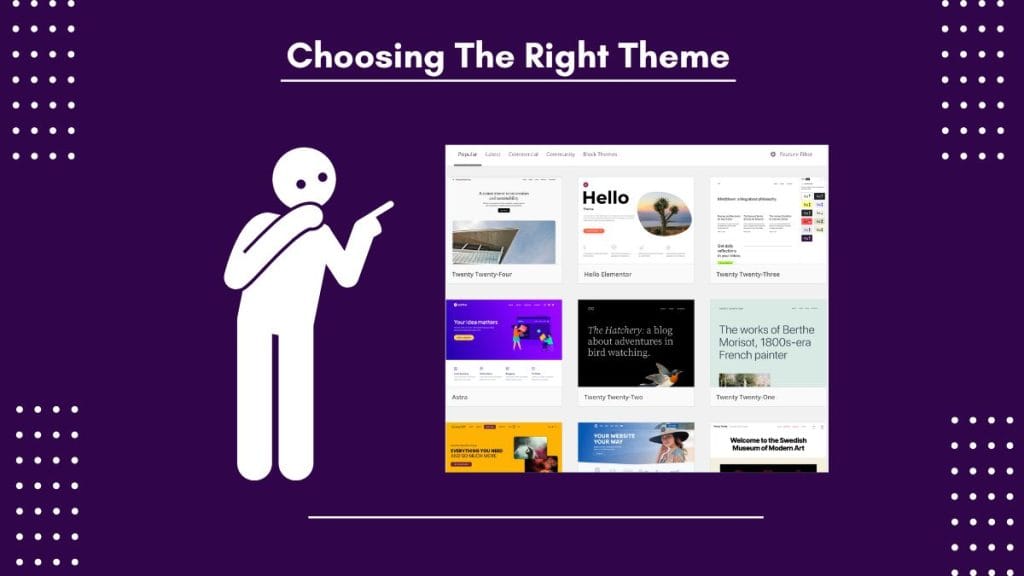
WordPress is like magic for creating websites. You don’t need to be a tech expert to use it. It’s as simple as building with blocks—you can put things together without knowing any fancy coding. And guess what? There are tons of amazing things you can add to your website, like different designs, cool features, and helpful tools.
With WordPress, you’re not stuck with just one look or style. You can make your website look however you want. Whether you’re making a blog to share your thoughts, showcasing your awesome projects, or starting an online store, WordPress has got your back.
And the best part? You can do it all by yourself. You don’t need to hire an expensive web designer or spend a lot of money. With WordPress, you’re the boss. You can change things whenever you feel like it, add new stuff, or make tweaks to make your website perfect.
So if you’ve got something to say, sell, or show to the world, WordPress is here to help. It’s easy, flexible, and lets you create a website that’s as unique as you are. With WordPress, you can make your online dreams come true!
Customizing Your Theme
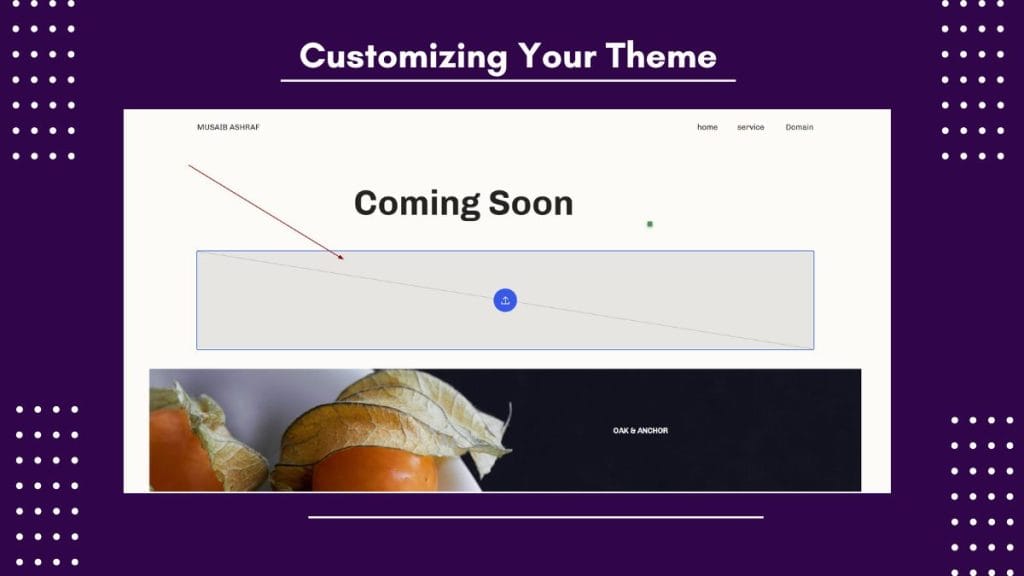
WordPress themes usually come with settings that let you change how your website looks without needing to know any fancy coding. You can adjust things like colors, fonts, where your headers and footers go, and even add cool stuff like widgets. It’s like giving your website a makeover but without all the hard work!
Take your time to play around with these settings and see what looks best for your website. You can mix and match different options until you find the perfect style. And if you want even more control over how your website looks, you can try using plugins like Elementor or Beaver Builder. They let you do even more cool stuff and make your website look exactly how you want it to.
So don’t be afraid to get creative and make your website stand out from the crowd. With WordPress and a little bit of experimentation, you can create a website that’s as unique and special as you are
Adding Content
Content is like the soul of your website, and with WordPress, putting it together is a breeze. You can create all sorts of things—from blogs to pages to cool image galleries—without any fuss. It’s like telling your story, but online!
When you’re adding stuff to your WordPress site, think about what your audience wants. What do they need? What are they interested in? Make sure your content is helpful and valuable to them. And don’t forget to keep it looking neat and professional by paying attention to things like spelling and grammar.
Oh, and here’s a little secret: using the right words can help more people find your website on Google. So sprinkle in some keywords related to what you’re talking about to boost your site’s visibility and bring in more visitors.
So go ahead, get creative, and share your story with the world. With WordPress, the possibilities are endless!
Optimizing for SEO
If you want more people to find your website on Google, you need to think about something called SEO. It’s like giving your website a map so that search engines can find it easily. Luckily, WordPress has some cool stuff built in to help with SEO.
With WordPress, you can customize things like web addresses, meta tags, and sitemaps to make sure your website shows up in search results. Plus, there are plugins like Yoast SEO or All in One SEO Pack that can give you tips on how to make your content more search engine-friendly.
But here’s the real secret sauce – focus on creating awesome content that your audience loves. If you write stuff that people want to read and share, search engines will notice it and bump up your website in the search results. So think about what your audience wants and needs, and use keywords that they’re likely to search for.
With a little bit of SEO magic and great content, your website will be climbing up the search rankings in no time!
Enhancing Functionality with Plugins
Think of WordPress plugins as adding extra power to your website. With thousands of them available, you can make your site do almost anything you want, like adding fancy forms, cool sliders, or even an online store—all with just a few clicks!
But here’s the catch: Too many plugins can slow down your website and cause problems. So it’s important to choose wisely and only install the ones you really need. Before you install a plugin, check who made it, read what other people say about it, and maybe even try it out on a test site first.
By picking the right plugins and keeping things simple, you can make sure your website stays fast, secure, and running smoothly. So go ahead, and add some magic to your site, but remember: quality over quantity!
Optimizing Performance
Making sure your website loads quickly is super important. Slow websites can make people annoyed and leave, which is not good. And even Google doesn’t like slow websites, so it can make it harder for people to find you online.
To make your WordPress website load faster, start by picking a good web hosting provider. Find one that has fast servers and special features like SSD storage and caching, which can make your website run faster.
You can also make your website faster by cleaning up the code and images. Get rid of any extra stuff that’s slowing things down, and make sure your pictures are compressed so they don’t take up too much space.
Another cool trick is to use something called a content delivery network (CDN). It’s like having copies of your website stored in different places around the world, so no matter where someone is, they can access your site quickly.
By following these tips, you can make sure your website loads fast and keeps visitors happy – which is good for your business and for getting noticed online!
Testing and Iterating
After you’ve made your WordPress website look and work great, it’s important to check it on different devices like phones, tablets, and computers. This way, you can make sure it looks good and works well for everyone.
You should also try using different web browsers, like Google Chrome, Mozilla Firefox, or Safari, to see if your website works properly on all of them. Sometimes, things might look different or not work as expected, so it’s good to check.
Another thing to keep in mind is that people use different screen sizes, so your website should adjust and look good on all of them. This is called responsiveness, and it’s really important for giving people a good experience.
To make sure everything is working smoothly, you can ask real people to try out your website and give you feedback. It could be your friends, family, or even your colleagues. Listen to what they have to say and make any changes needed to improve your website.
Remember, designing a website is a process, so don’t be afraid to try new things and make improvements over time. Keeping your website fresh and engaging will help you stand out and keep people coming back for more!
Conclusion

Designing a perfect WordPress website is not as hard as it seems. With the right tricks and guidance, you can create something amazing that reflects your style and attracts visitors. Remember to choose a good theme, add valuable content, and make sure everything works well on different devices. And don’t forget to keep testing and improving your site over time. With a little bit of effort and creativity, you can make your website stand out and achieve your goals online. So go ahead, dive in, and create the perfect WordPress website for you!