 Live Chat
 Contact
 Shopping Cart
 Rashid Malla
If you’ve landed here after staring at file_get_contents composer.json failed to open stream in your Laravel error log, you’re probably mid-panic, mid-deploy, or both. I’ve hit this exact file_get_contents composer.json error more than once on shared hosting, and it’s rarely as simple as “just re-upload composer.json.” Let’s walk through what’s actually going on, and if you hit deployment issues beyond this one, our Laravel deployment checklist (replace with your real internal URL) covers the rest.
What file_get_contents composer.json Failed To Open Stream Actually Means
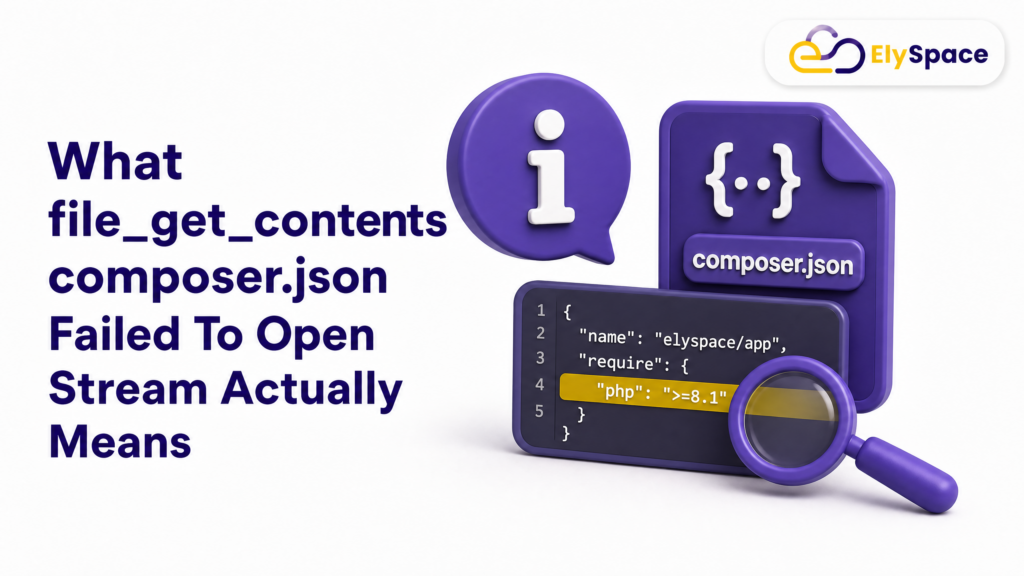
The full error usually looks something like this:
file_get_contents(/home/yoursite/public_html/composer.json): Failed to open stream: No such file or directoryIn plain terms: PHP’s built-in file_get_contents() function tried to read your project’s composer.json file and couldn’t find it at the path it expected. Laravel’s internal Application::getNamespace() method calls file_get_contents() on that file to figure out your app’s namespace. No file, no read, error thrown.
That part is straightforward. The confusing part is why Laravel is trying to read composer.json at that exact moment, usually right when something else has already gone wrong.
Why You’re Seeing It Now

Here’s something most quick-fix articles skip. The file_get_contents composer.json failed to open stream error rarely shows up out of nowhere. In my experience, it shows up in one of two situations:
- Composer.json is genuinely missing from your project root, often because it got excluded during a manual upload, a
.gitignoremishap, or a zip that didn’t include hidden/root-level files. - A separate error is happening first, and Laravel’s exception handler crashes while trying to build the error page, which is when
getNamespace()fires and exposes the missing file as a secondary problem.
That second scenario trips people up constantly. You fix the composer.json issue, redeploy, and the site still breaks, just with a different, less obvious error. If that happens to you, don’t assume you did something wrong. It usually means there was a second bug hiding underneath the first one the whole time.
The Real Root Cause

On a recent project, I saw this exact chain of events behind a file_get_contents composer.json failed to open stream error, and it’s worth walking through because it explains why treating composer.json in isolation often doesn’t fully fix things. If migrations are new territory for you, our guide to Laravel migrations (replace with your real internal URL) is a good primer before you touch production.
A new feature shipped code that queried a database table. That table didn’t exist yet because the migration hadn’t run on the live server. The missing table threw an exception. Laravel tried to render that exception into a friendly error page, which called: getNamespace(), which tried to read composer.json, which also didn’t exist. Three separate problems, one confusing error message on screen.
The lesson here is simple: when you see a composer.json error, don’t stop investigating once you fix it. Check your migration status too. Run:
php artisan migrate:statusIf anything shows as “pending,” that’s very likely part of your actual problem, not just a side note.
Step-by-Step Fix for file_get_contents composer.json Failed To Open Stream
Here’s the practical fix, in order.
1. Confirm composer.json is actually missing. SSH into your server (or use your host’s file manager) and check the project root:
ls -la /home/yoursite/public_html/composer.jsonIf it’s not there, that confirms the primary issue.
2. Restore or rebuild composer.json. If you have a local copy or a Git repository, the fastest fix is pulling it from there. If you don’t, you can reconstruct a working version from: vendor/composer/installed.json, which lists every package actually installed on the server along with its version. Match your require block to that, and double-check your PSR-4 autoload mapping against vendor/composer/autoload_psr4.php so class autoloading doesn’t break.
3. Upload it to the correct path. It needs to sit in your project root, not inside: public_html/public, not inside a subfolder. Same level as your artisan file.
4. Check your .htaccess rules. Composer.json shouldn’t be publicly accessible over HTTP. If your root .htaccess doesn’t already block it, add a rule denying access, then test by visiting the file’s URL directly. You should get a 403.
5. Clear Laravel’s caches.
php artisan config:clear
php artisan view:clear
php artisan cache:clear
6. Check for pending migrations. As covered above, if a table your code depends on doesn’t exist yet, run:
php artisan migrate --force6a. No SSH access? Update the database with a manual SQL file instead. Plenty of shared hosting plans don’t give you terminal access, which means php artisan migrate isn’t an option. In that case, write out the equivalent SQL by hand, save it as a .sql file, and run it through phpMyAdmin’s SQL tab (or any MySQL client your host provides). At minimum, your file should:
- Create the missing table with:
CREATE TABLE IF NOT EXISTS, so it’s safe to run more than once. - Seed any default rows using:
INSERT IGNORE, so re-running the script doesn’t create duplicates. - Insert a matching row into your
migrationstable, so Laravel’s migration tracker stays in sync with what actually exists on the server. Skip this step andmigrate:statuswill keep showing the migration as “pending” even though the table is already there.
This isn’t a workaround you should rely on long-term. It’s a stopgap for hosts without CLI access, and it only works if you keep the manual SQL and your actual migration file in sync going forward.
7. Re-test the affected pages. Don’t just check the homepage. Check every page or feature that was throwing errors before your fix. In my case, two admin pages were broken specifically because they depended on the missing table, and the composer.json error was just the more visible symptom on top.
How to Prevent file_get_contents composer.json Failed To Open Stream Next Time

A few habits will save you this headache going forward:
- Never exclude composer.json from deployments. Some manual upload workflows skip root-level or “hidden-looking” files by accident. Double-check your zip contents before uploading.
- Add a fallback in critical models. If a feature depends on a table that might not exist yet on a given environment, wrap the query so it degrades gracefully instead of throwing a hard exception. It won’t fix the missing migration, but it stops one small feature from taking down unrelated pages.
- Run
migrate:statusas a standard pre-deploy check, not something you only remember after things break. - Keep a local
.env-matched staging environment that mirrors your production server’s PHP version and Laravel setup, so you catch these gaps before they hit real users.
Final Thoughts
If there’s one thing worth remembering from all this, it’s that error messages in Laravel don’t always tell you what’s actually wrong, just what broke last in the chain. The file_get_contents composer.json failed to open stream error is a perfect example. Fix the file, sure, but don’t close the ticket until you’ve confirmed there isn’t a quieter problem sitting underneath it, like a migration nobody ran. If you want to go deeper on how PHP handles file reads and errors like this one, the PHP manual’s filesystem section is a solid reference.
That habit, checking one layer deeper before calling something “fixed,” is honestly the difference between a five-minute patch and a bug that comes back to bite you next week.