 Live Chat
 Contact
 Shopping Cart
 Rashid Malla
Laravel launched the Laravel AI SDK in early February 2026. It provides PHP developers the ability to build applications based on artificial intelligence quickly and easily. Developers no longer have to rely on community-built libraries or resort to programming languages other than PHP. This guide includes everything a developer needs to use the Laravel AI SDK today.
1. What Is the Laravel AI SDK?
The official Laravel AI SDK is Laravel’s primary package for developing AI-enabled web applications by utilizing a unified PHP API. It first entered the world as part of Laravel 12.x and stabilized with the shipping of Laravel 13. All subsequent releases have included documentation, making this package a key component of the Laravel framework rather than a separate add-on.
Prior to the SDK, PHP developers who wished to include AI capabilities in their Laravel application had to piece together a solution by using alternative community-built projects such as Prism, LarAgent, and Neuron AI. None of these packages had a unified interface, common conventions, or were guaranteed to be maintained or secure. The PHP AI SDK changes all of that by providing the most advanced capabilities for developing AI applications in one package and making available many commonly used functionalities exposed through Laravel’s expressive APIs — including text generation, image generation, audio transcription, vector-based embedding, and full agent orchestration.
| Quick Definition: The Laravel AI SDK (laravel/ai) is a first-party package that provides a unified PHP API for interacting with 14+ AI providers, including OpenAI, Anthropic, Google Gemini, Grok, Mistral, and more all within Laravel’s standard conventions. |
Think of it as the LangChain for PHP. Every concept LangChain popularized — agents, tools, memory, vector stores — is now available in idiomatic PHP without needing Python. If you are a PHP developer who has been watching AI tooling grow on the Python side and wondering when the PHP ecosystem will catch up, the answer arrived in 2026.
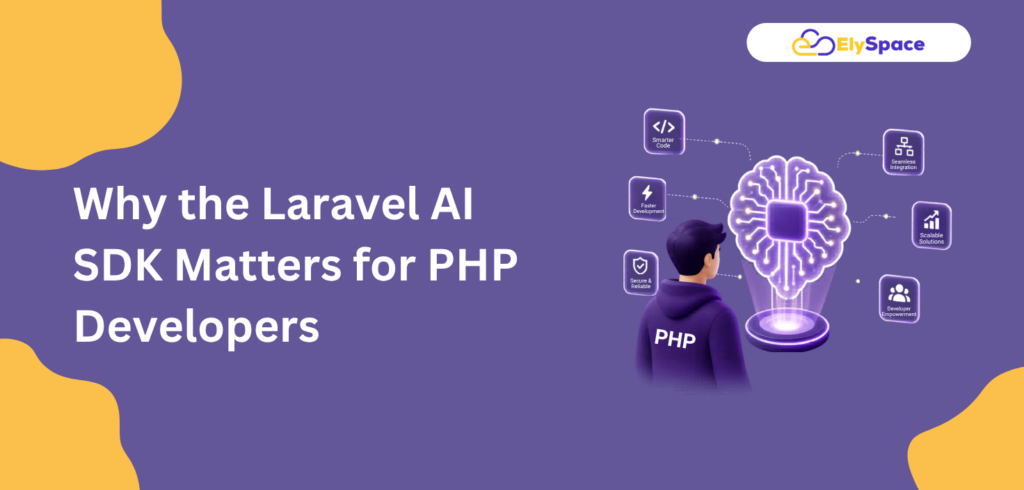
2. Why the Laravel AI SDK Matters for PHP Developers
To be straightforward about it, user expectations in 2026 have changed. Whether you’re creating a SaaS application, internal tool, or e-commerce system, static apps aren’t going to cut it anymore. Users demand intelligent functionality from applications such as intelligent searching, automatic messaging, document analysis, and conversational interfaces.
In the past, there were three options when incorporating these types of features into a Laravel application: you either hired Python developers, redid your existing architecture, or utilized incomplete community packages to enable the use of AI-powered functionality. The Laravel AI SDK completely eliminates all trade-offs and will allow developers to create AI-native features in the same code base and with the same Artisan commands, configuration patterns, and testing utilities that developers are currently using.
The importance of this is huge; the SDK is a first-party package developed and maintained by the Laravel core team, therefore providing developers with the assurance that any new version of Laravel will also support the SDK, and developers will not have to rely on community maintainers to keep their AI integrations working after the first release of the new version of Laravel.
For engineering teams, this means something that you might overlook: testability. The SDK is bundled with pre-made fakes for agent requests, image uploads, audio recordings, embeddings, and transcriptions. Therefore, developers can create unit and feature tests for AI-enhanced functionality without having to make real API calls and spending tokens throughout their continuous integration process.
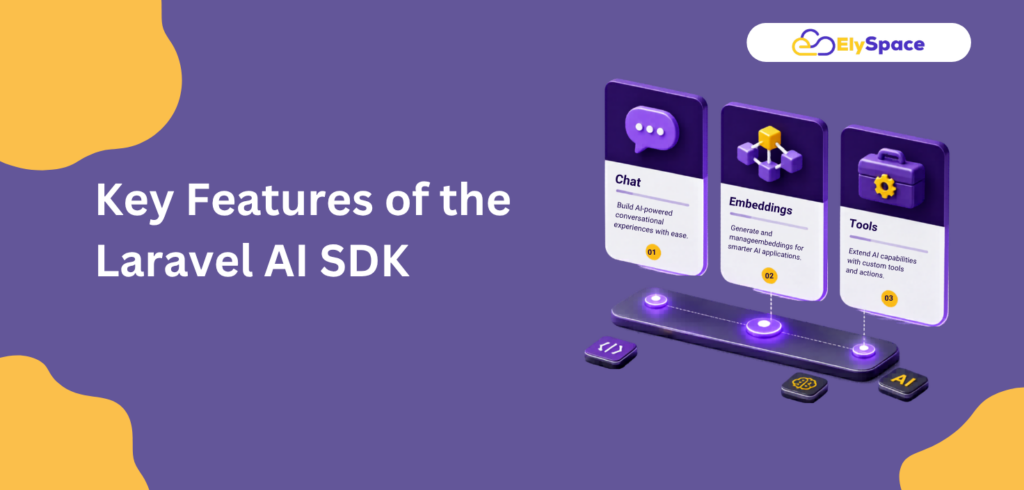
3. Key Features of the Laravel AI SDK
The PHP AI SDK is not just a text-generation wrapper. It is a complete AI development framework built on top of Laravel’s core subsystems. Here is what it covers out of the box:
AI Agents: Build intelligent, goal-driven agents with instructions, tools, memory, and structured output in a clean PHP class.
Tool Calling: Give agents real-world abilities, web search, file fetching, and database queries using simple PHP methods.
Conversation Memory: Persist multi-turn conversation history in the database using publishable migrations. No custom memory layer needed.
Structured Output: Force AI responses into typed, validated JSON schemas perfect for data extraction and automation pipelines.
Streaming: Stream responses in real time, broadcast events via Laravel Echo, and queue heavy workloads natively.
Vector Search & RAG: Generate embeddings, store them in vector stores, and build retrieval-augmented generation pipelines with minimal code.
Image & Audio: Generate images, synthesize audio, and transcribe speech — all using the same unified facade and config.
Built-in Test Fakes: Fake every AI interaction for full test coverage without API costs during CI runs.
4. Laravel Agents: The Heart of the SDK
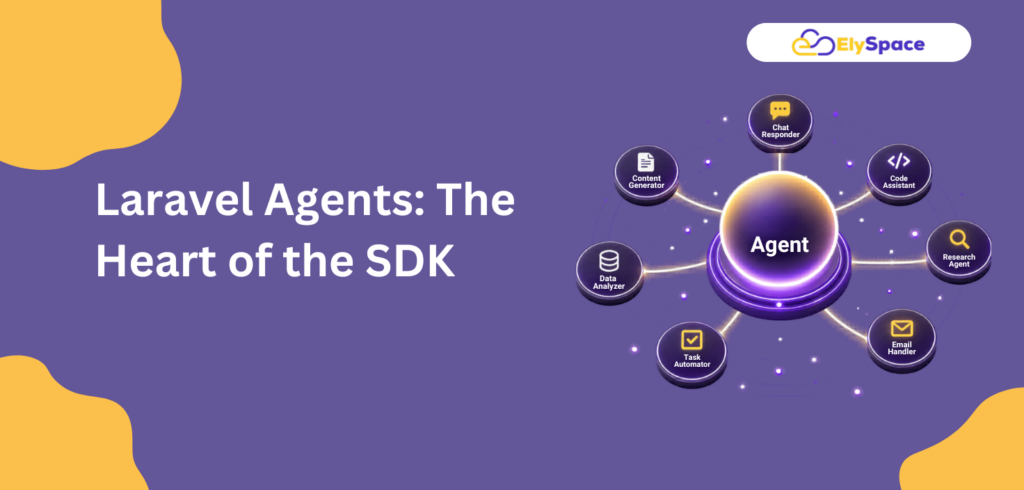
The core concept of Laravel’s AI SDK is that of an agent, which represents a dedicated PHP class that contains all characteristics required for an AI task to perform properly, such as the instruction(s) (system prompt), the conversation history, the tools that can be called, and the nature/type of output generated by that task. To create an agent, you will execute a single Artisan command:
php artisan make: agent SupportAgent |
This class, which was created, has a nice organization to it. You set up the agent’s knowledge, its functional capabilities, and what it is expected to return; the rest (which includes multi-step execution of tools, retrying when necessary, and streaming back to the browser) is handled by the SDK.
<?php namespace App\Ai\Agents; use Laravel\Ai\Contracts\Agent; use Laravel\Ai\Promptable; class SupportAgent implements Agent{use Promptable; public function instructions(): string{ return 'You are a helpful customer support agent for Ely Space. Always be concise, friendly, and accurate.';}} |
Once your agent class is set up, prompting it is straightforward:
$response = (new SupportAgent)->prompt('How do I reset my password?'); echo $response->text; |
Multi-Agent Workflows
When using multiple Laravel agents to create pipelines, this reveals the full power of the Laravel Agent Framework. You can have multiple agents connected in a chain, with one agent’s structured output providing the input for the next agent. An example of this would be a Data Extraction Agent that extracts structured vacancies from applicant-submitted PDFs using the Data Extraction Agent and then passing that data to the next agent, Candidate Matching Agent, for the application of scoring against applicants. The processes of connecting agents in this manner are fully traceable, testable, and executable via Laravel Queues.
| Pro Tip: Use agent middleware to intercept and modify prompts before they reach the model. This is useful for injecting user context, enforcing output constraints, or logging prompts for compliance auditing. |
5. Supported AI Providers in the PHP AI SDK
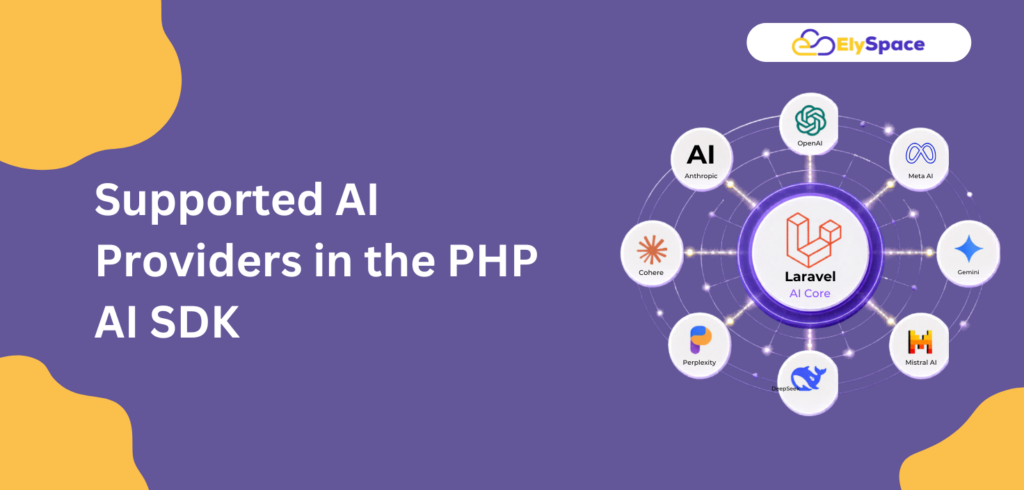
Provider flexibility is one of the most compelling reasons to adopt the Laravel AI SDK. You’ll never be locked into a single model or vendor; the SDK provides access to 14 different AI providers, and only requires one line of code (or one environment variable) to switch between them.
| Provider | Text | Images | Audio | Embeddings |
| OpenAI | ✓ | ✓ | ✓ | ✓ |
| Anthropic (Claude) | ✓ | — | — | — |
| Google Gemini | ✓ | ✓ | — | ✓ |
| Groq | ✓ | — | — | — |
| Mistral | ✓ | — | — | ✓ |
| xAI (Grok) | ✓ | ✓ | — | — |
| Ollama (local) | ✓ | — | — | ✓ |
| ElevenLabs | — | — | ✓ | — |
| DeepSeek / Azure / Cohere | ✓ | — | — | varies |
There is also an integrated mechanism for smart failover if a service provider exceeds its limits or goes down unexpectedly, thus allowing you to automatically switch to another configured provider without requiring any action from you.
6. How to Install and Set Up the Laravel AI SDK
Getting started with the PHP AI SDK in a Laravel 12 or 13 project is straightforward. You install it via Composer, publish the configuration, run the migrations, and add your API keys.
Step 1: Install the Package
composer require laravel/ai |
Step 2: Publish Configuration & Migrations
php artisan vendor: publish --provider="Laravel\Ai\AiServiceProvider." |
Step 3: Run Migrations
| php artisan migrate |
This creates the agent_conversations and agent_conversation_messages tables that power conversation persistence across sessions.
Step 4: Add Provider Keys to .env
OPENAI_API_KEY=sk-...ANTHROPIC_API_KEY=sk-ant-...GEMINI_API_KEY=AIza... |
| Official Documentation: Full installation and configuration reference is available at laravel.com/docs/13.x/ai-sdk. Always refer to the official Laravel documentation for the most up-to-date API surface. |
7. Real-World Use Cases for the PHP AI SDK
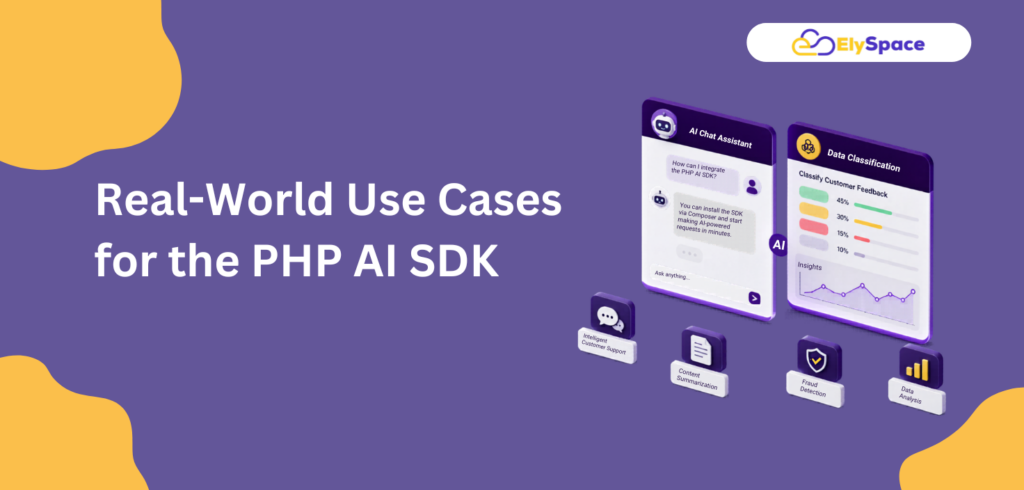
The Laravel AI SDK is intended for use in production and not only for creating demo chatbots. These are real examples of how the SDK can provide immediate value to your business:
Automated Document Analysis
Agents can upload a contract or invoice document (in PDF format), and the agent will return a validated JSON representation of the structured data (e.g., company name, amount, date, clause) contained within the document as a single response. The validated JSON can be immediately used to populate an Eloquent model or database pipeline without requiring additional parsing code.
Intelligent Customer Service
Create a customer service agent that has access to both your product documentation (via vector search) and the customer’s order history (via Eloquent calls). The Agent will maintain conversation history across sessions so the customer does not have to repeat any context. The Agent will respond in real-time through Laravel Echo streaming through the browser.
Smart Admin Interfaces
Create a natural language query capability for your admin interface. Your users can type a question such as “show me orders over $500 for last month,” and the agent will convert the user’s natural language into Eloquent and return structured results without the end user needing to have any SQL knowledge.
Businesses utilize automated workflows to optimize repetitive tasks. One example of such automation is with ticket classification; now businesses can use AI to automatically classify incoming support tickets, create product descriptions based on unformatted data, or score leads by using data stored in a CRM. This integration is accomplished via an SDK that works seamlessly with Laravel queues, allowing businesses to automatically scale their workload without having to change their architecture.
Using semantic search and RAG, businesses can generate vector embeddings using their knowledge base documents and store those embeddings in a vector store (a vector database). When someone inquires about something, the agent will be able to pull the most relevant pieces and “ground” its response in the information stored in the knowledge base, dramatically reducing hallucinations for applications that are domain-specific.
8. Before vs. After: The Laravel AI SDK Difference
To understand the real impact of the PHP AI SDK, it helps to see what the developer experience looked like before it existed — and what it looks like today.
Before the Laravel AI SDK Installed 3-4 separate community packages with conflicting conventions Wrote custom memory layers for every stateful AI feature Manually handled streaming, retries, and provider fallback No official testing utilities mocking AI were fragile Risk of breaking changes when community packages were abandoned Python was often required for agent-based or RAG workflows | After the Laravel AI SDK One official, first-party package a single Composer command Built-in conversation persistence with publishable migrations Streaming, failover, and queuing work natively with Laravel• Full testing support with built-in fakes, zero API costs in CI Maintained by the Laravel core team alongside every release• Agents, RAG, and multi-agent workflows all in pure PHP |
9. Laravel AI SDK vs Community Packages
Before the official SDK, the Laravel ecosystem had several community-driven options. Each served a purpose, but none offered the full picture. Here is how they compare:
| Package | Focus | Status in 2026 |
| Laravel AI SDK (laravel/ai) | Complete AI framework agents, tools, memory, RAG, streaming, testing | Official / First-Party |
| Prism | Lower-level provider abstraction layer | Community: SDK is built on Prism |
| LarAgent | Agent creation and management | Community: largely superseded |
| Neuron AI | Agent-based workflow and decision trees | Community: useful for niche patterns |
Although certain community packages do exist and can be useful in limited use cases, the Laravel AI SDK should be considered the best option available for new projects. The Laravel AI SDK has the following advantages over all other community packages:
Supported: The Laravel AI SDK is fully supported.
Documentation: Full documentation exists for the Laravel AI SDK.
Framework integration: The Laravel AI SDK is integrated into the framework.
No community package can provide all of the above advantages.
Frequently Asked Questions About the Laravel AI SDK
Is the Laravel AI SDK free to use?
Yes. The Laravel/ai package is free and open source. You only pay the underlying AI providers (OpenAI, Anthropic, Google, etc.) for actual API usage, at their standard rates.
Does it work with both Laravel 12 and 13?
Yes. The Laravel AI SDK was introduced with Laravel 12.x in February 2026 and is production-stable as of Laravel 13, released in March 2026. The API is stable across both versions.
Can I test AI features without spending API credits?
Yes, and this is one of the best things about the SDK. It ships with built-in fakes for every AI component — agents, embeddings, images, audio, and transcriptions so your test suite can run without touching any real provider API. This keeps CI pipelines fast and cost-free.
Can I use the SDK with Ollama for local development?
Absolutely. Ollama is one of the 14 supported providers. Running a local model through Ollama is great for development, cost reduction during testing, or privacy-sensitive use cases where you cannot send data to a cloud API.
Is the Laravel AI SDK a replacement for LangChain?
It is the closest PHP-native equivalent. The SDK covers the same core concepts LangChain popularized — agents, tools, memory, and vector stores — but entirely in PHP, inside the Laravel ecosystem, without requiring a Python runtime or a separate microservice.
10. Final Verdict: Should PHP Developers Use the Laravel AI SDK?
With the release of the Laravel AI SDK in 2026, if you haven’t already checked this out by now, take a look. The Laravel AI SDK is not a short-term fad package that will be retired in six months. The Laravel AI SDK represents the Laravel team’s commitment to developing a first-party, level-1 framework SDK, with full production support and 300+ pages of official documentation and production-ready APIs, and is compatible with all of the previously existing Laravel subsystems that you’re already using.
By eliminating the need for a Python microservice, a separate memory store, and multiple community packages, the PHP AI SDK reduces the difficulty involved in building genuine AI features, all within a single Laravel class, and with complete test coverage and native queue support. As such, there has been a significant paradigm shift in the types of things that a PHP developer is able to deliver, on their own and within a reasonable timeframe.
“AI is not the next-gen future; it’s the next release! The Laravel AI SDK empowers you to produce that next release without changing the applications you already know how to develop.”
The Laravel agent system included in this SDK is an excellent base for creating any intelligent customer service system, document analysis system, semantic search system, or multi-agent workflow automation tool from the ground up using pure PHP. Begin by visiting the official Laravel AI page (laravel.com/ai) and refer to the documentation provided to create your first agent.