 Live Chat
 Contact
 Shopping Cart
 Irfan Bhat
If you’ve spent any time shopping for a hosting plan lately, you’ve probably run into this exact fork in the road: SSD vs NVMe storage. Every hosting provider throws these terms around like they’re interchangeable, and honestly, that’s where most people get confused. They’re not the same thing, and picking the wrong one can either waste your money or quietly choke your site’s performance.
I’ve spent years working with database design and development, and I’ve watched this decision make or break site speed more times than I can count. So let’s cut through the marketing noise and talk about what SSD and NVMe storage actually do, where each one shines, and which one deserves your money.
What Is SSD Storage, Really?
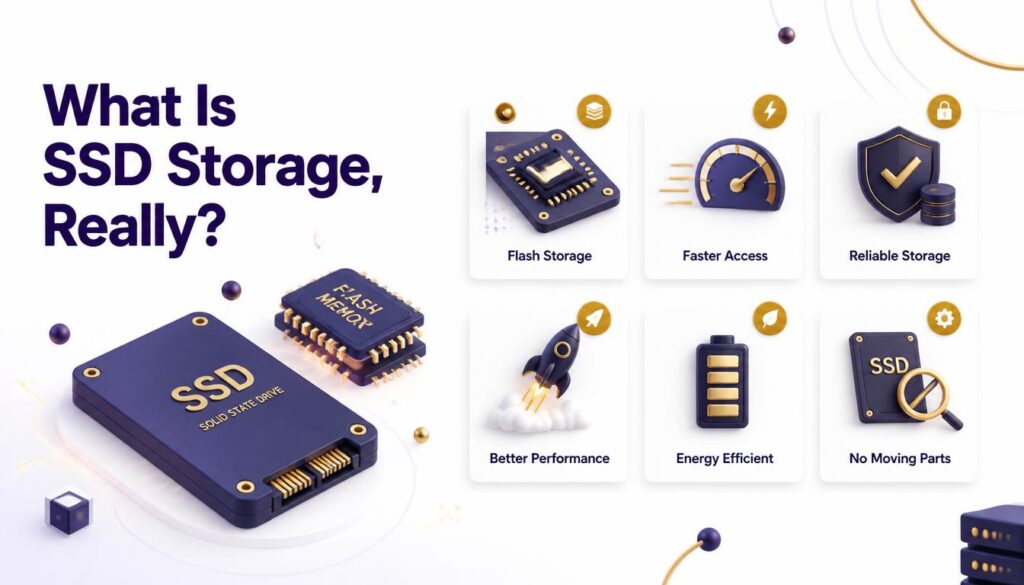
SSD stands for solid-state drive. Unlike the old spinning hard drives, an SSD has no moving parts. Data gets stored on flash memory chips, and that alone makes it miles faster than traditional hard disk drives.
Most shared and mid-tier hosting plans run on SSD storage these days, and for good reason. It’s reliable, it’s affordable, and it dramatically outperforms old-school HDDs. For a blog, a small business site, or a portfolio, SSD storage does the job without breaking a sweat.
Here’s the catch though. SSDs still connect through a SATA interface, which was originally designed for those old spinning drives. That interface puts a speed ceiling on what an SSD can actually deliver, no matter how good the chips inside it are.
What Is NVMe Storage?
NVMe stands for Non-Volatile Memory Express. Think of it as SSD technology that finally got the highway it deserved. Instead of squeezing data through the older SATA pathway, NVMe drives connect directly through the PCIe bus, the same high-speed lane your graphics card uses.
That direct connection is the whole game. NVMe storage can process thousands of data queues at once, while SATA-based SSDs are stuck handling one queue at a time. The result? Read and write speeds that leave regular SSDs eating dust.
This is why serious hosting providers, including Ely Space’s higher-tier plans, have shifted toward NVMe for anyone running performance-sensitive websites.
SSD vs NVMe Storage: The Core Differences
Let’s break the SSD vs NVMe storage debate down into plain terms, because the technical specs alone don’t tell the full story.
Interface: SSDs use SATA. NVMe uses PCIe. That’s the single biggest factor separating the two.
Speed: NVMe drives typically hit read and write speeds of 3,500 MB/s or higher. Standard SATA SSDs usually cap out around 550 MB/s. That’s not a small gap. That’s a completely different league.
Latency: NVMe storage processes requests with dramatically lower latency, which matters a ton for sites juggling lots of simultaneous visitors or database queries.
Price: SSD storage is cheaper. NVMe costs more, both for the drives themselves and often for the hosting plans built around them.
Use case fit: SSD works fine for lighter workloads. NVMe earns its price tag on heavier, high-traffic, data-intensive sites.
Speed Comparison That Actually Matters
Numbers on a spec sheet are one thing. Real-world site performance is another. So here’s what actually changes when you move from SSD to NVMe storage on a hosting environment.
Page load times often drop noticeably, sometimes by a full second or more on database-heavy pages. Database queries execute faster because the storage isn’t the bottleneck anymore. Sites handling e-commerce carts, live search, or dynamic content feel snappier under load, especially during traffic spikes.
For a static five-page brochure website, you probably won’t notice much difference. For anything doing real work behind the scenes, the difference is obvious within the first week.
Cost: What You’re Really Paying For
Here’s where I’ll be blunt. NVMe hosting plans usually run anywhere from 20% to 50% more than comparable SSD plans, depending on the provider. Is it worth it?
Sometimes yes. Sometimes not even close.
If your site pulls light traffic and doesn’t lean heavily on database queries, you’re paying extra for speed you’ll never actually feel. But if your business depends on fast checkout pages, real-time dashboards, or a database that’s constantly being hit with reads and writes, that extra cost pays for itself fast through better conversions and lower bounce rates.
When SSD Storage Is Still the Right Call
SSD storage isn’t obsolete. Not even close. It’s still the sensible choice for a lot of websites.
- Personal blogs and portfolios with moderate traffic
- Small business sites without heavy database activity
- Static landing pages
- Sites in early growth stages where budget matters more than milliseconds
I’ve built plenty of client sites on SSD-based hosting, and they run just fine. There’s no shame in choosing the practical option when your workload doesn’t demand more.
When You Need NVMe Storage
Now flip the scenario. NVMe storage becomes less of a luxury and more of a necessity when your site fits any of these:
- E-commerce stores processing frequent transactions
- WordPress sites with heavy plugin and database activity
- Applications requiring real-time data processing
- High-traffic blogs or news sites with thousands of daily visitors
- Any project involving serious database design and development work
If your database is doing a lot of heavy lifting, and most growing sites eventually get there, NVMe storage stops being optional.
SSD vs NVMe for Database-Heavy Sites
This is the part that matters most if you’re working in database design and development, which happens to be my actual background. Databases live and die by read/write speed. Every query, every join, every index lookup depends on how fast the storage layer responds.
On SSD storage, a complex query might queue up behind others, waiting its turn through that single-queue SATA bottleneck. On NVMe, that same query gets processed through parallel queues almost instantly. For a database with thousands of daily transactions, that difference compounds fast. Slow storage doesn’t just slow down your database. It slows down everything connected to it, from your admin dashboard to your customer-facing app.
If you want a deeper technical breakdown of how storage impacts database performance, the folks at Backblaze have published solid research comparing drive types under real workloads worth checking out.
How to Choose Without Overthinking It
Ask yourself three quick questions.
First, does your site rely heavily on a database? Second, do you get consistent, meaningful traffic, not just the occasional spike? Third, does page speed directly affect your revenue, like on an online store?
If you answered yes to two or more of those, NVMe storage is worth the upgrade. If you answered no across the board, SSD storage will serve you well and save you money in the process. You can always check current plan options and speed benchmarks on Ely Space’s hosting page before committing to either tier.
FAQs
Is NVMe storage always faster than SSD storage? Yes, in raw speed terms NVMe wins because it uses the PCIe interface instead of SATA. But faster storage only matters if your site actually uses that speed, so the real answer depends on your workload.
Can I upgrade from SSD to NVMe storage later? Most hosting providers allow plan upgrades without much hassle. It’s usually smarter to start on SSD storage if you’re unsure and move up once your traffic or database demands actually justify it.
Does NVMe storage improve SEO rankings? Indirectly, yes. Google factors page speed into ranking signals, and NVMe storage tends to produce faster load times, which can help your Core Web Vitals scores.
Is SSD storage outdated for web hosting in 2026? Not at all. SSD storage still outperforms traditional HDDs by a wide margin and remains a solid, cost-effective option for countless websites.
Which is better for WordPress, SSD or NVMe storage? It depends on your plugin load and traffic. A lightweight WordPress blog runs fine on SSD. A busy WooCommerce store benefits noticeably from NVMe.
Conclusion
The SSD vs NVMe storage decision isn’t about picking the “best” technology on paper. It’s about matching your storage to what your site actually needs. NVMe wins on raw speed, no argument there. But SSD storage still earns its keep for countless websites that don’t need to pay a premium for horsepower they’ll never use.
Know your traffic. Know your database load. Then pick accordingly, not based on which term sounds more impressive in a hosting ad.
Ready to see which storage tier actually fits your site? Check out the hosting plans at Ely Space and pick the one that matches your real workload, not just the fastest number on the page.