 Live Chat
 Contact
 Shopping Cart
 Irfan Bhat
If you’re running a website out of Srinagar, Baramulla, or anywhere else in the Valley, you already know hosting here isn’t quite the same game as hosting in Delhi or Bangalore. Connectivity has its own rhythm; local businesses are growing fast online, and many site owners start on a small VPS plan and just… stay there. Sometimes for years. Even after their site has outgrown it three times over.
This post is about knowing when that’s happening to you. VPS hosting in Kashmir is a smart middle step for most growing sites here, better than shared hosting, cheaper than a dedicated server, but it only works if you upgrade at the right moment. Too early, and you’re paying for power you don’t use. Too late, and your visitors are staring at a spinning loader while your competitor’s site loads in two seconds flat.
I’ve helped enough local businesses sort out this exact problem to know the signs are usually the same. Let’s go through them properly.
What VPS Hosting Actually Means
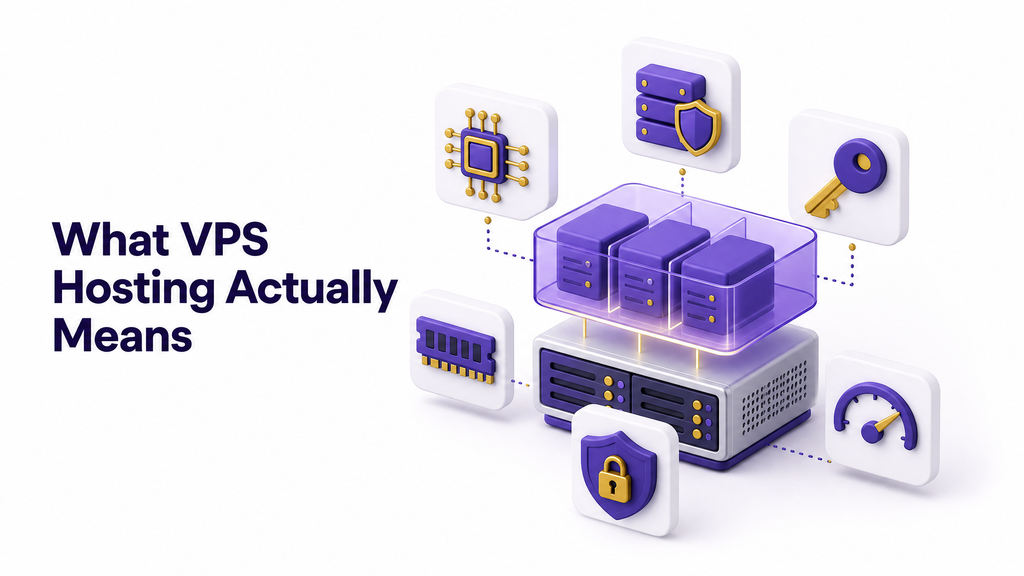
Quick refresher, because half the confusion around this topic starts here.
A VPS, or Virtual Private Server, is a slice of a physical server that’s been walled off just for you. You’re not sharing your CPU, RAM, or storage with hundreds of random websites the way you would on shared hosting. You’re also not paying for an entire physical machine the way you would with dedicated hosting. It sits right in the middle. Wikipedia’s breakdown of virtual private servers explains the technical side well if you want to go deeper.
For most beginners, here’s the plain version: think of shared hosting as a shared taxi, VPS as your own car, and dedicated hosting as owning the entire garage. VPS gives you control and predictable performance without the massive price tag of a dedicated box.
That’s why it’s the natural next step once a site outgrows shared hosting. The question this post actually answers is: How do you know it’s time to take that next step again and move to a bigger VPS?
Why Kashmir Needs a Slightly Different Hosting Conversation

Here’s something a lot of generic hosting blogs never mention, mostly because they’re written for a US or European audience with a completely different internet setup.
Kashmir’s internet infrastructure has its own quirks. Bandwidth costs and latency to major Indian data center hubs can behave differently depending on where your visitors are connecting from. Tourism sites, for instance, get sudden traffic spikes during peak season (April to October) and then go quiet in winter. Local e-commerce and government-adjacent portals often see traffic patterns tied to specific local events, exam dates, or announcements, and those spikes can hit hard and fast.
None of this means Kashmir-based businesses need something exotic. It means the “when to upgrade” decision has to account for seasonal spikes, not just steady month-over-month growth. A tour operator in Pahalgam might be totally fine on a small VPS from November through March, then get absolutely hammered in June. If you only look at your average monthly traffic, you’ll miss that your site was down for the two weeks that actually mattered most for bookings.
So when we talk about upgrading VPS hosting in Kashmir specifically, seasonality and regional connectivity need to be part of the math, not an afterthought.
7 Clear Signs You Need to Upgrade Your VPS

Let’s get into the actual signals. If you’re nodding along to three or more of these, you’re overdue.
1. Your site is noticeably slower than it used to be. Not “maybe a little slower.” Noticeably. If page load times have crept up over the last few months and you haven’t added heavy plugins or huge images to explain it, your server resources are the likely culprit.
2. Your CPU or RAM usage sits above 80% regularly. This one’s not a feeling; it’s a number. Most hosting control panels show you this. If you’re consistently maxed out even during normal (non-peak) hours, you’re not leaving yourself any headroom for spikes.
3. You’re getting 502 or 503 errors during traffic surges. These errors almost always mean your server ran out of resources to handle incoming requests. A tour booking site that goes down during the week, when everyone’s searching for Gulmarg packages, is losing real money, not just traffic.
4. You’ve added new services that share the same server. Started running a database-heavy booking system, added a mail server, or installed real-time chat support? Each of these eats into resources your website used to have entirely to itself.
5. Your backups and updates are taking forever. Slow backup windows are usually the first quiet warning sign of a maxed-out disk or I/O bottleneck, long before your visitors notice anything.
6. You’ve outgrown your storage. Product images, videos, growing databases, they all add up. If you’re constantly clearing space or compressing files just to stay under your limit, that’s not a long-term fix.
7. Your business has genuinely grown. Sometimes it’s simpler than any metric. You had 5 products; now you have 500. You had a blog; now you have a full e-commerce store with a Kashmir-wide delivery network. The site you built two years ago was built for a smaller version of your business.
How to Check If Your Current Plan Is Actually Maxed Out
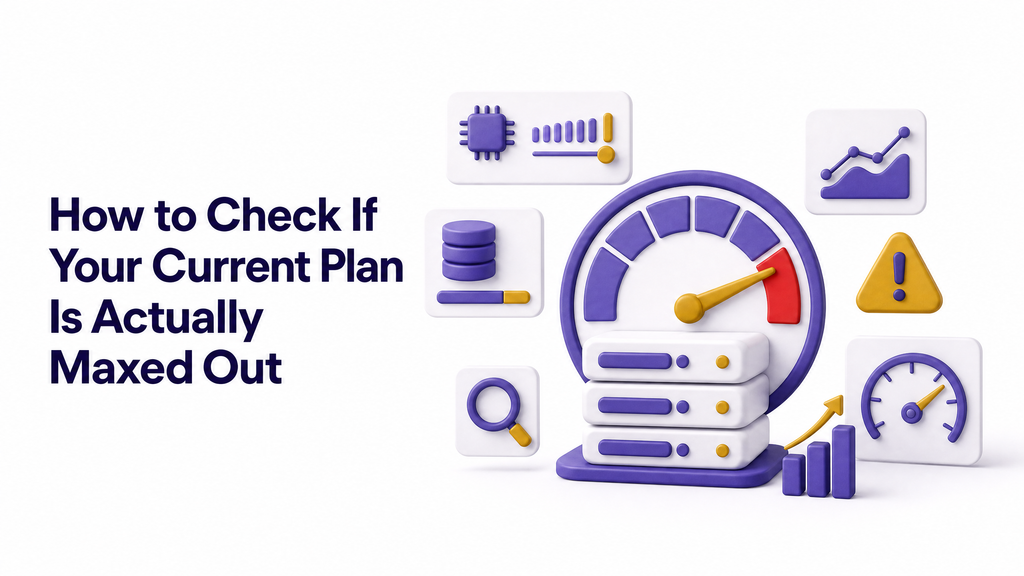
Don’t just guess. A few practical ways to check before you spend money:
- Use your hosting control panel’s resource monitor. Most providers, including Ely Space, show live CPU, RAM, and disk usage graphs. Look at your peak hours, not just the daily average.
- Run a free speed test. Tools like Google PageSpeed Insights will tell you whether your slowdown is server-side or something fixable in your code, like unoptimized images.
- Check your server logs for errors. Repeated 502/503/504 errors in your error logs are a server telling you, in plain language, that it’s out of breath.
- Track traffic against downtime. If your outages line up with your busiest days (festival season, admission dates, tourist peak months), that’s your answer right there.
If two or more of these checks come back showing strain, you’re not imagining it. It’s time.
What to Look For in an Upgraded VPS Plan
Not every upgrade needs to be a massive jump. Here’s what actually matters when you’re comparing plans:
- More RAM, obviously, but match it to your workload. A WordPress site with WooCommerce needs more RAM than a static portfolio site.
- NVMe SSD storage over regular SSD. The speed difference in real-world use is significant, especially for database-heavy sites.
- Scalable resources. A good provider lets you bump resources up during a busy season and scale back down later, instead of locking you into a fixed yearly plan.
- Server location and routing. Ask where the data center physically sits and how traffic routes from Kashmir to it. Lower latency to your actual visitor base matters more than raw specs on paper.
- Managed support. If you’re not a server admin yourself (most site owners aren’t), managed VPS support saves you from 2 a.m. panic calls when something breaks.
- Daily backups included. Not optional, not an add-on you forget to enable. Built in.
A Quick Word on Choosing a Provider That Understands Kashmir
This part gets skipped in most generic hosting guides, but it matters more than people think. A provider based far away, with support teams unfamiliar with local business patterns, can leave you waiting in a ticket queue during exactly the week you can least afford it.
Look for a few things specifically. First, support hours that actually overlap with when you’re awake and working, not just a generic 24/7 claim buried under long wait times. Second, a provider who understands that a spike in April traffic for a Kashmir-based tourism or handicraft business isn’t unusual, it’s expected, so they won’t flag your account or throttle you for it. Third, clear communication in plain language when something goes wrong, not a wall of technical jargon that leaves you more confused than before you asked.
None of this shows up in a spec sheet. It shows up the first time your site goes down at 11 p.m. and you need someone to actually pick up.
How Much Does Upgrading Actually Cost?
This varies by provider and by how big a jump you’re making, but here’s the general shape of it in India right now: moving from an entry VPS to a mid-tier plan typically costs somewhere between ₹500 and ₹2,000 more per month, depending on the RAM and CPU bump. Jumping into higher-tier VPS or approaching dedicated-server territory can run several thousand more.
The way to think about this isn’t “what’s the cheapest upgrade?” It’s “What’s the cost of downtime during my busiest week?” For a business booking tourism packages or running online sales, a few hours of downtime during peak season usually costs far more than a year of the upgraded hosting plan would.
The Right Way to Upgrade (Without Breaking Your Site)
Upgrading badly can cause more downtime than staying on your old plan ever did. Here’s the sequence that actually works.
- Back up everything first. Full site backup, database included. Don’t skip this even if your provider says they’ll handle it.
- Choose your new plan based on actual usage data, not guesswork or whatever the salesperson recommends.
- Ask your provider about migration downtime. Good VPS providers can do this with minutes of downtime, not hours.
- Test on staging before going live, if that option’s available. Catch problems before your visitors do.
- Monitor closely for the first 48 hours after migration. Resource usage, error logs, page speed, all of it.
- Keep your old server active for a short overlap window in case you need to roll back. Don’t cancel the old plan the same day.
Mistakes People Make When Upgrading
A few patterns show up again and again with site owners here.
Upgrading way too late, waiting until the site has already crashed during a critical week, is the most common one. By then, you’ve already lost the bookings, sales, or leads that mattered.
The opposite mistake happens too: overbuying. Jumping straight to a huge VPS plan “just to be safe” when your actual usage data says a modest bump would’ve done the job. That’s money that could’ve gone into marketing or inventory instead.
And then there’s the migration itself done carelessly, no backup, no testing, moving everything during peak traffic hours instead of at 3 a.m. when nobody’s watching. All completely avoidable with a bit of planning.
FAQs
How do I know if VPS hosting in Kashmir is even the right fit for my site, versus shared hosting? If you’re getting steady traffic, running an online store, or noticing your shared hosting slowing down under load, VPS is the natural next step. If your site is a simple brochure page with low traffic, shared hosting might still be enough for now.
Will upgrading my VPS cause my website to go down? Not if it’s planned properly. A short migration window, usually done during low-traffic hours, is normal. Full days of downtime are not, and that’s a sign to pick a different provider.
Is it better to upgrade in advance of tourist season or wait until traffic actually rises? Upgrade in advance. Kashmir’s tourism-driven traffic spikes fast, sometimes within days of a good weather forecast or a viral post. Waiting for the spike to hit before upgrading means you’re fixing the problem after your visitors have already left.
Can I downgrade again later if I over-upgrade? Usually, yes, most providers allow it, though check your specific plan terms. It’s still better to size the first time correctly using real usage data.
Does my server’s physical location actually matter if most of my visitors are local? Yes, more than people assume. Even a difference of 30 to 50 milliseconds in latency adds up when a page loads dozens of resources, images, scripts, and fonts. For a Kashmir-based audience, a server with good routing to the region will consistently outperform one that’s technically powerful but geographically far away with poor peering.
Ready to Make the Move?
If your site’s been feeling sluggish, throwing errors during your busiest hours, or you’re just tired of watching that resource graph creep toward the red, that’s your sign. Ely Space’s VPS hosting plans are built with exactly this kind of growth in mind, and if you’re not sure which tier fits your actual usage, talk to the team before you spend a rupee on the wrong plan. Better to make that call now than during the week your booking calendar fills up.