 Live Chat
 Contact
 Shopping Cart
 Irfan Bhat
I’ve moved more small business sites off shared hosting than I can count, and the question is always the same: “How do I know if I actually need this, or if I’m just being sold an upgrade?” Fair question. VPS hosting USA plans aren’t for everyone, and plenty of businesses pay for far more server than they’ll ever use. This guide is the version of that conversation I’d have with you over coffee, not a sales page.
What VPS Hosting Actually Means
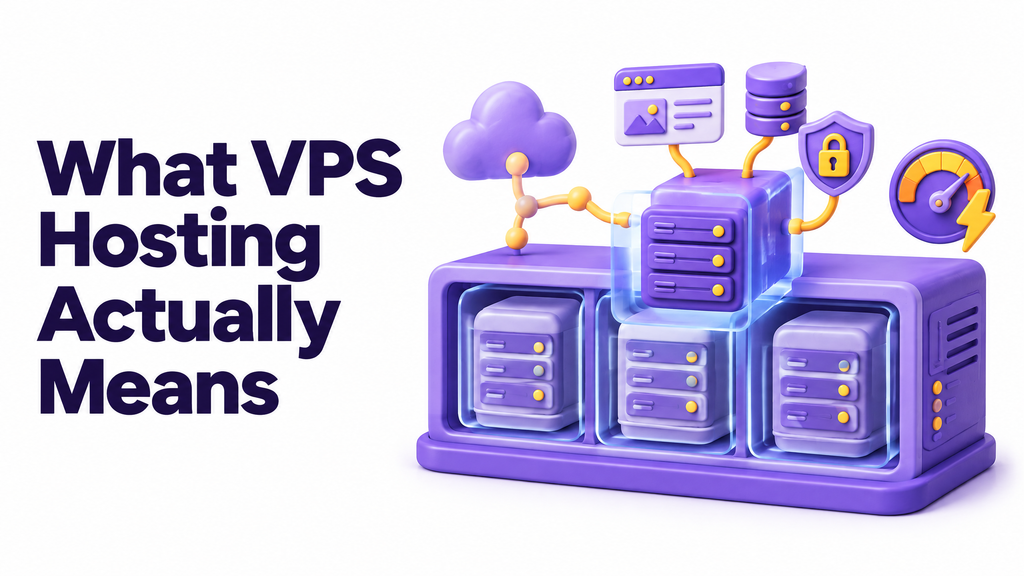
A VPS, or virtual private server, takes one physical machine and splits it into several isolated virtual servers, each with its own dedicated slice of CPU, RAM, and storage. You’re not sharing those resources with strangers the way you do on shared hosting. Your neighbor’s traffic spike doesn’t touch your site. Your neighbor’s sloppy plugin doesn’t slow your load times. As Wikipedia’s overview of virtual private servers explains, a VPS is essentially one physical server partitioned into several independent virtual servers, each of which behaves like its own dedicated machine even though it’s sharing hardware underneath.
That isolation is the whole point. You get root or admin access; you can install what you want, and the resources listed on your plan are actually yours, not a shared pool you’re hoping nobody else drains.
Shared Hosting vs. VPS: What’s Really Different
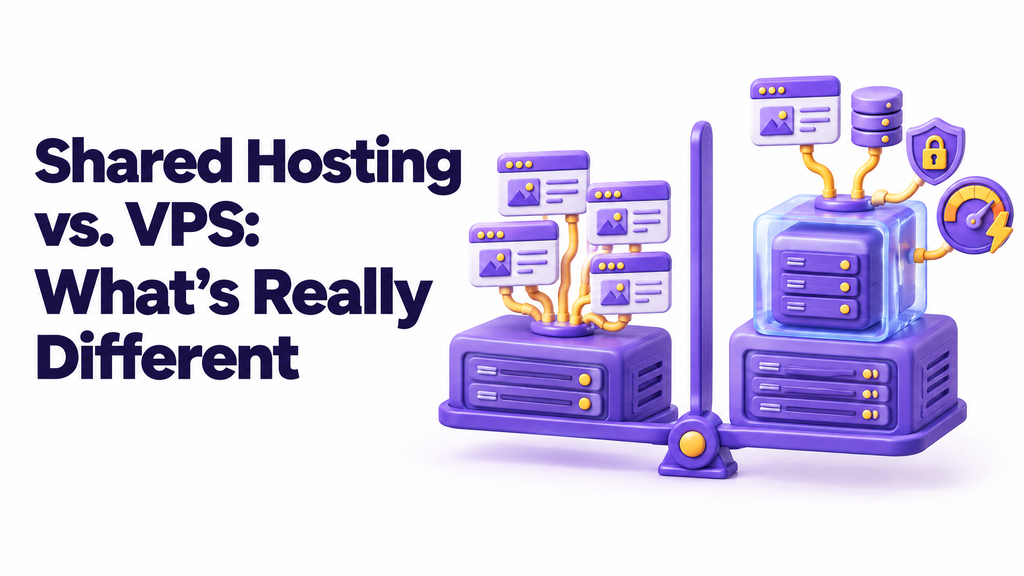
Shared hosting puts dozens, sometimes hundreds, of websites on one server, all pulling from the same pot of CPU and memory. It’s cheap because the cost is split among so many websites. That’s great for a brochure site or a hobby blog. It gets ugly fast once real traffic or real transactions show up.
Here’s the short version:
- Shared hosting: cheapest option, resources shared with other accounts, limited or no root access, performance can swing based on what your “neighbors” are doing.
- VPS hosting: dedicated resource allocation, full or near-full server control, predictable performance, room to scale without migrating platforms again.
- Dedicated server: an entire physical machine to yourself, the most power and the most cost, usually overkill until you’re running serious enterprise traffic.
Business hosting sits in that middle tier for a reason. You’ve outgrown the noisy apartment building that is shared hosting, but you don’t need to buy the whole office tower yet.
7 Signs Your Business Has Outgrown Shared Hosting
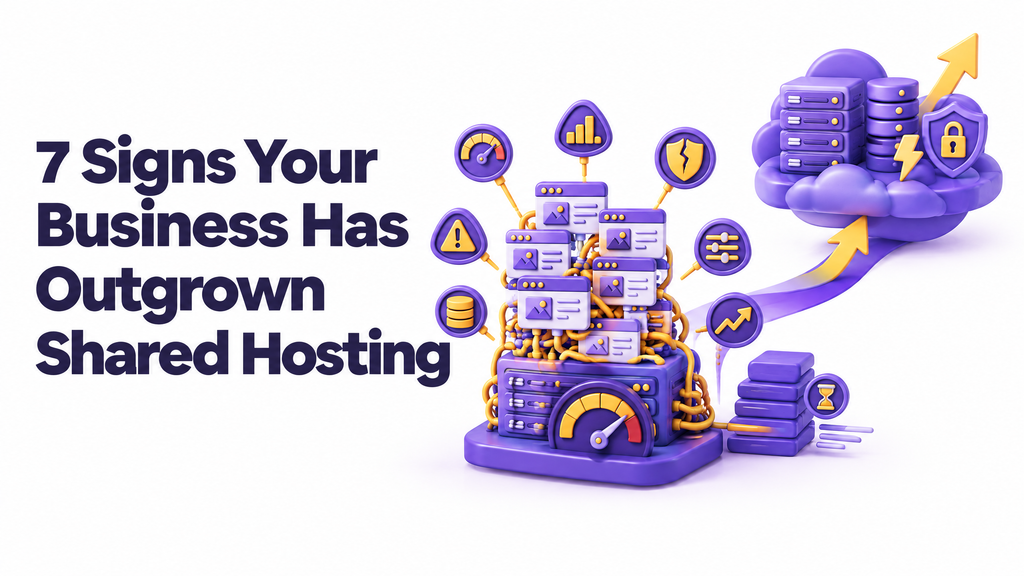
I look for the same handful of red flags every time a client asks me to audit their site. If two or more of these sound familiar, it’s time to look at VPS hosting USA plans seriously.
- Your site slows down during traffic spikes a product launch, a press mention, a seasonal sale, and suddenly pages crawl or time out.
- You’re getting “resource limit exceeded” errors from your host, even when you haven’t changed anything on your end.
- You’re running an online store with real checkout volume, not just a handful of orders a week.
- You need specific software or server configurations your shared host won’t install or allow.
- You’ve had unexplained downtime that support blamed on “another account on the server.”
- Your database queries are getting slower as your content, users, or product catalog grows.
- You’re handling customer data that needs tighter security than a shared environment can realistically guarantee.
None of these alone is a dealbreaker. But when a business owner tells me three of these are happening at once, shared hosting isn’t the problem anymore. It’s a symptom.
Why “USA” Matters: Location, Speed, and Compliance
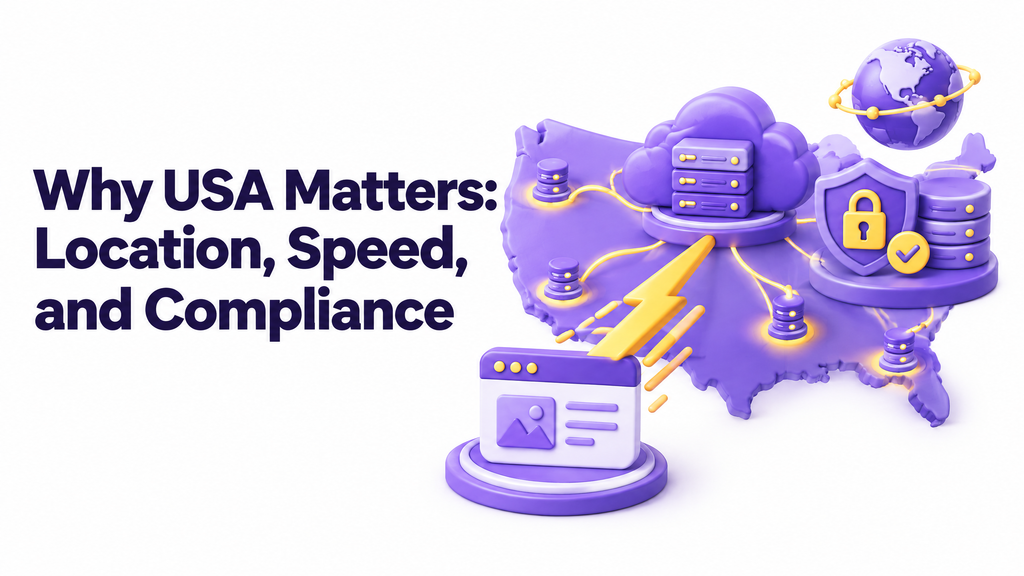
Server location isn’t a technicality; it’s physics. The farther your data has to travel, the slower your site loads for the people closest to that server. If most of your customers are in the US, hosting your VPS on US-based infrastructure cuts down the round-trip time between their browser and your server. That shows up directly in load speed, which Google has confirmed matters for rankings. Google’s own Core Web Vitals documentation lays out exactly how loading performance, interactivity, and visual stability get measured, and recommends every site owner aim for “good” scores across the board for both search performance and basic usability.
There’s a compliance angle too. US-based hosting can simplify things if you’re subject to US data handling expectations, working with US payment processors, or just want your infrastructure under the same legal jurisdiction as your business. It’s not a silver bullet for compliance; you still need your own security practices, but it removes one variable.
Speaking of security: small businesses are a bigger target than most owners assume. Cisco research has found that a majority of cyberattackers deliberately target small businesses, reasoning that they hold valuable customer data but run weaker defenses than large enterprises. A VPS gives you more control to lock things down properly; custom firewall rules, isolated environments, your own security patching schedule, than a shared box ever will. If you want a primer on where to start, the FTC’s cybersecurity guidance for small business is genuinely useful, and it’s free.
(For Ely Space’s own take on securing a growing site, see our VPS hosting plans.)
What to Look for in a US-Based VPS Plan

Not all VPS plans are built the same, and the marketing copy rarely tells you what actually matters. Here’s what I check before recommending a plan to a client:
- Guaranteed resources, not “burstable” ones. Ask whether the CPU and RAM listed are dedicated or shared with other tenants during peak load.
- NVMe SSD storage. This isn’t a nice-to-have anymore; it’s the baseline for decent database and page-load performance.
- Real data center locations. “USA” should mean a specific city or region, not a vague claim on a landing page.
- Snapshot and backup options. Ask how often backups run and how fast a restore actually happens, not just whether backups exist.
- Scalability without a full migration. Can you add RAM or CPU with a few clicks, or does upgrading mean starting over on a new server?
- Uptime guarantee with teeth. A 99.9% SLA is standard; find out what compensation you actually get if they miss it.
If a host can’t answer these clearly, that’s your answer right there.
(Ely Space’s VPS hosting plans are built around exactly this checklist, if you want to compare specs side by side.)
Managed vs. Unmanaged VPS: Which One Fits You
This is where I see businesses overspend or underspend the most.
Unmanaged VPS hands you the keys and nothing else. You handle updates, security patches, server configuration, and troubleshooting yourself. It’s cheaper, and it’s the right call if you’ve got in-house technical staff or you’re comfortable in a command line.
Managed VPS means your host handles the server-level maintenance, security patching, and monitoring, while you focus on the business. It costs more, but for most small and mid-sized businesses, that cost is cheaper than the hours you’d otherwise spend babysitting a server, or the cost of a breach from a patch you forgot to apply.
Honest opinion here: unless you have a dedicated developer or sysadmin on staff, pay for managed. I’ve watched too many owners try to save $20 a month on unmanaged hosting and lose a weekend, or worse, customer data, because a security patch sat untouched for months.
What VPS Hosting Actually Costs
Pricing varies a lot depending on resources and whether it’s managed, but here’s a realistic range for US-based VPS hosting right now:
- Entry-level unmanaged VPS: roughly $10–$25/month for 1–2 vCPU cores, 2–4GB RAM, and basic NVMe storage.
- Mid-tier managed VPS: roughly $40–$100/month, suitable for most growing e-commerce sites or business applications.
- High-resource or cloud VPS with autoscaling: $150+/month, aimed at businesses with unpredictable or heavy traffic.
That’s a wide range on purpose. The right number depends on your traffic, your app’s resource needs, and whether you want managed support baked in. If a plan looks dramatically cheaper than everything else on this list, ask what’s missing; usually it’s backups, support response time, or real dedicated resources.
(Curious what fits your traffic level? Ely Space’s VPS hosting plans and pricing give a quick estimate based on your monthly visitors.)
Mistakes Businesses Make When Upgrading
I’ve seen the same handful of mistakes over and over, so let’s skip them.
Upgrading too early. If your site loads fine and you’ve never hit a resource limit, you don’t need a VPS yet. Save the money and revisit this when traffic actually grows.
Choosing unmanaged without the skills to run it. Read the section above again if this is you.
Ignoring backup frequency. A host that backs up weekly isn’t protecting you the way one that backs up daily is. Ask before you sign up, not after something breaks.
Picking a plan based on price alone. The cheapest VPS with the lowest resource guarantees will just recreate the shared hosting problems you’re trying to escape.
Skipping a load test before migration. You want to know your new server can actually handle a traffic spike before your busiest sales day proves it can’t.
How to Move to VPS Without Breaking Your Site
Migration anxiety is real, and honestly, a little healthy. Here’s the sequence that’s worked for me on dozens of client migrations:
- Back up everything first. Files, databases, configuration, email if it’s hosted there too. Don’t skip this even if your new host promises a smooth transfer.
- Set up the new VPS in parallel. Configure your server, install your stack, and get your site running on the new environment while the old one stays live.
- Test on a staging URL or IP address. Check every page, every form, every checkout flow before you touch DNS.
- Lower your DNS TTL a day or two beforehand. This shrinks the propagation window when you do make the switch.
- Cut over during low-traffic hours. Late night or early morning for your core audience’s time zone.
- Monitor closely for 48 hours. Watch load times, error logs, and email deliverability. Small issues show up fast if you’re paying attention.
Done this way, most businesses see zero meaningful downtime. The mistakes happen when people skip the staging step and just point DNS at a server they haven’t actually tested.
FAQs
Is VPS hosting worth it for a small business? If you’re seeing traffic-related slowdowns, running e-commerce with real order volume, or need server-level control shared hosting won’t give you, yes. If your site is a simple brochure with low traffic, probably not yet.
How is VPS different from cloud hosting? They overlap more than most marketing pages admit. A traditional VPS runs on a fixed physical server with dedicated resources; cloud hosting spreads your site across a network of servers and can scale resources up or down more dynamically. Cloud tends to cost more for the flexibility.
Do I need a US-based server if my customers are in the US? Strongly recommended. Physical distance between your server and your visitors adds real load time, and that affects both user experience and search performance.
Can I upgrade from shared hosting without losing my site’s SEO rankings? Yes, as long as the migration preserves your URLs, redirects any changes properly, and doesn’t introduce new downtime or broken pages. A rushed migration is what tanks rankings, not the hosting change itself.
What’s the difference between managed and unmanaged VPS pricing? Managed plans typically cost 2–4x more than unmanaged plans for similar hardware specs, because you’re paying for the host’s team to handle security, updates, and monitoring on your behalf.
Final Thought
Your site doesn’t need the fanciest hosting plan on the market. It needs the one that matches what you’re actually running today, with room to grow into tomorrow without another painful migration next year. If you’re already nodding along to three or four of the warning signs above, stop putting it off. Talk to a real person about a VPS hosting plan sized for what you’re actually doing, not what a sales page thinks you should buy.