 Live Chat
 Contact
 Shopping Cart
 Eshan Riyaz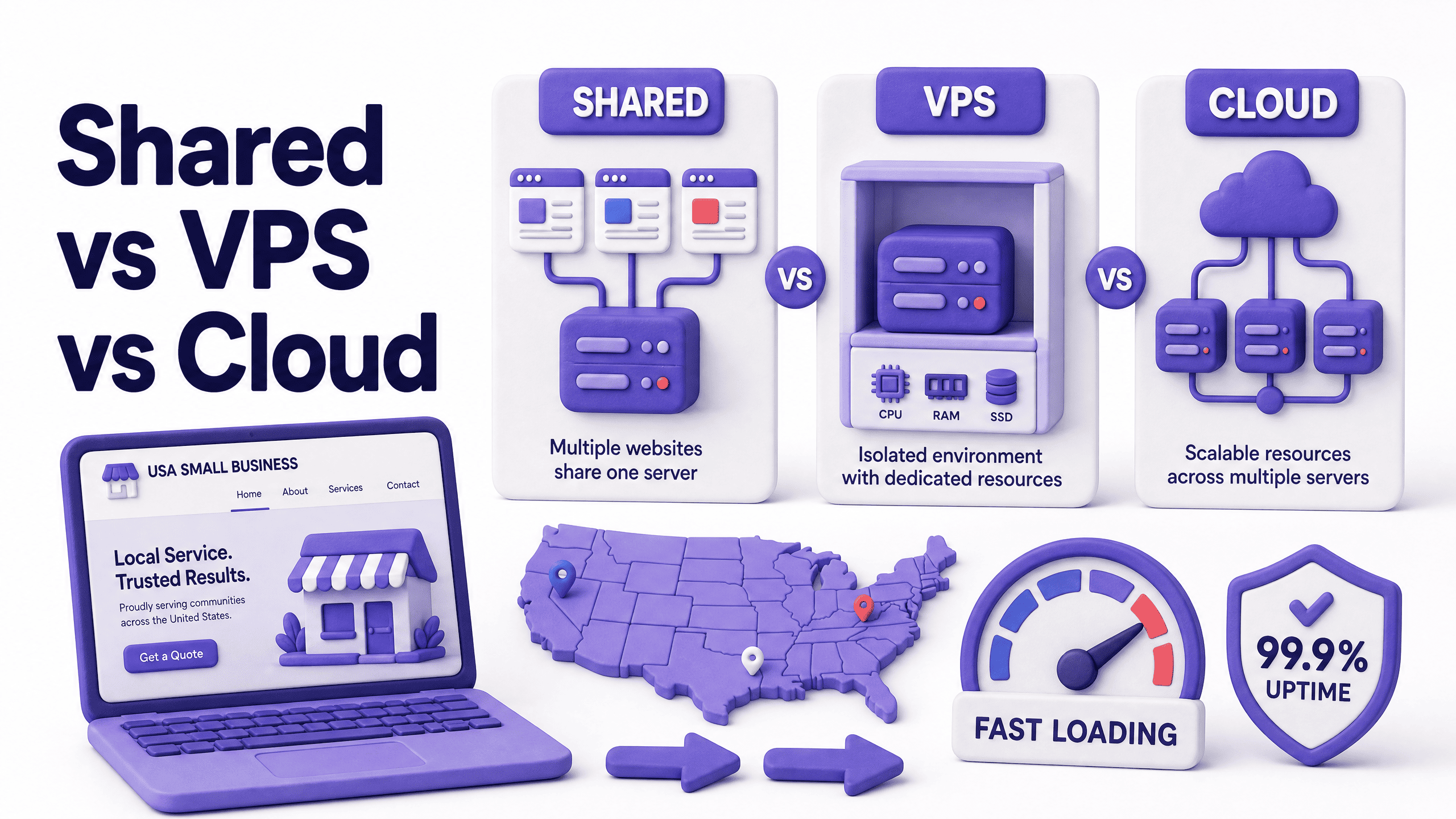
Most business owners pick their hosting plan the same way they choose a phone case. Quick, slightly random, and based more on what looked reasonable than any real understanding of what they were buying.
Then the site goes down during a product launch. Or Google tanks their rankings because the server’s so slow it can’t pass Core Web Vitals. Or they try to handle a traffic spike and the whole thing collapses.
Web hosting in the USA is one of those decisions that feels small until it isn’t. And the three main types; shared, VPS, and cloud, solve genuinely different problems. Picking the wrong one doesn’t just cost money. It costs customers.
Here’s how each one actually works, what it costs, and how to figure out which one your business needs.
The Hosting Decision Most US Businesses Get Backwards
Here’s what happens. Someone builds a website. Their developer, or the website builder platform, puts it on shared hosting because it’s cheap and easy. The site launches. Everything seems fine for a while.
Six months later, the site is loading in five seconds on mobile. Google has quietly dropped their rankings. They can’t figure out why the site “just feels slow.” The answer, almost always, is the server. Cheap shared hosting with hundreds of other sites crammed onto the same machine.
The mistake isn’t choosing shared hosting. The mistake is staying on it past the point where it makes sense, or choosing it for a website that was never right for it in the first place.
Understanding the differences upfront saves that whole mess.
What Shared Hosting Actually Is
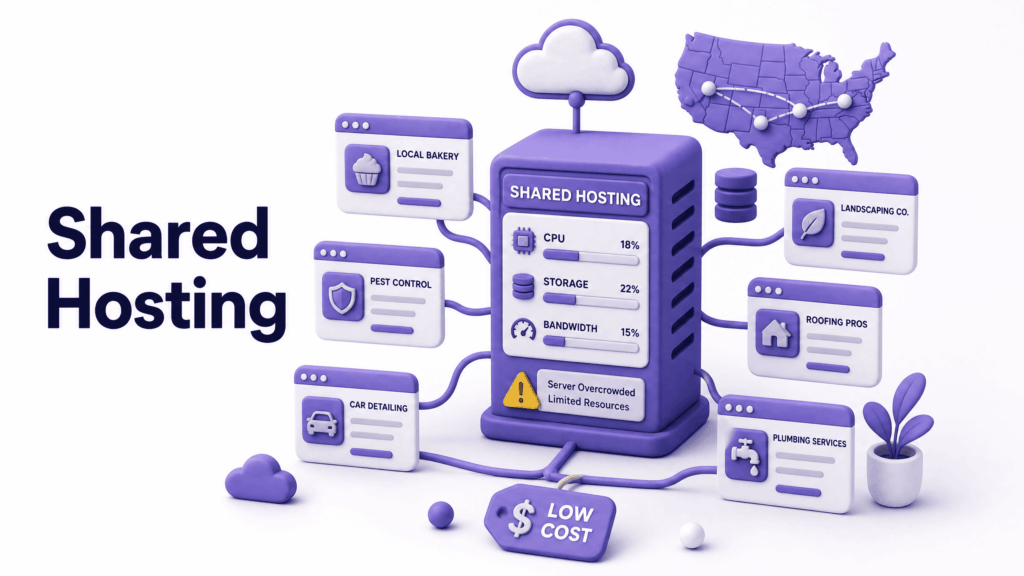
Your website lives on a single physical server alongside hundreds, sometimes thousands, of other websites. All of them pulling from the same pool of CPU, RAM, and bandwidth. When one site gets a traffic spike or runs a memory-hungry process, everyone else on that server feels it.
This is called the noisy neighbour problem. It’s not a flaw in a specific provider. It’s fundamental to how shared hosting works. You literally share the server.
Think of it as renting a room in a house where six other people also live. You have your own space. But the water heater, the Wi-Fi, the kitchen; all shared. If someone else decides to run every appliance at once, your shower goes cold.
What shared hosting costs in the USA: Entry plans start at $2 to $5 per month from major providers, often with steep introductory discounts that jump significantly at renewal. Quality shared plans from reputable providers with US-based servers run $8 to $20 per month.
Where shared hosting makes sense:
- A new business website with low traffic, under a few hundred visitors per month
- A simple informational site with no direct revenue tied to its availability
- A tight budget where performance compromises are acceptable short-term
- A temporary site while a better solution is being planned
Where shared hosting fails you:
- Any site where downtime directly costs money
- Sites with unpredictable traffic or seasonal spikes
- eCommerce, booking systems, or lead generation where speed affects conversion
- Any situation where Google rankings matter, slow shared servers hurt Core Web Vitals scores directly
What VPS Hosting Actually Is

VPS stands for Virtual Private Server. One physical server gets divided into multiple isolated virtual environments, each with its own dedicated allocation of CPU, RAM, and storage. Unlike shared hosting, other websites on the same machine can’t eat into your resources.
If shared hosting is renting a room in a shared house, VPS is owning an apartment. Same building as others. But your space is genuinely yours, nobody else’s activity bleeds into it.
You get more control over the server environment too. Custom software installations, specific PHP versions, server-level configuration choices. That matters for certain technical requirements.
The tradeoff? More responsibility. Unmanaged VPS means you handle software updates, security patching, and server configuration yourself. That’s not realistic for most business owners without a technical background. Managed VPS solves this, the provider handles server administration, but costs more.
What VPS costs in the USA: Entry VPS plans start around $20 to $40 per month. Managed VPS with decent resources typically runs $50 to $150 per month depending on the provider and resource allocation.
Where VPS makes sense:
- Growing businesses whose traffic has genuinely outgrown shared hosting
- Sites that need specific server configurations or software
- Agencies managing multiple client websites who want isolated environments
- Businesses that want predictable, dedicated resources without full cloud infrastructure
Where VPS can fall short:
- Traffic that’s genuinely unpredictable, VPS has fixed resources that require manual upgrades when you hit the ceiling
- If a hardware failure hits the physical server your VPS lives on, your site can go down, there’s no automatic failover like cloud hosting provides
What Cloud Hosting Actually Is
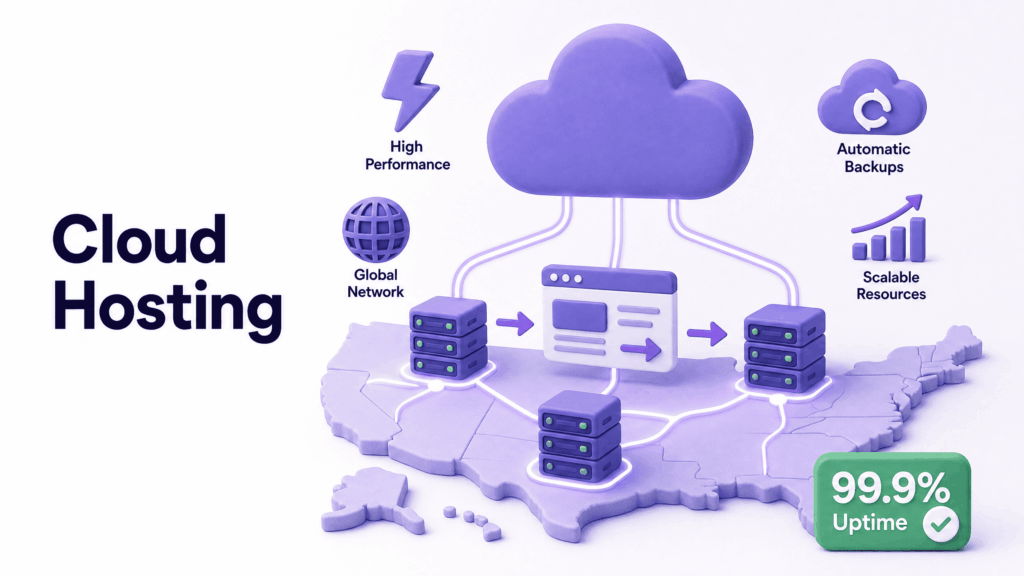
Cloud hosting doesn’t put your website on one server. It runs your site across a network of interconnected servers simultaneously. If one server has a problem, others in the network automatically pick up the load. Your site stays up.
Think of the difference this way. A VPS is a single power generator you own. Cloud hosting is plugging into the city’s power grid, a vast, interconnected network where if one station has an outage, power keeps flowing from the others.
This architecture creates two things shared and VPS hosting can’t match: automatic failover (your site doesn’t go down when hardware fails) and elastic scaling (resources expand automatically when traffic spikes, then contract when it normalises).
For businesses with seasonal traffic patterns, a retailer during the holidays, a service business running a promotion, that elasticity is genuinely valuable. Your site handles the spike and you don’t pay for peak-level resources year-round.
What cloud hosting costs in the USA: Managed cloud plans typically run $30 to $100+ per month for small business websites. Usage-based cloud plans from major providers can be cheaper with predictable traffic but variable with spikes, watch the billing model before committing.
Where cloud hosting makes sense:
- Any website that generates revenue and can’t afford downtime
- Businesses with seasonal traffic fluctuations
- eCommerce stores where page speed directly affects conversion rates
- Companies scaling quickly who don’t want to manually upgrade hosting every few months
The honest caveat: Cloud hosting’s performance advantages over a well-specced VPS are most meaningful during genuine traffic spikes. Day-to-day performance on a standard cloud instance is similar to an equivalently configured VPS. The real advantage is redundancy and elasticity, not raw speed.
Shared vs VPS vs Cloud: Full Comparison
| Feature | Shared Hosting | VPS Hosting | Cloud Hosting |
| Monthly cost (USA) | $2–$20 | $20–$150 | $30–$100+ |
| Performance | Variable, affected by neighbours | Consistent, dedicated resources | Fast, auto-scaling |
| Uptime | ~99.5% | ~99.9% | 99.9%+ |
| Traffic spikes | Slows or crashes | Limited by fixed resources | Scales automatically |
| Hardware failure | Site goes down | Site goes down | Automatic failover |
| Security | Shared environment risk | Better isolation | Excellent isolation |
| Technical skill needed | Very low | Moderate (low with managed) | Low with managed |
| Scalability | Minimal | Manual upgrade needed | Instant, automatic |
| Best for | New/low-traffic sites | Growing businesses | Revenue-generating sites |
Which One Is Right for Your Business?
Choose shared hosting if your site is new, your traffic is genuinely low, and the website isn’t directly tied to revenue. Plan to revisit this decision in 12 months as the business grows.
Choose VPS if you’ve outgrown shared hosting but don’t need the elasticity of cloud. Your traffic is growing but relatively predictable. You want dedicated resources and more control. A managed VPS plan removes the technical overhead for non-technical owners.
Choose cloud hosting if your website generates leads, bookings, or sales. Downtime has a direct business cost. You experience traffic spikes; seasonal, promotional, or otherwise. You want infrastructure that handles growth without manual intervention.
For most serious US business websites, anything beyond a basic informational presence, cloud hosting or managed VPS is the right answer. The performance and reliability difference over cheap shared hosting is significant. And that difference shows up directly in Google rankings through Core Web Vitals scores.
The fundamental split comes down to predictability versus flexibility. VPS gives you predictable resources and control. Cloud gives you flexibility and redundancy. Both beat shared hosting for any website doing real work.
The Hidden Performance Killer Nobody Mentions
Server location. Genuinely one of the most overlooked factors in US web hosting decisions.
Your hosting server’s physical location affects how fast your site loads for visitors. A server based in New York delivers content to New York users faster than one based in Los Angeles. For businesses serving national US audiences, a CDN (Content Delivery Network) solves this by caching your content on servers across multiple locations, so visitors always get served from the nearest point.
Most quality hosting providers include CDN access or integrate easily with CDN services. But if a provider’s only data centre is on the opposite coast from your primary audience, you should either choose a provider with your region covered or ensure CDN is part of the setup.
According to Google’s Core Web Vitals documentation, server response time, Time to First Byte, is a foundational metric that directly affects how Google ranks your site. A server in the wrong location, or a CDN not configured, can cost you rankings even when everything else is done right.
What Good Hosting Should Cost in the USA
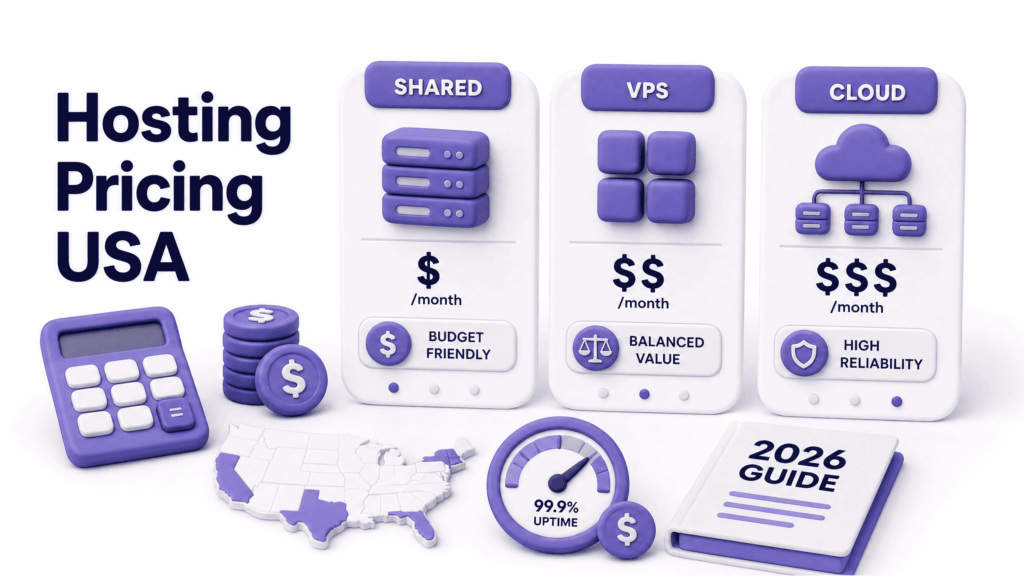
Let’s get specific. These are realistic 2026 prices from reputable US providers:
Quality shared hosting: $8–$20/month on renewal pricing (not introductory). Below this, you’re on overcrowded servers. Above this, you’re approaching VPS territory and should consider upgrading.
Managed VPS: $50–$150/month for small-to-mid business websites. Unmanaged VPS starts lower ($20–$40) but requires technical skill to run properly.
Managed cloud hosting: $30–$100/month for most small business sites. Managed WordPress cloud hosting, optimised specifically for WordPress performance, falls in a similar range and is worth the premium if your site runs on WordPress.
The renewal price trap is real. Many US providers advertise $2.99/month plans that renew at $12–$16/month. Always check the renewal price before signing up. The price you’ll pay in year two is the real price, year one is just a promotion.
What to Look for Before Paying Anyone
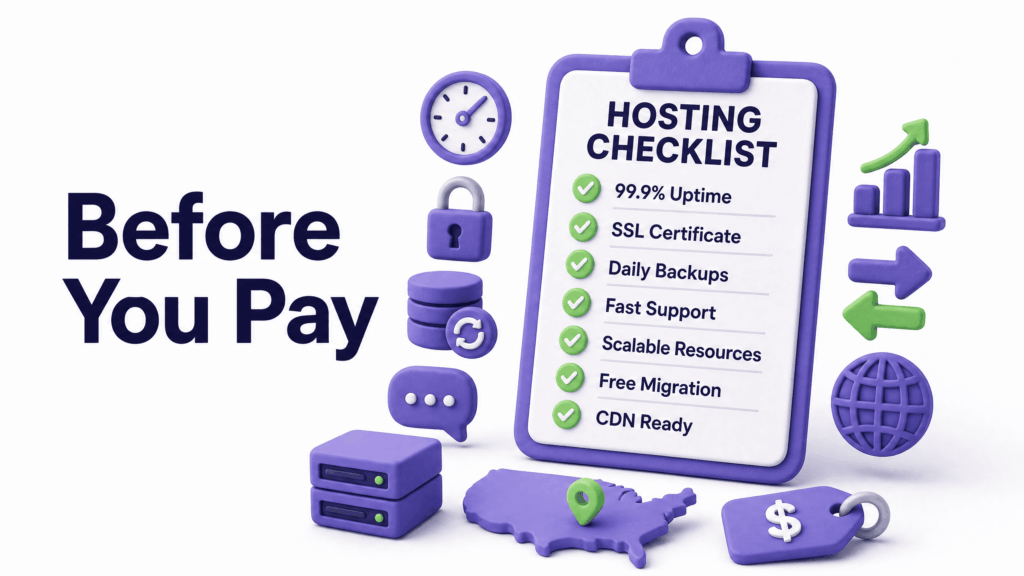
A few things that matter more than the headline monthly price:
US-based servers. Confirm where the physical servers are. Not the company’s HQ, the actual data centres. US servers serve US audiences faster.
Uptime guarantee with real teeth. 99.9% uptime means roughly 8 hours of potential downtime per year. Check whether the guarantee covers compensation for actual downtime, or just scheduled maintenance windows.
Free SSL included. Non-negotiable in current times. Any provider charging extra for SSL on a business plan is behind the times.
Automated backups. Daily backups retained for at least 14 days. And confirm you can actually restore from them, not just that they exist.
Support response time. Test pre-sales support before buying. Send a question and measure the quality and speed of the response. It predicts how they’ll treat you when something breaks at 10pm.
Transparent renewal pricing. Listed prominently, not buried in the terms. If you have to dig to find what year two costs, that’s a deliberate choice by the provider.
Common Hosting Mistakes US Businesses Make
Choosing the introductory price, not the renewal price. The first year is a loss leader for most big hosting providers. Budget for what you’ll actually pay ongoing.
Staying on shared hosting too long. Traffic grows, the site slows, rankings drop; quietly, over months. Most business owners don’t notice until they’re already losing customers to faster competitors. Run a speed test quarterly and revisit the hosting decision when your mobile PageSpeed score drops below 70.
Picking unmanaged VPS without the technical skills to run it. The money saved on unmanaged hosting disappears fast when you need a developer to fix server configuration issues. Unless you have in-house technical capacity, managed is worth the premium.
Treating hosting as a one-time decision. Your hosting needs change as your business grows. The plan that made sense at launch may be actively holding you back 18 months later. Build a habit of reviewing performance annually.
Not testing after migrating to new hosting. Moving to better hosting is smart. Not testing everything thoroughly before pointing the domain at the new server is not. Broken forms, missing files, database errors, these should be caught on the staging environment, not discovered by customers.
What ElySpace Recommends
At ElySpace, every website we build for US clients sits on infrastructure chosen for real-world performance, not the cheapest available option.
For most small business sites: managed cloud hosting or managed WordPress hosting on quality US infrastructure. The performance difference over cheap shared hosting is significant. It shows up in load times, uptime reliability, and ultimately in Google rankings through Core Web Vitals scores.
For growing businesses or technical projects: managed VPS with resources appropriately sized for the workload.
We don’t put client websites on the cheapest shared servers to keep headline build prices low. If you’re building or rebuilding a website with us, hosting quality is part of the conversation from day one, not an afterthought.
If you want to know what hosting your existing site is on and how it’s affecting your performance, or if you want help choosing the right plan for a new build, reach out through elyspace.com and we’ll give you a straight answer.
What You Can Do Right Now
- Test your current site: at Google PageSpeed Insights in a private browser window, look specifically at Time to First Byte in the diagnostics section. Anything above 600ms points to a server problem
- Check your renewal price: log into your hosting account and find what you’re paying after any promotional period ends
- Ask your host where the servers are located: not the company HQ, the actual data centres serving your site
- Check your uptime record: a free tool like UptimeRobot monitors your site and sends alerts when it goes down. Run it for two weeks and see what actually happens
- Compare your mobile PageSpeed score to a competitor’s: if theirs loads noticeably faster, hosting is often part of why
FAQs (Frequently Asked Questions)
What is the best web hosting type for a small business in the USA? For most small US businesses generating leads or revenue online, managed cloud hosting or managed VPS offers the best balance of performance, reliability, and value. Shared hosting is fine for genuinely low-traffic informational sites at the early stage, but should be reviewed regularly as the business grows.
How much does web hosting cost in the USA per month? Quality shared hosting runs $8–$20 per month on renewal pricing. Managed VPS runs $50–$150 per month. Managed cloud hosting typically falls between $30 and $100 per month for small business sites. Watch the renewal price, introductory rates are usually 50–80% lower than what you’ll actually pay long-term.
Does hosting affect Google rankings? Directly. Google uses Core Web Vitals, which measure server response time, loading speed, and stability; as ranking factors. A slow server on cheap shared hosting produces poor Core Web Vitals scores that suppress your rankings regardless of how good your content is. Better hosting infrastructure improves these scores and your search visibility.
What is the difference between VPS and cloud hosting? VPS gives you dedicated resources on a single physical server; consistent performance, more control, but no automatic failover if hardware fails. Cloud hosting runs your site across multiple servers, if one fails, others take over automatically, and resources scale elastically with traffic. VPS suits predictable workloads. Cloud suits unpredictable traffic or mission-critical uptime requirements.
Is shared hosting ever acceptable for a business website? For a brand new site with minimal traffic and no direct revenue tied to its availability; yes, it’s an acceptable starting point. For any site where downtime costs money, speed affects conversion, or Google rankings matter, no. The performance limitations of shared hosting become business problems faster than most owners expect.
What should I do if my website is slow and I suspect hosting is the problem? Run your site through Google PageSpeed Insights in a private browser window and check the Time to First Byte figure. Above 600ms strongly suggests a server performance issue. Contact your host and ask about server load and location. If you’re on shared hosting and your traffic has grown significantly, upgrading to VPS or cloud hosting is likely the fix.
Can I switch hosting types without my site going down? Yes, with proper migration. Your files and database transfer to the new host, everything gets tested on the new server, and then your domain is pointed to the new server when it’s confirmed working. Done correctly, visitors experience zero downtime. Done carelessly, things break. Always take a full backup before any migration begins.