 Live Chat
 Contact
 Shopping Cart
 Irfan Bhat
Website downtime is the gap between “the site works” and “the site is gone” and it always seems to happen at the worst possible moment. A checkout page freezes during a flash sale. A landing page vanishes right after a big ad push. A client tries to log in and gets a blank screen instead. For anyone who depends on a website to make money, build trust, or simply be found, even a few minutes offline can feel like a crisis.
The good news is that downtime is rarely random. It almost always traces back to a handful of predictable causes, and each of those causes has a practical fix. This guide breaks down what website downtime actually is, why it happens, what it really costs you, and the specific steps you can take to keep your site online — even when the internet has other plans.
What Is Website Downtime?
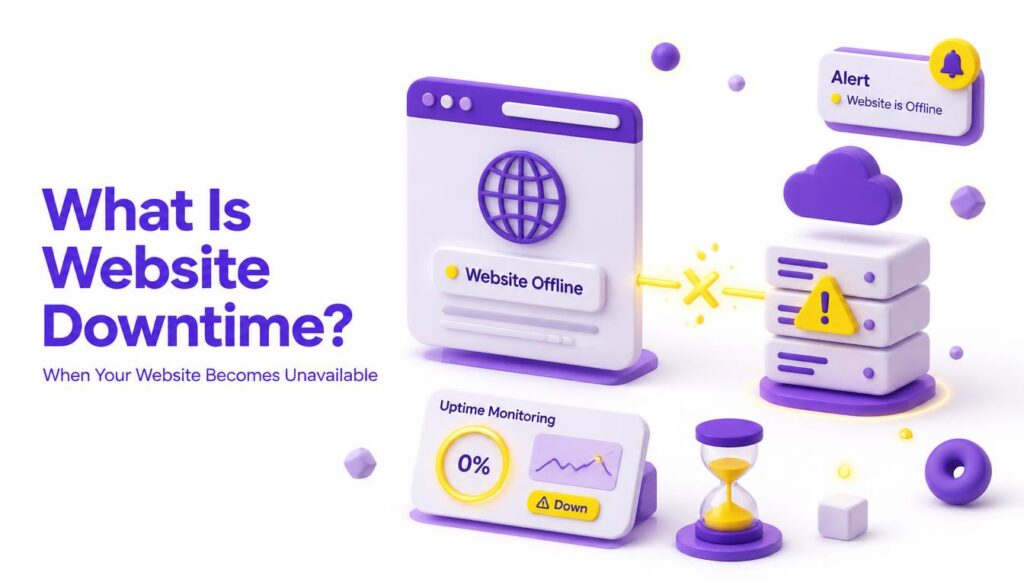
Website downtime refers to any period when a site is unreachable, unresponsive, or so slow that visitors effectively can’t use it. It’s usually measured against uptime the percentage of time a site is available and functioning correctly over a given period, typically a month or a year.
Most reputable hosting providers promise “99.9% uptime” in their service agreements. That number sounds impressive, but it still allows for roughly 8.7 hours of downtime per year. For a high-traffic e-commerce store, that’s enough time to lose thousands of dollars in abandoned transactions. For a smaller business site, it might mean a handful of missed leads but the impact adds up.
Downtime falls into two broad categories:
- Planned downtime scheduled maintenance, server upgrades, or migrations that the site owner controls and (ideally) communicates in advance.
- Unplanned downtime unexpected outages caused by technical failures, attacks, or human error, which is where most of the real damage happens.
Understanding which type you’re dealing with is the first step toward managing it. Planned downtime is a scheduling problem. Unplanned downtime is a resilience problem — and it’s the one most businesses need to solve first.
The Most Common Causes of Website Downtime
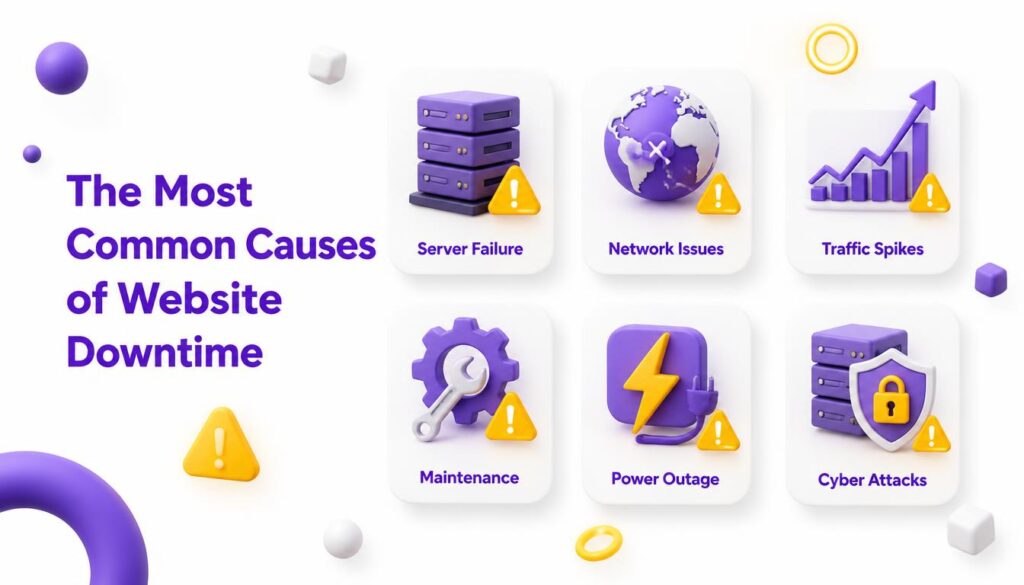
Before you can prevent an outage, it helps to know exactly what tends to cause one. Here are the culprits that show up again and again.
Server Overload and Traffic Spikes
Every hosting plan has a ceiling on how much traffic, memory, and processing power it can handle at once. When a site suddenly gets more visitors than its server can support — say, after a viral social post or a big promotional email — the server can slow to a crawl or crash entirely. This is especially common on shared hosting plans, where resources are split among many websites at once.
Hosting Provider Outages
Sometimes the problem isn’t your website at all it’s your host. Data center failures, network issues, or maintenance errors on the provider’s end can take dozens or even thousands of sites offline simultaneously. You have little direct control here, which is exactly why choosing a reliable host matters so much.
DDoS Attacks and Malicious Traffic
A Distributed Denial-of-Service (DDoS) attack floods a server with fake traffic from many sources at once, overwhelming it until legitimate visitors can’t get through. According to Cloudflare’s overview of DDoS attacks, these attacks have grown both more frequent and more sophisticated, making them a serious risk even for small and mid-sized sites that assume they’re “too small to be a target.”
Software Bugs and Failed Updates
Content management systems, plugins, and themes need regular updates but updates occasionally introduce bugs, conflicts, or compatibility issues that break the site. A poorly tested plugin update or an incompatible theme change can take a site down just as effectively as an attack.
Human Error
Accidentally deleting a critical file, misconfiguring a DNS record, or pushing untested code straight to a live site are more common than most people admit. Human error is consistently cited as one of the leading causes of outages across industries, precisely because it can happen to even the most careful teams.
Domain and DNS Issues
If a domain registration lapses or a DNS record is misconfigured, visitors’ browsers won’t know where to find your site even if the server itself is running perfectly. This type of downtime is particularly frustrating because everything “looks fine” on the backend while the front end is completely unreachable.
Hardware Failures
Physical servers eventually fail. Hard drives crash, memory fails, and network hardware degrades over time. Without redundancy built into the hosting environment, a single piece of failed hardware can mean total downtime until it’s replaced. This is one of the reasons enterprise hosting providers invest heavily in redundant power supplies, backup generators, and mirrored storage arrays the cost of that infrastructure is far lower than the cost of an extended outage.
Third-Party Integrations and API Failures
Modern websites rarely run in isolation. Payment gateways, shipping calculators, live chat widgets, and analytics scripts all rely on external APIs. When one of those third-party services goes down or slows dramatically, it can drag your entire site down with it, even if your own server is perfectly healthy. Auditing which third-party scripts are truly essential and building graceful fallbacks for the ones that aren’t reduces this hidden dependency risk.
The Real Risks and Costs of Website Downtime
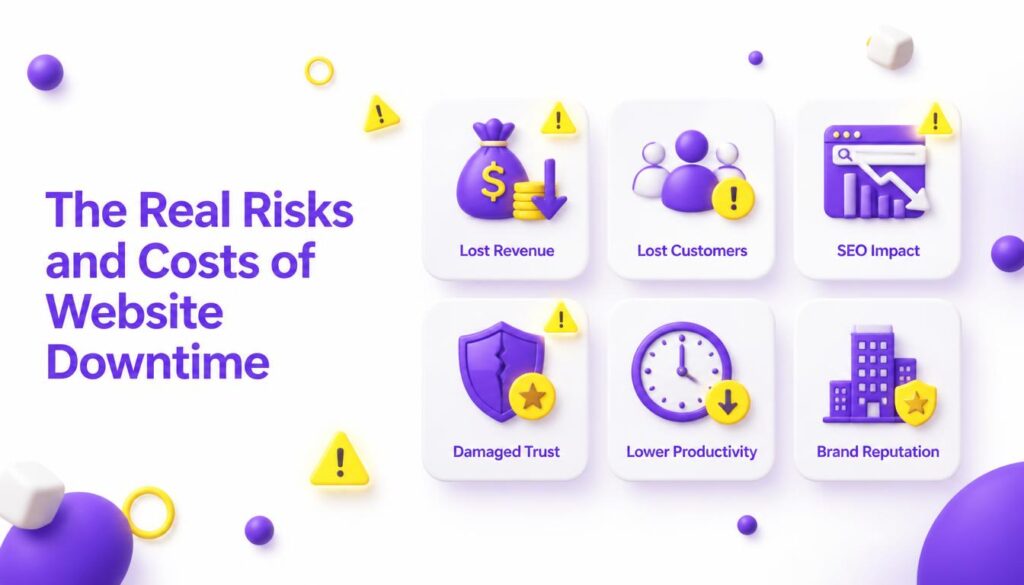
It’s easy to think of downtime as a minor inconvenience, but the costs compound quickly the longer a site stays offline.
Lost Revenue
For any business that sells directly through its website, every minute offline is a minute of lost transactions. E-commerce sites, SaaS platforms, and booking services are especially exposed, since visitors rarely wait around — they simply go to a competitor.
Damaged Reputation and Customer Trust
A visitor who hits an error page once might shrug it off. A visitor who hits it twice starts to wonder if the business is reliable at all. Trust, once shaken, is hard to rebuild, and repeated outages can quietly push loyal customers toward competitors.
SEO and Search Ranking Impact
Search engines actively crawl websites, and if a crawler repeatedly encounters downtime, it can affect how the site is indexed and ranked. Prolonged or frequent outages send a signal that the site may be unreliable, which can hurt visibility in search results over time — undermining months or years of SEO work in a matter of days.
Operational Disruption
For internal tools, client portals, or business dashboards, downtime isn’t just a marketing problem — it can halt operations entirely, delaying everything from order fulfillment to customer support. Teams that rely on a web-based system for daily tasks can find themselves unable to work at all until service is restored, which turns a technical issue into a productivity crisis.
Erosion of Team Morale and Support Load
There’s also a quieter cost that rarely makes it into the spreadsheets: the strain on the people fielding the fallout. Support teams get flooded with tickets, developers scramble under pressure, and everyone else is left waiting for updates. Frequent downtime wears on a team’s confidence in its own systems, which can be just as damaging long-term as the immediate financial hit.
Financial and Contractual Penalties
Businesses with service-level agreements (SLAs) may face penalties or refund obligations tied directly to uptime guarantees, turning downtime into a legal and financial liability, not just a technical one.
How to Measure and Monitor Downtime
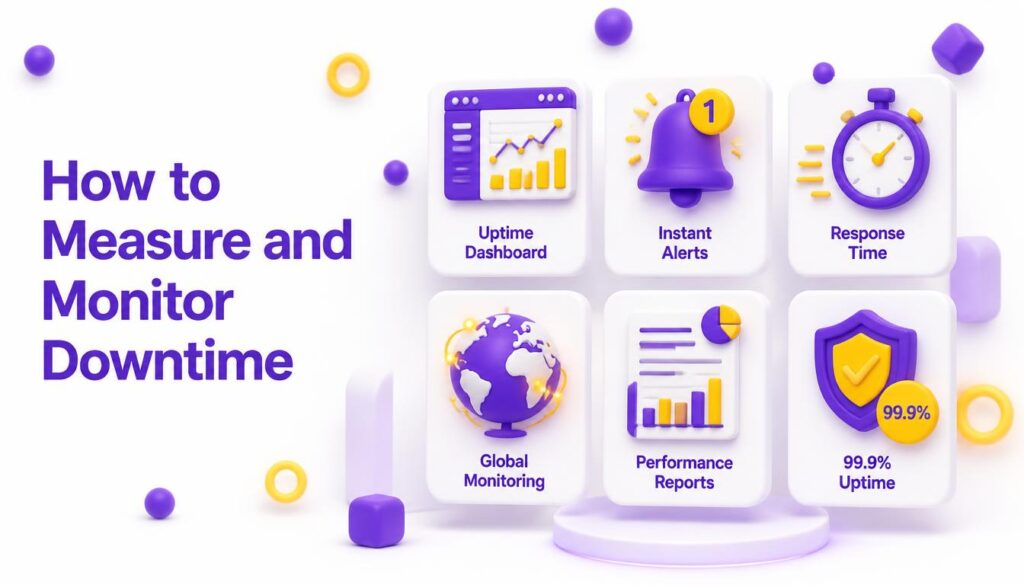
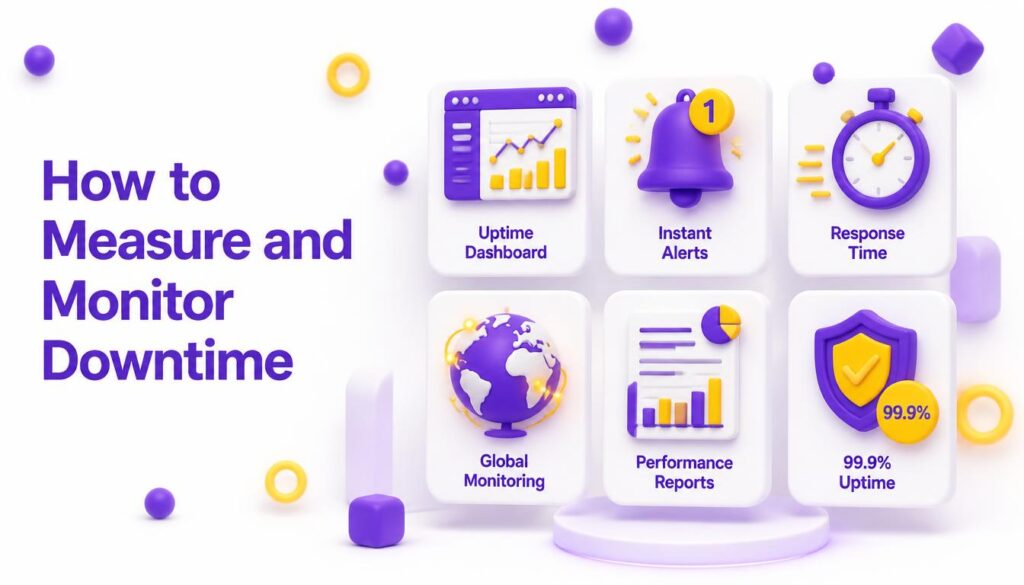
You can’t manage what you don’t measure. Uptime is typically tracked as a percentage over a rolling period, and even fractions of a percentage point matter at scale:
- 99.9% uptime ≈ 8.7 hours of downtime per year
- 99.95% uptime ≈ 4.4 hours of downtime per year
- 99.99% uptime ≈ 52 minutes of downtime per year
Beyond the raw percentage, teams typically track a few key incident metrics, including mean time to detect (MTTD) and mean time to resolve (MTTR) — how quickly an outage is noticed and how quickly it’s fixed. The Atlassian guide to incident management metrics is a useful reference for teams building out a monitoring strategy from scratch.
Third-party uptime monitoring tools can check your site every few minutes from multiple global locations and send instant alerts the moment something goes wrong — often before your own visitors even notice. [internal link: relevant page about site monitoring tools]
Proven Ways to Prevent Website Downtime
Choose Reliable, Scalable Hosting
Not all hosting is created equal. Look for providers with a strong uptime track record, redundant infrastructure, and hosting plans that can scale with traffic spikes rather than buckling under them. [internal link: relevant page about choosing a hosting provider]
Use a Content Delivery Network (CDN)
A CDN distributes your site’s content across servers worldwide, reducing load on any single server and helping absorb sudden traffic surges. Many CDNs also include built-in protection against DDoS attacks, adding a security layer on top of performance gains.
Set Up Real-Time Monitoring and Alerts
Continuous monitoring means you find out about a problem in seconds, not hours. Pair monitoring with automated alerts via email, SMS, or team chat tools so the right people can respond immediately.
Maintain Regular, Automated Backups
If something does go wrong, a recent backup can be the difference between a five-minute fix and a five-day disaster. Automate backups on a consistent schedule and store copies in a separate location from your primary server.
Build in Redundancy
Redundancy means your site doesn’t depend on a single point of failure. This can include mirrored servers, load balancing across multiple machines, and failover systems that automatically reroute traffic if one server goes down.
Test Updates Before Going Live
Use a staging environment to test plugin updates, theme changes, and code pushes before they touch the live site. This single habit prevents a huge share of downtime caused by human error and software bugs.
Strengthen Security Proactively
Firewalls, rate limiting, and DDoS protection services reduce the odds that malicious traffic ever reaches your server in the first place. Combine this with strong access controls so accidental or unauthorized changes are less likely to slip through.
What to Do the Moment Downtime Happens
- Confirm the outage using a monitoring tool or a second network to rule out a local connectivity issue.
- Check with your host for known incidents or maintenance windows.
- Communicate early with an on-brand status page or social post, so customers aren’t left guessing.
- Diagnose the root cause server logs, recent deployments, and DNS records are the first places to look.
- Restore from backup if needed, and verify the site is fully functional before declaring the issue resolved.
- Run a post-incident review to identify what caused the downtime and how to prevent a repeat.
Conclusion
Website downtime isn’t a question of if it’s a question of when and how prepared you are. The businesses that weather outages best aren’t the ones that never experience problems; they’re the ones that understand the common causes, monitor proactively, and have a recovery plan ready before it’s needed.
If keeping your website fast, secure, and consistently online feels like more than your team has time to manage, that’s exactly the kind of groundwork a partner like Elyspace can help you put in place — from resilient hosting recommendations to proactive monitoring so downtime becomes a rare exception instead of a recurring headache. Start by auditing your current uptime numbers this week, and build your prevention plan from there.