 Live Chat
 Contact
 Shopping Cart
 Eshan Riyaz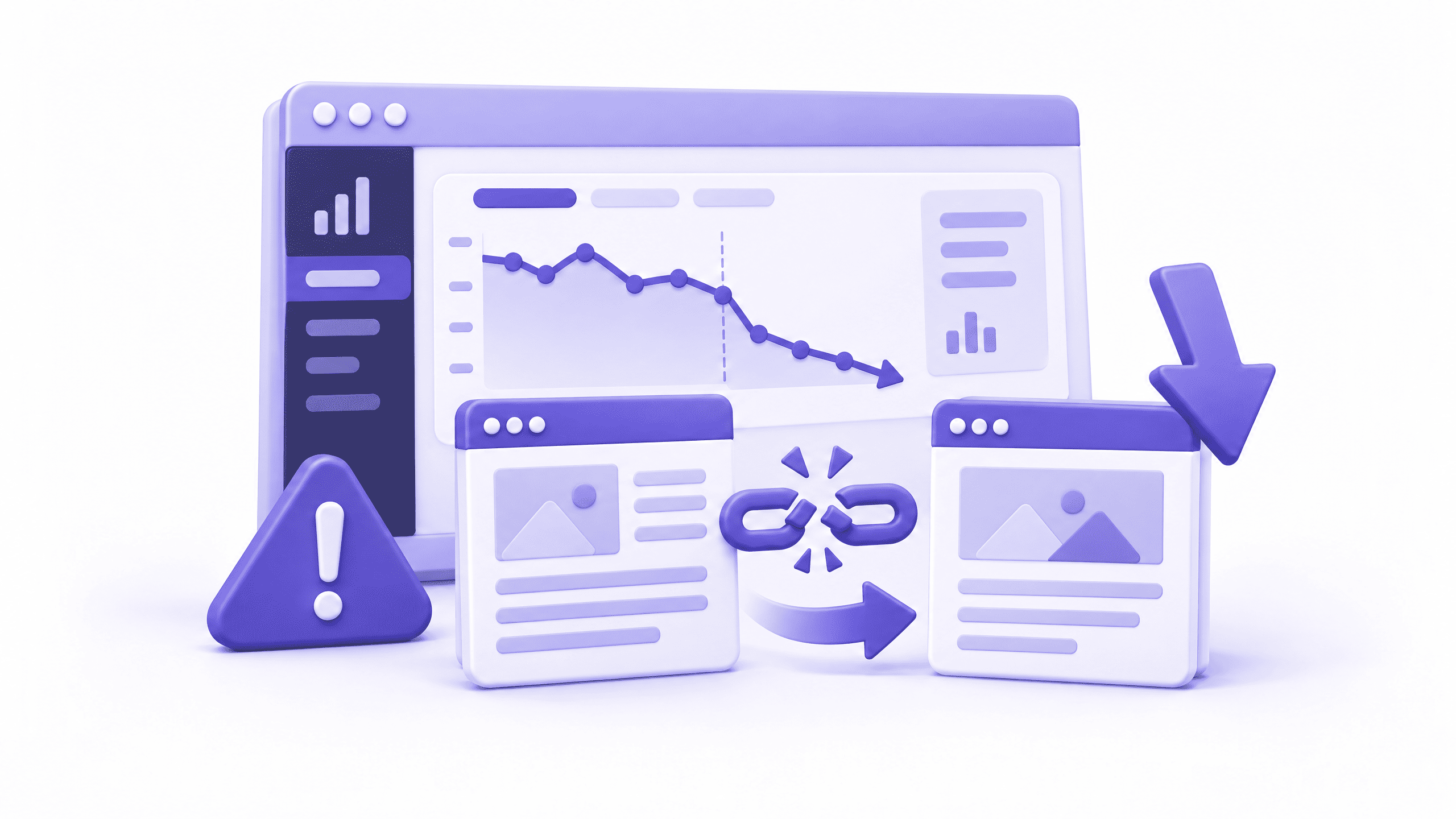
You cleaned up your slugs. Maybe you dropped the dates, shortened the paths, or rebuilt the whole site. A week later, the traffic graph looks like a ski slope. If your website ranking dropped after URL change, breathe.
You probably haven’t wrecked anything for good. But you do have work to do, and it starts with understanding what Google actually saw.
Google doesn’t see a renamed page. It sees an old address that vanished and a new address with no history. Every link and every ranking your page earned was attached to the old URL. Unless you say where it moved, that value stays behind.
Why Your Website Ranking Dropped After URL Change
Google ranks URLs, not pages. Change the URL and, to Google’s systems, you’ve published something new. The old address has to point to the new one before any history transfers.
Even with everything done right, a dip is normal. Google has to recrawl the old addresses, spot the redirects and reassign the signals. A few weeks of wobble is the cost of moving.
Normal dip or real damage?
A normal dip is a few lost positions, with traffic creeping back within weeks. Real damage keeps falling: pages vanish from results and Search Console fills with errors.
Compare the weeks before and after the change in Search Console. Then paste an old URL into the URL Inspection tool. It should show a redirect. A 404 means you’ve found your problem.
Fix 1: Add a 301 Redirect for Every Old URL
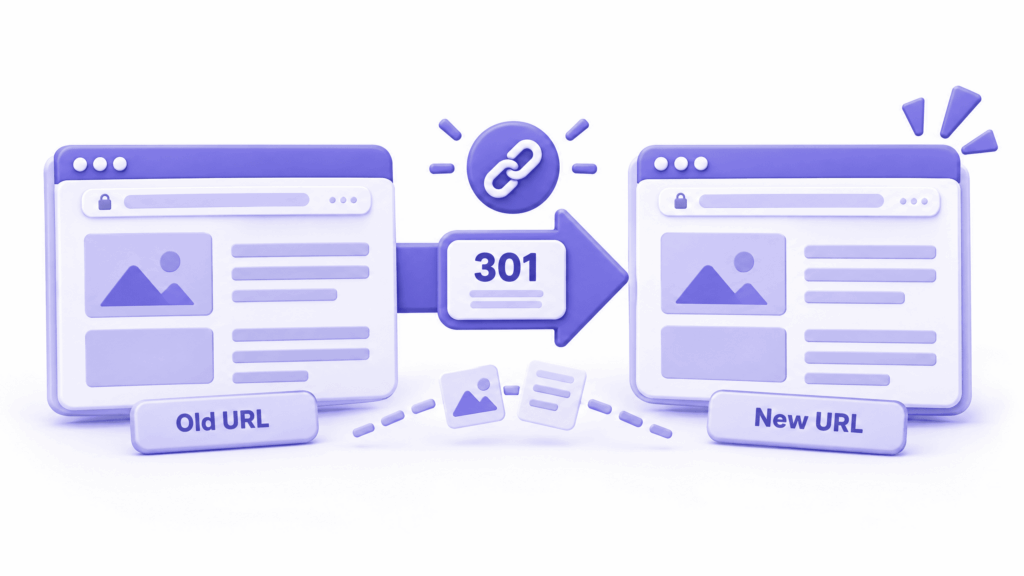
Missing redirects explain most cases where a website ranking dropped after URL change. A 301 tells Google the move is permanent and carries the old page’s history to the new one.
Map each old URL to its closest new equivalent, one to one. Sending everything to the homepage is a trap, because Google can treat those as soft 404s. On WordPress, Rank Math’s redirect module handles it without code. On the server, one line does it:
Redirect 301 /old-page/ https://example.com/new-page/
Google explains permanent redirects in its redirects documentation.
Fix 2: Remove Redirect Chains and Wrong Targets
A to B to C is a chain. Chains slow crawling and can lose signals along the way. Crawl your old URL list with a tool like Screaming Frog and see where each one lands.
Watch for three things: chains, 302s that should be 301s, and redirects to pages on a different topic. Also check http versus https and www versus non-www. Perfect page-to-page redirects still leak value through a protocol mismatch. It’s a sneaky reason a website ranking dropped after URL change never fully recovers.
Fix 3: Update Your Internal Links
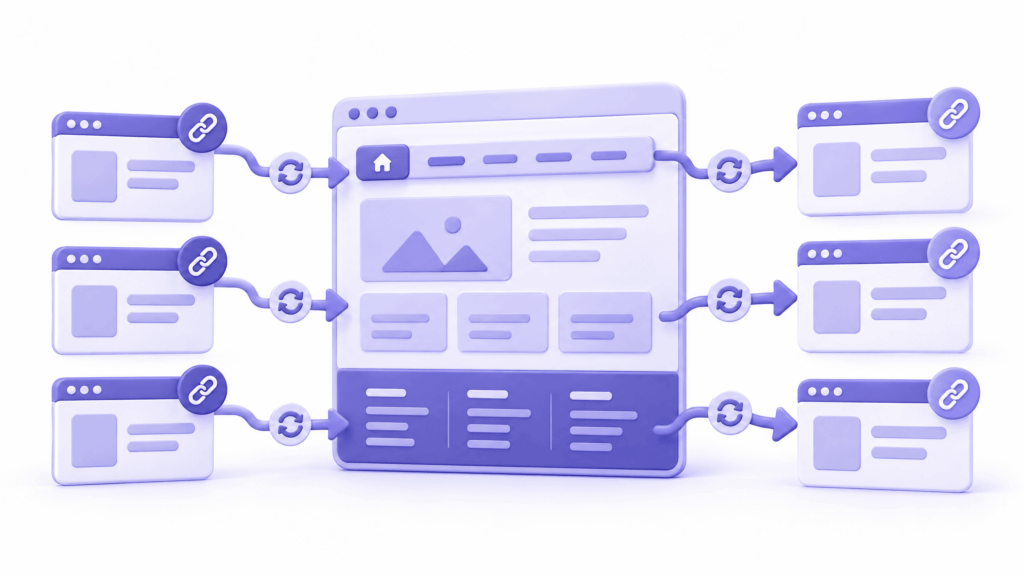
Redirects are a safety net, not a plan. If your menu, footer and old blog posts still link to the old URLs, every click and every Googlebot visit passes through a redirect first.
That’s why a website ranking dropped after URL change often stays down: you’re still telling Google the old addresses matter. Point every internal link straight at the new URLs. A search-and-replace plugin does the database in minutes. Back up first.
Fix 4: Check Your Canonical Tags
A canonical tag tells Google which version to index. Conflicting canonicals are another quiet reason a website ranking dropped after URL change: if the tag still names the old URL, it contradicts your redirect, and Google has to guess which signal wins.
View the source of a new page and search for rel=”canonical”. It should show the page’s own new address. Your SEO plugin usually controls this. Google’s guide to canonical URLs explains how it weighs these signals.
Fix 5: Rebuild and Resubmit Your Sitemap
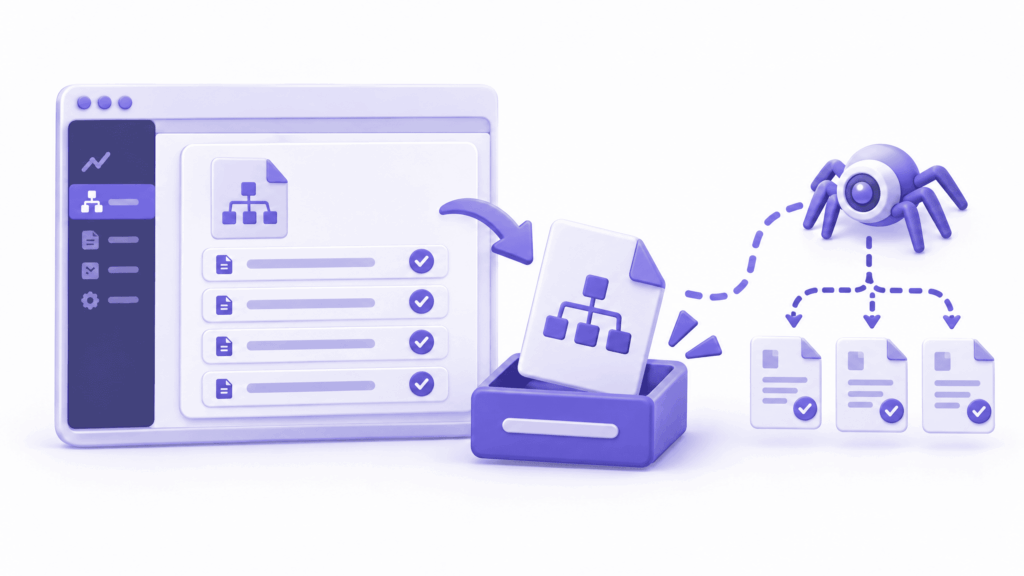
List only the new URLs, each returning a 200 status. Old addresses in the sitemap send mixed signals.
Regenerate it, spot-check a few entries, and resubmit in Search Console. Some SEOs also submit a temporary sitemap of the old URLs so Google finds the redirects sooner. It’s optional, but it costs nothing.
Fix 6: Clean Up Old URLs, 404s and Backlinks
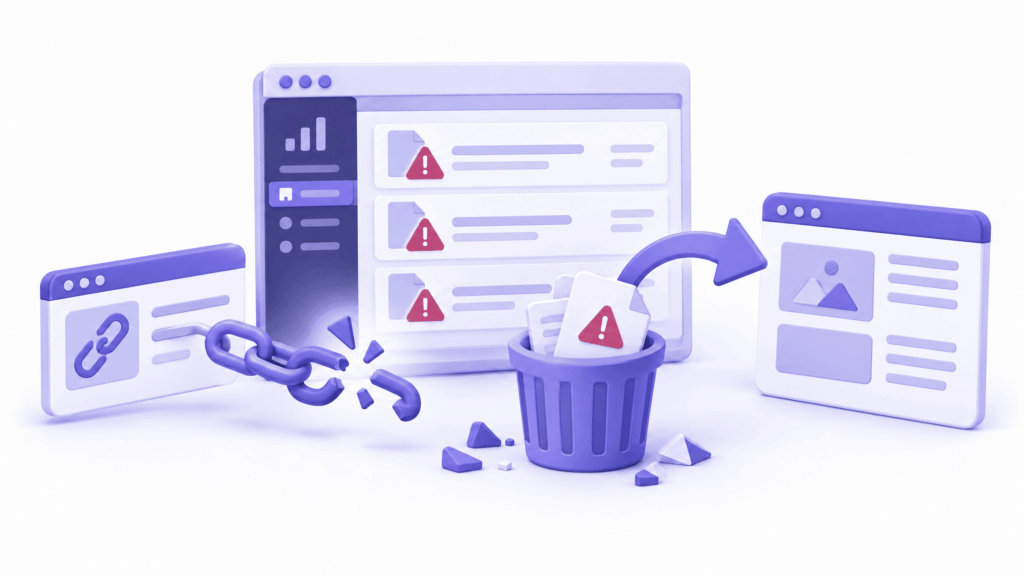
Open the Pages report in Search Console and look for not found errors. Every 404 that used to rank is a missing redirect.
Two traps here. First, make sure robots.txt isn’t blocking the old URLs. If Google can’t fetch them, it can’t see the redirect. Second, remember your backlinks still point at the old addresses, and redirects are what carry that authority over. Google’s site move guidance suggests keeping redirects for at least a year.
Fix 7: Give Google Time to Reprocess
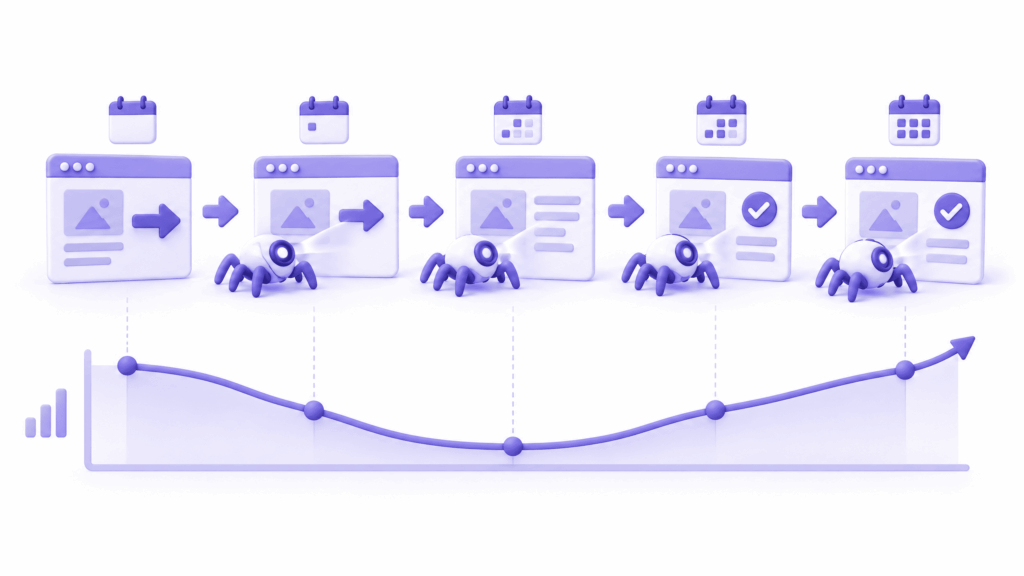
This one means doing less. Once the fixes are in, a website ranking dropped after URL change needs time, not more tinkering. Rankings don’t move until Google recrawls, and important pages get revisited faster than the rest.
Don’t rewrite titles and redesign layouts in the same fortnight. Extra changes muddy what you’re measuring. Recovery guides put early signs at a few weeks when redirects are clean, with full recovery taking roughly two to six months. Reverting the URLs rarely helps, because it hands Google another round of changes.
Honest take: if your old URLs were fine, changing them for tidiness rarely pays off. Change them for a real reason, and build the redirect map before launch.
Your Checklist for This Week
If your website ranking dropped after URL change, work through this list in order.
- Compare Search Console traffic before and after the change.
- Test your ten key old URLs. Each should 301 to the right page in one hop.
- Crawl for chains, 302s and 404s.
- Update internal links and canonical tags.
- Resubmit the sitemap.
- Confirm robots.txt isn’t blocking old URLs.
- Then wait, and change nothing else for two to three weeks.
Conclusion
A website ranking dropped after URL change is nearly always a mapping problem, not a penalty. Redirects, internal links, canonicals and the sitemap all have to agree that the new URL is the real one.
If you’re planning a redesign, or your website ranking dropped after URL change and you can’t find why, ElySpace can audit your redirect map and repair what got lost. The redirect map is the first thing we ask to see on any redesign, ideally before launch.
FAQs (Frequently Asked Questions)
How long does recovery take when a website ranking dropped after URL change?
Expect early movement within a few weeks and full recovery over roughly two to six months, assuming the redirects are right. Messy redirects stretch that.
Is it normal if my website ranking dropped after URL change?
A small, temporary dip is normal while Google recrawls. A steep drop that keeps getting worse is not. It usually points to missing redirects or conflicting signals.
Should I change the URLs back?
Usually not. Reverting is another change for Google to process. Fix redirects, links and canonicals first, and revert only if the new structure was a mistake.
Do 301 redirects pass all ranking signals?
Google treats a 301 as a strong signal that the new URL replaces the old one, but it needs time to recrawl and reassign everything. Don’t expect instant results.
Is changing a single slug risky?
Not if you add a clean 301, update internal links, and check the canonical. A single slug change is the same checklist at smaller scale.