 Live Chat
 Contact
 Shopping Cart
 Irfan Bhat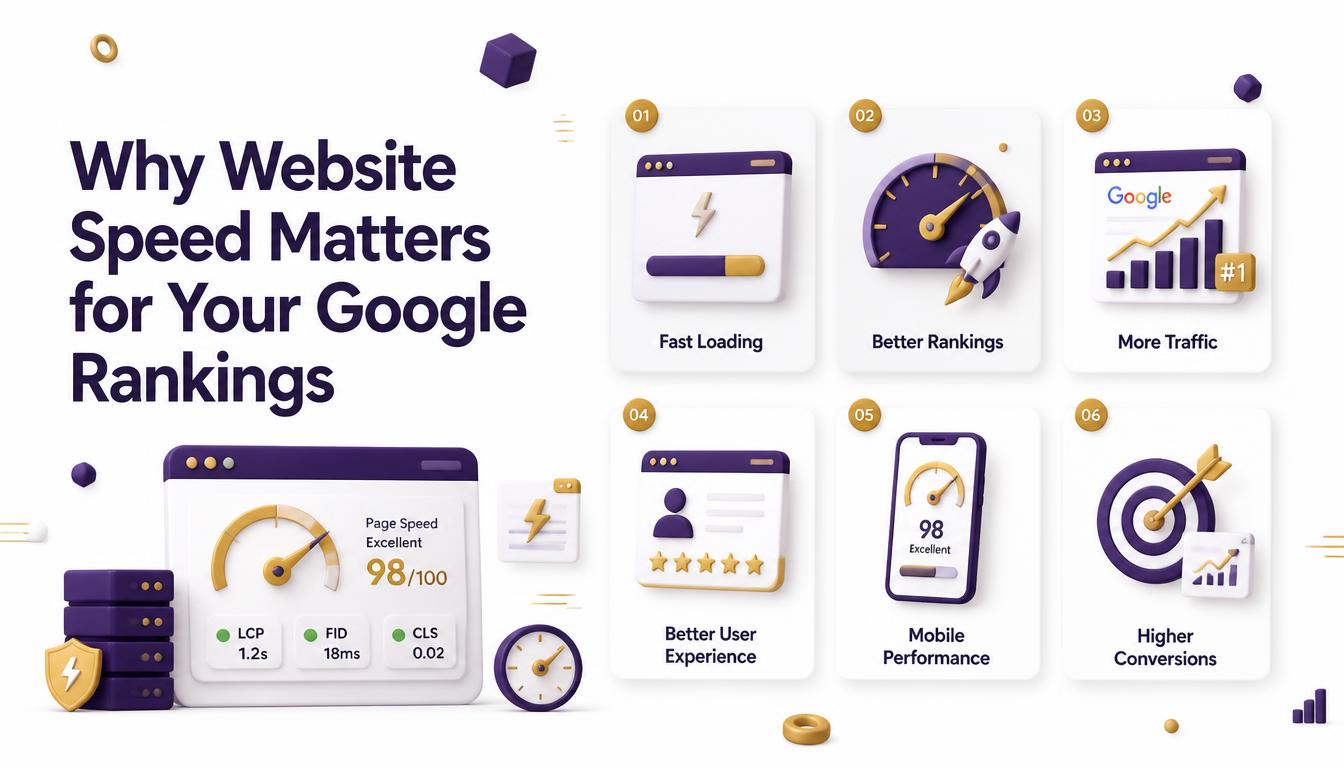
If you have ever clicked away from a website because it took too long to load, you already understand why website speed and Google rankings are closely connected. Google wants to send people to pages that load quickly and work smoothly, because a slow page creates a poor experience no matter how good the content is. Over the years, Google has made speed an official part of how it evaluates and ranks websites.
This article breaks down exactly how speed affects your rankings, what Google actually measures, and what you can do about it. You don’t need to be a developer to understand this. By the end, you’ll know which numbers matter, why they matter, and how to start fixing the slow parts of your site.
Why Google Cares About Website Speed
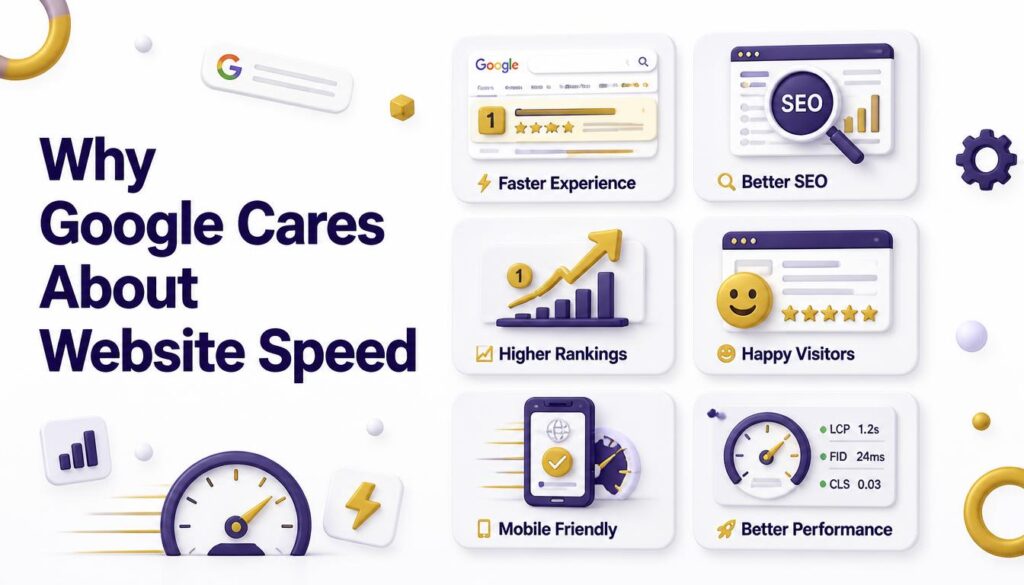
Google’s main goal is simple: give searchers the best possible answer to their question, delivered in the best possible way. A great article buried inside a slow, clunky website doesn’t meet that goal, because the reader has to fight through loading screens and lag just to reach the information.
Think about your own browsing habits. If a page takes more than a few seconds to load, you probably switch tabs or hit the back button. Google tracks this kind of behavior across billions of visits. When people consistently leave a page before it even finishes loading, that page struggles to satisfy search intent and Google notices.
So speed isn’t just a technical detail. It’s a proxy for user satisfaction. A fast website tells Google, “this page respects the visitor’s time,” and that plays a role in how the page gets ranked against competitors covering the same topic.
What “Website Speed” Actually Means
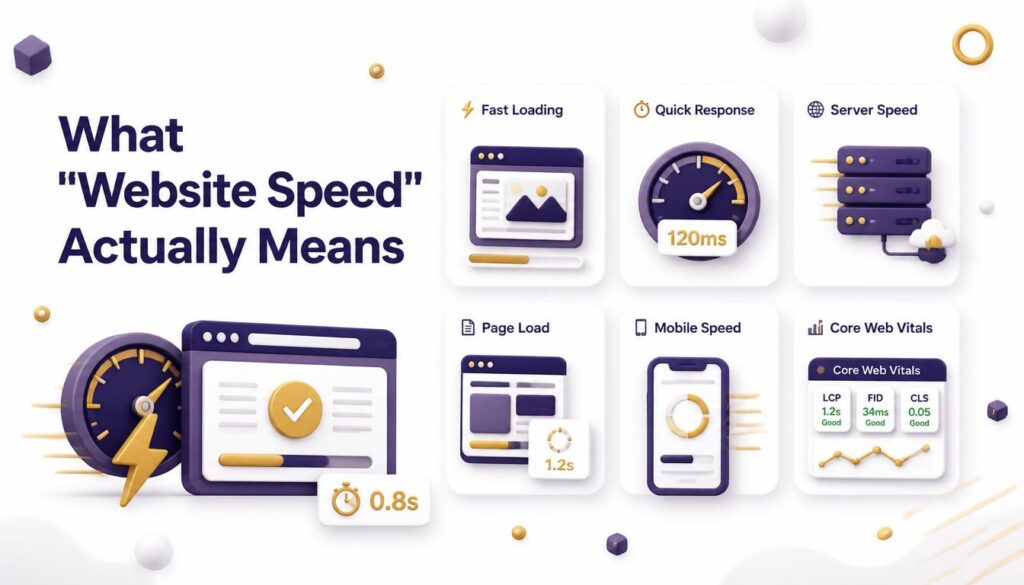
“Website speed” isn’t one single number. It’s a combination of different moments in a page’s loading process, including:
- How quickly the first content appears on screen
- How quickly the page becomes usable, meaning you can click buttons or scroll without delay
- How stable the layout is while everything loads, so text and images don’t jump around
A page can technically “load” in two seconds but still feel slow if buttons don’t respond or if content shifts around as images pop in. This is why Google looks at more than just a basic loading timer it looks at the full experience of loading a page from a real user’s point of view.
Core Web Vitals: The Metrics Google Uses
Google measures website speed using a set of metrics called Core Web Vitals. These are the three that matter most:
1. Largest Contentful Paint (LCP) This measures how long it takes for the biggest visible element on the page usually an image or a block of text to fully load. A good LCP score is under 2.5 seconds. If your homepage banner or hero image takes five seconds to appear, visitors are already losing patience before they see anything useful.
2. Interaction to Next Paint (INP) This measures how quickly your site responds when someone clicks, taps, or types. A page can look finished but still feel sluggish if buttons take too long to react. Google wants this response time to happen almost instantly, ideally under 200 milliseconds.
3. Cumulative Layout Shift (CLS) This measures visual stability. Have you ever tried to tap a button, only for an ad or image to load in and push the button somewhere else, causing you to click the wrong thing? That’s a layout shift, and it’s frustrating. Google scores this because it directly affects usability.
Together, these three metrics give Google a realistic picture of how a page performs in the hands of an actual visitor, not just in a lab test. Sites that pass all three thresholds are considered to offer a “good” page experience, and this becomes one of many signals used in ranking decisions.
According to Google’s official Search Central documentation, Core Web Vitals are highly recommended for site owners aiming for both search success and a strong overall user experience, and they form part of the broader page experience signals that Google’s core ranking systems reward.
How Slow Speed Hurts Your Rankings Indirectly
Speed doesn’t just affect rankings directly through Core Web Vitals it also creates a chain reaction of problems that hurt SEO indirectly:
- Higher bounce rates: Visitors leave before the page loads, which signals low satisfaction.
- Shorter session times: People spend less time on a site that feels frustrating to use.
- Lower conversion rates: Slow checkout pages or contact forms lose potential customers.
- Fewer return visits: People remember bad experiences and avoid coming back.
- Reduced crawl efficiency: Search engine bots have limited time to crawl each site. If pages load slowly, bots crawl fewer pages during each visit, which can delay indexing of new content.
Each of these outcomes feeds back into how Google evaluates your site over time. Even if speed weren’t a direct ranking factor at all, these behavioral consequences alone would be enough reason to fix it.
Mobile Speed and Google’s Mobile-First Index
Google primarily uses the mobile version of your website to determine rankings, a system known as mobile-first indexing. This matters enormously for speed, because mobile devices often have slower processors and less reliable internet connections than desktop computers.
A website that feels fast on a laptop connected to fast Wi-Fi might feel painfully slow on a mid-range phone using mobile data. If your mobile experience lags behind your desktop experience, that gap can hold back your rankings, since Google is judging the version most of your visitors will actually use.
This means testing your site speed only on desktop gives you an incomplete picture. Mobile performance deserves just as much attention, if not more.
How to Check Your Website Speed
Before you can fix speed problems, you need to know where they are. Here are reliable ways to check:
- Google PageSpeed Insights: Enter your URL and get a full breakdown of Core Web Vitals for both mobile and desktop, along with specific suggestions for improvement.
- Google Search Console: The Core Web Vitals report shows how your actual pages perform for real visitors over time, not just in a single test.
- Third-party speed testing tools: Several free tools let you test loading times from different locations and devices, which helps you spot regional slowdowns.
Run these tests regularly, especially after making design changes, adding plugins, or uploading new media. Speed problems often creep in slowly as a site grows, so periodic checks help you catch issues before they become serious.
For a deeper technical breakdown of how each metric is calculated and measured across Google’s tools, web.dev’s Web Vitals resource is a reliable, developer-maintained reference worth bookmarking.
Common Reasons Websites Load Slowly
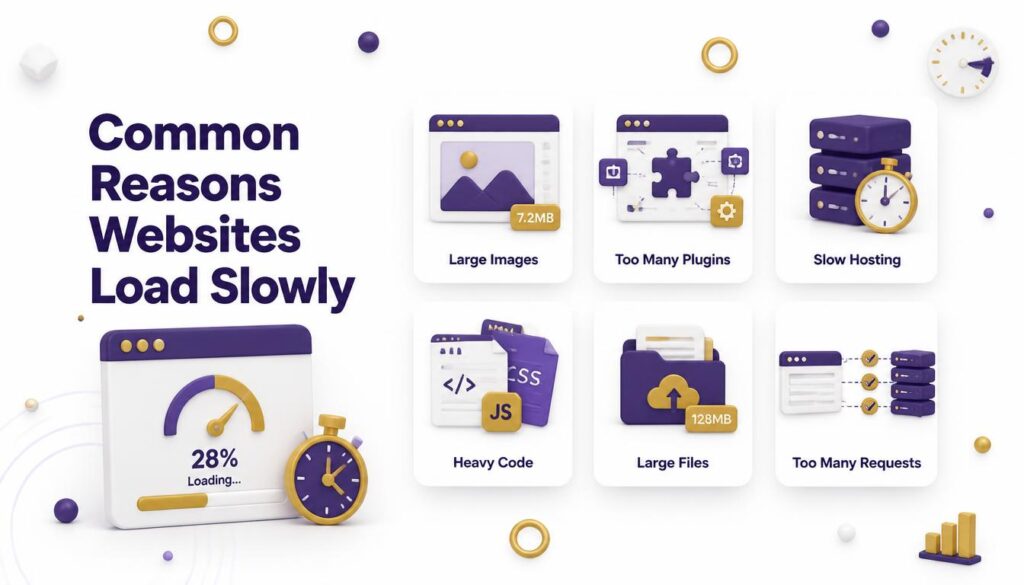
Most speed problems come down to a handful of repeat offenders:
Large, unoptimized images High-resolution photos straight from a camera or phone are often far larger than needed for web display. Without compression, these files can single-handedly slow down a page.
Too many plugins or scripts Every plugin or third-party script adds extra code that the browser has to load and run. A site with dozens of active plugins is carrying a lot of extra weight.
Poor quality web hosting Cheap, overcrowded hosting servers struggle to respond quickly, especially during traffic spikes. If your hosting plan is shared with hundreds of other sites, your speed depends partly on their activity too.
No caching Without caching, a server rebuilds the entire page from scratch every time someone visits, even if nothing has changed. Caching stores a ready-made version of the page so it can be delivered instantly.
Unminified code Website code often contains extra spacing, comments, and formatting that make it easier for humans to read but add unnecessary size for browsers to download.
No content delivery network (CDN) Without a CDN, every visitor loads your site from a single server location, which can be slow for people far away from that server.
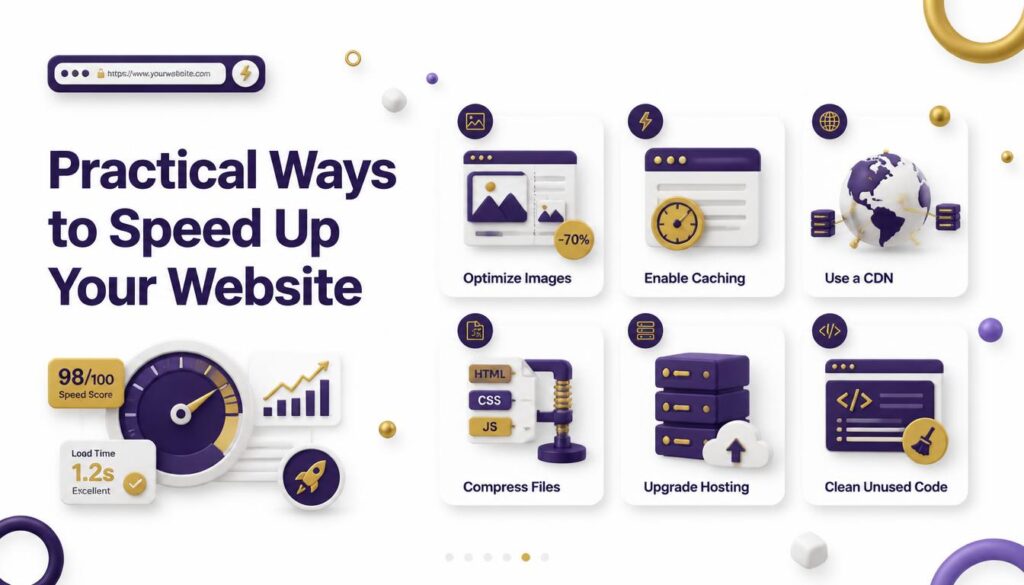
Practical Ways to Speed Up Your Website
Here are concrete, beginner-friendly steps to improve speed:
1. Compress and resize images Use image compression tools before uploading, and resize images to the actual dimensions they’ll display at rather than uploading oversized files.
2. Use a caching plugin or built-in caching Most website platforms offer caching tools or plugins that store ready-to-serve versions of your pages.
3. Choose reliable hosting Investing in quality hosting, especially as your traffic grows, often produces a bigger speed improvement than any other single change.
4. Set up a content delivery network A CDN stores copies of your site across multiple server locations worldwide, so visitors load your content from the server closest to them.
5. Remove unused plugins and scripts Regularly audit your site and delete anything you no longer use. Fewer moving parts means faster loading.
6. Minify CSS, JavaScript, and HTML Minifying strips out unnecessary characters from your code, reducing file size without changing how the page looks or works.
7. Enable lazy loading Lazy loading delays the loading of images and videos further down the page until the visitor actually scrolls to them, speeding up the initial load.
8. Reduce redirects Every redirect adds an extra round trip between the browser and server. Clean up old, unnecessary redirect chains.
9. Load fonts efficiently Custom fonts look great, but too many font weights and styles can slow down text rendering. Stick to the font weights you actually use, and consider using system fonts for less critical text elements.
10. Keep your platform and plugins updated Outdated software often runs less efficient code than newer versions. Regular updates frequently include performance improvements alongside security fixes, so staying current helps speed as much as it helps safety.
You don’t need to tackle every item on this list at once. Start with the changes that are easiest to implement and likely to have the biggest impact, such as image compression and caching, then work your way through the rest over time.
How Fast Is “Fast Enough”?
There’s no single magic number, but general benchmarks are helpful:
- Aim for your Largest Contentful Paint to load in under 2.5 seconds.
- Aim for interaction response times under 200 milliseconds.
- Aim for a Cumulative Layout Shift score below 0.1.
These targets represent the point where most visitors perceive a page as smooth and responsive rather than sluggish. Getting close to these numbers, especially on mobile, puts you in a strong position compared to slower competitors covering similar topics.
Speed improvements don’t need to happen all at once. Even fixing your three biggest issues usually oversized images, missing caching, and weak hosting can produce a noticeable jump in performance.
A Simple Example of Speed Impacting Results
Imagine two blogs covering the exact same topic, published on the same day, with equally well-researched content. Blog A loads in 1.8 seconds and feels smooth on both desktop and mobile. Blog B takes 6 seconds to load, and its buttons lag when tapped.
Over the following months, Blog A keeps more of its visitors on the page, earns more return visits, and sees a lower bounce rate. Blog B loses a large share of visitors within the first few seconds, even though the writing itself is just as strong. Search engines track these patterns across many visits, and over time, Blog A tends to hold a stronger position in search results for the same keywords.
This kind of gap doesn’t appear overnight. It builds gradually, page by page and visit by visit, which is exactly why small, consistent speed improvements matter so much. A single slow page might not seem like a big deal, but a whole site full of slow pages adds up to a real disadvantage.
Speed and Content Quality Work Together
It’s worth being clear about one thing: speed alone won’t rank a page. A fast website with thin, unhelpful content still won’t outrank a slower page packed with genuinely useful information. Speed is a supporting factor, not a replacement for quality.
Think of speed as removing friction so your good content can actually be experienced. If your article thoroughly answers a searcher’s question, speed helps make sure that answer gets read instead of abandoned halfway through loading. The two work best together strong content paired with a fast, smooth-loading page gives you the best chance of ranking well and keeping visitors satisfied.
This is also why chasing speed at the expense of content depth is a mistake. Stripping out helpful images, examples, or explanations just to shave off loading time can hurt more than it helps. The goal is optimizing how content loads, not reducing how much value it provides.
Real-World Impact of Speed on Business Results
The connection between speed and rankings isn’t just theoretical. Faster-loading pages tend to keep visitors engaged longer, encourage more page views per session, and lead to higher conversion rates on forms, sign-ups, and purchases. E-commerce sites in particular are sensitive to speed, since shoppers abandon slow checkout pages quickly.
Beyond rankings, speed affects brand perception. A fast, responsive website feels professional and trustworthy, while a slow one can make even a well-designed brand feel outdated or unreliable. In competitive industries, speed can become a quiet advantage that separates similar businesses in the eyes of both users and search engines.
Frequently Asked Questions
Is website speed a direct Google ranking factor?
Yes, but it’s one signal among many. Google uses Core Web Vitals as part of its page experience signals, which support rankings alongside content quality, relevance, and authority. A fast site alone won’t outrank thin content, but a slow site can hold back an otherwise strong page.
How fast should my website load to rank well?
There’s no single required number, but a good target is a Largest Contentful Paint under 2.5 seconds, an Interaction to Next Paint under 200 milliseconds, and a Cumulative Layout Shift below 0.1. Meeting these thresholds puts you in Google’s “good” page experience range.
Does mobile speed matter more than desktop speed?
Yes. Since Google uses mobile-first indexing, it primarily evaluates the mobile version of your site. If your mobile pages load slower than your desktop pages, that gap can affect your rankings more than desktop performance alone.
What is the fastest way to improve my website speed?
Compressing images and enabling caching usually deliver the biggest, quickest improvements. After that, upgrading your hosting and removing unused plugins tend to make the next noticeable difference.
Can a fast website still rank poorly?
Yes. Speed helps remove friction, but it can’t replace weak or irrelevant content. A fast page with thin information will still struggle against a slightly slower page that thoroughly answers the searcher’s question.
How often should I test my website speed?
Check your speed after any major update new plugins, design changes, or added media and review your Core Web Vitals report in Google Search Console every few weeks to catch gradual slowdowns early.
Conclusion
Website speed and Google rankings are tightly linked, both directly through Core Web Vitals and indirectly through user behavior like bounce rate and session length. Google wants to reward pages that respect visitors’ time, and a slow website works against that goal no matter how strong the content is.
The good news is that speed is one of the most fixable SEO factors. Compressing images, choosing solid hosting, enabling caching, and cleaning up unnecessary scripts can all lead to real, measurable improvements. Start by testing your current speed, identify your biggest bottlenecks, and tackle them one at a time.
If you want expert help auditing and improving your website’s speed and overall SEO performance, the team at Elyspace can take a closer look at your site and guide you through practical, lasting improvements.