 Live Chat
 Contact
 Shopping Cart
 Mehran Majeed
A client once asked me why he needed to “learn coding” just to change a phone number on his own website. He didn’t, and that confusion is exactly why this topic matters. Most business owners assume that running a website means constantly relying on a developer for even the smallest update. That assumption is usually wrong, and the reason is a content management system.
If you’ve never heard the term before, or you’ve heard it thrown around without a clear explanation, this guide walks through what it actually means, how it works day to day, and why it’s become the standard way businesses across India build and run their websites.
What Is a Content Management System, In Plain Terms?
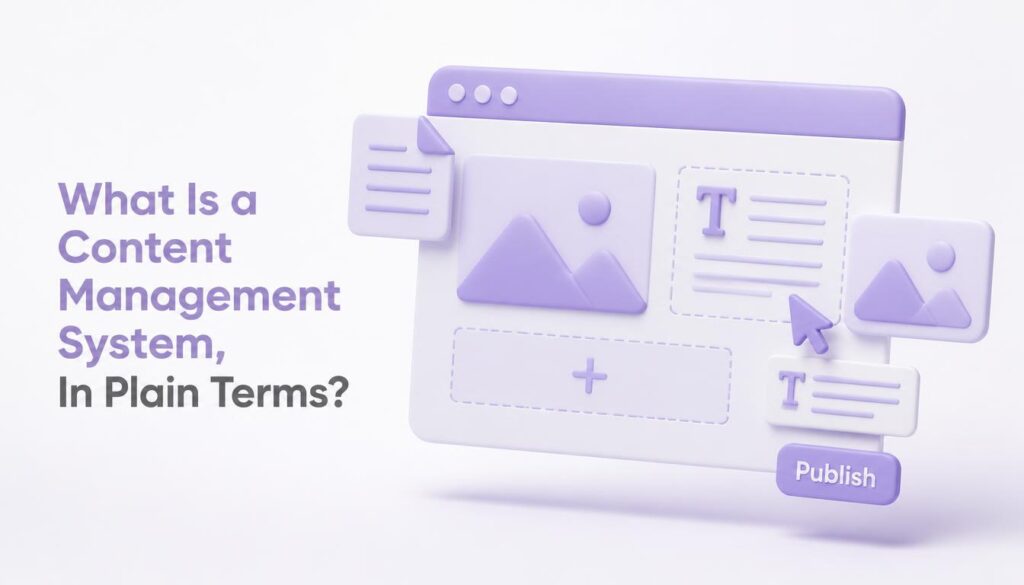
A content management system, or CMS, is software that lets you create, edit, and publish content on a website without writing code. You type your text into a simple editor, add your images, click publish, and the page goes live. No HTML, no server access, no developer standing over your shoulder.
Here’s the short version, if you’re in a hurry: a CMS separates the content of your website (your text, images, and pages) from the underlying code that displays it, so anyone comfortable using basic office software can manage a website without ever touching that code.
Before this kind of software existed, updating a website usually meant editing raw code directly, which meant hiring a developer for every small change, even something as simple as updating a price or fixing a typo. A CMS changed that completely by giving business owners direct control over their own content, and it’s part of why website ownership feels far less intimidating today than it did a decade ago.
How Does a CMS Actually Work?
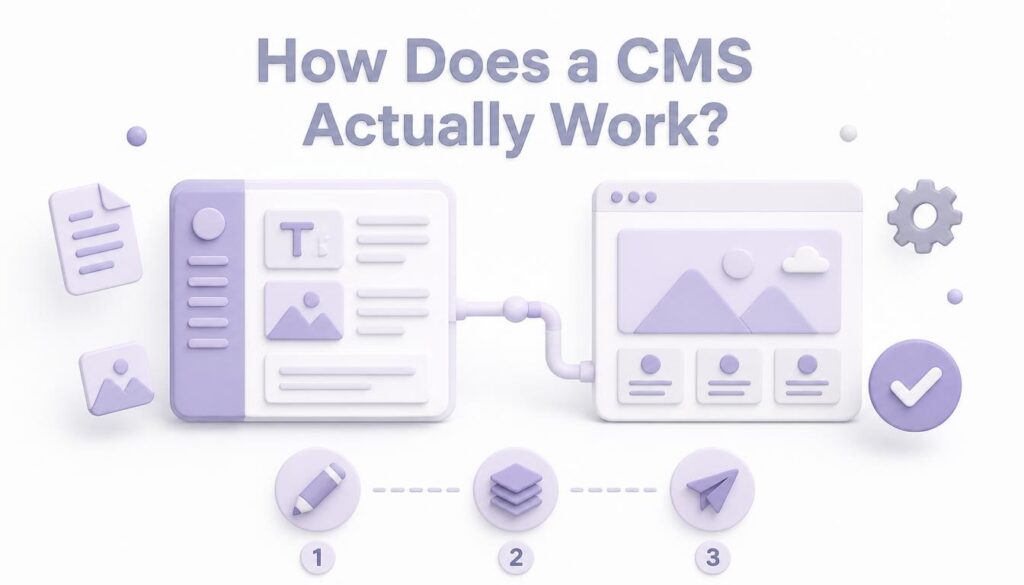
Most platforms in this category split into two connected parts.
The first is the content management application, which is the dashboard you actually see and use. This is where you log in, open a page or a blog post, and start typing, formatting, and adding images through a visual editor that looks a lot like a word processor.
The second is the content delivery application, working quietly in the background. It takes what you’ve written and formatted, and turns it into the finished page that visitors see when they land on your site, handling the layout, styling, and structure automatically.
Because these two parts are separated, you never have to touch the technical side. Update a blog post today, change your homepage banner tomorrow, and none of it requires opening a code editor.
Why Most Websites in India Now Run on CMS Software
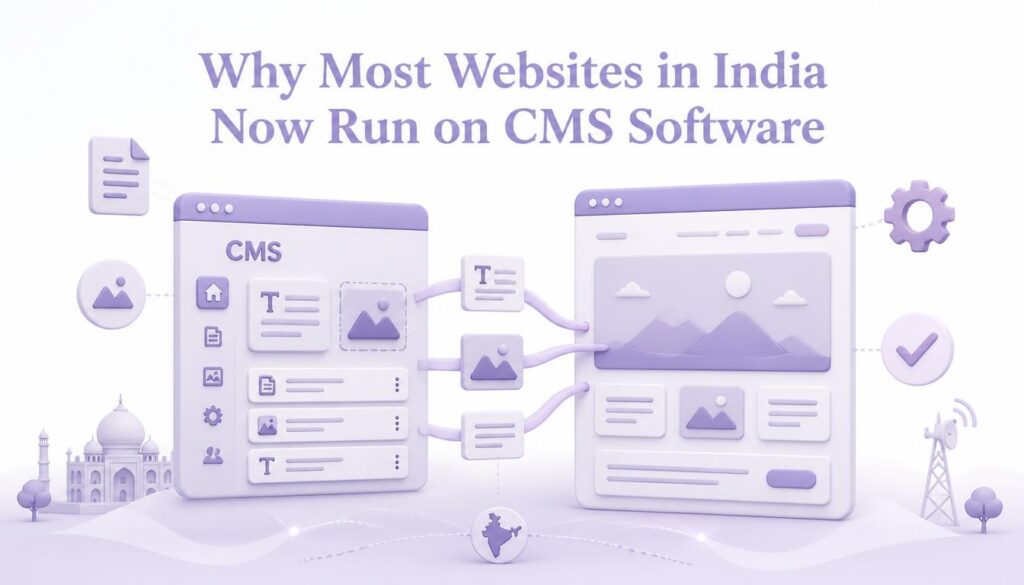
Walk into almost any small business in Kashmir or anywhere else in India today, a travel agency, a clinic, a local retail shop, and if they’ve built a website in the last few years, there’s a strong chance it runs on some form of CMS software. According to the latest market data from W3Techs’ ongoing CMS usage survey, a large majority of websites worldwide now run on a recognized CMS platform, and that share has been growing steadily for years.
There’s a practical reason behind that shift. Business owners want to post an offer, update their contact details, or add a new service page the same evening they think of it, not three days later after a developer gets around to it. CMS software makes that possible without adding staff or waiting on outside help.
We build most client sites at ElySpace using this kind of setup for exactly that reason. Our web design services are built around WordPress, one of the most established CMS platforms, precisely because it gives clients that same day-to-day independence after launch, along with training so they’re comfortable making their own updates from the start.
Common Types of CMS Platforms
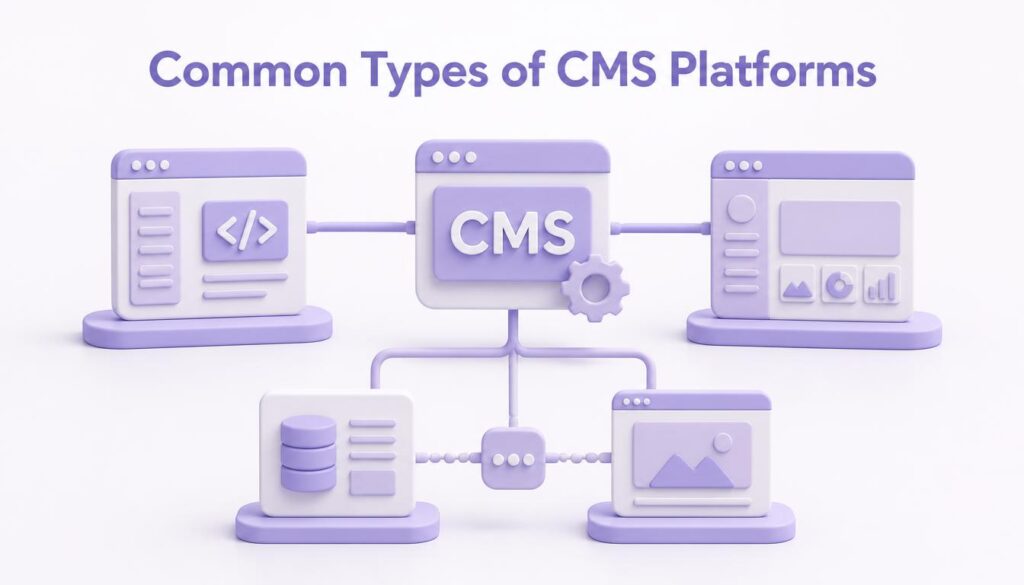
Not every CMS works the same way, and knowing the general categories helps when you’re deciding what fits your project.
Self-hosted, open-source platforms. WordPress is the best-known example, alongside options like Joomla and Drupal. These are free to install, highly customizable through plugins and themes, and require web hosting to run. This is the category most small and medium businesses in India choose, since it balances flexibility with a manageable learning curve.
Fully hosted, all-in-one builders. These combine the software, hosting, and design tools into a single subscription, trading some flexibility for a simpler, more guided setup. They tend to suit very simple sites where customization matters less than getting something live quickly.
Headless CMS platforms. A newer approach where the content management side is completely separate from how that content is displayed, often used by larger companies that need to push the same content to a website, a mobile app, and other digital screens at once. Most small businesses don’t need this level of complexity, but it’s worth knowing the term exists.
Do You Still Need a Developer at All?
Sometimes, yes, just not for the reasons people expect. A developer is genuinely useful for the initial build, custom design work, or anything involving deeper functionality, like a booking system or a payment integration. Once that foundation is in place, though, the day-to-day running of the site, publishing content, updating pages, managing a blog, is meant to sit entirely with the business owner or their team.
This is actually where a lot of businesses get the value calculation wrong. They assume paying a developer for the initial build also means depending on them forever after, so they either avoid updating their site regularly or pay for small changes that shouldn’t need outside help at all. A properly set up CMS removes that ongoing dependency, which is usually the whole point of choosing one in the first place.
Where a developer still matters after launch is for structural changes, custom features, performance issues, or security maintenance, the kind of work that goes beyond simply adding or editing content.
What Can You Actually Do With a CMS?
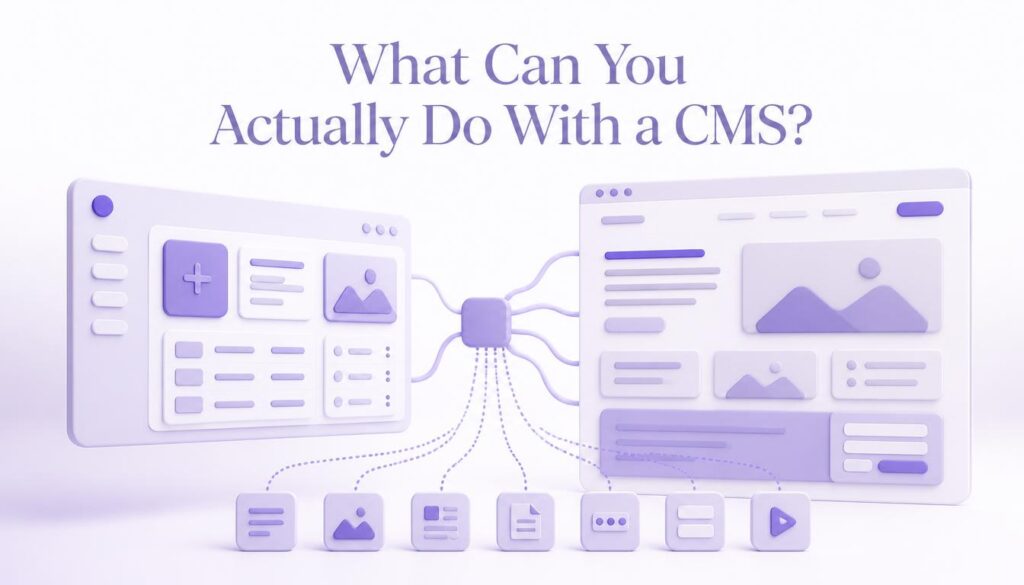
For a business owner who’s never used one, the day-to-day tasks are refreshingly simple.
You can publish blog posts and news updates without asking anyone for help. You can swap out images, banners, and promotional graphics whenever a campaign changes. You can add or edit service pages, pricing, and contact details in minutes rather than days. You can manage a team of contributors, giving each person access to only the sections they’re responsible for. And you can schedule posts to publish automatically at a future date and time, which matters a lot for anyone running time-sensitive offers or seasonal promotions.
None of this requires understanding how the website is actually built underneath, and for most small business owners, that’s precisely the point.
Frequently Asked Questions
Is a content management system the same as a website builder? Not exactly, though the line has blurred. A website builder is usually a simpler, more restricted tool aimed at getting a basic site live quickly. A full CMS generally offers deeper customization, more control over structure, and room to grow as a business’s needs change.
Do I need any technical skill to use a CMS? No, for day-to-day content updates. Writing a blog post or editing a page feels similar to using a word processor. Technical skill becomes more useful for advanced customization, but the basic CMS itself doesn’t demand it.
Which CMS is most popular? WordPress, by a wide margin. It powers a large share of all websites globally and has one of the biggest libraries of themes and plugins of any platform, which is part of why it’s the default recommendation for most small and medium business sites.
Is a CMS secure? Security depends more on how a CMS is maintained than the platform itself. Keeping the core software, themes, and plugins updated, along with basic protections like strong passwords, makes a big difference regardless of which CMS you choose.
Can I switch to a different CMS later if my business grows? Yes, though it takes planning. Content, images, and structure can usually be migrated to a new platform, but it’s a project in its own right rather than a quick toggle, so it’s worth choosing carefully the first time if possible.
Conclusion
A content management system exists to remove the biggest bottleneck in running a website, needing a developer for every small change. It puts day-to-day control back in the hands of the business owner, whether that’s publishing a blog post, updating a price, or adding a new page, all without touching a single line of code. For most businesses in India building their first proper website, choosing the right CMS is one of the most consequential decisions in the entire process, since it shapes how easy the site is to manage for years afterward.
If you’re planning a new website or wondering whether your current one is holding you back, it’s worth having a conversation about which platform actually fits how your business runs, its size, its growth plans, and how much control you want day to day, rather than defaulting to whatever a previous developer happened to choose.