 Live Chat
 Contact
 Shopping Cart
 Mehran Majeed
You click your own homepage on your phone, and there it is: that spinning loader, three or four seconds of nothing, and you’re left wondering if visitors are seeing the same thing and just leaving. If you’ve typed “why is my website so slow” into Google while staring at your own site, this is for you a practical rundown of the usual culprits and what to actually do about each one, without needing a developer to translate it first.
First, Confirm It’s Actually Slow (Not Just You)

Before chasing fixes, check your load time from a source that isn’t your own browser, since your browser remembers your site and loads it faster than a stranger’s would. Run your homepage through Google’s PageSpeed Insights, which tests both mobile and desktop and tells you specifically what’s dragging your load time down, not just that it’s slow.
If your mobile score is noticeably worse than desktop, that’s normal and worth noting mobile networks and processors are slower, and Google evaluates your site mainly on its mobile version.
12 Common Causes of a Slow Website (and What Fixes Each One)
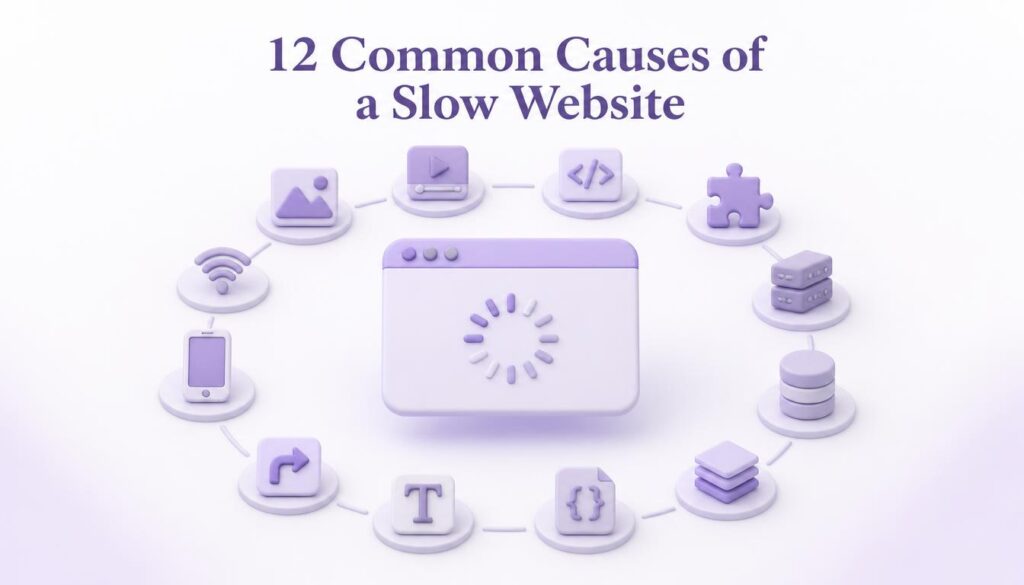
Most slow sites trace back to a handful of repeat offenders, and if you’re asking why is my website so slow, the answer is usually a combination of two or three of these rather than one dramatic cause. Here’s what to check, roughly in order of how often each one turns out to be the culprit.
1. Uncompressed images. A photo straight off a phone camera can run 4–8MB. Multiply that by ten product photos on one page and you’ve got a page that has to move tens of megabytes before a visitor sees anything. Fix: compress every image before uploading, and resize it to the dimensions it’ll actually display at.
2. Cheap or overcrowded shared hosting. If your site sits on a shared server packed with hundreds of other sites, your page has to wait its turn for server resources. This shows up as slow “Time to First Byte” the delay before your server even starts sending data. Fix: check your server response time in your PageSpeed report; if it’s consistently high, hosting is likely your bottleneck, not your content.
3. Too many plugins (WordPress sites especially). Every plugin adds its own code, and a lot of it loads on every single page whether it’s needed there or not. Fix: go through your plugin list and deactivate anything you’re not actively using old contact form builders, unused social share widgets, abandoned SEO tools you replaced months ago.
4. No caching set up. Without caching, your server rebuilds the entire page from scratch for every single visitor. Caching stores a ready-to-serve version so repeat requests don’t redo that work. Fix: enable a caching plugin or your host’s built-in caching, if it isn’t already on.
5. Render-blocking scripts. Some scripts (chat widgets, tracking codes, font loaders) stop the page from displaying anything until they finish loading. Fix: ask your developer to defer or asynchronously load non-essential scripts so they don’t hold up the visible page.
6. No content delivery network (CDN). Without a CDN, every visitor pulls your site from one server location, which is slower the farther they are from it. Fix: a CDN copies your site across multiple locations worldwide so visitors load from whichever is closest.
7. Bloated themes or page builders. Heavily visual page builders often load far more code than a page actually needs, especially if you’re only using a fraction of their features. Fix: check if a lighter theme or a leaner set of blocks/sections gets you the same look with less overhead.
8. Autoplay videos and heavy embeds. A background video or an embedded map can quietly become the single heaviest thing on a page. Fix: lazy-load embeds so they only load once a visitor scrolls to them, not the instant the page opens.
9. Unoptimized fonts. Loading four font weights from an external source when you only use two is a common, easy-to-miss drag on load time. Fix: trim your font selection down to what’s actually used on the page.
10. Too many redirects. Each redirect (an old URL pointing to a new one) adds an extra round trip before the browser reaches the final page. A chain of two or three redirects on a single link adds up. Fix: point links directly at their final destination instead of routing through old URLs.
11. Large, unminified code files. Website code often includes extra spacing and formatting that’s helpful for humans reading it but adds unnecessary weight for browsers loading it. Fix: minifying CSS and JavaScript (compressing the code without changing what it does) is usually handled by a caching or optimization plugin.
12. Database bloat (WordPress sites). Years of unused post revisions, spam comments, and abandoned drafts pile up in your database and slow down every query your site makes. Fix: clean out old revisions and spam periodically, either manually or with a cleanup plugin.
How to Speed Up a Website: What to Fix First
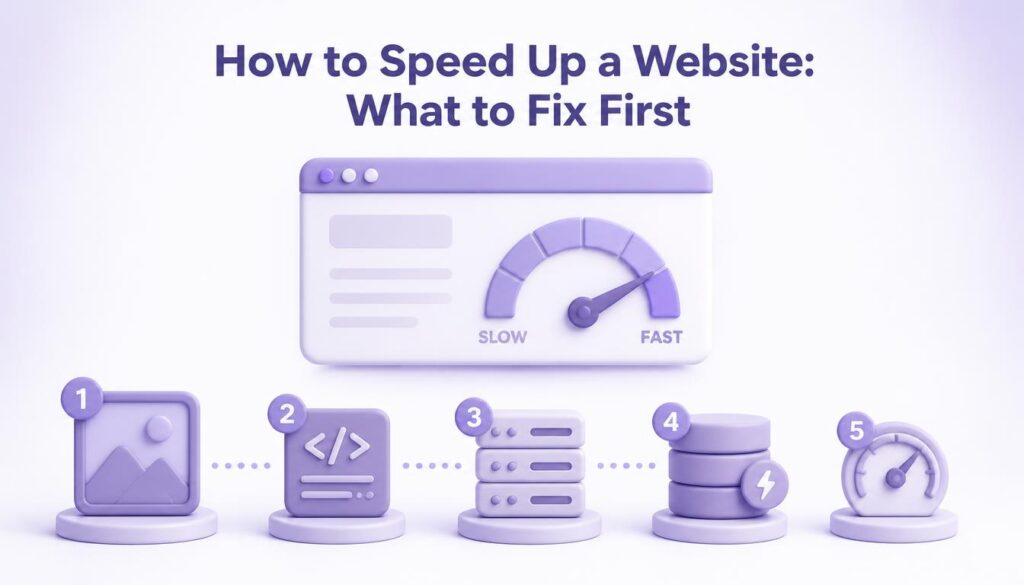
If you only have time for three things, start here: compress your images, check your hosting’s server response time, and remove plugins you don’t actually use. In my experience working on client sites, these three usually account for most of the improvement the remaining fixes on the list matter, but they tend to produce smaller gains individually.
If you’ve already done the basics and your site is still sluggish, that’s usually a sign the bottleneck is structural the hosting environment or the theme itself rather than something a quick tweak will solve. For a deeper look at exactly how speed ties into your Google rankings, we’ve covered that separately in our piece on why website speed matters for your rankings.
Why Your Site Might Be Fast on Desktop But Slow on Mobile
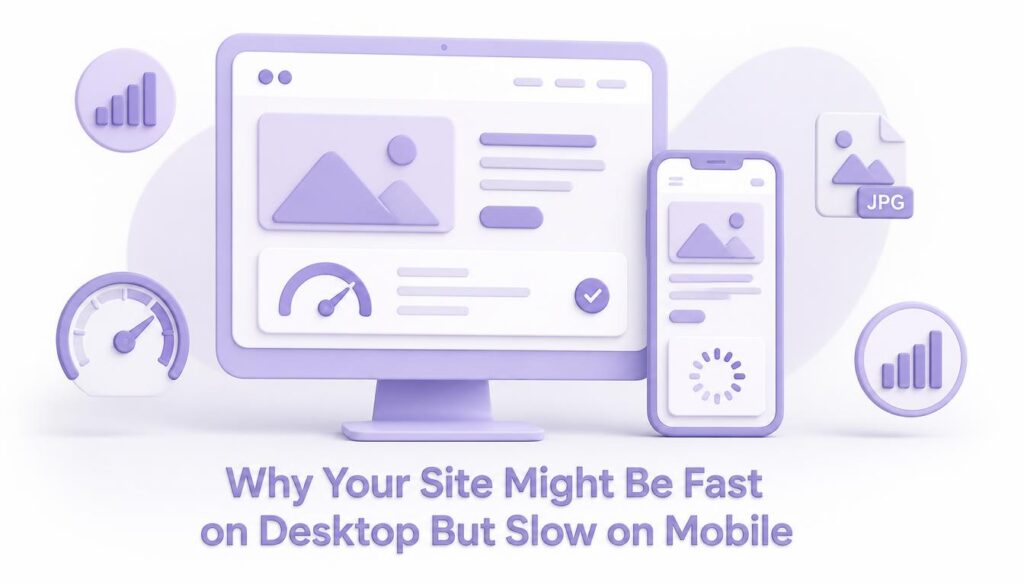
This is one of the more common surprises. A site can score well on a laptop with fast Wi-Fi and still feel sluggish on a mid-range phone using mobile data. That’s because mobile devices generally have less processing power, and mobile networks are less consistent than home or office broadband. If your PageSpeed report shows a big gap between mobile and desktop scores, focus your fixes on whatever’s specifically flagged under the mobile report first, since that’s the version most visitors and Google actually experience.
When It’s Worth Bringing in Help
Compressing images and removing plugins are things most business owners can handle themselves in an afternoon. Diagnosing server response times, setting up a CDN properly, or restructuring render-blocking code usually needs someone comfortable working under the hood. There’s no shame in that split it’s the same reason you’d call an electrician for wiring but handle changing a lightbulb yourself.
A useful way to think about it: try the things you can verify yourself first run a fresh speed test, check the score, make one change, test again. If a change moves the needle, keep going down the list. If nothing you try shifts the score at all despite genuine effort, that’s a reasonably strong sign the issue sits somewhere in the hosting or code layer rather than in a setting you can toggle from a dashboard, and that’s when it makes sense to bring in someone who can look at the server logs and codebase directly.
FAQs (Frequently Asked Questions)
Why is my website so slow even though I have good internet? Your internet connection affects how fast you can browse in general, but it has little to do with how fast your own site loads for other visitors. Site speed depends on your hosting, your page’s file sizes, and your code not the visitor’s connection alone.
How fast should my website load? Under two to three seconds is a reasonable target for most business sites, though faster is always better. Anything approaching five seconds on mobile is worth investigating.
Will a new website design automatically fix speed issues? Not necessarily. A redesign can help if the old site had a genuinely bloated theme, but a new design built the same way heavy images, too many plugins, cheap hosting will end up just as slow.
Does website speed actually affect Google rankings? Yes, speed is one of several signals Google factors into rankings, largely through Core Web Vitals. It’s not the only factor, but a slow site also tends to lose visitors quickly, which sends its own negative signal.
Can I check my website speed for free? Yes. Tools like PageSpeed Insights are free and will show you both a score and a specific breakdown of what’s slowing your page down.
Conclusion
A slow website is almost never one single problem it’s usually two or three small things stacking up: an oversized image here, an unused plugin there, hosting that was fine for a smaller site but isn’t anymore. Run your homepage through a speed test, work down the list above starting with images and hosting, and you’ll likely see a real difference before you get anywhere near the twelfth item. If you get partway through the list and you’re still stuck, it’s worth getting a second set of eyes on it before you spend more time guessing.